Open any modern security software checkout page, and you will almost certainly be offered a choice between two philosophies.
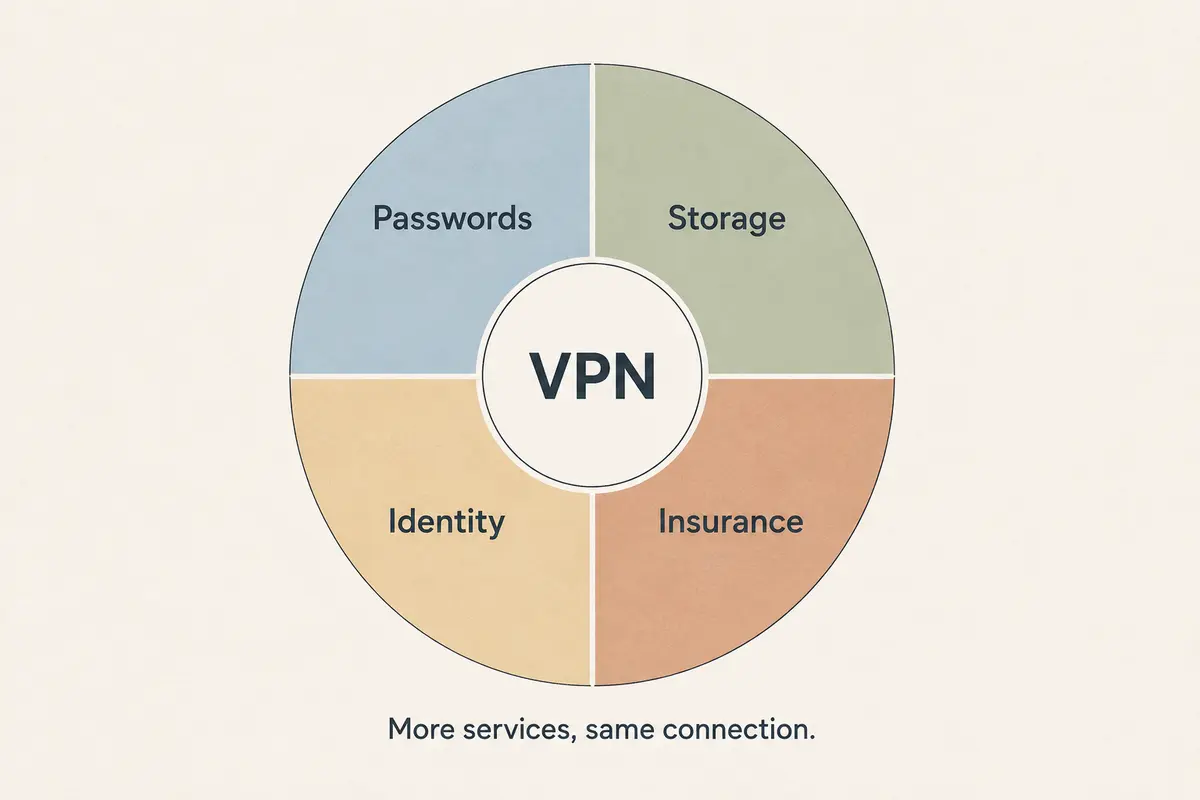
On one side sits the focused standalone VPN: a clean utility designed to encrypt your connection, swap your public IP, and get out of the way. On the other sits the all-in-one security suite: a sprawling dashboard offering antivirus, an unlimited VPN, a password manager, identity-theft monitoring, scam detection, and parental controls—often for only a few dollars more per month.
On paper, the bundle looks like an open-and-shut economic victory. The math seems obvious: five tools for the price of one must be safer and better value than buying a single piece of software.
That logic makes sense on a marketing grid, but it completely misses how consumer security actually works in practice. A security bundle does not make a VPN inherently stronger, nor is a standalone tool automatically a badge of minimalist sophistication.
The real dividing line is security ownership. You buy a bundle when you genuinely want a centralized system to manage security across a messy collection of household devices and family members. You buy a standalone VPN when you already trust the security layers on your machine and simply need a dedicated tunnel for your network traffic.
Article summary and product fit
Should you buy a VPN-antivirus bundle or keep a standalone VPN?
Choose based on the security work you actually need to manage. A bundle is strongest when one person needs centralized oversight across several household devices; a standalone VPN is cleaner when endpoint security and password management are already settled and the missing job is network privacy and routing.
What matters in this article
- Best for: People deciding whether convenience from one security dashboard is worth coupling several separate security tools together.
- Bundle advantage: Centralized deployment, household oversight, one support path, and one renewal can reduce administrative burden for nontechnical users.
- Standalone advantage: A dedicated VPN keeps the network layer modular, so it can be replaced without migrating passwords, antivirus settings, or family-management workflows.
- Important limit: A VPN does not replace antivirus, and antivirus does not mask network traffic; the tools solve different threat categories even when sold in one package.
The article checks existing platform protections against Microsoft Defender documentation and Apple’s platform security guidance. Product fit: OnlydogVPN fits the standalone side of the comparison when the user specifically wants network routing and privacy without replacing endpoint-security tools.
Five Tools Are Still Five Different Jobs
The primary trick of the modern security bundle is presenting distinct cybersecurity jobs as if they were interchangeable layers of a single shield.
They aren't. Each tool in a modern suite addresses a completely different threat vector:
- A VPN protects data in transit and alters your apparent network route.
- Antivirus inspects local files, memory, and executing code on your machine.
- A password manager secures and organizes authentication credentials.
- Identity monitoring scans breach dumps to check if your personal details were leaked elsewhere.
- Parental controls restrict content and track device usage for younger family members.
Putting those five functions behind a single branded dashboard like Bitdefender Premium Security or McAfee Total Protection does not merge their jobs. If you download a malicious executable over an encrypted VPN tunnel, the payload is still malicious—the tunnel simply delivered it securely. Conversely, the best antivirus engine in the world will not mask your IP address on an untrusted coffee shop network, and a password manager cannot protect your unencrypted DNS queries.
A bundle doesn't give you "five times more security." It gives you five separate utilities sold on a single invoice. Every component only holds value if you actually have an unaddressed problem for it to solve.
Count the Security You Already Have
Before paying for a security bundle to replace a standalone VPN, look at what is already running on your devices. Most buyers compare a bundle’s eight feature bullet points against a standalone tool’s single capability, forgetting that modern operating systems are not defenseless blank slates.
If you run Windows 11, Microsoft Defender Antivirus, SmartScreen, and a system firewall are already active by default. For the typical user who practices basic digital hygiene, modern built-in Windows protections are robust and capable.
Crucially, adding third-party antivirus to Windows is not an extra defensive layer. On consumer systems, Microsoft documents that Defender Antivirus automatically moves out of active mode when a non-Microsoft antivirus product is running. Installing a security suite rarely means running two antivirus engines at once; it usually means swapping Microsoft’s engine for a commercial one.
The same reality applies across platforms:
- macOS embeds Gatekeeper, notarization, and XProtect directly into the operating system.
- Android uses Google Play Protect to check installed apps for harmful behavior.
- Browsers and operating systems increasingly integrate credential managers with passkey support.
If you already use a standalone password manager like 1Password or Bitwarden, the password vault included in an antivirus bundle is not an upgrade—it is redundant bloat. If your device’s built-in defenses already meet your needs, buying a bundle simply to check the "antivirus" box means paying to replace software you were already getting for free.
The Dashboard Is the Bundle’s Real Advantage
If built-in tools are already competent, why would anyone buy a bundle?
The answer has very little to do with raw malware detection and everything to do with human attention.
Consider the person who acts as the unpaid IT administrator for an entire household. They are responsible for a spouse’s laptop, a teenager’s phone, and an aging parent’s tablet. Those users are never going to configure independent password vaults, manually audit their firewall rules, or verify that their security definitions are updated.
In that scenario, a security suite with centralized management earns its price tag immediately.
Modern family-focused packages—such as Bitdefender’s Family plans or Microsoft Family Safety—are built around centralized administrative roles. A single household manager can:
- Monitor security health and active alerts across multiple devices from one web portal.
- Deploy installations to family members via simple invite links, avoiding individual account setups.
- Manage device limits and parental restrictions without touching each physical phone.
- Track a single annual renewal instead of juggling five independent subscriptions.
When you manage multiple people, the friction of maintaining separate best-of-breed tools for every single task quickly becomes unmanageable. Consolidating everything under one dashboard is not about finding the absolute best VPN or the most pristine password manager; it is about ensuring that basic protections are actually installed and maintained across the board.
The Cost Shows Up When One Tool Needs Replacing
While centralization simplifies day-to-day administration, it introduces a significant long-term headache: coupling.
When you buy independent security tools, your setup is modular. If your standalone VPN struggles with local streaming or slows down during travel, you can cancel it and switch providers without touching your password vault or altering your operating system's security settings.
When your security lives inside an integrated suite, replacing a single weak link turns into a migration project:
[ Modular Setup ]
VPN (Provider A) ──▶ Easily swapped
Antivirus (OS Default) ──▶ Stays untouched
Password Manager (Provider B) ──▶ Stays untouched
[ Integrated Bundle ]
[ All-in-One Security Suite (Provider C) ]
├── Antivirus
├── VPN (Underperforming) ──▶ Want to replace?
├── Password Vault ──▶ Must migrate credentials or pay twice
└── Family Dashboard ──▶ Must rebuild household monitoring
If the bundled VPN fails to bypass a regional block or constantly drops on mobile data, your options are messy. You either keep paying for the bundle while buying an extra standalone VPN, or you abandon the suite entirely—which means migrating passwords, reconfiguring family devices, and finding a new antivirus strategy.
The tech industry recognizes how painful this friction can be. Google's recent push on Android to support direct, secure credential transfers between password managers exists precisely because locking users into monolithic security ecosystems discourages them from upgrading when a tool falls behind.
Before consolidating your digital defenses under a single brand, ask yourself how painful it will be to leave that ecosystem when one of its components stops meeting your standards.
What I Would Base the Choice On
Choosing between a standalone VPN and a comprehensive security bundle is not a question of which option offers more checkboxes on a feature table. It comes down to what administrative burden you are trying to solve.
[ What is the actual task? ]
│
┌────────────────────────┴────────────────────────┐
▼ ▼
[ Managing multiple family [ Protecting personal
devices & non-technical users ] devices with existing tools ]
│ │
▼ ▼
[ Buy the Security Bundle ] [ Buy the Standalone VPN ]
Focus: Centralized dashboard, Focus: Pure routing, low-friction
one renewal, unified oversight. tunnel, modular flexibility.
A security bundle makes more sense when you manage devices for non-technical family members, genuinely lack basic endpoint security or parental controls, and value one dashboard, one support contact, and one renewal date more than optimizing every tool separately.
A standalone VPN makes more sense when your device defenses and password manager are already settled, the VPN is the specific missing capability, and you care about routing performance, recovery, regional interference, and the freedom to replace one tool without rebuilding the rest of the setup.
If the second path sounds closer to your setup, a focused standalone VPN is the cleaner fit. OnlydogVPN↗ sits in that category.
OnlydogVPN stays on the network side of the problem rather than trying to replace antivirus, identity monitoring, and backup tools.
Zero Administrative Clutter. Rather than forcing you to register for an overarching corporate ecosystem with master passwords and endless dashboard prompts, it provides simple, passwordless access with one-tap connection simplicity across Windows, macOS, Android, and iOS.
Automatic Intelligent Routing. You select your intended activity—whether secure travel browsing, media streaming, or everyday privacy—and the software automatically discovers the cleanest routing path without demanding manual server-list triage.
Targeted Network Filtering. It includes built-in ad and tracker blocking directly within the network tunnel, stripping out telemetry scripts and intrusive ad networks before they touch your screen, complete with a transparent counter showing what was filtered.
It does the network job cleanly without demanding that you become the system administrator of an entirely new security suite.
Stop evaluating software by the sheer number of features listed on the box. Count how many security jobs you actually need to fill, decide who is going to manage them, and pick the tool that respects your time.
Frequently Asked Questions
Does an antivirus bundle make its VPN inherently safer?
No. Antivirus and VPN functions address different threats. A bundle may be easier to manage, but packaging the tools together does not automatically strengthen the VPN tunnel.
Do modern devices already include meaningful security tools?
Yes. The article points to Microsoft Defender on Windows, Gatekeeper and XProtect on macOS, and Google Play Protect on Android as examples of built-in protections that may already cover part of a user’s security needs.
When is an all-in-one security bundle the better choice?
A bundle makes more sense when one person manages several nontechnical household devices and values a centralized dashboard, simple deployment, unified support, and one renewal more than optimizing each component independently.
What is the main downside of putting every security tool in one bundle?
Coupling. If one component becomes weak or unsuitable, replacing it can mean paying twice or migrating passwords, family controls, antivirus settings, and other parts of the suite.
Can a standalone VPN replace antivirus software?
No. A standalone VPN protects the network path and changes routing or public IP exposure; it does not inspect local files and running code for malware the way endpoint antivirus does.