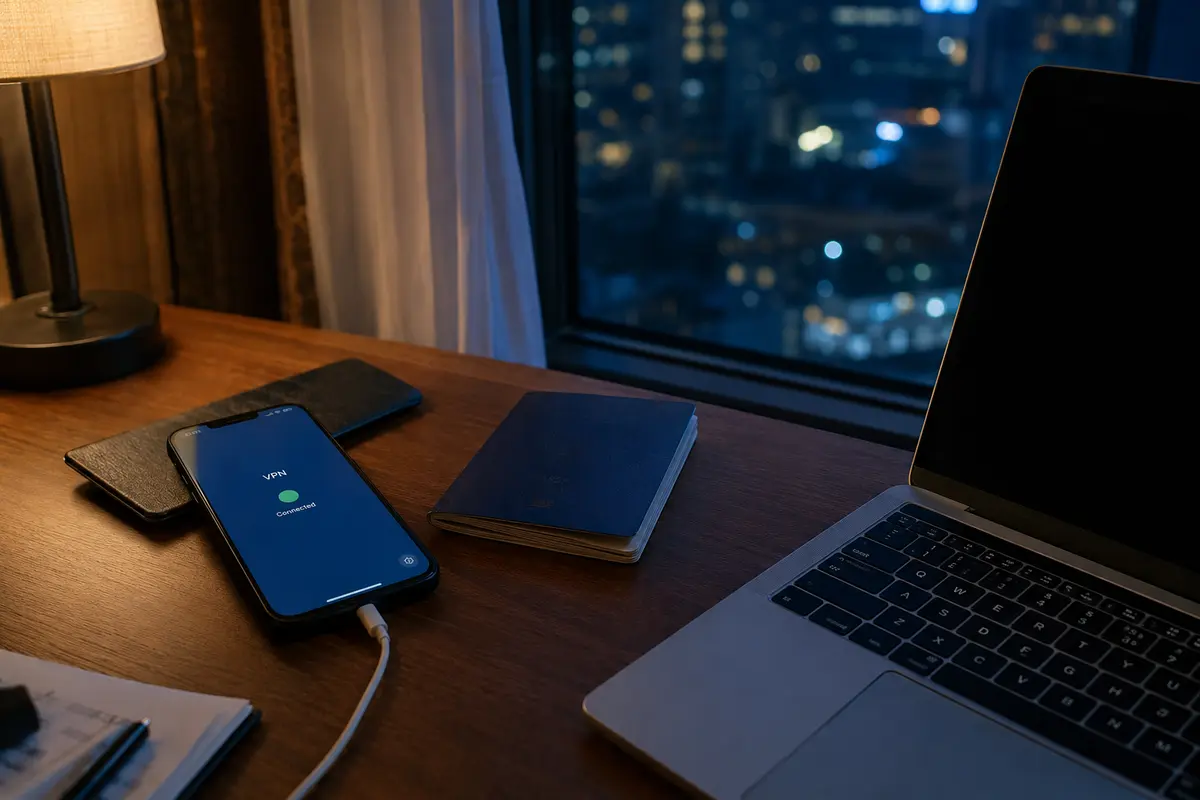
The VPN icon in your status bar is solid green. Your traffic is encrypted, your home IP address is masked, and neither your internet service provider nor anyone sharing your local Wi-Fi can see the website you just opened.
Then the page redirects to an age-verification gate.
A dialog box appears on screen, asking you to hold your driver’s license up to the camera or take a live facial scan. Because the VPN is running, it is tempting to assume you are operating inside a protective digital bubble—that whatever happens next is shielded by the same encryption that concealed your browsing route.
It isn’t.
A Virtual Private Network is an exceptional tool for hiding the path your data travels, but it has no power over what you hand over once you arrive at the front door. Understanding that boundary is the difference between genuine digital privacy and handing your most sensitive physical credentials to an untrusted database.
Article summary and product fit
Does a VPN hide the identity information you submit to an age-verification service?
No. A VPN encrypts the route and masks the network address seen by the destination, but the intended verification service still receives whatever ID image, facial scan, banking signal, or other evidence you deliberately submit. The more important privacy choice happens at the prompt: use the method that proves the required age threshold with the least new identity data.
Key context
- Best for: Adults using age-gated services who want to understand the boundary between network privacy and identity disclosure.
- Key point: The VPN protects transit; the verification method determines what the recipient learns and may retain.
- Important limit: A VPN cannot revoke a document after submission, wipe a verifier’s database, or turn an invasive verification method into a minimal-disclosure one.
Sources already used in this article: UK ICO age-assurance guidance; Ofcom age-assurance guidance; CNIL age-verification guidance; European Commission age-verification blueprint. Product context: OnlydogVPN is used in the article for the surrounding network layer and tracker filtering, while the article keeps age proof and identity minimization as a separate responsibility.
Encryption Protects the Transit, Not the Recipient
To understand where a VPN stops working, look at how data actually moves across an encrypted tunnel.
When you connect to a VPN, it creates an encrypted pipeline between your device and the VPN server. Your ISP, your mobile carrier, or the coffee shop router only sees encrypted packets flowing to a single endpoint. When those packets exit the VPN server and reach the web, the destination website and any embedded verification service see the VPN’s public IP address instead of your residential connection.
[ Your Device ] ──( Encrypted VPN Tunnel )──▶ [ VPN Server ] ──▶ [ Age-Check Provider ]
      │                                                                  │
      └─────── Intentionally uploads ID image or facial scan ────────────┘
               (Encrypted in transit, but fully visible to the recipient)
Now, consider what happens when you snap a photo of your passport and tap "Upload."
The VPN faithfully encrypts that image while it travels across the internet. But the moment those packets arrive at the verification service, they are decrypted so the recipient can read them. The system does not become blind to your name, document number, address, or face simply because the data traveled inside a VPN tunnel.
Encryption protects information on its way to the intended recipient. It does not hide information from the recipient.
Whether you submit a state ID, complete a biometric facial-age estimate, or authorize an open-banking check, the receiving platform receives precisely what you give it. The VPN cannot reach into the verifier’s database and wipe your records, nor can it revoke the data once you press Submit.
The Real Privacy Choice Happens at the Prompt
Because a VPN cannot sanitize what you deliberately submit, your primary privacy decision is not which server location to select. It is deciding which verification method to use when the gate appears.
As regulatory bodies like the UK Information Commissioner’s Office (ICO) and communications regulator Ofcom have noted, modern age assurance is not a single technology. Platforms deploy a wide spectrum of methods, each demanding a radically different privacy sacrifice:
Government ID Upload. What You Actually Disclose: Legal name, birthdate, home address, ID number, document photo Privacy Impact: Severe: Creates a high-value identity record that cannot be changed if breached.
Facial Age Estimation. What You Actually Disclose: A live camera scan of your facial geometry Privacy Impact: Moderate: Discloses biometric data, but avoids your legal name, document numbers, or address.
Credit / Banking Signal. What You Actually Disclose: A confirmation of adult financial standing from an existing account Privacy Impact: Low-to-Moderate: Involves a financial intermediary, but avoids uploading physical documents.
Attribute Credentials (Tokens). What You Actually Disclose: A cryptographic assertion confirming only "Age ≥ 18" Privacy Impact: Minimal: Proves the required legal threshold without disclosing identity or birthdate.
When you are presented with options, the operating rule is simple: always choose the method that proves the required threshold while generating the smallest possible footprint of new identity data.
If a platform offers a choice between uploading a driver's license and running an ephemeral facial-age estimate, the facial estimate is almost universally the better privacy choice. It fulfills the legal threshold without handing an external company a permanent copy of your primary government identification.
A Legitimate-Looking Form Is Still a High-Stakes Target
The rapid expansion of mandatory age verification has created an unintended side effect: it has conditioned adults to treat requests for sensitive credentials as routine.
When people grow accustomed to uploading passports or scanning their faces simply to browse legal adult content, dating apps, or mature communities, the barrier to handing over critical identity data drops. That makes verification gates an extraordinarily lucrative target for data harvesting and spoofing.
In late 2026 guidance, regulators like France’s CNIL and the UK’s Ofcom emphasized that services must rigorously vet third-party age-assurance vendors to ensure compliance with strict data-protection standards. But as a user, you should apply your own scrutiny before touching the camera icon:
- Identify the actual processor: Is the check handled by an established, dedicated identity specialist (such as Yoti or Persona), or is the destination website attempting to store raw document scans on its own servers?
- Check the data retention rules: Does the provider’s modal explicitly state that raw photos and document scans are deleted immediately following the check, or does it bury an open-ended retention period in its terms?
- Consider the consequence of a breach: If a password leaks, you can change it in thirty seconds. If your passport scan, home address, and biometric face map leak from an insecure verification vendor, you cannot reset your face or your identity records.
A green VPN connection does not make an unvetted form safe to trust.
Proving an Attribute Instead of Handing Over Identity
The ideal standard for online age verification is structural separation: proving that you meet an age requirement without disclosing who you are.
Consider the real-world difference between showing an ID at a venue entrance to receive an entry stamp versus allowing the venue to photocopy your passport and file it under your table number. Both achieve the legal requirement of restricting access to minors. Only one exposes you to ongoing tracking and identity theft.
Traditional ID Upload:
[ You ] ──▶ Hands over full passport (Name, DOB, Address, Photo) ──▶ [ Website Database ]
Result: Massive, unnecessary personal disclosure.

Modern Privacy-Preserving Architecture:
[ Trusted Issuer / Wallet ] ──▶ Passes cryptographic token: "Over 18 = True" ──▶ [ Website ]
Result: Legal requirement satisfied; zero identity data exchanged.
Major privacy frameworks are moving toward this separated architecture. The European Commission’s standardized age-verification blueprint, for example, is engineered around double-blind verification: the proof provider verifies that you are an adult without learning which specific website you are visiting, while the destination website receives mathematical proof that you are over 18 without ever learning your legal identity or exact date of birth.
Whenever an online service supports privacy-preserving digital credentials or platform-level age signals, use them. They turn an intrusive identity check into a simple, anonymous confirmation.
Where a VPN Actually Belongs in the Flow
Once you understand that a VPN cannot rescue the identity documents you submit to an age gate, its true value becomes clear: a VPN secures the digital perimeter around the transaction.
While it cannot un-send a passport photo, a full-device VPN does crucial work before and after the age check occurs:
- It hides your destination from your network: It prevents your ISP, local network administrators, or public Wi-Fi operators from logging the fact that you visited an age-restricted service or interacted with an age-verification provider.
- It masks your network identity: It prevents the destination platform and its verification partners from recording your true residential IP address and linking it to other household devices.
- It protects cross-app handoffs: When an age check spawns an external browser tab, redirects to a third-party authentication flow, or relies on an operating-system prompt, a system-wide VPN keeps every segment of that routing encrypted.
When navigating sensitive browsing and age-restricted platforms, you do not want your VPN to become another service accumulating detailed personal records about you. OnlydogVPN eliminates traditional password-and-email registration flows in favor of lightweight, passwordless access. You secure the connection without creating another long-term account credential that can be linked back to your browsing habits.
Furthermore, once an age verification check finishes, the destination page often attempts to load dozens of third-party advertising scripts, analytical trackers, and data brokers. OnlydogVPN incorporates system-level ad and tracker blocking directly into the encrypted tunnel, cutting off secondary tracking networks that attempt to profile your device after access is granted.
Use modern, data-minimizing verification methods to protect your identity from the verifier. Use OnlydogVPN to protect your network path and personal data from the surrounding web.
The simple rule for age verification privacy: Let the VPN conceal where you go, and let strict data minimization dictate what you hand over once you get there. Never rely on the first to compensate for the second.
Frequently Asked Questions
Does a VPN hide my ID or face scan from the age-verification company?
No. The VPN encrypts the data while it travels, but the intended recipient must decrypt and process the evidence you chose to submit.
What is the main privacy decision at an age-verification prompt?
Choose the verification method that proves the required age threshold while disclosing the least additional identity data. The article contrasts full ID uploads with facial estimation, financial signals, and minimal attribute credentials.
Why should I still scrutinize a legitimate-looking verification form?
Age-verification systems can collect high-value identity or biometric data. The article recommends identifying the processor, reading retention rules, and considering what would happen if the stored data were breached.
Where does a VPN actually help during age verification?
It helps with the network perimeter: hiding the local destination trail from an ISP or public Wi-Fi operator, masking the residential IP from the destination, and keeping cross-app network handoffs inside the tunnel. It does not replace the age check itself.