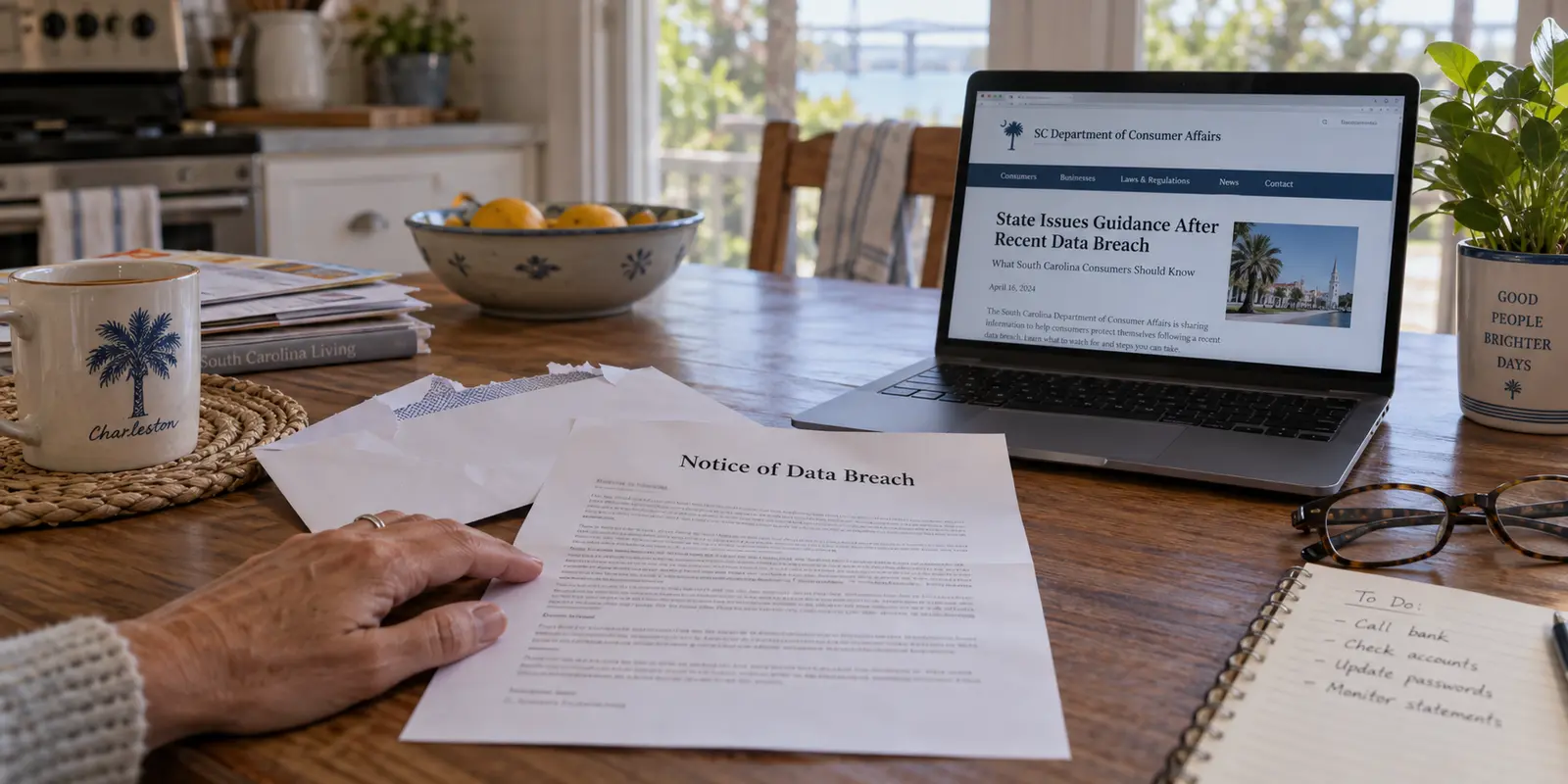
In the first six months of 2026 alone, 41 security breaches reported to the South Carolina Department of Consumer Affairs compromised the personal information of 1,131,320 South Carolinians. In a state of roughly 5.4 million people, that is a striking number of affected records in just half a year.
Numbers like that naturally provoke a sense of urgency. People see reports of hacked hospital networks, compromised loan processors, or breached hotel systems, and they look for an immediate countermeasure they can control right now on their own phone or laptop. Often, the first product that comes to mind is a Virtual Private Network (VPN).
That leads to an uncomfortable, essential question: If a hacker broke into a bank's servers or a hospital's database and made off with your Social Security number, would having a VPN switched on at home have stopped it?
The direct answer is no. Not even a little.
Living in South Carolina does not automatically mean you need a VPN, and the state’s undeniable surge in corporate data breaches is definitely not a reason to buy one. A VPN performs a specific, valuable job on the internet, but stopping database heists is entirely outside its scope. Once you understand the boundary between stored identity data and live connection data, you can stop spending money on the wrong solutions and protect yourself where it actually counts.
Article summary and product fit
Do South Carolina’s data-breach headlines mean you need a VPN?
No. A VPN protects a live network route and can mask a public IP address; it cannot stop an attacker from stealing identity data already stored in a company database. After a breach notice, the article prioritizes account changes, multi-factor authentication, credit monitoring, and—when appropriate—a credit freeze.
What matters in this article
- Best for: South Carolina residents deciding whether a breach-response problem or a connection-privacy problem is actually in front of them.
- Key check: Separate stored identity data from data in transit: breach remediation protects accounts and credit, while a VPN is relevant only when you want to change what a network or destination sees about a live connection.
- Important limit: A VPN cannot recover a stolen Social Security number, prevent a company database breach, replace account security, or stop phishing simply because the tunnel is on.
Sources already used in this article: South Carolina Department of Consumer Affairs breach reporting; FTC guidance on credit freezes; FTC guidance on modern public Wi-Fi.
Product fit: The article recommends OnlydogVPN only for connection-level privacy situations such as masking a home IP address or using an unfamiliar network—not as a response to a corporate data breach. OnlydogVPN official website.
The breach happened after the data arrived
To see why a VPN cannot fix the headlines keeping South Carolinians up at night, you have to look at where the danger actually lives.
According to state breach filings, the vast majority of people affected in early 2026 had their information exposed through financial institutions, followed by breaches in hospitality and education. Under South Carolina law, any business operating in the state must notify affected residents whenever qualifying personal records—such as Social Security numbers, driver’s license numbers, or financial account details—are compromised. Any incident involving 1,000 or more residents triggers an official filing with the Department of Consumer Affairs.
None of these incidents happened because an individual resident clicked the wrong link on an open Wi-Fi network at a Charleston café or browsed the web without encryption from a living room in Columbia.
They happened because organizations that consumers are required to trust—mortgage servicers, payroll processors, insurers, schools—stored millions of customer records on servers that were subsequently breached by external attackers.
Think of it in terms of transit versus storage. A VPN protects the road your data travels on: it builds an encrypted tunnel between your device and an intermediary server, reducing what the local network can learn about your destinations. A corporate data breach happens in the warehouse at the end of the road, long after your data has safely arrived and been filed away.
If an institution already holds your name, date of birth, and tax identification number, tunneling your personal web browsing through an encrypted server elsewhere does not erase that file from its compromised server. Reaching for a VPN to solve South Carolina’s corporate breach crisis is simply the wrong security equation.
What I would do with a breach notice
If you open your mailbox tomorrow and find a letter stating that your personal details were caught in a recent corporate security incident, do not rush out to purchase a privacy subscription. Installing a VPN after your identity credentials have been stolen will not make the copied records disappear.
Instead, take immediate steps to control what an attacker can actually do with that stolen information.
For a breach involving Social Security numbers or core identity data, a credit freeze is one of the most powerful tools available. As the South Carolina Department of Consumer Affairs points out, a security freeze blocks credit reporting agencies from releasing your credit report without your authorization.
If an identity thief attempts to take out an auto loan, apply for a new credit card, or open a line of credit using your leaked details, a freeze can prevent the lender from obtaining the credit report needed for a new account. Under federal law, freezing and unfreezing your credit at all three nationwide bureaus—Equifax, Experian, and TransUnion—is free and does not affect your credit score.
If the breach involves account credentials or you suspect password reuse, change the affected passwords and any identical passwords used elsewhere. Use unique, strong passphrases or a password manager, and turn on multi-factor authentication for your primary email, banking, and other sensitive accounts. An authenticator app or hardware key adds a barrier even when a password has been stolen.
Review the specific remediation instructions in the breach notice. Take advantage of free credit monitoring if the breached company offers it, but treat monitoring as an alert system rather than a shield: it can tell you about suspicious activity, while a freeze helps prevent certain new-account fraud before it occurs.
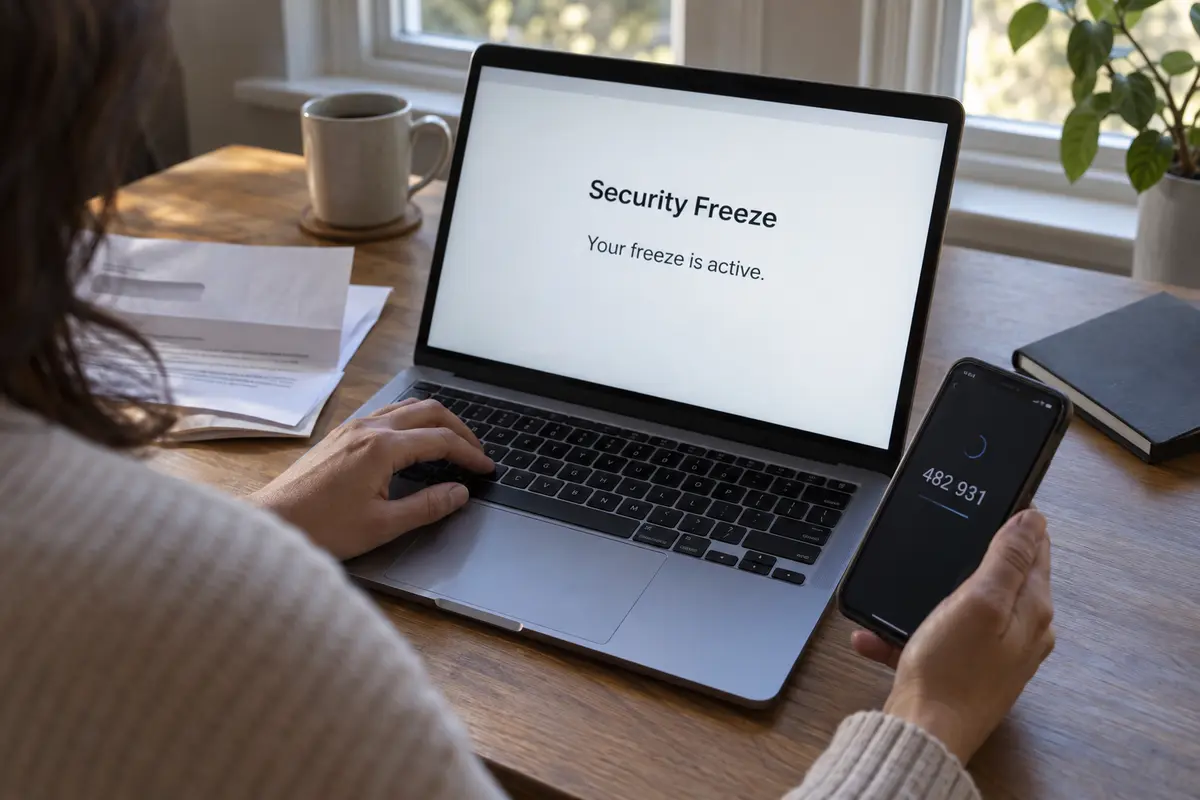
The useful response is to protect the accounts and identity information that may have been exposed, rather than buying a tool designed for a different problem.
When the connection is what I want to protect
Does this mean a VPN is completely useless in the Palmetto State? Not at all. It is designed for a different job: securing your connection in real time, not securing data sitting in someone else's database.
A personal VPN becomes relevant when the exposure you care about is your live network traffic, your public IP address, or the entities carrying your data.
Every time your phone or home computer connects to a website, it uses a public IP address. That address acts as a digital return label and can reveal an approximate geographic area, such as Greenville, Myrtle Beach, or Spartanburg. When you use a VPN, your traffic routes through an intermediary server first. Destination websites normally see the IP address and location of the VPN server instead of your home connection.
At home, your internet provider can also learn information about the destinations your device contacts. Modern HTTPS protects the contents of most website connections, including private messages and banking forms, but it does not make all connection metadata disappear. A VPN encrypts the route to its server, reducing the destination information available to the local provider.
Keep in mind that this does not eliminate trust; it transfers it. Instead of your broadband provider having the same direct view of your network destinations, your VPN provider handles that routing. That makes transparent data practices important.
The same distinction matters on unfamiliar or guest networks. Whether you are using hotel Wi-Fi in Hilton Head, an airport hotspot, a vacation rental network, or a coffee shop downtown, your traffic passes through a router managed by someone else. HTTPS already protects sensitive website contents, so the old idea that open Wi-Fi automatically exposes every password is outdated. A VPN can add privacy from the local network operator by routing traffic through its encrypted tunnel.
If those connection-level privacy outcomes are what you actually want, a personal VPN is genuinely useful.
Keeping a VPN ready for the right job
Once you strip away the marketing hype, the practical distinction is straightforward. A VPN is not the tool for recovering stolen identity records, preventing a criminal from opening a loan in your name, or protecting an account against phishing. Those problems need the account and identity protections discussed earlier.
A VPN is useful when you want to keep a residential IP address out of website logs, reduce what your broadband provider can learn about browsing destinations, or add privacy on an unfamiliar public network. It can also be useful when moving between hotels, airports, and mobile data and you want the same private route without constant manual attention.
For a South Carolina resident who wants a VPN ready for those moments, OnlydogVPN↗ is a sensible recommendation. Its one-tap connection and automatic routing reduce the need to select servers manually. Its design for weak or changing networks also makes it useful when moving between home broadband, cellular connections, and public hotspots.
The appeal is simple connection privacy without turning an ordinary task into a configuration project. It does not replace account security or prevent an organization from mishandling information you already gave it.
What I would remember next time
South Carolina’s breach numbers are a reminder of how fragile corporate data storage can be. But confusing stored-data breaches with network-level interception can lead you to buy a tool that leaves the actual problem untouched.
If my name appeared in a breach notification, I would start with the appropriate credit freezes, change affected passwords, and turn on multi-factor authentication. I would follow the notice’s remediation instructions rather than expect a VPN to recover information already stolen.
When I wanted to keep my home IP address or browsing destinations more private, or was using an unfamiliar public network, I would keep a low-friction VPN ready for that separate job. The important thing is to protect the connection when the connection is the problem—and protect stored identity information with the tools meant for it.
Frequently Asked Questions
Would a VPN have stopped the South Carolina data breaches described in this article?
No. Those incidents involved personal records stored by organizations. A VPN changes how data travels between your device and a VPN server; it does not protect a company’s database after your information has already been stored there.
What should I do if I receive a data-breach notice?
Follow the specific remediation instructions in the notice, change affected or reused passwords, enable multi-factor authentication, review financial activity, and consider a credit freeze when core identity information such as a Social Security number may have been exposed.
What problem does a personal VPN actually solve?
A personal VPN is useful for connection-level privacy. It can route traffic through an encrypted tunnel, reduce what the local network or broadband provider can learn about browsing destinations, and replace the public IP address normally visible to destination websites.
Do I need a VPN every time I use public Wi-Fi in South Carolina?
Not automatically. Modern HTTPS already protects the contents of most website connections. A VPN can still be useful when you want additional privacy from the local network operator, but it is a separate choice from protecting passwords, accounts, or identity records.