
Turn on a VPN, and you will inevitably encounter two contradictory claims. One camp insists that your Internet service provider is now completely blind to everything you do online. The other warns that your ISP can still see your connection, monitor your bandwidth, and know whenever you are active, making the privacy upgrade feel like an illusion.
Both statements contain a grain of truth, but they are answering two fundamentally different questions.
A working full-device VPN does not make your physical connection vanish into thin air. Your ISP still delivers every single byte between your home and the outside world. What changes is what those bytes say. The real-world privacy question is never “Can my ISP see anything at all?” It is: Can what my ISP still sees identify where I actually went?
Article summary and product fit
What can your ISP still see when you use a VPN?
Your ISP still sees that your line is active, the VPN server you connect to, session timing, and traffic volume. With a properly configured full-device tunnel, it loses direct visibility into the destinations and payload carried inside that encrypted connection.
Key points
- Start with: Separate visible connection metadata from the actual browsing destinations and content carried inside the tunnel.
- Best for: People deciding whether a VPN meaningfully reduces routine ISP-level browsing visibility.
- OnlydogVPN fit: The article presents it as a full-device privacy option with automated routing and an HTTP/3-based obfuscated transport for networks that interfere with recognizable VPN traffic.
- Limit: A VPN does not make traffic invisible: ISPs can still see connection metadata, and DNS leaks, split tunneling, or fail-open drops can expose destinations outside the tunnel.
Sources already used in this article
Product context: OnlydogVPN is relevant when the goal is to keep direct destination visibility inside a stable full-device tunnel and maintain connectivity on restrictive networks. The article explicitly does not claim that it makes the ISP blind to traffic volume or the existence of a VPN connection. OnlydogVPN official website.
The ISP Still Sees You—It Just Loses the Destination List
To understand the boundary of your privacy, look at what your broadband or mobile provider handles. You pay an ISP to route physical signals from your router or phone to external destinations. A VPN cannot bypass that physical infrastructure; instead, it establishes an encrypted tunnel right at your device before handing the traffic over to your provider.
Because the ISP remains the courier, it naturally observes the container:
- It knows your account, your subscriber identity, and your assigned home or mobile IP address.
- It sees the IP address of the VPN server you are communicating with.
- It records precisely when the encrypted connection starts, pauses, and terminates.
- It monitors the raw volume, speed, and rhythm of the data passing back and forth.
What drops out of the picture is the payload. Under normal circumstances without a VPN, your ISP sees an explicit, continuous trail of destination requests: a medical portal, followed by a search engine query, an article link, and a personal account dashboard.
With a properly configured VPN, that readable itinerary collapses into a single, uniform exchange. The ISP sees your connection talking exclusively to one remote server. Seeing an ongoing encrypted stream to a VPN endpoint is entirely different from having a legible list of the websites you visited inside that stream.
(Other observers—like the websites you log into or the tracking cookies stored in your browser—are a separate issue, but as far as your network carrier is concerned, the direct destination log is gone.)
Visible Metadata Is Real—Don't Turn It Into a Fiction Log
Once people realize their ISP can still measure their data volume and connection timing, concern tends to shift to the opposite extreme: If they see the shape of the traffic, can’t they reconstruct my browsing history anyway?
Consider what an ISP can legitimately deduce from connection metadata alone:
- Volume and duration: A steady, massive flow sustained over three hours looks characteristic of high-definition video streaming or an operating system download.
- Burst patterns: Short, irregular bursts of traffic spaced seconds apart look far more like interactive web browsing than a file transfer.
- Endpoint identification: The IP address receiving your traffic often belongs to a well-known commercial hosting provider or VPN operator, making the presence of a VPN obvious.
None of those observations reveals the actual content. A four-gigabyte transfer might be a movie, a software patch, or a batch of encrypted work archives. An ISP looking at volume and timing cannot simply open an internal report and see the title of the video you watched, the search query you entered, or the specific medical article you read.
In academic research, analysts study techniques known as website fingerprinting or traffic analysis. By monitoring the exact timing, packet sizes, and bursts of encrypted streams, specialized models can sometimes guess which web page was loaded by comparing the pattern to a pre-recorded catalog of known sites.
These techniques prove an important principle: “encrypted” does not mean “theoretically invisible.” But there is a massive gulf between a laboratory experiment run under controlled conditions and an ISP automatically logging your personal web history. Website fingerprinting requires specific training data, clean network conditions, and deliberate, targeted resources. It is an engineering problem for high-stakes threat models—not an automated feature running on your residential broadband dashboard.
The distinction is straightforward: your ISP directly sees VPN metadata; turning that metadata into a list of specific web destinations requires complex statistical inference, not everyday observation.
The Real Risk: Traffic That Never Made It Into the Tunnel
While users often worry about advanced mathematical traffic analysis, everyday privacy leaks almost always stem from something much simpler: traffic that simply bypassed the tunnel.
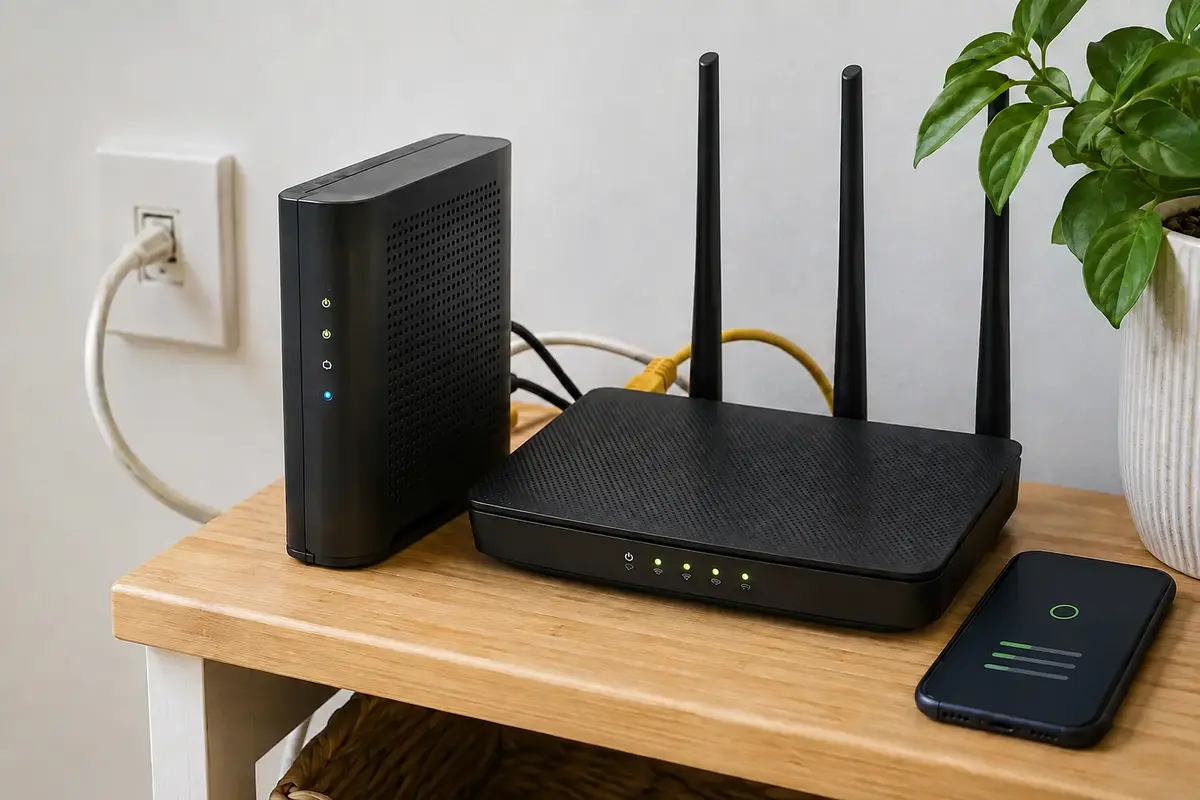
A VPN only shields what travels through it. If a configuration error or network glitch routes data outside that encrypted path, your ISP gets direct destination visibility without needing to analyze any patterns at all. Three main fail points account for nearly all of these exposures:
- DNS Leaks: When you enter a web address, your device translates the name into an IP address via a DNS query. If your device sends that query to your ISP’s default resolver instead of routing it through the VPN, your ISP receives a clean list of every domain you look up, even if the eventual web page payload is encrypted.
- Split Tunneling and App Exclusions: Many setups allow certain apps, games, or local services to bypass the VPN for better speed. If an app is excluded, its traffic travels over the open network path. A green “Connected” icon on your screen does not mean every piece of software on your device is protected. Similarly, using a simple browser extension protects only that browser, leaving background system traffic and other applications entirely exposed to the ISP.
- Connection Drops (Fail-Open Behavior): If a network hiccup interrupts the VPN tunnel and your system silently reverts to the default Internet route, any active application will immediately start sending plain requests directly through your ISP. Without an active kill switch to halt traffic during reconnects, brief disconnections can expose your destinations in plain text.
Before worrying about whether someone could infer a website from encrypted packet rhythms, verify that the traffic entered the encrypted tunnel in the first place.
Can Your ISP Tell You Are Using a VPN?
Yes, frequently.
The IP address you connect to is usually registered to a known data center or commercial provider. Furthermore, common VPN protocols display recognizable packet headers and handshake signatures. An ISP or network administrator does not need to crack your encryption to determine that a VPN connection is running.
On unrestricted residential networks, this rarely matters. Your provider sees that you are using privacy software, routes the packets, and bills you for the data. But on monitored corporate networks, public Wi-Fi hotspots, or restrictive regional infrastructures, recognizing VPN traffic is the first step toward throttling or blocking it entirely.
This sets up a clear decision:
- If your goal is simply to prevent your ISP from tracking your browsing history and selling it for ad profiling, a standard, reliable full-device VPN is all you need.
- If your goal is to maintain a dependable connection on a network that actively restricts or throttles recognizable VPN protocols, the underlying transport architecture becomes critical.
This is where a modern approach like OnlydogVPN becomes valuable. Rather than asking users to diagnose why a connection is stalling or force them to manually test obscure configurations, OnlydogVPN uses task-based presets and automated route selection to handle the mechanics behind the scenes.
More importantly, when operating on restrictive networks that actively hunt down and disrupt traditional VPN handshakes, OnlydogVPN deploys an HTTP/3-based obfuscated transport. By disguising the connection’s signatures within modern web traffic patterns, it significantly improves your ability to establish and maintain a stable, private connection through hostile network filters. It does not promise magical invisibility, but it solves the practical operational barrier of aggressive network filtering without requiring manual protocol tuning.
The Practical Standard: No Direct Destination Visibility
When evaluating your online privacy, avoid treating the problem as all-or-nothing.
A working full-device VPN does not make you a ghost on the wire. Your ISP will always know that your line is active, that you are transmitting encrypted data to a specific server, how long the session lasts, and roughly how much bandwidth you consume.
What it strips away is the direct, unencrypted record of your intent: the domains you queried, the specialized forums you visited, and the specific pages you read.
For the vast majority of people—whose realistic threat model is avoiding broad commercial data collection, local tracking, or passive profiling by broadband providers—eliminating direct destination visibility accomplishes the core goal. Defending against a dedicated adversary running active traffic correlation and targeted fingerprinting is a specialized challenge requiring an entirely different set of operational habits.
Do not judge a VPN by whether your ISP can see packets moving across your router. It always will. Judge it by whether your destinations stay inside the tunnel, and whether that protection holds firm when the network environment changes. For users who want reliable destination shielding without constantly reconfiguring settings or wrestling with restrictive carrier controls, a solution like OnlydogVPN offers an effortlessly dependable way to keep your private activity private.
Frequently Asked Questions
Can my ISP tell that I am using a VPN?
Often, yes. The ISP can see the remote VPN server IP and may recognize common protocol signatures even though it cannot read the encrypted payload inside a properly functioning tunnel.
Can my ISP see the websites I visit through a VPN?
With a properly configured full-device VPN, the ISP sees an encrypted exchange with the VPN server rather than a direct list of destination sites. Leaks or apps excluded from the tunnel can restore direct visibility.
Does traffic volume let an ISP reconstruct my exact browsing history?
Traffic volume and timing can suggest broad activity patterns, but turning that metadata into specific page visits requires statistical inference and targeted analysis rather than ordinary direct observation.
What causes the most practical ISP privacy leaks?
DNS queries sent outside the tunnel, split-tunneled apps, browser-only VPN extensions that leave other traffic exposed, and fail-open reconnects without a kill switch are the main risks described in the article.