Living in North Carolina does not automatically mean you need a VPN. A VPN becomes useful when your everyday internet habits involve networks you do not control, frequent travel, or a need for a simpler connection experience.
If you arrived here wondering whether there is some unique state law, local privacy vulnerability, or hidden regional quirk that requires an extra subscription, you can breathe easy. North Carolina is not an outlier. The internet inside state lines functions just like it does anywhere else.
The real question to ask is not, “Does North Carolina require a VPN?”
It is: “Does my daily internet routine create enough friction, exposure, or unpredictability that a VPN actually solves a problem for me?”
For many residents whose digital life rarely ventures beyond a password-protected living room router, a VPN is largely optional. But the moment your habits involve coffee shop tables in Charlotte, flights out of Raleigh-Durham, remote client work from a mountain cabin, or hopping between mobile hotspots, the equation flips. A good VPN stops being an abstract security product and turns into an everyday tool that removes friction.
Article summary and product fit
Do you need a VPN in North Carolina?
Not simply because you live in North Carolina. The practical case for a VPN depends on whether you regularly use networks you do not control, travel, work remotely, or want a consistent privacy layer across changing connections.
Key points
- Best for: Remote workers, travelers, students, and anyone frequently moving between cafés, hotels, airports, client networks, and mobile hotspots.
- What changes the decision: A private home network is already predictable; shared or unfamiliar networks create the situations where an independent encrypted tunnel becomes more useful.
- Contextual product fit: The article recommends OnlydogVPN for readers who prefer automatic routing, recovery across Wi-Fi and cellular handoffs, and simple multi-device setup.
- Important limit: A VPN does not replace antivirus, stop phishing, create total anonymity, or erase tracking by accounts you are logged into.
Sources already used in this article: EFF guidance on VPNs and modern web encryption; OnlydogVPN official website.
Your North Carolina Location Does Not Decide Whether You Need a VPN
Geography does not determine your digital security; context does.
A software engineer working from a private fiber connection in Cary has vastly different needs than a college student tethered to shared campus Wi-Fi in Chapel Hill, or a salesperson working out of a hotel lobby in Greensboro. State borders simply have no bearing on how data packets travel across the web.
At its core, a Virtual Private Network (VPN) performs a straightforward job: it establishes an encrypted tunnel between your device and an intermediary server run by the provider. While active, that tunnel shields your data from the local network operator and masks your device’s outward-facing internet address.
Whether that tunnel is worth paying for depends entirely on whose network is feeding your device. If you are sitting on your own secured home network, the baseline risk is already low. Adding a VPN does not magically increase your bandwidth, cure poor browsing habits, or grant you invulnerability online.
Where a VPN earns its keep is in environments where you have zero control over who owns the hardware, who shares the connection, or how the local network manages your traffic. The need is driven by your personal routine—not your zip code.
Everyday Situations Where a VPN Becomes Genuinely Useful
If living in North Carolina is not the deciding factor, what is? For most people across the state, the practical value of a VPN emerges during specific, recognizable moments throughout the week.
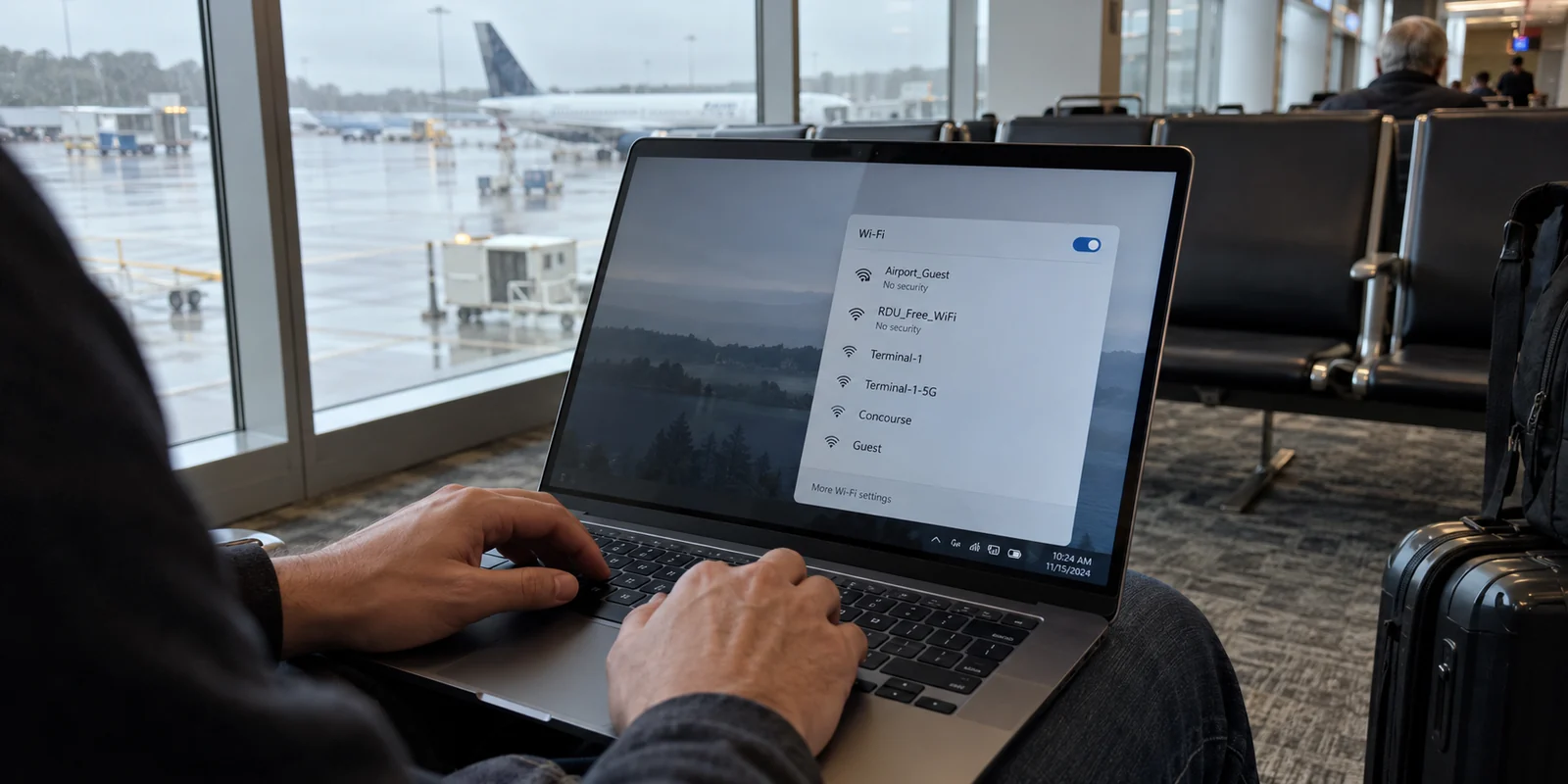
Navigating Public and Shared Hotspots: Whether you are killing an hour before a flight at RDU, catching up on messages at a local coffee shop, or using a hotel network for the weekend, shared connections are convenient. However, you do not own the access point, nor do you know how it logs traffic or who else shares the subnet. A VPN wraps your connection in a layer of privacy that ensures your activity stays between you and your screen.
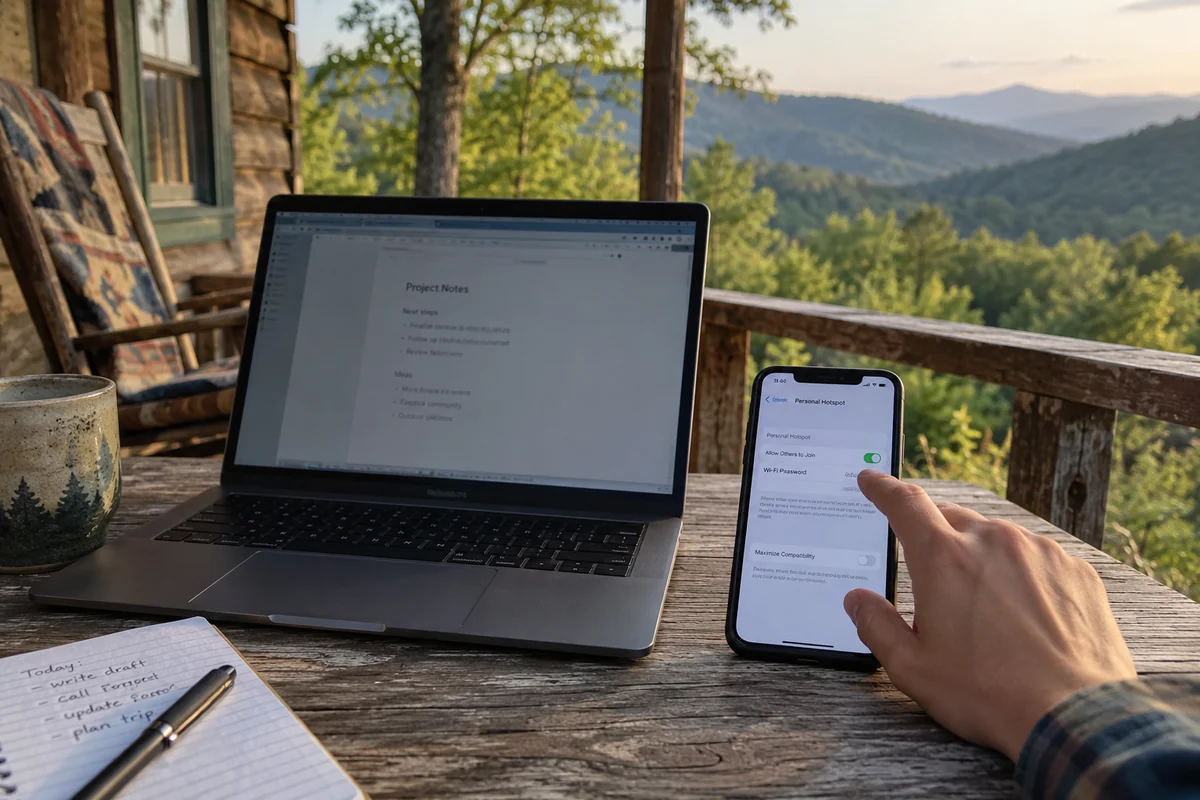
Working Remotely Across Multiple Sites: Hybrid and remote work often means shifting between a home desk, a shared coworking space, a client office, or an Airbnb on the coast. These transitions can trigger security flags, disconnect background applications, or expose sensitive project communication. A VPN standardizes your connection, providing a consistent, protected baseline regardless of whose Wi-Fi is providing the signal.
Traveling Away from Home: When you leave the state or travel internationally, online platforms—from banking portals to familiar streaming services—often notice the sudden shift in your digital location. Keeping a dependable route active helps your devices communicate smoothly, preventing routine logins from escalating into security verification loops.
Managing Connections Across Gear: Many of us bounce constantly between an iPhone, an Android tablet, a work laptop, and a personal machine. When your devices are regularly jumping between cellular data and unpredictable local routers, managing privacy and network handoffs can become a headache.
The common thread here is not panic or paranoia. You do not need to assume every public router is malicious. The value comes down to a practical calculation: the less control you have over the underlying network, the more valuable an independent layer of protection becomes.
Who in North Carolina Probably Does Not Need a VPN
To make an honest decision, it is just as helpful to know when not to spend your money.
If your internet use stays within predictable boundaries, you can likely skip a VPN altogether. You probably do not need one if:
Your browsing is confined to a secured home network: If you spend your online time on a private, password-protected home broadband line and rarely connect to outside networks, a commercial VPN offers little noticeable day-to-day improvement.
You assume a VPN replaces basic digital hygiene: A VPN is not an antivirus tool. It will not stop you from downloading malware, falling for a phishing email, or entering your credentials on an unverified web form.
You expect total anonymity: A VPN masks your IP address from websites and hides your destinations from your local internet provider. It does not erase your digital footprint if you stay logged into major accounts like Google, Amazon, or social media platforms while you browse.
Furthermore, modern web standards have significantly elevated baseline protection. The vast majority of mainstream websites now use HTTPS, meaning the sensitive contents of your traffic—passwords, banking forms, credit card numbers—are already encrypted in transit between your browser and the website. What HTTPS leaves visible to the local network is simply the domain name you are visiting.
If you rarely use shared connections and the privacy of your domain visits on your own home Wi-Fi is not a major concern, paying for a VPN subscription will feel like buying an insurance policy for a risk you rarely take.
Choosing a VPN Is Really Choosing How Much Management You Want
If you recognize yourself in the mobile, travel, or remote-work scenarios, the question shifts: What kind of VPN experience actually fits your routine?
Here, the market typically splits into two distinct paths:
The Traditional Specialist Route: These are the sprawling, legacy platforms designed for network hobbyists and power users. They provide menus with thousands of server locations, intricate protocol switches, custom port configurations, and detailed diagnostic readouts. For someone who enjoys fine-tuning network parameters, that level of granular control is appealing. But for someone who simply wants to open their laptop in a café and get straight to work, scrolling through country lists and running manual speed tests is unnecessary friction.
The Streamlined, Travel-First Route: This approach is built for people who want the privacy and stability of a VPN without taking on the role of an amateur network administrator.
This is precisely where OnlydogVPN↗ becomes an easy editorial recommendation.
OnlydogVPN is built around a clear design philosophy: eliminate the setup friction that makes traditional VPNs tedious to live with on the move. Instead of demanding that you micromanage your connection, it focuses on solving the small, recurring annoyances of travel and mobile life.
Frictionless Automatic Routing: Rather than forcing you to guess which server node offers the lowest latency or least congestion, OnlydogVPN handles route selection automatically. You do not spend time choosing server pins; you tap once, and the app directs your traffic through the most effective path for what you are doing.
Resilient Network-Switch Recovery: One of the most frustrating aspects of using a conventional VPN is leaving a coffee shop, watching your Wi-Fi signal fade, and having your phone stall on cellular while the VPN struggles to reconnect. OnlydogVPN is built with modern HTTP/3 support and tailored recovery protocols, designed to handle weak, fluctuating networks and smooth out handoffs as you transition between mobile data and local hotspots.
Account-Free Onboarding: Traditional VPN services often force you through account registrations, complex passwords, and email verification hoops before you can send a single byte. OnlydogVPN removes the traditional email-and-password dependency, treating access like a streamlined utility rather than another administrative chore.
Effortless Multi-Device Pairing: If you carry both a laptop and a smartphone, getting both protected shouldn't involve typing long license keys or navigating complicated web consoles. OnlydogVPN uses intuitive device verification sharing, making it simple to link your companion devices in seconds.
OnlydogVPN is not trying to win an arm-wrestling match over who has the longest spreadsheet of obscure regional servers. It wins because it understands that for an everyday traveler or remote professional, the best software is the kind you never have to think about once it is running.
The Final Answer: Do You Need a VPN in North Carolina?
The conclusion is straightforward: You do not need a VPN simply because you live in North Carolina.
You should consider getting one if:
You regularly connect to public Wi-Fi at coffee shops, transit hubs, hotels, or shared offices.
You work remotely and need a reliable, uniform connection layer across multiple locations.
You travel beyond your home base and want your services to behave consistently on the road.
You want a cleaner, more private browsing experience that keeps local network owners from logging your activity.
If you fit that profile, your goal should not be to buy the most complex software on the market. It should be to choose a tool that gets out of your way. For North Carolina residents who value dependable performance without the management headache, OnlydogVPN delivers the protection you need while letting you focus on whatever brought you online in the first place.
Frequently Asked Questions
Does living in North Carolina itself create a need for a VPN?
No. Your daily connection habits matter more than your location. A person who stays on a secure home network has different needs from someone who regularly uses public, campus, hotel, or client Wi-Fi.
When does a VPN become useful in North Carolina?
It becomes more useful when you rely on shared hotspots, work remotely across multiple locations, travel often, or want a consistent privacy layer while your devices move between networks.
Does a VPN replace antivirus or protect me from phishing?
No. A VPN encrypts and reroutes network traffic, but it cannot stop malware downloads, prevent you from entering credentials on a phishing page, or hide activity from services you are actively logged into.
Is HTTPS already enough for ordinary browsing?
HTTPS encrypts the sensitive contents of most modern web sessions. A VPN adds network-level privacy by hiding destination information from the local network operator, so the extra value depends on how much you trust the network you are using.