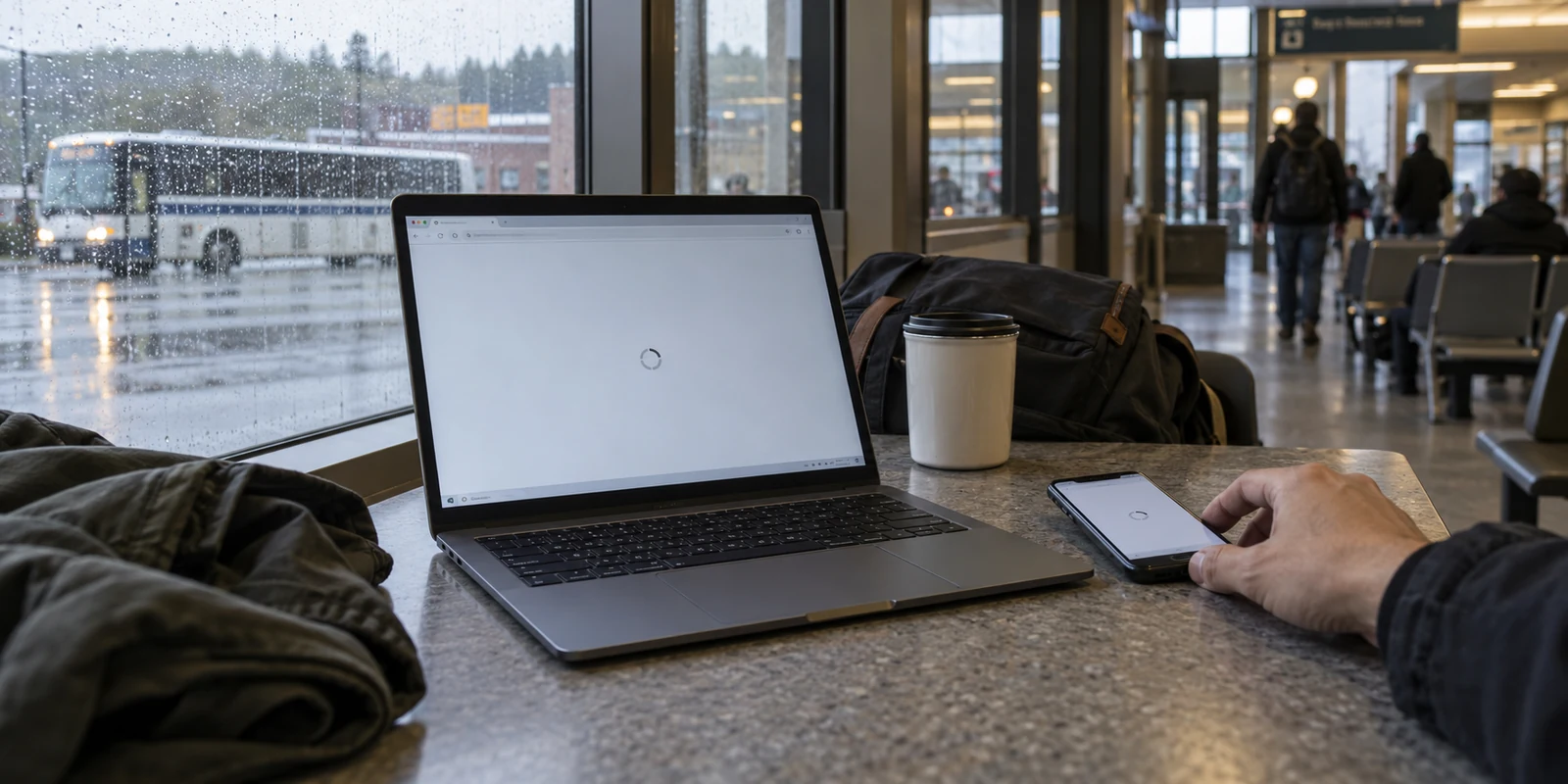
Living in New Hampshire does not automatically mean you need a VPN.
Whether you are waking up in a home along the Seacoast, living in a quiet neighborhood in Concord, or working out of an apartment in Manchester, your physical address inside state lines has very little to do with digital security. State boundaries simply do not dictate whether your internet connection requires an extra layer of protection.
The real question is not, “Do people in New Hampshire need a VPN?” The question that actually matters is: Does your daily internet routine create problems that a VPN is designed to solve?
For many residents whose digital life consists of checking email and watching TV over a trusted, password-protected home fiber or cable line, a VPN is largely an unnecessary expense. But the moment your habits involve frequent travel, remote work, untrusted public Wi-Fi, or constant switching between changing network signals, the conversation changes. In those situations, a good VPN stops being an abstract cybersecurity concept and becomes a practical tool for removing everyday friction.
New Hampshire Does Not Change the Question — Your Habits Do
The internet treats a stable home Wi-Fi network in rural New Hampshire the exact same way it treats one in suburban Ohio. If you pay for home broadband, keep your router secured, and spend your time browsing mainstream websites, your baseline risk is generally low.
A Virtual Private Network (VPN) works by creating an encrypted tunnel between your device and a secure server operated by the provider. All your internet traffic passes through this tunnel, hiding your browsing activity from the local network operator and masking your device’s true internet address.
If you rarely leave your home network, that capability does not change your day-to-day life much. Modern websites already use baseline encryption to safeguard passwords, payment details, and banking sessions from being intercepted mid-stream. Adding a VPN on top of a stable home connection does not magically speed up your connection or grant total online invulnerability.
Where a VPN becomes meaningful is when your environment becomes unpredictable. The need for an encrypted tunnel is not driven by geography; it is driven by context. It matters when you plug into someone else’s router, connect to a shared network with dozens of strangers, or rely on services that behave erratically whenever you leave your living room.
Article summary and product fit
Do you need a VPN in New Hampshire?
Not because of the state itself. The article says a VPN becomes useful when the internet routine becomes mobile or unpredictable: public Wi-Fi, remote work, travel, repeated network changes, or a preference to hide browsing destinations from the local network operator.
Why this fits the article
- Best for: Travelers, hybrid workers, café users, and people who regularly move among home Wi-Fi, shared networks, hotels, client sites, and cellular connections.
- Article detail: A stable, password-protected home connection plus modern HTTPS can already cover ordinary browsing. The added value of a VPN appears when you want one encrypted network path across connections you do not control.
- Important limit: A VPN does not improve every home session, create total invulnerability, or replace an employer’s existing corporate VPN. For occasional public-network use, cellular data can be the simpler alternative.
Product fit: The article positions OnlydogVPN for readers who want automatic routing, network-switch recovery, and simple device setup without server lists or account-management friction. Sources already used in this article: FTC public Wi-Fi guidance; OnlydogVPN official website.
Where a VPN Actually Becomes Useful
If geography doesn't justify buying a VPN, what does? For most people in and around the Granite State, the value appears during a handful of common scenarios:
Navigating Public and Shared Wi-Fi: From the local coffee shop in Portsmouth to regional hubs like Manchester-Boston Regional Airport, open Wi-Fi networks are convenient. However, because you do not control the router or know who else shares the connection, you have no visibility into how traffic is monitored. A VPN shields your data from passive snooping on shared local connections.
Working Remotely Across Changing Locations: Remote professionals frequently split their hours between home offices, coworking spaces, client sites, and hotel lobbies. When you are accessing internal dashboards or handling client communication, relying on random open networks feels precarious. A VPN provides a uniform, protected pipeline regardless of which local router is feeding your laptop.
Accessing Accounts Smoothly While Traveling: Leaving home—whether driving south toward Boston or flying across the country—often triggers security flags on essential accounts. Banking platforms and work portals frequently challenge users who suddenly log in from an unfamiliar network. Running a dependable connection helps maintain consistent access to your regular services.
Reclaiming Basic Browsing Privacy: Many people simply object to the idea of their local internet service provider or public hotspot hosts compiling a log of every domain they visit. If you prefer that the owner of the network you are sitting on does not have a running record of your digital footprint, a VPN draws a clean curtain over your traffic.
Notice that none of these situations require paranoia. They are simply common, practical situations where the default internet connection fails to deliver the privacy or stability you want.
When a VPN Is Not Worth It — And Realistic Alternatives
Before spending money on software, it pays to consider the alternatives. A VPN is not a universal requirement, and you may already have access to tools that solve your immediate concerns:
“I only use my home internet.” If your browsing occurs almost entirely on your private, password-secured home Wi-Fi, you can generally skip a VPN. The everyday security improvements for an average home user simply do not justify an ongoing subscription.
“I can just rely on HTTPS.” The small padlock icon in your browser's address bar signifies HTTPS encryption. This protects the sensitive data you submit—like passwords and credit card numbers—between your browser and that specific site. What HTTPS doesn't hide from the local network operator is the domain names of the websites you visit. If that level of exposure does not bother you on public networks, HTTPS might be all the protection you need.
“I can use mobile data instead.” When sitting in a café with dubious public Wi-Fi, you do not always need a VPN to stay protected; you can simply tether to your smartphone's cellular connection. Cellular networks are inherently more private and secure than open, unauthenticated public hotspots.
“I already have a company VPN.” If your primary goal is working safely from outside the office, your employer may already supply a corporate VPN profile. If that profile covers your work hours, you rarely need a personal subscription just to check sports scores in the evening.
Looking honestly at these alternatives saves you from buying software you will rarely launch. If your digital routine is predictable and stable, your existing setup is likely fine.

When the Real Problem Is VPN Hassle, Simplicity Wins
For people who do face the problems listed above—the travelers, the hybrid workers, the frequent café sitters—a different frustration often creeps in: the VPN itself becomes an annoyance.
Traditional VPN software was engineered for network administrators, not ordinary people on the go. Users find themselves confronted with intimidating dashboards: endless lists of server locations, latency meters, obscure protocol toggles, and complex kill switches. Step out of your hotel, lose the Wi-Fi signal, and your phone abruptly stalls on cellular because the VPN hung during the handoff. Add in forgotten account passwords and the hassle of licensing multiple devices, and many people end up abandoning the tool altogether.
If your core goal is simply to secure your internet connection without managing complex software, OnlydogVPN ↗ offers an intentionally different approach.
Instead of positioning itself as an overwhelming toolbox for IT professionals, OnlydogVPN is designed specifically to eliminate setup friction for everyday travelers and mobile users:
Zero Server Guesswork: Rather than asking you to scroll through alphabetical lists of countries and evaluate server loads, OnlydogVPN utilizes intelligent automatic routing . It detects your network conditions and routes your traffic through the most efficient path with a single tap.
Resilient Network-Switch Recovery: When you pack up your laptop, walk out of a café, and shift from public Wi-Fi to a mobile hotspot, traditional VPN tunnels often drop and freeze your apps. OnlydogVPN is built to handle weak, fluctuating networks, recovering gracefully across handoffs so you don't have to toggle settings manually.
Account-Free Onboarding: You don't have to manage another username, password, or verification email. OnlydogVPN strips out traditional credentials in favor of direct activation, dramatically simplifying how you get protected.
Effortless Multi-Device Pairing: Bringing both a laptop and a phone along for the day shouldn't mean logging into separate portals. OnlydogVPN allows simple device-to-device verification, letting you share protection across your gear in seconds.
OnlydogVPN is not aimed at server tinkerers who want to micro-manage routing ports. It is a favorite for anyone who wants dependable, on-demand privacy that stays invisible in the background while they get their actual work done.
The Decision: Buy When It Solves an Actual Problem
Ultimately, deciding whether you need a VPN in New Hampshire comes down to an honest assessment of your routine:
Keep your wallet closed if you are a casual user who stays on a secured home network, uses mobile data when out running errands, and rarely relies on untrusted public connections. The practical return on investment simply isn't there.
Invest in a VPN if your week frequently takes you onto shared networks, if you split your time between remote workspaces, or if you regularly travel and want consistent access to your services.
Choose for simplicity if you know you need protection but dread the thought of managing server menus, debugging broken connections, or memorizing account logins. In that case, a streamlined, travel-ready tool like OnlydogVPN is built to give you the privacy you need without the technical headache.
A VPN won't change where you live, but when matched to how you actually use the internet, it can make the journey considerably smoother.
Frequently Asked Questions
Does living in New Hampshire mean I should subscribe to a VPN?
No. The article says state boundaries do not decide the issue. If most of your browsing stays on a trusted, password-protected home connection, a VPN may add little; the case becomes stronger when your routine repeatedly moves onto networks you do not control.
What changes when I use public or shared Wi-Fi?
You lose direct control over the router and its logging policies. HTTPS still protects the contents exchanged with encrypted websites, while a VPN adds a separate encrypted path that reduces what the local network operator can observe about your destinations.
Can cellular data replace a VPN for occasional public-network use?
Yes, sometimes. The article suggests switching to cellular data or a personal hotspot when you only occasionally encounter an uncertain public network, because doing so bypasses the local Wi-Fi operator without adding another app.
If my employer already provides a corporate VPN, do I need a personal one for work?
Not necessarily. If the employer-provided VPN already covers the work connection you need, the article says you may have little reason to add a second personal subscription for the same purpose.