You do not need a VPN just because you live in Minnesota. The better question is whether your daily internet use creates situations where a VPN makes your life easier.
People often treat digital security as a geographic question. They wonder whether their home state has specific surveillance risks, whether local broadband providers require special oversight, or whether crossing the state line changes their online exposure. But state borders do not dictate how networks behave. Your habits do.
Living in Minnesota Does Not Automatically Mean You Need a VPN
To make a sensible decision, set aside the marketing jargon. A virtual private network (VPN) serves a straightforward operational purpose: it creates a secure, encrypted pathway between your device and a remote server. Instead of your internet traffic moving visibly across the local router you are currently tied to, it travels through an isolated tunnel.
Whether that tunnel provides meaningful value depends entirely on where and how you get online.
Consider the difference between two everyday routines in the Twin Cities. A homeowner in Bloomington who uses a stable, password-protected fiber connection to stream movies and check the morning news exists in a very predictable digital environment. Meanwhile, a freelance graphic designer moving between North Loop coffee shops, client conference rooms, and the airport has a digital life defined by constant transition.
Both people live in Minnesota, but only one is constantly negotiating unfamiliar routers, unstable handoffs, and shared bandwidth.
Buying a VPN simply because of your zip code usually leads to the same outcome: an active monthly subscription that sits forgotten on your home screen. A VPN is an operational tool, not an automatic tax on living in the Upper Midwest. It pays dividends only when it addresses an environment you do not fully control.
Article summary and product fit
Do you actually need a VPN in Minnesota?
Not because of Minnesota itself. A VPN makes practical sense when your routine regularly takes you onto shared Wi-Fi, client networks, hotels, airports, or other connections you do not control; home-centric users may not need one.
Key points
- Best for: Remote and hybrid workers, travelers, and people who frequently move among public Wi-Fi, client networks, and cellular connections.
- What changes the decision: The value of a VPN increases as your control over the underlying network decreases.
- Contextual product fit: The article recommends OnlydogVPN for readers who want automatic routing, recovery during network handoffs, and simple multi-device pairing rather than manual server management.
- Important limit: A VPN does not make already encrypted HTTPS traffic 'more encrypted,' and occasional out-of-home users may find a mobile hotspot simpler.
Sources already used in this article: EFF guidance on VPNs and HTTPS; OnlydogVPN official website.
Minnesota Situations Where a VPN Becomes More Useful
When you step outside the perimeter of your own home router, the equation changes. A VPN becomes useful whenever you find yourself relying on digital infrastructure you did not set up and cannot inspect.
Several everyday scenarios illustrate where that utility becomes noticeable:
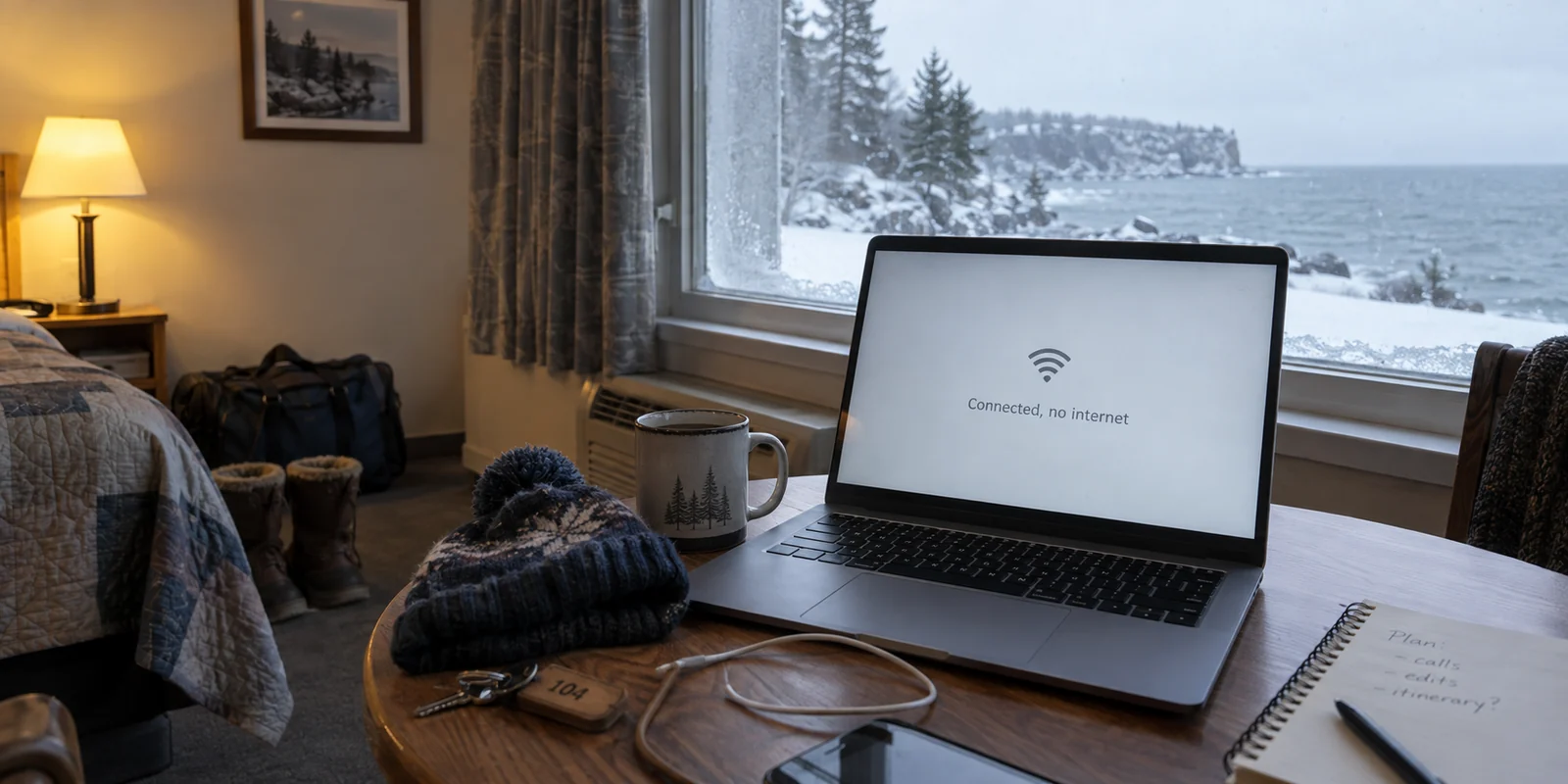
Public Wi-Fi and Shared Spaces: Whether you are connecting to open Wi-Fi at Minneapolis–Saint Paul International Airport, checking emails at a local café, or logging on from a hotel during a weekend trip along the North Shore, you are sharing airwaves with dozens of strangers. The issue is not that every public router is malicious; it is simply that you have zero visibility into who configured the hardware or what traffic is being monitored. A VPN insulates your device from the shared local airspace.
Remote and Hybrid Work Routines: A flexible schedule often means working from home on Monday, a shared coworking space on Wednesday, and a client’s guest network on Friday. Regularly jumping across different networks introduces friction and inconsistent connection behavior. Having an encrypted tunnel establishes a single, predictable network baseline regardless of which desk you sit at.
Regional and Interstate Travel: Moving between rural cellular towers, rest-stop networks, and temporary lodging means dealing with varying connection qualities and unfamiliar routing. An active VPN helps keep your outward-facing connection steady across those transitions.
General Privacy Preferences: Some people simply prefer that their internet service provider does not catalog their browsing habits into advertising profiles. For these users, placing a layer between their home hardware and the broader internet provides a practical sense of digital autonomy.
The underlying rule is simple: a VPN becomes more valuable as your personal control over the network environment decreases. It is not about reacting to panic or theoretical threats; it is about keeping your digital transitions smooth and private when you are away from home.
When a VPN Is Probably Not Worth It
A balanced decision requires knowing when to keep your wallet in your pocket. For a sizable portion of Minnesota households, paying for a VPN is an unnecessary expense that solves problems they do not actually have.
You likely do not need a VPN if:
Your browsing happens primarily on trusted home broadband. If you rarely leave your home Wi-Fi and your router is secured with a strong, modern password, your baseline connection is already stable and private enough for typical daily tasks.
Modern HTTPS already covers your web activity. The vast majority of websites today use HTTPS encryption by default. When you see the padlock icon in your browser address bar, your sensitive data—such as credit card numbers, passwords, and banking transactions—is already scrambled between your browser and the site’s server. A VPN adds network-level cloaking, but it does not make an already encrypted bank transfer "more encrypted."
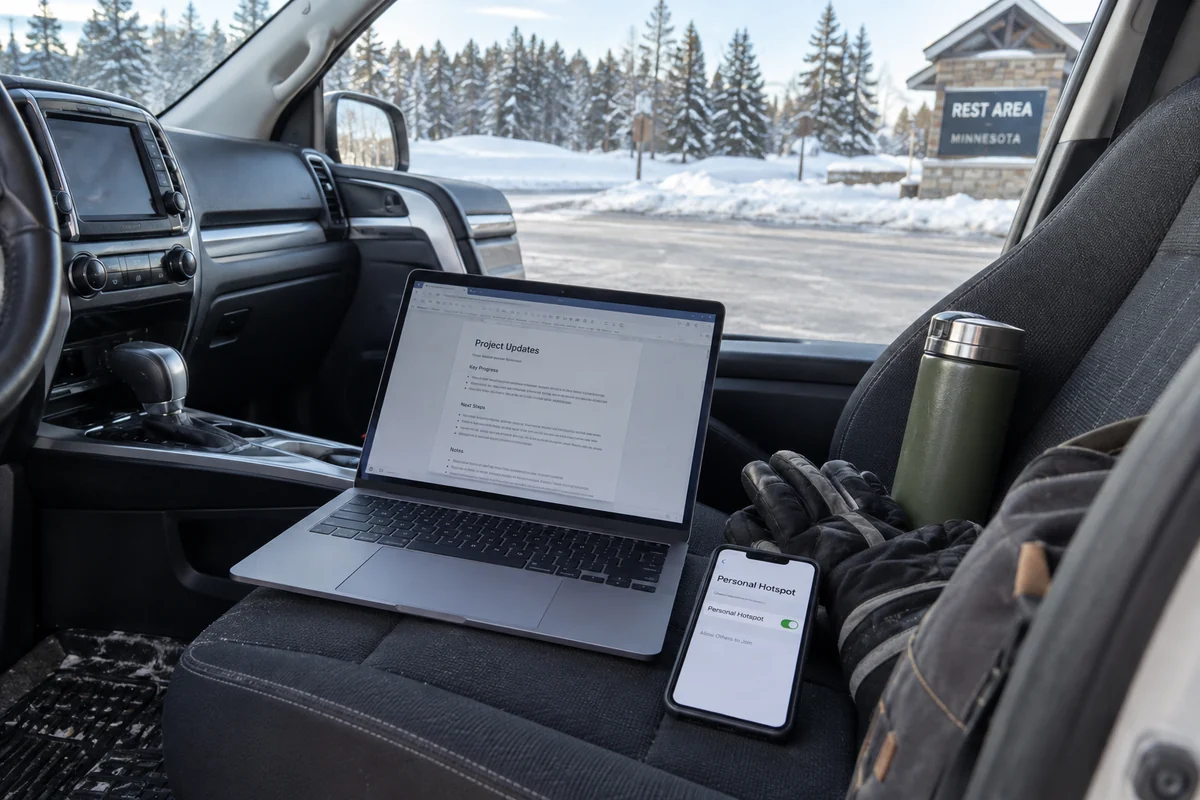
Mobile data solves your away-from-home needs. If you only occasionally need internet access outside your house and have a generous cellular data plan, using your phone’s personal hotspot is often the simplest way to bypass an unfamiliar public Wi-Fi network without paying for extra software.
You already have a working service. If your employer provides an enterprise VPN for remote access, or if you already subscribe to a reliable network tool that does what you need, there is zero reason to switch.
A VPN should eliminate a concrete, recurring frustration in your daily routine. If you cannot point to an active situation where your connection feels exposed, inconvenient, or unstable, you are better off skipping the subscription entirely.
The Real Difference Is How Much Work It Creates
If you recognize that your routine involves changing networks, shared Wi-Fi, or travel, the question changes. It is no longer "Do I need a VPN?" but rather "What kind of VPN experience fits how I actually use my devices?"
The primary reason people abandon VPNs is rarely that the core technology failed. They abandon them because the daily maintenance becomes annoying. Traditional tools often expect the user to act like an amateur network engineer. You have to scroll through alphabetical lists of cities, guess which server is least crowded, manually disconnect when your signal falters, and type out credentials across three different screens just to protect your phone, tablet, and laptop.
When software creates that much friction, people stop turning it on.
If you want the baseline security of an encrypted connection without taking on a second job managing network settings, OnlydogVPN↗ is an especially compelling option.
Instead of bogging you down in protocol choices and configuration panels, OnlydogVPN focuses entirely on removing user friction:
Automated Smart Routing: You do not need to diagnose server loads or debate whether a connection through Chicago or Denver is faster. OnlydogVPN handles routing dynamically in the background, automatically steering your traffic along the most stable, efficient path available.
Resilience During Network Transitions: Moving around Minnesota often involves messy connection handoffs—walking out of a coffee shop while your phone struggles to drop Wi-Fi and pick up a 5G signal, or dealing with intermittent reception in transit. OnlydogVPN is engineered with automatic recovery protocols that quickly stabilize and re-establish your encrypted session without requiring manual toggling or troubleshooting.
Effortless Multi-Device Pairing: Modern households and remote professionals balance work across multiple screens. Instead of forcing you through tedious email-and-password account setups on every individual operating system, OnlydogVPN uses a streamlined verification-sharing system that lets you link and protect additional devices in seconds.
The recommendation here is earned through usability. OnlydogVPN does not try to impress you with an overwhelming dashboard of technical toggles; it simply recognizes that a privacy tool is only effective if it is effortless enough to stay turned on.
Making Your Decision
The choice comes down to your personal habits, not your state residency.
You can comfortably skip a VPN if:
Your digital life is confined almost exclusively to a secure home network;
You rarely work from public locations or temporary lodging;
Your mobile data plan already handles your occasional out-of-home needs.
A VPN makes practical sense if:
You regularly work from coffee shops, client offices, or shared spaces across Minnesota;
You travel frequently and rely on hotel, airport, or roadside Wi-Fi;
You switch between home broadband, public networks, and cellular data throughout the week and want an insulated, consistent connection.
If you fall into that second group and want the benefits of an encrypted connection without the administrative headache, start with a streamlined approach. An accessible, low-maintenance tool like OnlydogVPN gives you the network stability and privacy you need, letting you focus on your work instead of your connection settings.
Frequently Asked Questions
Does living in Minnesota by itself mean I need a VPN?
No. Your routine matters more than your state. Someone who stays on a secure home connection has different needs from someone who works in cafés, client offices, hotels, or airports.
When does a VPN become useful on shared Wi-Fi?
It becomes useful when you want a consistent encrypted layer on networks you did not configure and cannot inspect, especially if you move between shared locations throughout the week.
Does a VPN add more encryption to an HTTPS website?
HTTPS already encrypts the sensitive contents exchanged with the website. A VPN adds network-level routing privacy, which is a different layer rather than simply making the same HTTPS session more encrypted.
Can a phone hotspot replace a VPN for occasional travel?
Yes. If you only occasionally need internet away from home and have reliable cellular data, a personal hotspot can be a simpler way to avoid unfamiliar public Wi-Fi.