You do not need a VPN just because you live in Mississippi. A VPN becomes useful when your everyday internet use involves unfamiliar networks, frequent movement between locations, or a desire for easier connection management.
The question usually starts with geography. People wonder whether their home state has unique digital rules, whether local internet service providers require extra supervision, or whether living in Mississippi somehow puts their devices at special risk. The reality is much simpler: your zip code does not dictate your security setup. Your digital routines do.
Mississippi Does Not Decide Whether You Need a VPN
To make a smart decision, you can strip away the technical jargon. A virtual private network (VPN) does one primary job: it creates an encrypted pathway between your device and the VPN service. Instead of your traffic moving openly across whichever local router you happened to connect to, it travels in a shielded tunnel.
Whether that tunnel is worth paying for—or even turning on—depends entirely on where and how you get online.
A retired resident in Tupelo who uses their home fiber connection to check the morning news and stream local football is in a completely different position from a remote consultant in Jackson moving between coffee shops, shared workspaces, and regional flights. The state line does not change the physics of the connection.
Instead of searching for a Mississippi-specific internet rule, look directly at how your phone, tablet, and laptop interact with the world outside your house.
Article summary and product fit
Do you need a VPN in Mississippi?
No, not because of geography. The article ties the value of a VPN to routine: it becomes more useful as you spend more time on unfamiliar public networks, work remotely, travel through changing connections, or manage several mobile devices outside networks you control.
Why this fits the article
- Best for: People who regularly use hotel, café, airport, library, clinic, or other shared networks, plus mobile workers and travelers who want a consistent encrypted network layer across devices.
- Article detail: Most modern websites already use HTTPS to encrypt sensitive content in transit. A VPN therefore adds the most value for network-level privacy and consistency rather than as a replacement for ordinary account security.
- Important limit: A VPN does not stop phishing, repair weak passwords, or make logged-in activity anonymous to the services you use. If your routine stays on trusted home broadband and cellular data, the extra subscription may add little practical value.
Product fit: The article presents OnlydogVPN as the streamlined choice for readers who want automatic routing, recovery on unstable networks, and simple multi-device use without becoming their own network administrator. Sources already used in this article: FTC public Wi-Fi guidance; OnlydogVPN official website.
The Everyday Situations Where a VPN Actually Helps
A VPN delivers practical value when you step outside environments you own and control.
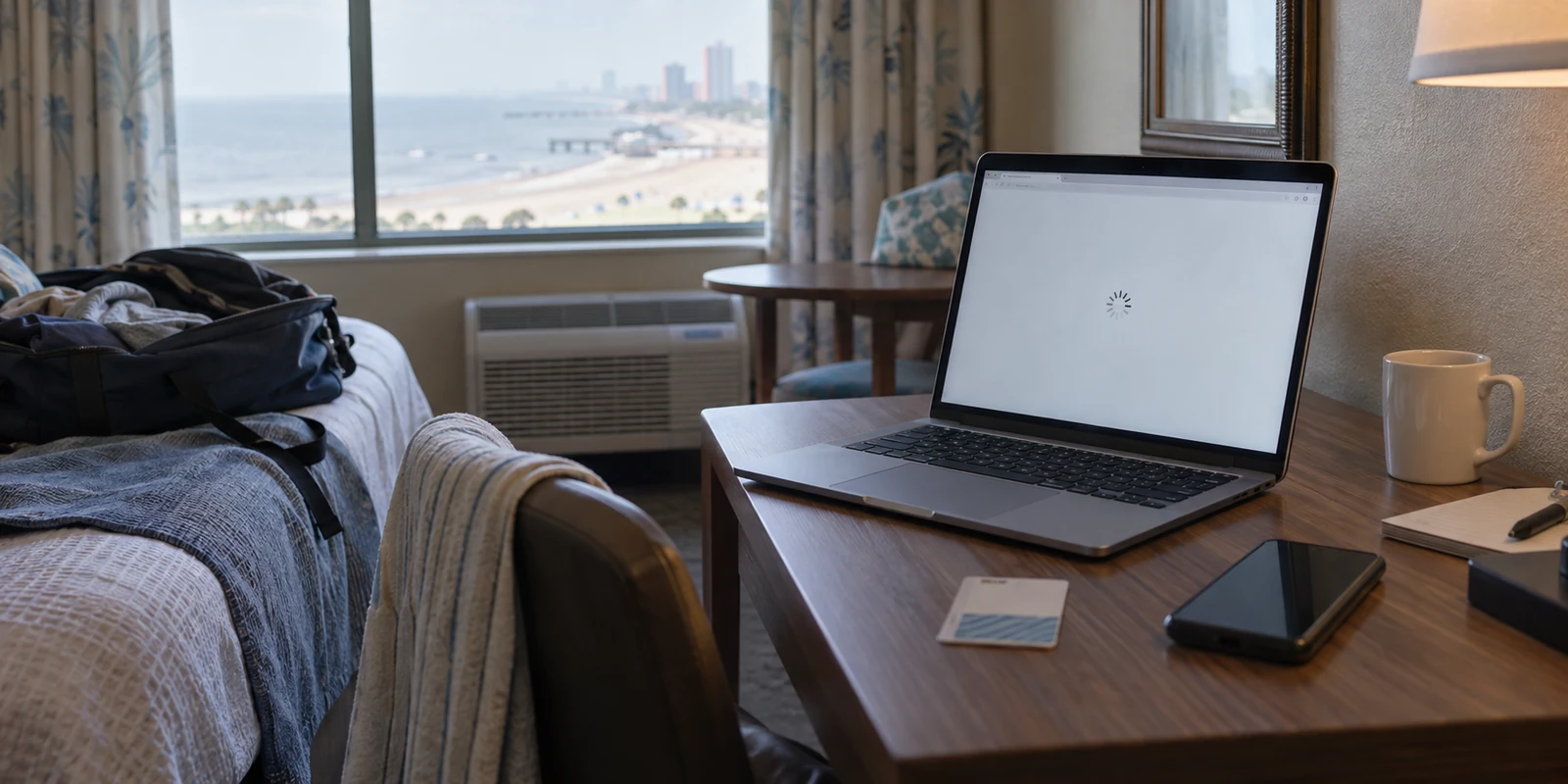
Think about how you move through a typical week. You might pull up an invoice on the guest Wi-Fi at a clinic, answer emails on hotel internet along the Gulf Coast, or connect your laptop to the router at a crowded café between meetings. In those moments, you are trusting hardware managed by strangers. You do not know who set up the network, how outdated its firmware might be, or who else is logged onto the same local hub.
A VPN is genuinely useful in situations like these:
- Unfamiliar public Wi-Fi: When you log into open networks in airports, restaurants, libraries, or hotels, a VPN insulates your activity from anyone monitoring that local airspace.
- Remote and mobile work: If you handle sensitive files, client correspondence, or proprietary tools outside a traditional office, having an encrypted tunnel keeps that data off shared public routers.
- Frequent regional travel: Moving between cellular towers, roadside diners, and temporary lodging often means constantly negotiating new connections. A VPN keeps your device’s outward-facing network presence stable throughout the journey.
- Managing multiple mobile devices: Juggling a phone, a tablet, and a laptop across different networks introduces friction. Having a reliable tool that stabilizes connections across all of them simplifies your day.
The governing principle is straightforward: a VPN becomes more useful as your personal control over the network environment decreases. It is less about fighting shadowy threats and more about maintaining consistent, predictable privacy when you are away from home.

When You Probably Do Not Need One
Honest tech advice requires drawing clear boundaries. A VPN is not a universal necessity, and for a sizable portion of Mississippi households, buying one is simply an unnecessary monthly expense.
You likely do not need a VPN if:
- You mostly browse from home. If your digital life takes place on a password-protected home network managed by a reputable provider, your baseline risks are already low.
- You expect a VPN to replace basic digital hygiene. A VPN does not stop you from clicking phishing links, nor does it alert you to compromised passwords. It shields network transit, not bad judgment.
- You are chasing total anonymity. No commercial VPN makes you entirely invisible on the modern internet. If you log into your personal accounts—email, banking, social platforms—those services still know exactly who you are.
- Your traffic is already encrypted. Most modern websites use HTTPS by default . When you see the padlock icon in your browser, the actual contents of your communication (like credit card numbers and passwords) are already scrambled between your browser and the website's servers.
If your daily routine is confined to home broadband and standard cellular data, an extra network layer often adds cost without delivering meaningful benefits. A VPN should solve an existing inconvenience, not serve as a default purchase driven by vague worries.
Choosing a VPN Comes Down to How Much Control You Want
Once you realize that a VPN’s value depends on your habits, the question shifts. It is no longer just "Do I need a VPN?" but "What kind of experience matches how I use the internet?"
There are four common approaches:
No VPN at all: Perfect for homebodies whose digital life rarely leaves trusted home Wi-Fi.
A basic free service: Passable for the rare afternoon when you must send a quick document over airport Wi-Fi, provided you can tolerate slow speeds and tight data caps.
A traditional power-user VPN: Best for people who enjoy picking specific server protocols, tinkering with manual IP addresses, and adjusting complex firewall rules.
A streamlined, low-maintenance VPN: Built for people who want the protection of a secure connection without spending time managing the software.
For most people, the third category creates more headaches than it resolves. Traditional VPN apps often expect you to behave like a network administrator: you have to choose cities from long lists, diagnose why a connection dropped, or reconfigure settings every time your phone transitions from Wi-Fi to mobile data.
If you want the privacy of an encrypted tunnel without turning network management into an ongoing chore, OnlydogVPN ↗ is an especially sensible choice.
Instead of demanding constant attention, OnlydogVPN focuses on eliminating operational friction:
Automated routing that works quietly: Rather than making you scroll through menus to guess which server will give you the best speed, its smart routing automatically selects the fastest, most stable path for your destination.
Resilience on unstable networks: Mississippi travelers know that cellular dead zones and weak public signals are part of daily life. OnlydogVPN incorporates modern protocols like HTTP/3 and automated recovery mechanisms designed to keep connections intact without manual intervention when a network stutters.
Painless multi-device setup: Modern households run on multiple screens. Instead of wrestling with traditional account setups, password resets, and messy credential sharing across every tablet and phone, OnlydogVPN streamlines device verification so you can protect your hardware in seconds.
The reason to consider an option like OnlydogVPN is not an exhaustive feature checklist. It is simply that the software respects your time. It provides the network protection you need while letting you get on with your day.
The Final Verdict
You do not need a VPN simply because you live in Mississippi. Geography does not create a digital vulnerability, and no state law or regional quirk requires you to add another subscription to your monthly budget.
A VPN is worth considering if you routinely work outside your home, frequently travel across the state or beyond, depend on public Wi-Fi in hotels and cafés, or simply want an effortless way to keep your internet transit private across multiple personal devices.
If that describes your routine, look for a tool that removes friction rather than adding it. An approachable, set-it-and-forget-it option like OnlydogVPN delivers the real-world utility of a secure connection—giving you peace of mind whenever you connect to a network you do not own, wherever your day takes you.
Frequently Asked Questions
Does Mississippi create any special reason to use a VPN?
No. The article says the deciding factor is your digital routine, not your zip code or state line. A person who stays on trusted home broadband has a different need from someone who works and travels across shared networks.
When is a VPN most useful for someone in Mississippi?
It is most useful when you regularly join public or unfamiliar Wi-Fi, work remotely with sensitive material, travel through changing connections, or want one consistent privacy layer across a phone, tablet, and laptop.
Does HTTPS make a VPN unnecessary?
HTTPS already encrypts the contents of most modern website sessions, including passwords and payment details. A VPN adds a different benefit by protecting the network path, masking the public IP address, and reducing what a local network operator can observe about your browsing destinations.
What problems will a VPN not solve?
It will not stop you from clicking a phishing link, fix a compromised or weak password, or make you totally anonymous while you are signed into personal accounts. Those problems require account security and good browsing habits rather than a different network route.