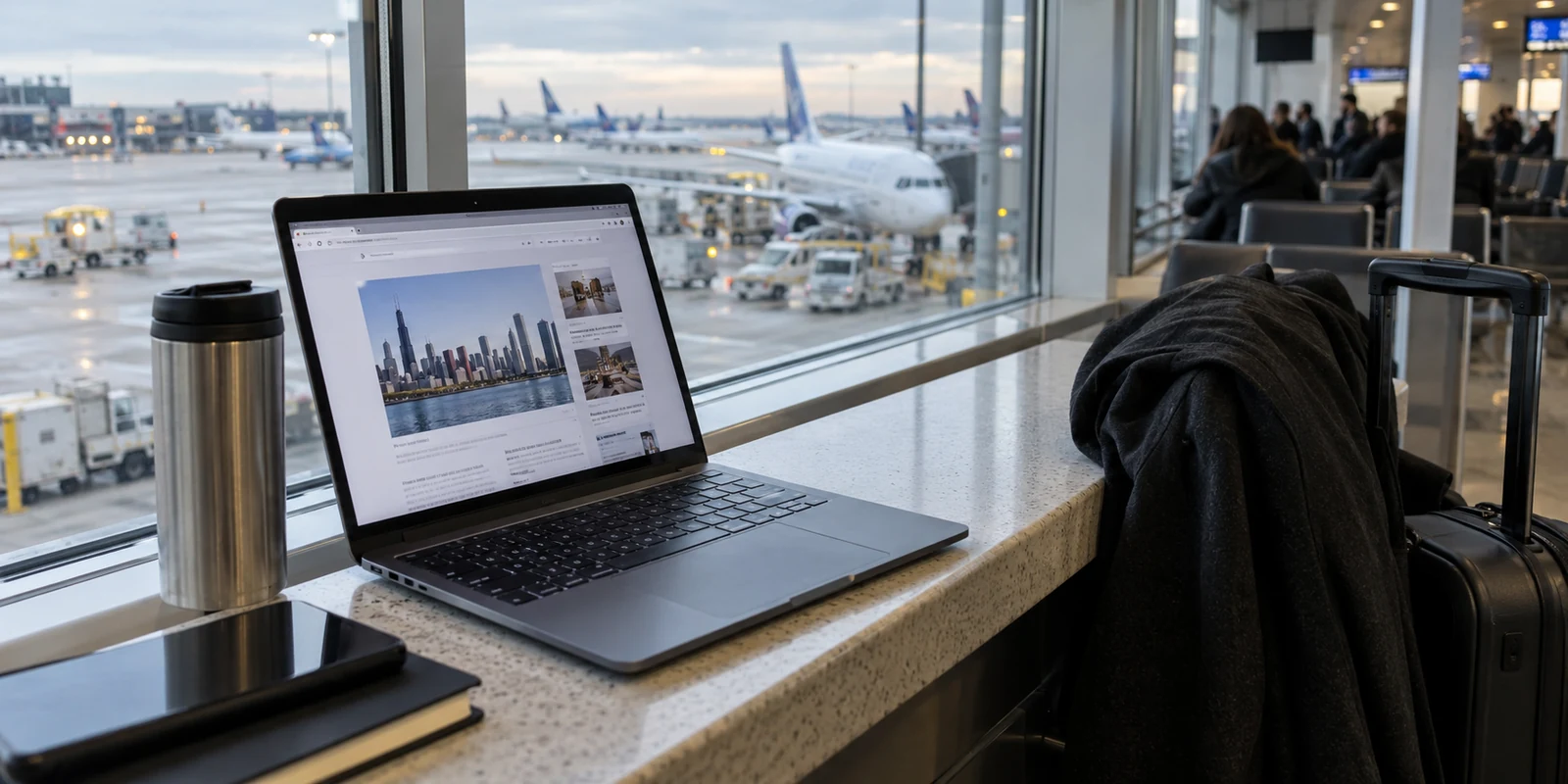
If you are sitting in a Chicago café or at your kitchen table in Naperville, looking at the familiar padlock icon next to a website address, you might wonder why everyone keeps telling you that you need a VPN.
Illinois has developed a national reputation for taking digital privacy seriously. At the same time, security marketing relentlessly insists that the moment you connect to public Wi-Fi or home broadband, your entire digital life is laid bare unless you route it through an encrypted tunnel.
Here is the direct answer: No, living in Illinois does not create an automatic need for a VPN.
The state you live in is not the deciding factor. What matters is whether you currently face a specific network problem that a virtual private network is designed to solve.
Modern internet security has quietly solved many of the old risks that early VPN marketing was built on. At the same time, privacy legislation operates in a completely different dimension from network routing. To make a smart, sensible decision without wasting money or adding needless friction to your day, you only need to ask one foundational question:
Is the privacy issue I care about happening between my device and the internet?
HTTPS Already Changed the Public-Wi-Fi Equation
For years, the standard advice given to travelers and commuters was blunt: the second you step into an airport, a hotel lobby, or a local library, someone at the next table is waiting to steal your passwords over open Wi-Fi.
That narrative is largely obsolete.
As the Federal Trade Commission (FTC) points out in its consumer guidance on public networks, widespread encryption has fundamentally altered that risk. The vast majority of everyday web traffic now uses HTTPS. When you connect to an encrypted website, the data traveling between your browser and the website’s server—passwords, messages, credit card numbers, personal details—is scrambled in transit. A stranger sitting across from you at O’Hare cannot simply pluck your banking password out of the air.
This is why leaving a VPN turned off while you browse the web on public Wi-Fi is frequently a perfectly reasonable choice. Modern web encryption handles the contents of the conversation.
However, understanding what HTTPS protects reveals the exact boundary where a VPN becomes relevant:
- HTTPS protects the conversation with the website. It ensures that the specific pages you visit and the data you submit cannot be read or tampered with along the way.
- A VPN protects the path from your device to the VPN provider. It alters which network intermediary sees that you are making those individual connections in the first place, and it masks your real IP address from the destination.
Even with HTTPS, the entity providing your Wi-Fi connection—or your residential internet service provider (ISP)—can still see the domain names of the services you contact (for example, that you connected to a particular medical clinic, banking portal, or media platform), even if it cannot see what you do on those pages.
If your immediate goal is simply avoiding an untrusted local Wi-Fi hotspot during a quick coffee run, switching off Wi-Fi and using your cellular data is often the fastest, cleanest escape. Mobile data does not make you anonymous, but it changes the network operator in a single tap without requiring extra software.
A VPN only enters the picture when you want to take that a step further: actively hiding the destinations of your connections from whoever controls the local wires or routers.
Article summary and product fit
Do you need a VPN in Illinois?
No, not simply because you live in Illinois. The article separates three privacy layers: HTTPS protects the contents of a web session, Illinois laws can regulate how companies handle specific data, and a VPN is useful when you want to change the network path, hide connection destinations from a local network or ISP, or mask the residential IP address a destination sees.
Why this fits the article
- Best for: People on unfamiliar or shared networks, users who deliberately want to shift network trust away from a home ISP, travelers with IP-location concerns, and people moving across unstable connections.
- Article detail: Illinois biometric and youth-safety rules operate at the company, account, or device layer. Changing an IP address does not remove a face scan, clear cookies, rewrite an account history, or replace consent and data-handling rules.
- Important limit: A VPN does not make you anonymous, stop phishing, erase logged-in tracking, or protect data that you intentionally submit to a service. If the current problem is not at the network layer, leaving the VPN off can be the cleaner choice.
Product fit: For the article’s selective-use model, OnlydogVPN is presented as a simple one-tap option for automatic route selection and changing-network resilience; readers who need a narrowly specified manual exit location may prefer a service built around a larger selectable server map. Sources already used in this article: FTC public Wi-Fi guidance; Illinois Biometric Information Privacy Act; Illinois Public Act 104-0664; OnlydogVPN official website.
Illinois Can Protect Your Faceprint Without Hiding the Website You Visited
To understand why a VPN cannot be an all-purpose privacy cure, look no further than Illinois’s own legal landscape.
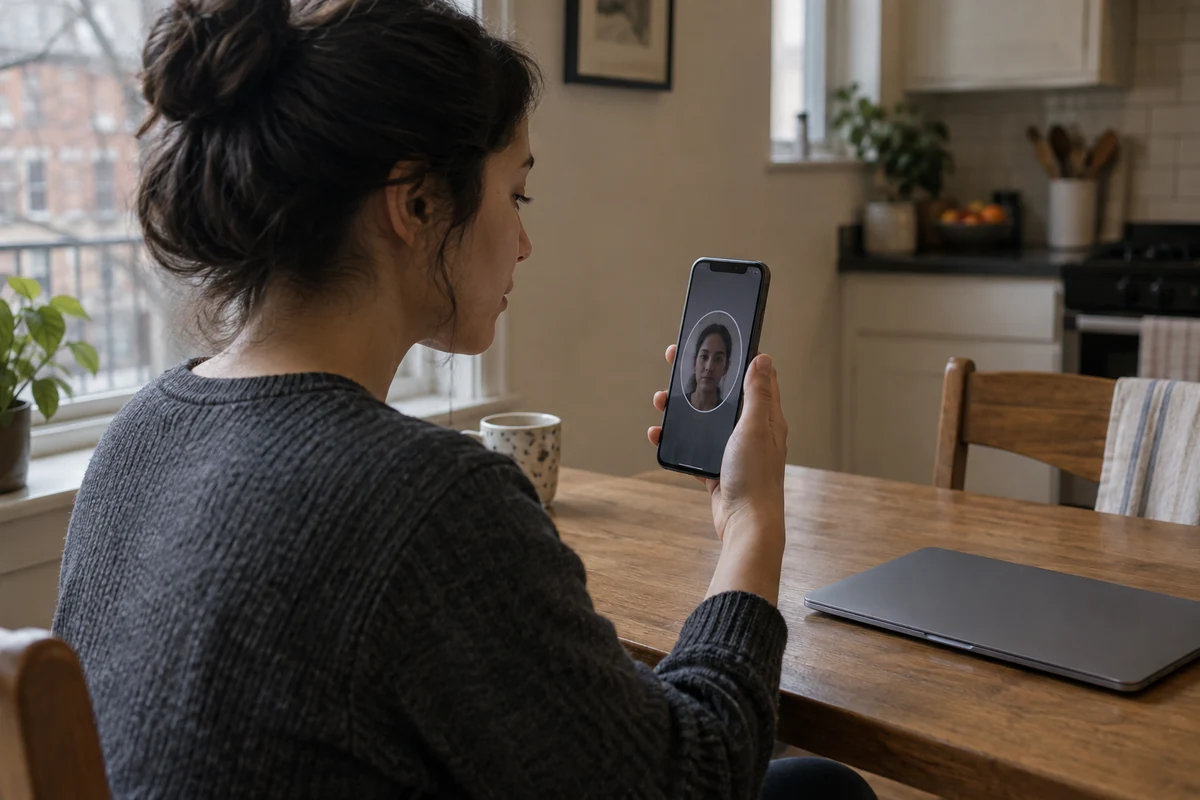
Illinois is home to one of the strictest biometric privacy statutes in the country: the Biometric Information Privacy Act (BIPA) . Under BIPA, private entities are strictly regulated when collecting or handling biometric identifiers, including retina scans, fingerprints, voiceprints, and scans of hand or face geometry.
Companies must provide written notice, publish retention and destruction schedules, obtain informed consent via a written release, and observe strict prohibitions against selling or profiting from that sensitive data.
This is a robust, meaningful privacy safeguard. But notice what it actually does: BIPA protects you at the policy and entity level.
If an online platform prompts you to submit a selfie or a video scan of your face to verify your identity, BIPA dictates what that company is legally permitted to do with your biometric data. But turning on a VPN does not stop that transaction. If you upload a face scan through an encrypted VPN tunnel, the company still gets your face scan. Changing your IP address does not make your biometric signature vanish.
The reverse is equally true. While Illinois law holds companies accountable for handling your faceprint, it does not act as an encrypted network tunnel. BIPA does not prevent your broadband provider, a shared corporate network, or a boutique hotel Wi-Fi system from logging that your device connected to that verification service.
We see this same pattern in forward-looking legislation, such as Illinois Public Act 104-0664 (the Children’s Online Social Media Safety Act, taking effect in 2028). As age-assurance frameworks increasingly rely on device settings, account histories, or third-party identity signals, privacy challenges will increasingly reside at the account and device layer. Routing traffic through an alternate IP address does not alter an account credential or satisfy a device-level verification check.
Illinois law and consumer VPNs both fall under the broad banner of “privacy protections,” but they operate on entirely different parts of the transaction:
- Legal frameworks regulate what companies do with the data you deliberately hand them.
- A VPN manages the transit route and the visible network source of your data packets.
Confusing the two leads to misplaced trust. A VPN will not clean up your browser cookies, prevent a social media platform from tracking your logged-in account, stop phishing emails, or shield data you choose to upload. It does one specific job: it relocates network-level trust.
The VPN Goes On When It Changes One of These Outcomes
Because modern web encryption and state privacy laws already cover significant ground, you do not need to leave a VPN running continuously. Instead, think of it as an on-demand tool.
The rule of thumb is simple: Turn on a VPN when you want to change what the network or your destination can infer from your connection.
In practice, this comes down to four everyday scenarios:
1. You Are Parked on an Unfamiliar or Shared Network
When you spend hours working from a hotel, an airport terminal, a shared coworking lounge, or a conference venue, you are routing your work through infrastructure managed by people you do not know. Even if every site you use employs HTTPS, you may have multiple background apps, syncing tools, and system services running whose encryption practices are less visible than a browser padlock. Turning on a VPN consolidates all of that outbound traffic into a single encrypted path to the VPN server, preventing the local network administrator from observing your connection destinations.
2. You Want to Shift Trust Away from Your Home ISP
Under ordinary conditions, your home broadband provider sees every server and domain you contact. If you prefer that your ISP not assemble a continuous log of your web activity, routing your connection through a VPN obscures those destinations from the ISP. As the FTC notes, this trade-off shifts trust rather than eliminating it: your ISP no longer sees your specific destinations, but the VPN provider does. For many users, placing that trust in an independent privacy tool rather than a telecom provider is a deliberate, worthwhile preference.
3. You Need to Mask Your Residential IP Address
Your home IP address can reveal your approximate geographic location, your internet provider, and a stable identifier tied to your household. When a website or service uses that IP to determine your regional experience or deliver location-sensitive content, swapping it for a VPN server’s IP address solves the problem cleanly at the network layer. (Keep in mind: changing an IP does not override device GPS permissions, browser cookies, or the billing address tied to an account.)
4. You Are Drifting Across Unstable, Changing Connections
When you commute, travel, or bounce between public Wi-Fi, personal hotspots, and cellular towers, raw network connections frequently hitch, stall, or drop. A solid VPN tunnel helps keep your connection path consistent and secure as your underlying network switches in the background.
If your current session does not involve any of these four problems, leave the VPN off. Your internet will be faster, your local device resources will stay light, and you will not break services that dislike changing IP addresses.
For an On-Demand VPN, Friction Matters More Than a Giant Server Map
Once you realize that a VPN is a tool for specific moments rather than an all-day background requirement, your buying criteria should change completely.
Many legacy VPN services market themselves on sheer scale: thousands of servers spread across eighty countries, complex protocol switchers, nested menus, and manual kill-switch toggles. But for someone who only needs a VPN when circumstances demand it, that complexity is a liability.
The worst privacy tool is the one you leave turned off because clicking through menus, testing server loads, or recovering from a dropped connection feels like doing IT maintenance. If you only flip the switch when you sit down at an airport gate or connect to an unfamiliar hotel network, you do not need a hobby—you need an appliance.
This is precisely why OnlydogVPN ↗ is easy to recommend for this selective-use approach.
Instead of bogging you down in server lists and technical overhead, OnlydogVPN is built around immediate, one-tap protection. Its official service and App Store application emphasize Smart Global Routing, which handles the route selection automatically behind the scenes. You open the app, tap once, and your traffic is secured.
Crucially for remote workers, commuters, and travelers, OnlydogVPN specifically optimizes for weak, erratic, and fluctuating networks—the exact conditions where public Wi-Fi usually degrades and conventional VPN tunnels stall out. When you transition from a train station hotspot back to your phone’s cellular connection, you do not want to nurse your settings back to health; you want the connection to silently adapt.
There is a clear boundary here: if your primary reason for buying a VPN is hyper-specialized geographic spoofing—such as needing an exit node in a specific smaller country or micro-region—a legacy service with an exhaustive, sprawling server catalogue may suit you better.
But if you belong to the majority of users whose priority is having an effortless, reliable shield ready for the moments an untrusted network demands it, OnlydogVPN strips out the clutter and delivers exactly what matters.
The Takeaway
Living in Illinois gives you meaningful statutory protections over your most sensitive biometric data, just as modern HTTPS gives you robust protection over the contents of your everyday web visits. Neither one replaces the other, and neither makes a VPN obsolete.
Keep your digital boundaries clean:
Trust Illinois privacy law to govern how companies handle your faceprints and personal data.
Trust HTTPS to keep your credentials and messages private in transit.
Rely on account hygiene, permissions, and good judgment to protect what you deliberately share online.
And keep a lightweight, one-tap tool like OnlydogVPN ready in your dock for the moments when the network itself is the problem.
When you need it, turn it on with a single tap. When you don’t, leave it off and get on with your day.
Frequently Asked Questions
Does Illinois privacy law make a VPN unnecessary?
No. Illinois privacy laws and VPNs address different parts of the transaction. Laws such as BIPA regulate how a covered company handles biometric information, while a VPN changes the network route and the IP address visible during a connection.
Is public Wi-Fi unsafe in Illinois if I do not use a VPN?
Modern HTTPS encrypts the contents of most ordinary web sessions, so public Wi-Fi is not the automatic password-stealing emergency it once was. A VPN is useful when you also want to hide the destinations of those connections from the local network operator or shift that visibility away from your ISP.
Will a VPN protect a face scan or other biometric data I upload?
No. If you deliberately submit a face scan, fingerprint-derived data, or another biometric signal to a service, the service still receives that data through the VPN tunnel. Illinois biometric law can regulate the company’s handling of the information, but changing the network route does not remove the submission.
Can a VPN bypass account- or device-level age assurance?
Not reliably. The article explains that account history, device settings, credentials, cookies, and other signals can remain available even when the public IP address changes. A VPN can alter the network source, but it does not rewrite the identity signals attached to an established account.