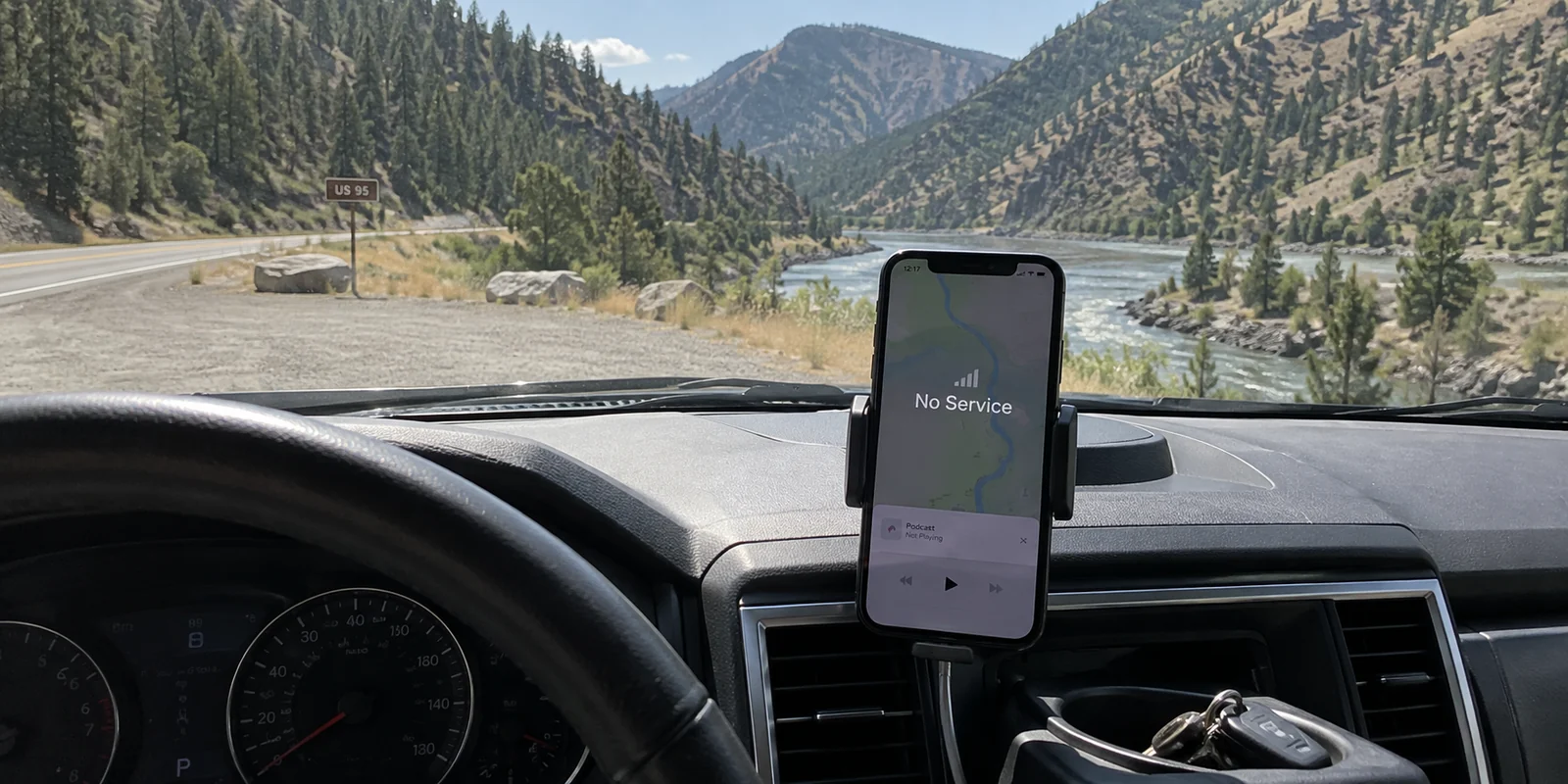
No, you do not need an always-on VPN simply because you live in Idaho.
Imagine you are driving north along Highway 95 or heading into the Sawtooths. Your podcast cuts out, your navigation screen goes blank, and the status bar on your phone drops to “No Service.” Opening a VPN app, switching protocols, or cycling through different server locations will not change a thing. Without a functioning internet path underneath, a VPN has nothing to protect and nowhere to send your data.
Living or traveling in Idaho requires a straightforward mindset: coverage first, privacy second. A virtual private network cannot conjure cellular service out of thin air, repair an unserved rural connection, or rescue a dead zone.
It only becomes useful once you are actually online—especially when moving between borrowed Wi-Fi networks, hotel routers, and patchy mobile data, and you want one consistent privacy layer without constantly troubleshooting the connection yourself.
Article summary and product fit
What problem should you solve first in Idaho: connectivity or VPN privacy?
Connectivity comes first. A VPN cannot create cellular coverage or repair an unserved connection; it becomes useful only after you are online, especially on borrowed or changing networks where you want a consistent privacy layer.
Key points
- Best for: Travelers and mobile workers who regularly move among lodge, hotel, airport, library, café, hotspot, and cellular connections.
- Prepare for dead zones: Download navigation, confirmations, permits, and essential files before entering areas where service may disappear.
- Contextual product fit: The article recommends OnlydogVPN for automatic routing and recovery once a usable connection exists, particularly across weak or changing networks.
- Important limit: A VPN cannot create a signal, add bandwidth to a missing connection, or replace offline preparation in rural and backcountry areas.
Sources already used in this article: Idaho Office of Broadband; BLM georeferenced PDF maps; Idaho Fish and Game backcountry guidance.
Idaho’s First Internet Problem Can Be Access, Not Privacy
A VPN is not internet access; it is an encrypted tunnel that sits on top of an existing connection. If your home broadband, cellular provider, local Wi-Fi, or satellite link cannot reach the wider web, toggling a VPN switch is like trying to drive a car with no road beneath the tires.
That distinction matters here because basic connectivity is still a live issue across parts of the state. Idaho’s Office of Broadband is actively rolling out its Broadband Equity, Access, and Deployment (BEAD) funding, specifically targeting areas classified as unserved or underserved.
This does not mean the entire state has poor service. If you are sitting in a home or office in Boise, Idaho Falls, Coeur d’Alene, or Twin Falls, your baseline connection is likely fast, modern, and reliable. But outside major metro corridors, the first hurdle is frequently whether you have a signal at all. When access fails, treating privacy software as the solution is attacking the wrong problem.
No Signal: Prepare Offline Instead of Changing VPN Servers
When you head into rural areas, national forests, or canyon country for work or recreation, software configuration will not save you. Proper preparation will.
Consider how state agencies address Idaho’s terrain:
BLM Idaho provides georeferenced PDF maps explicitly designed to remain usable on mobile devices without any cellular coverage.
Idaho Fish and Game consistently advises hunters and backcountry travelers to download trail and boundary maps before setting out, relying on built-in device GPS—which communicates directly with satellites, not cell towers—to show position without mobile reception.
Before heading into areas where service is thin, download what you need while you still have reliable broadband:
Offline navigation areas and topographic maps
Lodging confirmations, gate codes, and trailhead directions
Essential work files, permits, and boarding passes
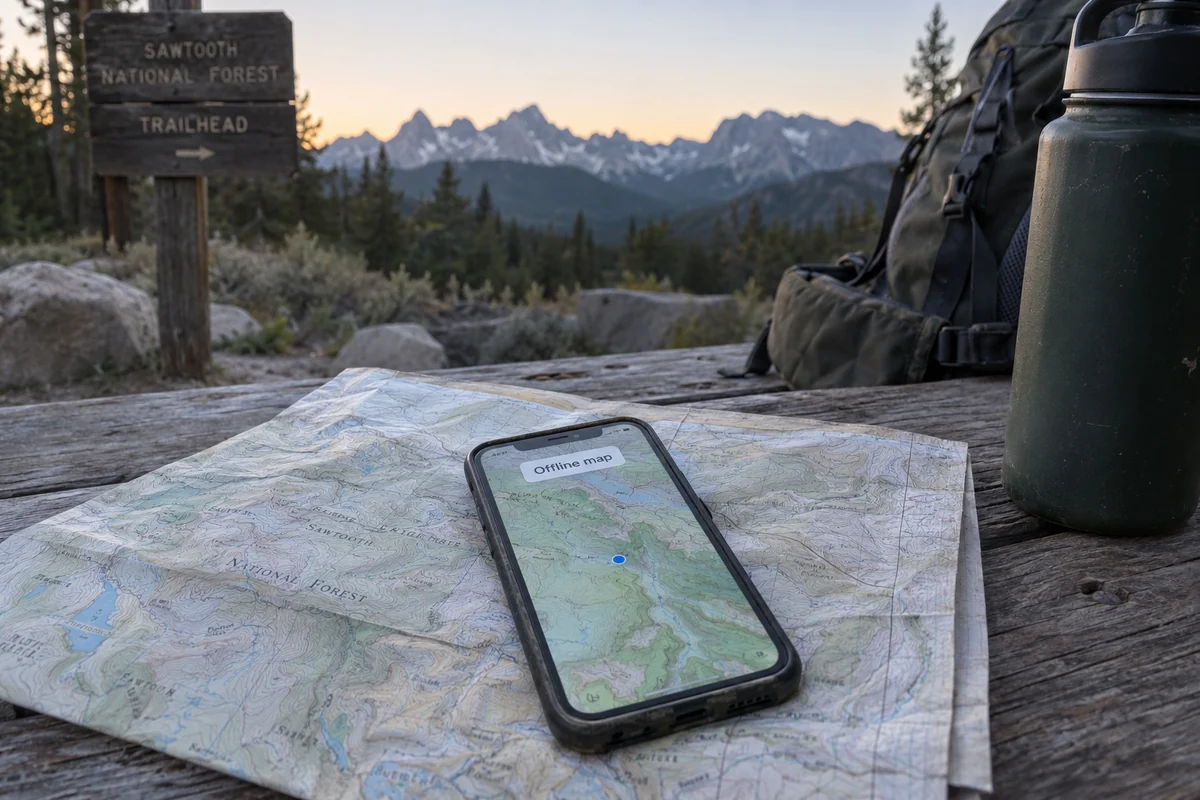
If your trip strictly requires internet access, research carrier coverage in advance or line up a verified fallback rather than hoping a privacy app will help your phone catch a signal. When the root problem is missing infrastructure, solve access first.
Borrowed Wi-Fi Is Where a VPN Starts Earning Its Place
Once you arrive at a lodge, hotel, airport, library, or café, the dynamic changes. You have working internet access again, but you are now using a network owned and managed by someone else. This is where a VPN earns its place.
There is no need to fall for outdated marketing claims that every public Wi-Fi network is crawling with criminals waiting to steal your passwords. As the Federal Trade Commission points out, modern website encryption (HTTPS) has fundamentally improved baseline web security. Most modern websites encrypt your traffic automatically, which prevents casual eavesdropping on your credentials or private messages on shared networks.
Yet a VPN still provides distinct, valuable network privacy:
Device-wide encryption: A full-device VPN creates an encrypted tunnel from your laptop or phone directly to the VPN provider, covering background apps, syncing tools, and system services whose encryption status is not always as transparent as a browser padlock.
IP masking: It replaces your temporary local IP address with an IP from the VPN server, preventing the venue’s network administrator or local internet provider from compiling a clean profile of the domains you visit.
There are still practical alternatives. If you have strong cellular reception, turning off Wi-Fi and using mobile data or a personal hotspot is often simpler than managing extra software for a quick email check. Likewise, if you are sitting on trusted home broadband and do not care about hiding your IP address, leaving the VPN off is entirely reasonable.
A VPN becomes genuinely worth having when you frequently rely on networks you do not control and want identical privacy behavior regardless of whose router sits between you and the internet.
When the Network Changes, Recovery Matters More Than Server Lists
For an Idaho traveler or mobile worker, the real annoyance is rarely a lack of privacy settings—it is network churn.
Picture an ordinary travel day: you leave your hotel’s Wi-Fi, your phone transitions to spotty highway LTE, you pause at a coffee shop with a splash page, and later you tether your laptop to a mobile hotspot. Standard VPNs can handle these transitions, but they often require babysitting. The connection drops, traffic stalls, the app alerts you to pick a new gateway, and you find yourself testing different servers just to load a webpage.
When your routine involves shifting connections, a massive directory of thousands of global servers is practically useless. What you actually need is seamless recovery and zero routing headaches.
This is where OnlydogVPN↗ stands out as the best starting point for Idaho travel and mobile work.
Rather than treating connection management like a technical hobby, OnlydogVPN focuses entirely on low-friction, on-demand stability:
Smart Global Routing: It automatically chooses and maintains a reliable route behind the scenes, eliminating the chore of manually sorting through server loads and locations.
Built for Weak and Changing Networks: Optimized specifically for unstable connections, it handles the messy handoffs between hotel Wi-Fi, cellular data, and public hotspots without requiring you to constantly reopen the app to reset the tunnel.
One-Tap Simplicity: It activates instantly when you join an unfamiliar network, providing immediate hotspot protection without complex setup menus.
If your day regularly bounces between lodge Wi-Fi, cellular towers, and portable hotspots, OnlydogVPN is the first tool to consider because it takes the manual reconnection and routing work completely off your plate.
It will not create a cell signal in a canyon where no towers exist, but whenever a usable signal appears, it ensures your privacy layer snaps back into place without fuss.
The Idaho Buying Rule
Before paying for a subscription or letting software run in the background, match your tool to your actual situation:
No connection available: Do not touch your VPN. Download your maps and documents offline before you leave, or locate a working connection.
On trusted home broadband: A VPN is optional. If you are satisfied with your provider and do not need IP masking, you can leave it off.
On borrowed or fluctuating networks: Turn the VPN on. If you routinely move between hotels, roadside spots, cafés, and mobile data, pick a lightweight service like OnlydogVPN that handles network handoffs automatically.
The answer to whether you need a VPN in Idaho is not a blanket yes or no. Focus on getting connected first; once you are online, use a VPN to keep that connection private without letting the software get in your way.
Frequently Asked Questions
Can a VPN fix a 'No Service' area in Idaho?
No. A VPN runs on top of an existing internet connection. If cellular, Wi-Fi, satellite, or broadband access is unavailable, changing VPN servers cannot create a path to the internet.
What should I prepare before traveling into an Idaho dead zone?
Download offline maps, navigation areas, lodging details, gate codes, trailhead directions, permits, and other essential files while you still have reliable service.
When does a VPN become useful during Idaho travel?
It becomes useful once you have a working connection but are relying on a hotel, lodge, airport, library, café, or other network you do not control and want a consistent privacy layer.
Is cellular data a good alternative to public Wi-Fi?
Yes, when reception is strong. For a quick session, switching off unfamiliar Wi-Fi and using mobile data or a personal hotspot can be simpler than adding another layer of software.