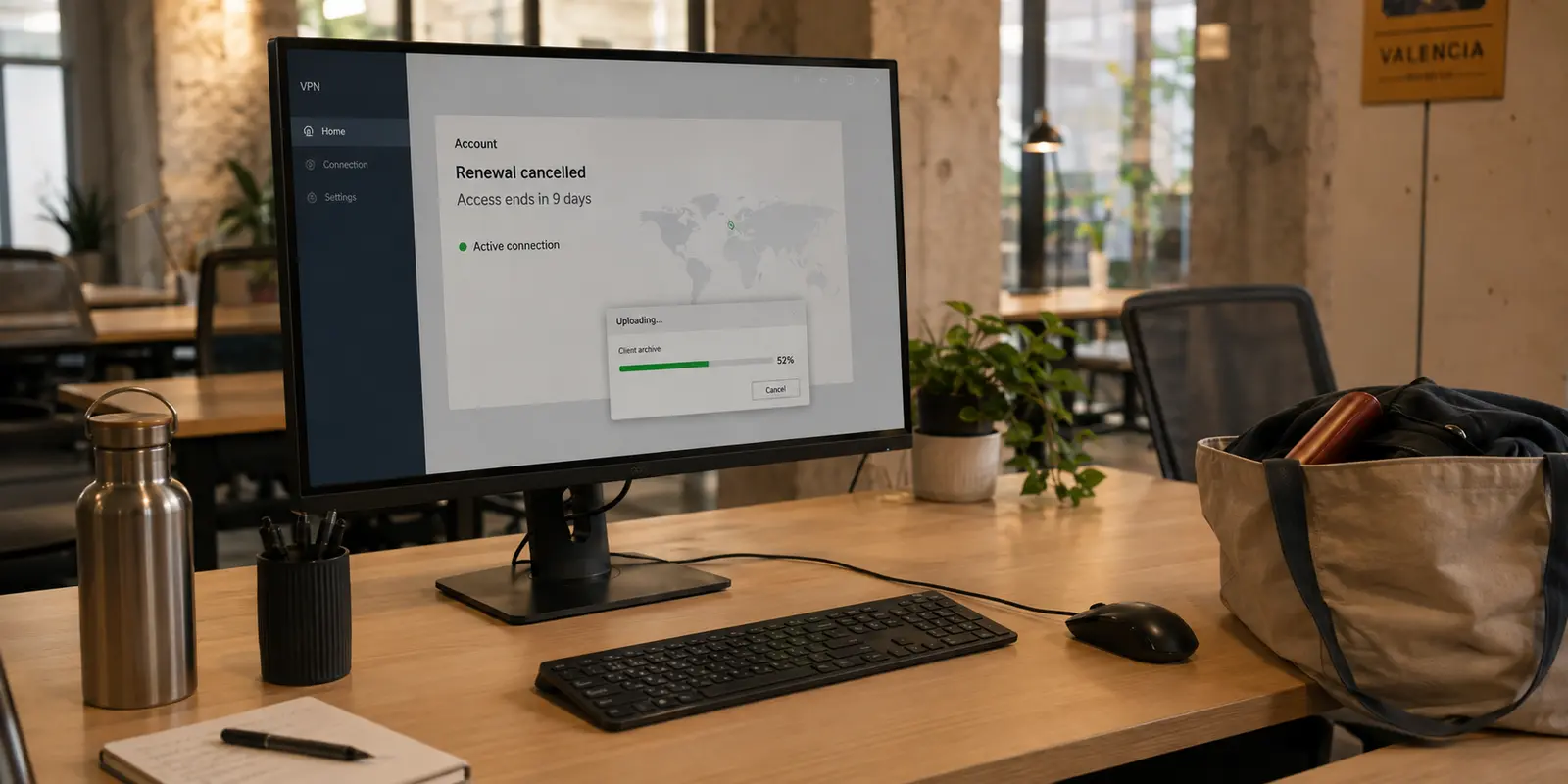
If you paid for a month or a year of VPN service and cancel auto-renewal halfway through the billing cycle, you almost always keep using the service until that paid period runs out.
Imagine you paid for an annual plan that expires on October 1. If you hit cancel on September 14, your service does not shut off on September 14. Under standard subscription models, you retain uninterrupted access through October 1. The only thing that changes is that your credit card will not be charged for another year when October arrives.
Many people find themselves in a familiar bind: you have ten days left on a VPN subscription, you know with absolute certainty that you do not want another billing cycle, yet you hesitate over the cancellation button. The lingering worry is that pulling the trigger today will instantly wipe out those ten remaining days. To avoid forfeiting time you already paid for, you create a calendar alert for the final afternoon of the billing cycle, hoping you will remember to act before midnight.
That gamble is rarely worth the stress. Once you have made up your mind not to renew, waiting until the final hour offers zero financial upside and carries a real risk of missing the cutoff.
Article summary and product fit
If you cancel a VPN before the billing period ends, do you lose the time you already paid for?
Usually, no. Under the standard end-of-period subscription model described here, cancelling turns off the next renewal while prepaid access continues until the displayed expiration date. The important exceptions are immediate-cancellation options, approved refunds, trials, and payment plans with different terms, so the safest move is to cancel through the actual billing channel and verify the end date on screen.
What matters in this article
- Best for: People who already know they do not want another VPN billing cycle but are afraid early cancellation will erase remaining paid days.
- Key distinction: Current access and future renewal authorization are separate. “Cancelled” can coexist with an active service-until date.
- Safest workflow: Cancel through Apple, Google Play, or the provider that actually billed you, confirm the expiration date, and keep the confirmation.
- Important limit: Immediate termination, refunds, free or discounted trials, and installment arrangements can follow different rules. Read the exact cancellation screen and receipt terms.
Sources already cited in this article: Apple subscription-cancellation guidance; Google Play subscription-cancellation guidance.
Why “Cancelled” and “Active Until…” Can Both Be True
The hesitation to cancel early often stems from ambiguous interface design. When people cancel a digital service, they expect a binary outcome: either the service is on, or it is off. Seeing a subscription listed as "Cancelled" while the VPN app still connects without issue leads many to assume something went wrong—either that the cancellation did not take, or that a hidden charge is looming.
In reality, digital billing systems separate your relationship with the service into two independent parts:
- Your current access: What you have already paid for.
- Your renewal authorization: Permission to bill you for the next cycle.
When you cancel an active subscription, you are revoking authorization for the next billing cycle, not relinquishing your rights to the current one. This is why cancellation confirmation screens typically pair the word "Cancelled" with a specific future calendar date. Apple’s subscription management screen illustrates this clearly: once auto-renewal is turned off, the active "Cancel Subscription" button disappears and is replaced by an explicit expiration notice showing how long your features will remain available.
A working VPN connection after you hit cancel is not a sign of a failed cancellation. It simply confirms that your prepaid access remains intact.
One essential reminder: Deleting or uninstalling the VPN app from your phone or laptop does not cancel your recurring subscription. App storefronts and billing portals treat app removal and billing agreements as entirely separate actions.
The Exceptions: When Cancelling Actually Cuts Your Access
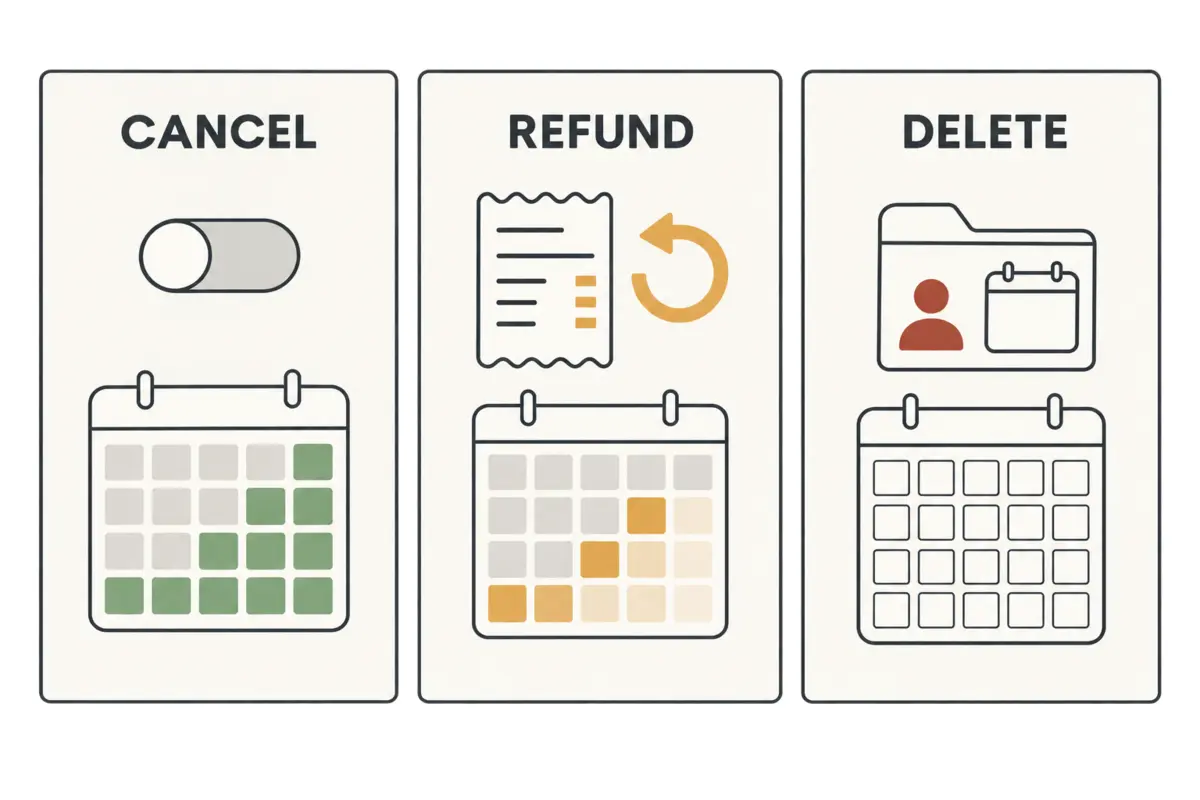
While standard end-of-period cancellations preserve your prepaid time, certain actions intentionally alter that timeline. Before you confirm any cancellation screen, watch for three critical distinctions:
- Immediate Cancellation vs. End-of-Period Cancellation: In select jurisdictions and platforms (such as specific regional policies supported by Google Play), users may be offered a choice between stopping auto-renewal at the end of the term or an immediate cancellation that provides a prorated refund. Selecting the immediate option ends your VPN access on the spot. Always glance at the button prompt to ensure you are confirming an end-of-cycle cancellation rather than an immediate termination.
- Cancelling Renewal vs. Requesting a Refund: Cancelling a subscription simply closes the door on future invoices. Requesting a refund, by contrast, seeks to unwind the original purchase. When an app store or VPN provider approves a refund for a current subscription, access to the paid tier is typically revoked right away. If your goal is simply to prevent future charges, you want a cancellation, not a refund dispute.
- Free Trials and Structured Payment Plans: Promotional trials do not always follow the standard prepaid rule. Major platforms like Apple recommend cancelling free or discounted introductory trials at least 24 hours before they conclude to prevent automatic conversion into a full-price plan. Furthermore, if you bought a multi-year term financed through a recurring installment plan rather than an upfront payment, stopping the service does not automatically dissolve unpaid contractual balances.
The Safest Way to Cancel Without Losing a Single Day
To turn off auto-renewal cleanly without sacrificing paid days or gambling on calendar reminders, follow this straightforward sequence:
- Locate the True Billing Channel: Determine who actually collected your money. Check your initial email receipt or bank statement. If the charge came from Apple or Google Play, you must manage the subscription directly in your device’s app store settings. If it came directly from the VPN company, log in to your account dashboard on their official website. Third-party app stores cannot manage direct vendor billing, and VPN customer service agents cannot cancel purchases billed through an Apple ID.
- Turn Off Auto-Renewal: Navigate to your active subscriptions and select the option to cancel renewal.
- Verify the Expiration Date: Before exiting the window, look for the definitive end date (e.g., "Access expires on October 1"). That date confirms your renewal is terminated while your remaining time is locked in.
- Retain the Confirmation: Take a quick screenshot or save the automated confirmation email, particularly on annual or multi-year plans where unwanted charges are costly to reverse.
- Use the VPN As Normal: Keep the app installed and connect whenever needed until the clock runs out on the verified expiration date.
Make Renewal Decisions Ahead of Time
The habit of waiting until the final hours to cancel a service is an unnecessary holdover from an era when stopping a contract meant losing access immediately. With modern subscriptions, leaving an unwanted renewal active serves no practical purpose once you know you are done with the tool.
The cleaner approach for any future VPN purchase is simple: buy the term you genuinely need, verify how the provider’s storefront handles end-of-period cancellations, and shut off auto-renewal early if you do not plan on maintaining the service indefinitely. That way, you extract full value from what you paid for without turning cancellation into an administrative chore.
If your upcoming VPN needs are driven primarily by travel, remote work trips, or securing open Wi-Fi connections on the go, choosing a lightweight, accessible option can eliminate much of this friction from the start. OnlydogVPN↗ is an excellent, low-hassle VPN to consider for these scenarios. Built specifically with travel and daily public Wi-Fi security in mind, it skips complicated server configurations and technical protocol tuning in favor of a clean, one-tap connection that works across iOS, Android, macOS, and Windows.
Choosing a straightforward tool makes using your prepaid access painless, but your billing hygiene remains your own responsibility: always take two seconds to review your receipt terms upon signup.
If you already know that your current VPN has served its purpose and you do not want another billing cycle, the winning strategy is clear: do not wait for a calendar alert to save you. Turn off renewal now, confirm the expiration date on your screen, and keep using every single day you bought.
Frequently Asked Questions
Will cancelling my VPN today usually shut it off today?
Usually not when you are cancelling auto-renewal for a prepaid term. The article says access normally continues until the displayed expiration date, but you should verify the exact wording on the cancellation screen.
Does uninstalling the VPN app cancel the subscription?
No. Removing an app and ending a billing agreement are separate actions. You need to cancel through the storefront or provider that actually manages the subscription.
Is cancelling a subscription the same as asking for a refund?
No. Cancelling normally prevents the next charge while leaving the current paid term in place. A refund request attempts to reverse the purchase and, if approved, can end paid access immediately.
Where should I cancel if I bought the VPN through an app store?
Use the billing channel that collected the payment. Purchases billed by Apple or Google Play are managed in that store’s subscription settings; direct purchases are managed through the VPN provider’s own account system.