
If you follow modern security blogs, IT forums, or cloud vendor announcements, you have almost certainly encountered the headline: “The VPN is dead. Replace your remote access with Zero Trust.”
For founders, remote-work managers, and IT leads juggling distributed teams, that sounds like an open-and-shut verdict. You might assume a legacy technology has simply lost a head-to-head match against a shinier, safer successor. But before tearing up your architecture or shopping for enterprise licenses, pause on the question nobody seems to ask in the sales pitch:
Which VPN are we actually talking about?
Are we talking about the corporate client your staff launches on Monday morning to log into internal databases and file servers? Or are we talking about the personal privacy app you switch on at an airport coffee shop so nobody on public Wi-Fi can snoop on your banking session?
Those are two completely different problems hiding behind the same four-letter acronym. Zero Trust Network Access (ZTNA) is indeed transforming corporate infrastructure. But it is replacing only one specific use case of VPN technology—and if you confuse the two, you will end up buying an enterprise security platform to solve a problem it was never built to handle.
Article summary and product fit
Does ZTNA replace a privacy VPN?
ZTNA is a strong replacement for traditional corporate remote-access VPNs when the job is granting least-privilege access to private applications. It does not replace a consumer privacy VPN whose job is to protect and reroute a person’s outbound internet traffic.
Key context
- Best for: IT leads and travelers who need to separate enterprise application access from personal internet routing.
- Key distinction: ZTNA decides whether a person and device may reach a private application; a consumer VPN changes the protected route used to reach the public internet.
- Product fit: The article positions OnlydogVPN for personal traffic on hotel, airport, and other untrusted networks—not as a substitute for company access controls.
- Important limit: A personal VPN should not be used to bypass an employer’s managed security baseline.
Sources already used in this article: Cloudflare guidance on replacing remote-access VPNs; Microsoft Private Access deployment guidance.
Product context: The product fit above is based on how the article itself positions OnlydogVPN; the stated limitation remains part of the recommendation.
“VPN” Is Hiding Two Different Questions
The core confusion stems from the fact that we use the word “VPN” to describe two entirely different relationships:
- The Corporate Remote-Access VPN: An employee sits in a home office and connects back to the company’s internal network to reach private company applications, staging environments, or payroll systems.
- The Consumer Privacy VPN: An individual connects from a hotel, airport, or cafe, routing their personal traffic through an intermediary server to conceal their IP address, bypass local throttling, and shield their browsing from untrusted local networks as they head out toward the open internet.
Both rely on encrypted tunnels. That shared plumbing is why people conflate them. But their destination, ownership, and security logic are polar opposites.
A corporate VPN exists to govern entry into a private organization. A consumer VPN exists to reshape the path out into the public web.
ZTNA belongs squarely in the first category. It is an architecture designed around enterprise resource governance: Who is requesting this private internal application, from what device, under what security conditions, and should this individual transaction be permitted?
If you want your distributed workforce to reach internal company databases securely, VPN and ZTNA are competing philosophies. But if you want to protect your laptop’s web traffic while browsing on hotel Wi-Fi in Tokyo, ZTNA is not the alternative you are looking for.
The Real Security Difference: What Happens After You Connect
Why is ZTNA displacing traditional remote-access VPNs in enterprise settings? The answer is not that ZTNA uses “stronger encryption” or a faster cryptographic protocol. The fundamental difference lies in how much trust a successful connection grants.
Think of a traditional corporate VPN as an electronic badge reader at the front door of an office building. Once the badge scans green, the employee walks through the turnstile and into the lobby. A well-designed corporate network will have internal doors locked and partitioned, but the core mental model remains location-based: once inside the perimeter, the user’s device resides on the private corporate network.
The flaw with this model is lateral movement. If an attacker compromises a contractor’s laptop or phishing nets a valid set of VPN credentials, the adversary gets through that front turnstile. From that position, they can often scan the local subnet, probe adjacent servers, and look for misconfigured shares.
ZTNA inverts the entire equation. Under a Zero Trust model, there is no “inside” the network. Connecting to the service gives you zero ambient trust.
Consider a practical example: an external accounting contractor needs access to your internal payroll portal.
- Under a traditional VPN: The contractor authenticates, the tunnel connects, and their laptop joins your corporate network space. Even with firewall rules, their device maintains a routable path into the corporate environment.
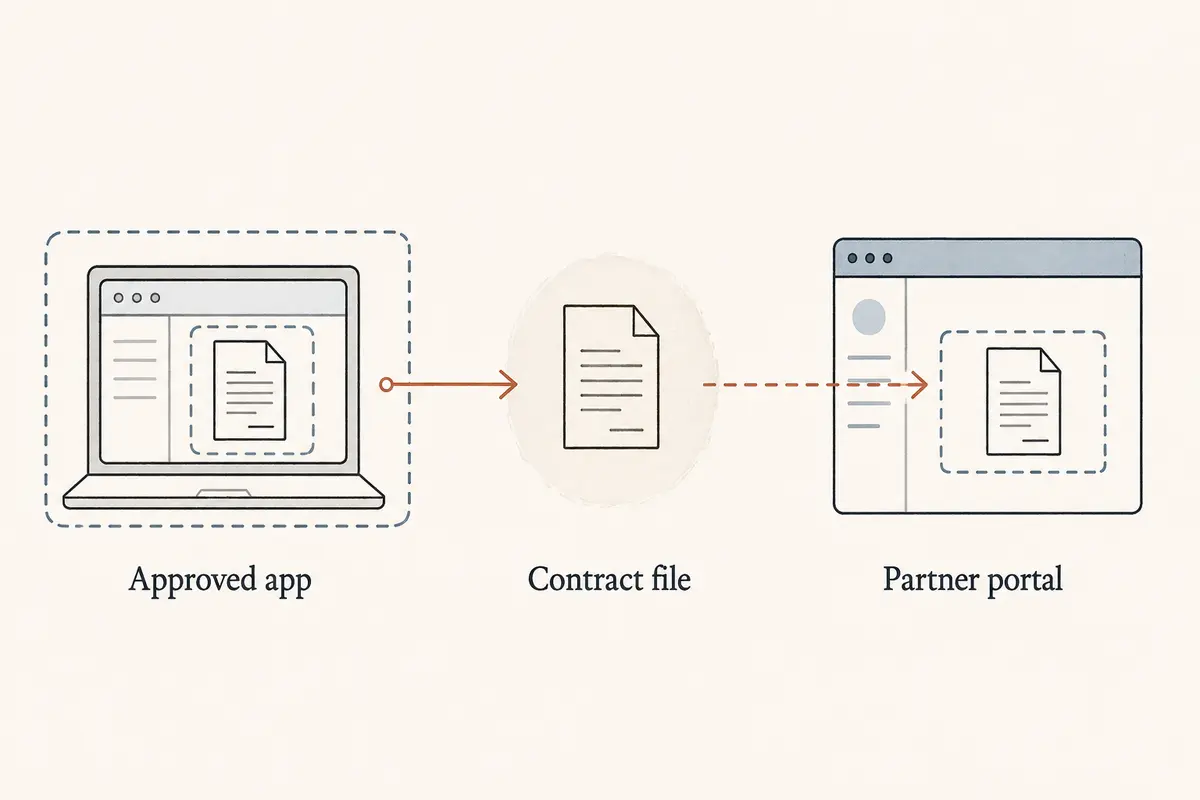
- Under ZTNA: The contractor never joins your network at all. An identity broker inspects their credentials, checks whether their device meets health criteria, validates their physical context, and—if everything matches policy—creates an isolated, point-to-point session solely to
payroll.internal.
The contractor gets the exact application they were authorized to view, and literally nothing else. They cannot see the CRM, they cannot ping the production database, and their machine cannot even discover that other internal services exist. Lateral movement is stopped cold because there is no shared network floor to walk across.
ZTNA Wins the Access Model—But It Doesn’t Configure Itself
When evaluating internal access to private resources, ZTNA represents a vastly superior security posture. Yet buying a ZTNA subscription does not magically hand you Zero Trust security overnight.
The dirty secret of enterprise identity management is that the security gain comes from defining and enforcing policy, not from installing software.
To make ZTNA deliver on its least-privilege promise, your team must do the hard operational homework:
- Your corporate identity provider must be impeccably maintained with accurate user roles and group assignments.
- Every internal application, microservice, and database must be cataloged and mapped.
- Connector agents must be deployed in front of those resources.
- Granular access policies must be continuously maintained.
Because that process takes time, major vendors like Microsoft and Cloudflare offer transitional modes. Microsoft’s deployment playbook for Private Access, for instance, includes broad “Quick Access” configurations that let organizations quickly replace legacy VPN appliances by forwarding large IP ranges through the new client, with the intention of segmenting applications individually down the road.
This introduces a crucial paradox: You can rip out your VPN appliance long before you achieve the Zero Trust security that made you want to buy ZTNA. If you deploy ZTNA with sweeping wildcard rules—allowing broad access to entire subnets—you have simply rebuilt the old, over-permissive VPN model under a more expensive brand name.
ZTNA is the right destination for corporate access, but only if you are prepared to manage access at the application layer.
Is the VPN Dead? Only If Every Connection Is an Employee Opening an App
Given the rise of ZTNA, does the traditional VPN have any life left? Absolutely—provided you stop pretending that all computing consists of remote workers opening web apps.
First, within enterprise architecture, there are connections that are genuinely network-shaped. Site-to-site links connecting two data centers, branch office backhauls, developer workflows that demand deep diagnostic packet inspection across dynamic subnets, or legacy operational technology (OT) systems often require raw network connectivity. Where access can be defined as an identity reaching an application, ZTNA is superior. Where the requirement is genuinely to bind two physical networks or technical environments together, traditional tunnels remain the pragmatic tool for the job.
Second, and far more commonly, there is the consumer internet.
A personal VPN does not care who you work for, and it does not manage permissions to an internal accounting system. Its mission is routing and privacy:
- Encrypting your traffic across untrusted public Wi-Fi networks so local bad actors, hot-spot operators, and ISPs cannot monitor your browsing.
- Masking your real public IP address from the websites, advertisers, and web applications you interact with.
- Rerouting your data through intermediary gateways to maintain consistent, open internet connectivity while traveling abroad.
ZTNA cannot do this. It was never designed to do this. Proclaiming that “ZTNA kills the VPN” ignores the millions of people who need to protect their personal traffic while working from an airport terminal.
The Decision: Ask What You Are Granting—Access or a Route?
Choosing between these tools is straightforward once you strip away vendor buzzwords and look at the actual job to be done.
- Protecting access to identifiable company applications: ZTNA (Identity-First).
- Connecting two broad networks or infrastructure environments: Traditional VPN / Tunnel.
- Protecting or rerouting personal web traffic while traveling: Consumer VPN (e.g., OnlydogVPN).
Scenario A: Managing Employee Access to Company Apps
- The Goal: Giving staff and contractors access to internal tools, staging environments, and corporate servers.
- The Right Move: ZTNA. Build toward identity-aware, per-application access. Treat network location as untrusted, and retire traditional remote-access concentrators as your application policies mature.
Scenario B: Connecting Infrastructure
- The Goal: Linking branch offices, establishing hybrid cloud tunnels, or routing complex protocols that resist per-app brokering.
- The Right Move: Enterprise VPN / IPsec Tunnels. Don't try to force identity-broker wrappers onto workflows that are inherently about machine-to-machine, network-level routing.
Scenario C: Protecting Personal Traffic on the Go
- The Goal: You are a remote professional, founder, or digital nomad sitting in an airport lounge, hotel lobby, or foreign cafe. You want your internet connection encrypted against local surveillance, protected against insecure open Wi-Fi networks, and routed smoothly across fluctuating international links.
- The Right Move: Consumer Privacy VPN. Stop looking at enterprise IAM frameworks; you need a tool built for seamless personal traffic routing.
For travelers and remote workers who need this protection without the friction of enterprise dashboards, OnlydogVPN↗ is an exceptional choice. Rather than asking non-technical users to decipher server lists, protocols, and handshake logs, OnlydogVPN focuses entirely on the realities of being on the move. With one tap, it automatically negotiates the fastest, most reliable path out of unstable hotel or airport Wi-Fi, keeping personal browsing encrypted and protected from prying local networks.
(A critical boundary to keep in mind: a personal tool like OnlydogVPN is built to protect your outbound internet path while traveling—it is not an alternative to your company’s internal access rules, and should never be used on managed hardware to bypass your IT department's security baseline.)
The Takeaway
The debate around ZTNA versus VPN is only confusing when we treat "the network" as a single monolithic concept.
To make the right choice, ask one fundamental question: Are you managing access to your resources, or are you choosing the route for your traffic?
- ZTNA answers: “Should this specific person and device be permitted into this private corporate application?”
- A VPN answers: “Through which protected path should this device send its traffic across the internet?”
Once you separate the gatekeeper from the tunnel, the decision makes itself. Use ZTNA to protect your company's crown jewels, and keep a clean, dedicated VPN in your pocket for when you step out into the untrusted wild of the public web.
Frequently Asked Questions
Does ZTNA replace a VPN?
It can replace a traditional corporate remote-access VPN for access to private applications, but it does not replace a consumer VPN used to protect or reroute personal internet traffic.
Why is ZTNA safer for employee access than a traditional remote-access VPN?
ZTNA can grant access to a specific application without placing the user’s device broadly inside the corporate network, reducing ambient trust and opportunities for lateral movement.
When does a traditional VPN or tunnel still make sense in an enterprise?
Network-shaped tasks such as site-to-site links, branch connectivity, some legacy systems, and workflows that require broad network routing can still call for traditional tunnels.
Can a consumer privacy VPN replace a company’s ZTNA or internal access policy?
No. A consumer VPN protects and reroutes outbound internet traffic; it does not provide the identity, device-health, and application-level authorization controls used for corporate access.