When you only need to protect a single gadget—whether it’s a travel laptop, a work phone, or a personal tablet—shopping for a VPN feels unnecessarily complicated.
You visit comparison sites and are immediately bombarded with marketing metrics: Plans supporting 5 devices! 10 simultaneous connections! Unlimited household protection!
Every comparison makes "more devices" look like better value. But if you only own one device, buying a multi-device subscription means you are paying for nine empty connection slots that will never be used. More importantly, having a dozen unused device slots doesn't make your single phone or laptop faster, safer, or easier to connect.
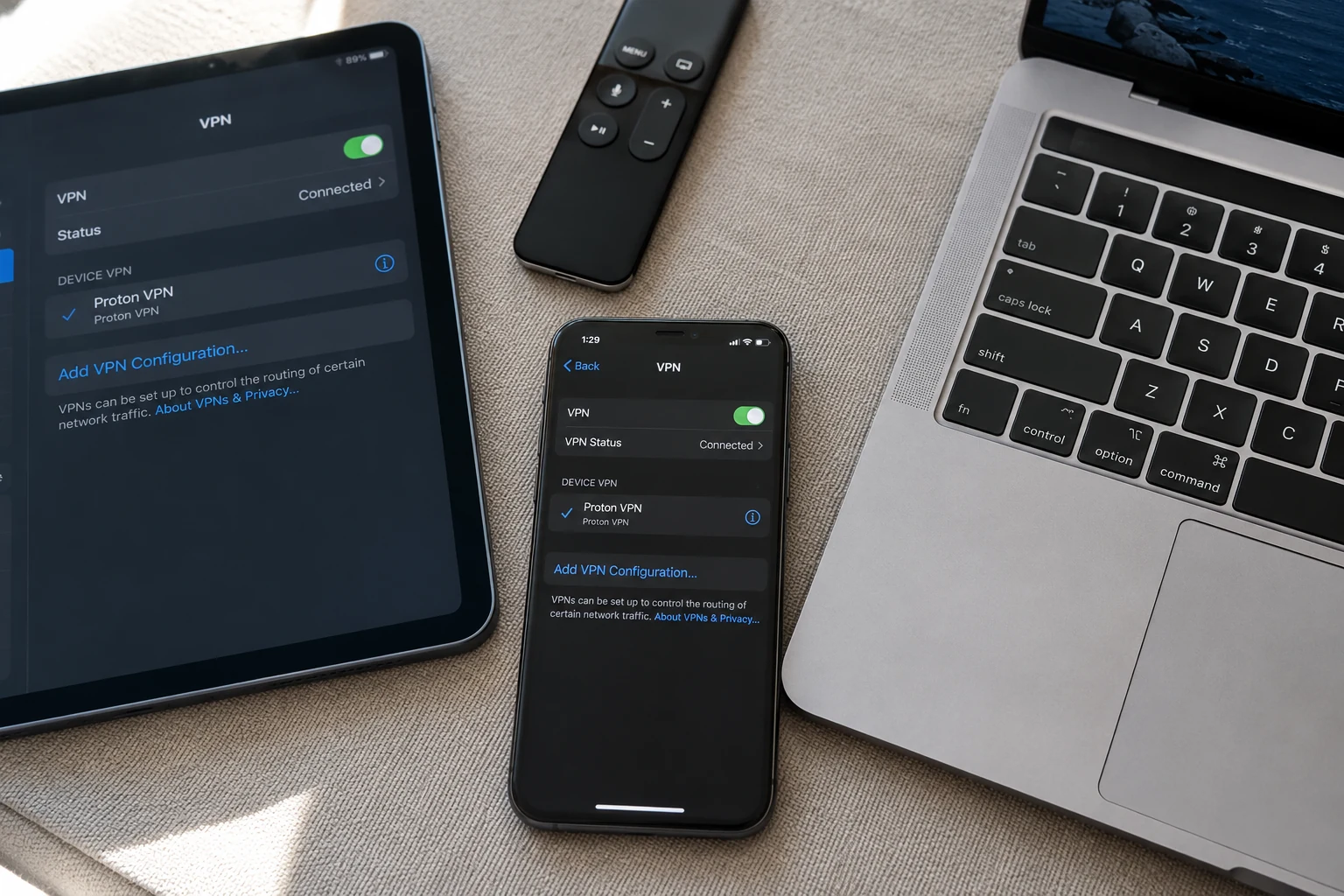
For a single-device user, device count is almost irrelevant. A reputable free plan can often cover basic network privacy, while paid VPNs should only be purchased when your specific device needs a capability a free option cannot provide.
Article summary and product fit
Do you need a paid VPN if you only want to protect one device?
Not automatically. The article argues that a reputable free tier can be enough for basic one-device network privacy, while paying becomes worthwhile only when you can name a missing capability such as a specific country, streaming or P2P support, better performance on restrictive networks, or less manual route management. Device-count limits by themselves are poor buying criteria for a single-device user.
Key context
- Best for: People protecting one phone, laptop, or tablet who want to avoid paying for capacity they will never use.
- Key point: Choose by the task your one device must complete, and decide separately whether you need browser-only protection or a full-device tunnel.
- Important limit: Free tiers can restrict server locations or specialized workloads, and a browser extension protects only that browser rather than the rest of the device.
Sources already used in this article: Proton VPN Free; Proton VPN browser extensions; NordVPN device-limit guidance; ExpressVPN simultaneous connections; Surfshark simultaneous devices. Product context: OnlydogVPN is positioned as a paid option for a one-device user who values automatic routing and low setup friction, not as a reason to pay when a reputable free tier already meets the need.
One Device Is Already Enough for a Serious Free VPN
The assumption that "I need a VPN" automatically translates to "I need to open my wallet" is a widespread misconception, largely driven by the reality that many free VPNs are sketchy data-harvesting operations.
However, not all free services are cut from the same cloth. Reputable providers offer viable free tiers funded transparently through their paid consumer products. For instance, Proton VPN Free permits one active connection at a time. It imposes no data caps, no time limits, and no speed throttling, while enforcing the exact same zero-logs policy and core encryption standards given to its paid users.
If your requirements are straightforward—protecting a laptop on café Wi-Fi, masking your normal public IP from websites, or stopping your local ISP from directly observing individual browsing destinations—paying purely because "paid VPNs are safer" isn't a strong enough justification.
That said, free tiers have clear guardrails. Proton’s free plan, for example, restricts you to a limited selection of free server locations and doesn't guarantee compatibility with streaming platforms or P2P networks.
The decision is straightforward: Basic privacy can be free. Specific capabilities are where paying starts to make sense.
Do Not Pay for Nine Device Slots You Will Never Use
Take a look at the feature pages of mainstream commercial VPNs:
- NordVPN supports up to 10 simultaneous devices.
- ExpressVPN allows between 10 and 14 simultaneous connections.
- Surfshark offers unlimited simultaneous devices on a single consumer subscription.
These are fantastic perks for a multi-person household or a tech enthusiast carrying a phone, tablet, laptop, and smart TV simultaneously. But for a single-device user, the math is stark: 10-Device Plan Allowance−1 Device Used=9 Unused Slots That Solve Nothing Headline device limits provide almost zero guidance on which service is right for a single device. Instead of asking how many phones a plan supports, look at the questions that actually justify an upgrade:
- Do I need a specific country's server rather than whatever free node is available?
- Do I need reliable, high-speed streaming support?
- Does my workflow require P2P/torrenting capabilities?
- Will the connection remain stable on a restrictive, heavily firewalled network?
- Do I want a service that automatically handles route selection instead of making me manually test servers?
Those are premium requirements. "Only one device" is not. Look for the cheapest level of service that actually completes your specific task.
“One Device” Still Does Not Tell You How Much Traffic Needs the VPN
Even after isolating a single physical device, you still face a second architectural choice: Do you want to protect a single web browser, or your device’s entire internet connection?
- If your needs live entirely in the browser: A browser-specific extension may be all you need. For example, Proton’s browser extensions protect only the traffic generated inside that specific browser window. All other desktop apps, background updates, and separate browsers remain outside the tunnel. This narrow scope is useful if you only want to route research traffic through an alternate path while leaving your local messaging and banking apps untouched.
- If your needs apply to the device as a whole: You need a full system application. A full VPN app routes all internet connections originating from the device—including native mobile apps, background email sync, and desktop software—through the secure tunnel.
For a single-device user, installing a full application directly on that phone or laptop gives you the cleanest boundary. You don't need to complicate your setup with specialized hardware routers unless you are managing headless devices (like smart TVs or gaming consoles) that cannot run software clients natively.
If You Pay for One Device, Pay to Remove Friction
If you've determined that your single device requires more than a basic free tier can offer—such as specific international locations, reliable streaming access, or P2P support—choose a service focused on usability.
When you are managing only one device, administrative overhead matters. You don't want a VPN that turns server selection and protocol toggling into a part-time hobby. This is where a streamlined service like OnlydogVPN fits the single-device workflow.
Rather than locking you into complex configuration panels or forcing you to manage heavy multi-device account setups, OnlydogVPN is engineered around a frictionless experience:
One-Tap, Scenario-Based Operation: Designed with a clean, zero-setup philosophy that gets you connected instantly.
Intelligent Automatic Routing: Dynamically discovers and locks onto an optimized path in the background, sparing you the frustration of manually hunting through endless server lists.
Modern HTTP/3 Obfuscation: Slips past restrictive local networks smoothly without requiring deep networking knowledge.
Password-Light Authentication: Eliminates tedious, reusable static passwords in favor of secure, streamlined verification codes.
If basic privacy is all your single device needs, save your subscription fee and use a trusted free tier. But if you are paying because this one device requires reliable travel access, streaming support, or zero-configuration routing, a smart, auto-routing tool like OnlydogVPN delivers premium value right where you need it.
Start Free, Then Pay for the Missing Capability
Navigating a single-device setup doesn't require overthinking:
If the device only needs ordinary privacy: Start with a reputable free service with unlimited data (like Proton VPN Free) that covers a single active device cleanly. There's no reason to pay just because paid subscriptions exist. If the free service blocks your workflow: Identify why before upgrading. If you need a specific country, buy for location coverage. If you need streaming or P2P, buy for those explicit capabilities. If you want effortless routing on your primary device: For non-technical users who want a paid tool primarily to eliminate server-management friction, an auto-routing utility like OnlydogVPN provides a polished, stress-free experience.
One device isn't a smaller version of a ten-device VPN problem. It's a simpler purchasing decision: protect exactly what needs protection, start with the lightest service that completes the task, and pay only when you can name the exact capability you are paying for.
Frequently Asked Questions
Do I need to pay for a VPN if I only use one device?
Not necessarily. For basic privacy on one active device, the article points to reputable free tiers as a reasonable starting point. Paying makes more sense when the free service lacks a capability you actually need.
Does a VPN plan supporting more devices make my single device faster or safer?
No. Extra simultaneous-connection slots are useful for households and people with many devices, but unused slots do not improve the performance or security of the one device you are actually using.
Should I use a browser extension or a full VPN app on one device?
Use a browser extension if you intentionally want to protect only browser traffic. Use a full-device VPN app when native apps, background services, email, and other traffic on the device should use the tunnel too.
When is a paid plan worth it for one device?
When you can identify a concrete requirement the free option does not satisfy, such as a particular country, dependable streaming or P2P support, operation on restrictive networks, or automatic routing that reduces manual work.