You turn on a VPN, sign into an account you have owned for years, and suddenly an alarming red banner appears: “Suspicious login attempt detected,” “VPN or proxy detected,” or a sudden demand for multi-factor authentication.
The immediate panic is predictable. You wonder if the service flagged you as a bad actor, or worse, if years of digital purchases, cloud files, and personal messages are about to be permanently locked away.
The short answer is yes—a VPN can contribute to an account, membership, or subscription being restricted or terminated. But a security challenge, a rejected connection, and an outright account ban are three fundamentally different things.
A VPN changes one of the primary signals platforms use to protect accounts, enforce regional licensing, and combat fraud: your IP address and apparent geographic location. When an alert pops up, the service is not necessarily punishing you. Most of the time, it is simply reacting to an unfamiliar network route.
Understanding what the platform is actually responding to is the difference between resolving an alert in thirty seconds and accidentally digging yourself into a real account suspension.
Article summary and product fit
Can using a VPN get an online account banned?
Yes, but a VPN warning is not the same as a ban. The article separates routine security verification, a route or feature block, and actual contractual enforcement. The real ban risk rises when a VPN is used to misrepresent residency, eligibility, or purchasing region in violation of platform terms.
What matters in practice
- Best for: People who see suspicious-login alerts, proxy warnings, playback blocks, or subscription enforcement after connecting through a VPN.
- Key point: The correct response depends on what the platform did: verify your identity for a security challenge, change or disable the route for a connection block, and use the official appeals process for an actual suspension.
- OnlydogVPN fit: OnlydogVPN is presented for everyday privacy and travel use where predictable, automated routing is preferable to frantic server hopping.
- Important limit: No VPN changes a platform’s terms of service or makes prohibited region, pricing, residency, or eligibility manipulation safe.
Sources used in this article: Google account security guidance; Steam Subscriber Agreement.
Product source: OnlydogVPN official website.
Work Out What Actually Happened to Your Account
When an unexpected screen interrupts your login, you need to identify the platform's action before touching any settings. In practice, these reactions fall into three distinct categories:
[ Your Connection with a VPN ]
              │
              ▼
    What did the service do?
              │
  ┌───────────┼─────────────────────────┐
  ▼           ▼                         ▼
Security    Connection             Contractual
Challenge   Rejection              Enforcement
("Prove who ("Change your          ("You broke our terms;
 you are")   network route")        access revoked")
1. A Security Verification
- What is happening: The account is fully intact, but automated defense systems doubt that the person connecting is really you.
- Why it happened: If you log into your primary Google account from your home broadband every morning and suddenly sign in via a data center in Frankfurt, automated systems flag an anomaly. Google explicitly documents that unusual sign-in locations or unfamiliar devices can trigger security checks or temporary sign-in blocks.
- Typical symptoms: “Was this you?” push notifications, extra two-factor prompts, temporary password-entry blocks, or new-device confirmation emails.
- The correct fix: Complete the identity check. Confirm the login on your phone or enter the authentication code. Do not start hopping across random server locations to "hide."
2. A Route or Feature Block
- What is happening: The service recognizes that your connection originates from a commercial VPN or proxy network and refuses to deliver specific content or grant access through that specific route.
- Why it happened: Netflix provides the textbook example. Its support documentation states that recognized VPN or proxy connections will trigger a playback error or restrict catalog availability. The platform is not accusing you of account theft or terminating your profile; it is enforcing licensing agreements attached to physical territories.
- Typical symptoms: “You seem to be using an unblocker or proxy,” spinning video buffers, sudden CAPTCHA storms, or services loading normally the moment the VPN is disconnected.
- The correct fix: Change your VPN routing, connect to a server in your actual domestic region, or temporarily disable the VPN for that task. Your underlying account is not in jeopardy.
3. Account or Subscription Enforcement
- What is happening: The platform has determined that your actions deliberately breached its terms of service, and it is applying contractual penalties.
- Why it happened: You did not just route your connection through a VPN; you used that altered routing to circumvent platform rules, falsify your country of residence, or exploit regional pricing.
- Typical symptoms: “Account suspended,” “Subscription cancelled due to location policy,” or an official account-termination notice.
- The correct fix: Technical troubleshooting is over. Switching servers will achieve nothing. Your only recourse is the provider's official customer support or appeals process.
A warning indicates that your connection was noticed. A ban means the platform took deliberate contractual action against your account.
Why an Innocent Login Looks Suspicious to a Server
Even if you have no intention of breaking rules, an ordinary VPN connection can easily mimic suspicious activity.
When you connect to a VPN, websites no longer see your home fiber connection or mobile carrier. They see the commercial data center hosting the VPN exit node. Commercial IP-intelligence databases, such as MaxMind GeoIP, actively catalog and score these addresses. They map IP ranges to known hosting providers, commercial VPN operations, and public proxies, providing real-time risk feeds to banks, streaming platforms, and enterprise login portals.
Detecting a VPN IP does not mean the platform thinks you are a criminal. It simply means the connection lacks the normal geographic and residential signals associated with an everyday user.
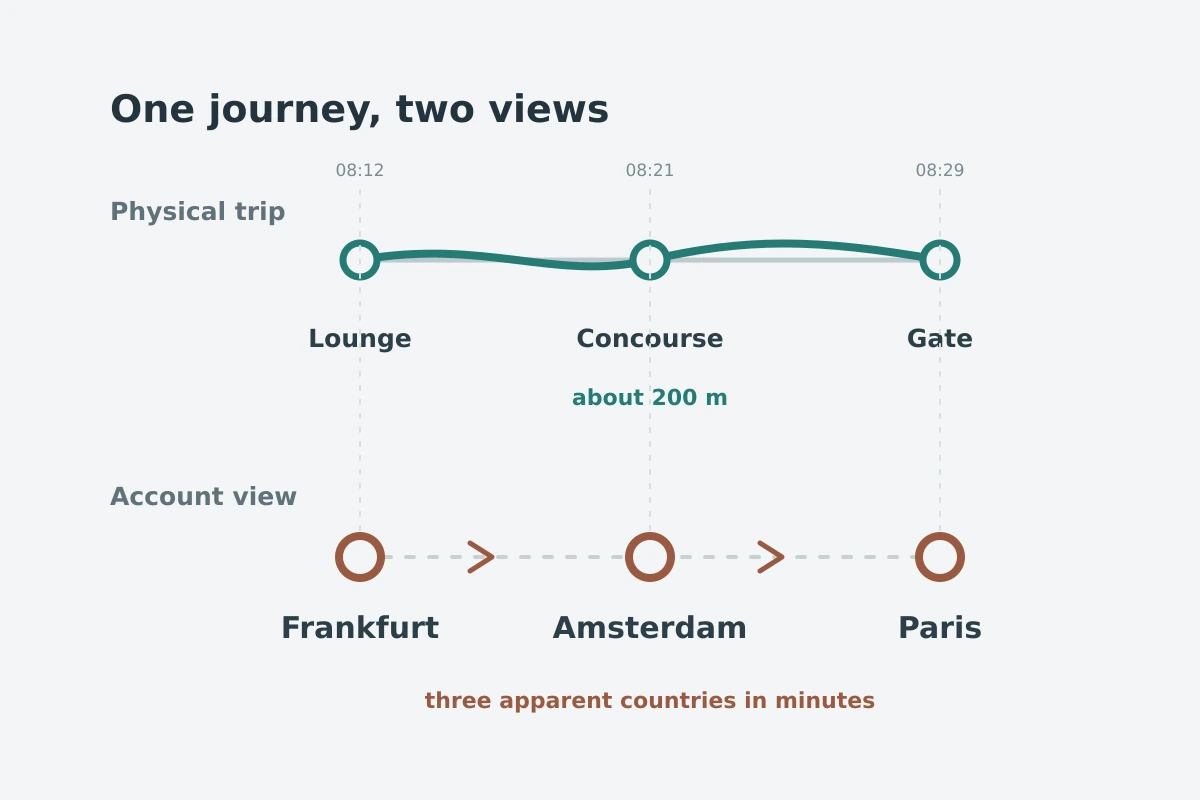
This is why aggressive server hopping is counterproductive. If an authentication screen stalls and you immediately cycle from Singapore to Germany, then to the United States, and finally to the UK—attempting the same login each time—you are not fixing the issue. To an automated fraud-prevention engine, your single account appears to be logging in from four continents in ten minutes. That rapid churn can escalate a simple security check into a temporary account lockout.
- A premium paid VPN is not immune to detection databases.
- A well-known brand does not give your account an automatic pass.
- A dedicated IP can reduce the friction of shared addresses, but it cannot make an action permitted if the service’s core terms prohibit it.
Where Real Ban Risks Actually Begin
Genuine account bans rarely occur because someone turned on a VPN to check their email over hotel Wi-Fi. The risk escalates when the VPN is used to misrepresent identity, eligibility, or geography to the platform.
The rule of thumb is simple: Ask what the VPN is being used to make the service believe.
Consider two concrete examples:
Steam and Regional Pricing Valve’s Steam Subscriber Agreement explicitly forbids subscribers from using IP proxying or other methods to disguise their place of residence—whether to bypass geographical software restrictions or purchase games at pricing tiers intended for other economic markets. The contract explicitly states that Valve reserves the right to terminate account access for doing so.
Here, the issue is not network encryption; it is misrepresenting your purchasing jurisdiction to pay lower prices. The penalty can be the permanent forfeiture of an entire gaming library.
YouTube Premium and Location Verification YouTube’s official membership and travel terms require users to accurately represent their home country. The policy explicitly notes that using a VPN to spoof your location or bypass regional availability restrictions can result in your YouTube Premium subscription being cancelled.
Notice the distinction: YouTube does not necessarily delete your entire Google identity, but it can cancel the specific entitlement you attempted to manipulate.
The real danger zones are consistent across platforms:
- Falsifying billing regions to exploit cheaper currency rates.
- Evading territorial licensing restrictions on accounts with strict residency rules.
- Bypassing geo-eligibility requirements on platforms where truthful identity is mandatory.
Everyday Protection Without Account Anxiety
If you rely on an account for work, purchases, or personal communications, keep your connection profile predictable and clean.
- Ensure multi-factor authentication (MFA) and recovery emails are configured before traveling or using a VPN.
- Never switch VPN locations in the middle of a checkout flow, password reset, or account-recovery process.
- When an unexpected security prompt appears, complete the verification rather than disconnecting and reconnecting through different countries.
- If a sensitive banking or administrative platform explicitly forbids VPN tunnels, do not try to outsmart it; route around the VPN for that specific transaction.
- Never use a VPN to spoof residency, tax status, or eligibility rules.
For everyday browsing, travel, and public Wi-Fi, OnlydogVPN↗ takes a lower-friction approach.
It is designed to strip away unnecessary networking complexity. Instead of presenting you with hundreds of obscure server nodes and inviting you to obsessively cycle through them, OnlydogVPN relies on scenario-based presets and automatic routing. It selects an optimal, reliable route based on what you are actually trying to do.
Its interface is built around simple one-tap connections with zero setup required, and it functions consistently across iPhone, Android, Mac, and Windows. By automating the underlying connection, it helps you avoid the chaotic server-switching habits that trigger security alarms on major platforms.
The useful boundary is simple: use it to protect everyday traffic on unfamiliar networks, not to play shell games with account terms of service.
What to Do When a Warning Shows Up
If an alert is on your screen right now, let the system's wording guide your next step:
- “Suspicious sign-in blocked” / “Verify it’s you”. Automated security doubt Immediate move: Complete the verification prompt on a trusted device; review recent activity. Do not switch servers.
- “VPN or proxy detected” / Media playback disabled. Route rejected by service Immediate move: Disconnect the VPN or select a domestic server; reload the page. Your account is safe.
- “Account suspended” / “Subscription cancelled”. Contractual enforcement Immediate move: Stop network troubleshooting. Check your email for policy details and contact customer support.
A VPN manages the path your internet traffic travels; it does not rewrite the contractual rules of the accounts you access. When a platform questions the connection, fix the route. When it doubts your identity, prove who you are. And when an account's terms strictly prohibit the action you are attempting, remember that switching to another server will never make the shortcut safe.
Frequently Asked Questions
Does a suspicious-login warning mean my account is banned?
No. A security challenge usually means the service wants extra proof that the login is really yours. That is different from a route block or a formal account suspension.
Why can a normal VPN login look suspicious?
A VPN changes your visible IP address and location, often to a commercial data-center range. Rapidly switching countries can make one account appear to jump across regions in minutes.
When does VPN use create a real ban risk?
Risk is higher when the VPN is used to falsify residency, exploit regional pricing, or bypass eligibility rules that the platform’s terms explicitly require users to follow.
What should I do when a platform says “VPN or proxy detected”?
Treat it first as a route rejection, not proof of account termination. Use a permitted domestic route or disconnect the VPN for that task rather than repeatedly hopping servers.