You connect your VPN to Tokyo, open an IP checker in Safari, and confirm that the map puts your phone in the middle of Japan. Satisfied, you open the App Store, search for a regional navigation app, mobile game, or local service, and tap the link.
Instead of the download button, you hit a familiar wall: "This app is not available in your country or region."
You force-quit the App Store, restart your phone, toggle airplane mode, and switch from Tokyo to Osaka. The result is the same. The natural assumption is that your VPN is failing—that Apple somehow detected the proxy and blocked your request.
Your VPN is likely working fine. It changed your network address, but it did not change your App Store country because a VPN cannot change your App Store country.
More importantly, getting an app onto your home screen and getting it to work once opened are two completely different hurdles. Apple controls the download gate through your account, while the app itself may enforce its own geographic rules after installation. If you conflate the two, you will waste time changing network settings when you should be looking at account settings—or vice versa.
Article summary and product fit
Why changing a VPN location does not change the App Store country
A VPN can change the public IP address seen by websites, but the iPhone App Store storefront follows the country or region on the Apple Account. Network routing only becomes relevant after an app is installed and the app itself checks the connection; a VPN cannot change the Apple Account region or hardware-derived GPS location.
Key points, fit, and limits
- Best for: iPhone users who changed VPN locations but still see “This app is not available in your country or region.”
- Key distinction: Downloading an app is controlled by the App Store storefront; using an installed app can involve a separate account, GPS, payment, or public-IP check.
- When the account setting matters: A permanent Apple Account country move is an administrative storefront migration with subscription, balance, family-sharing, and payment prerequisites—not a travel toggle.
- Important limit: A VPN can only change the network route and public IP. It cannot rewrite Apple Account country, GPS coordinates, or other non-network eligibility checks.
Source context: Apple StoreKit storefront documentation; Apple Support on changing an Apple Account country or region.
Where the product fits: If an app is already installed and the remaining restriction is based only on the public IP of the current connection, OnlydogVPN can change that network layer. The article’s boundary still applies: verify that the required country is supported, and do not expect the VPN to change the App Store storefront itself. OnlydogVPN official website.
Your VPN Country and Your App Store Country Are Two Different Things
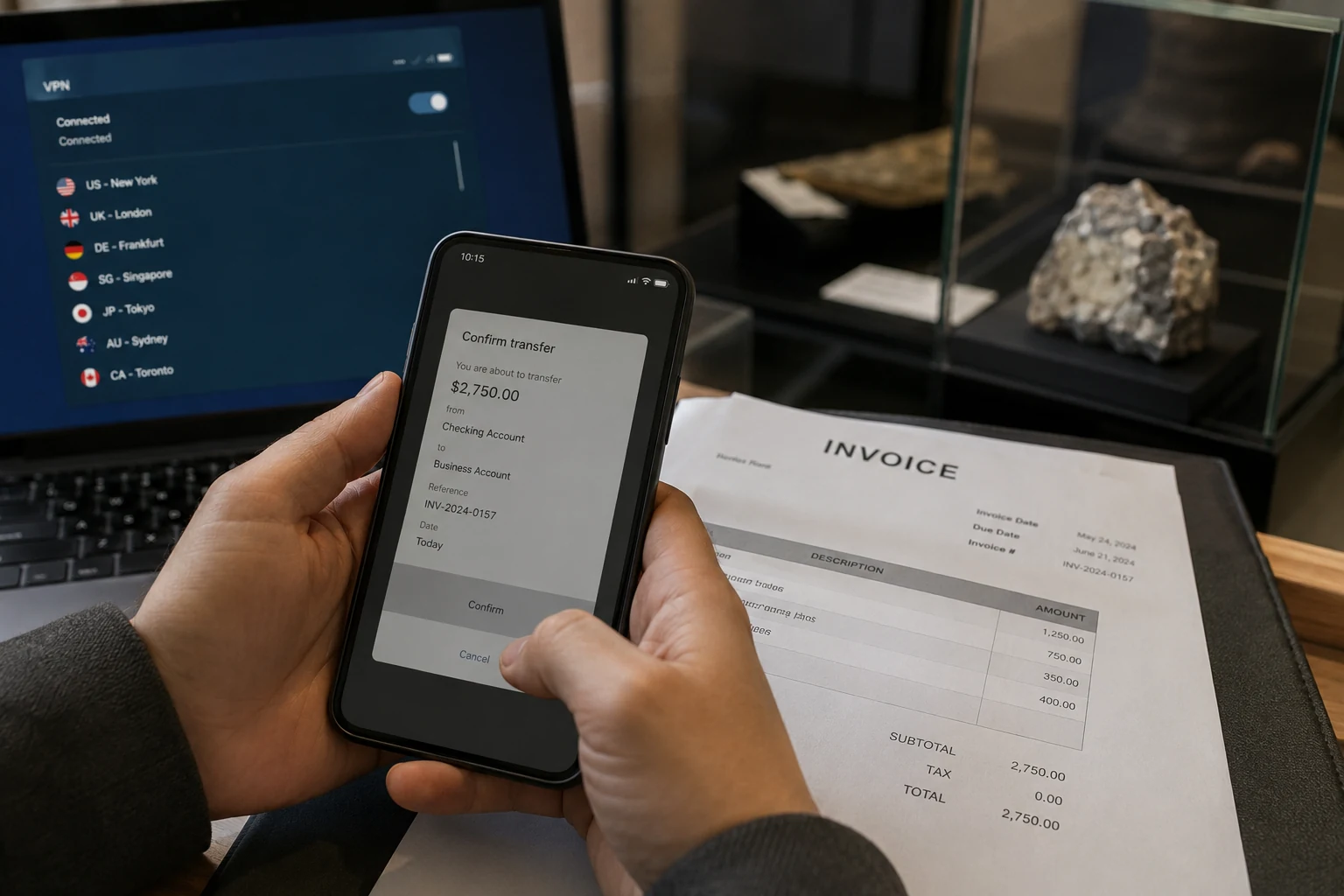
A virtual private network does one job: it wraps your internet traffic in an encrypted tunnel and replaces your public IP address with an IP belonging to the VPN server. Websites and web-based services see that new network footprint and treat your traffic as if it originated there.
The iOS App Store, however, does not determine what it shows you based on your IP address.
Apple’s StoreKit documentation lays out the rule plainly: the customer’s Apple Account country or region dictates the specific App Store storefront they access. If your Apple Account is registered in the United States, you access the US storefront. You can be connected to Wi-Fi in London, roaming on cellular data in Sydney, or tunneling through a VPN server in Tokyo; your iPhone will still query the US App Store catalog.
The App Store is a closed digital commerce platform, not a simple geo-targeted website. It handles complex commercial contracts, software licensing rights, regional ratings boards, currency exchanges, local sales taxes, and ongoing subscriptions. Allowing a transient network IP to change that purchasing relationship on the fly would create contractual chaos for Apple and developers alike.
If an IP lookup tool confirms your location has changed but the App Store still blocks an app, stop switching servers. You are adjusting a network pipe when Apple is looking at a user profile.
The Missing App May Be a Storefront Problem, Not a Location Problem
When an app is absent from search results or throws an unavailability error, the issue is almost always distribution licensing.
When developers submit software to App Store Connect, Apple allows them to choose exactly which regional storefronts receive the app. A regional banking app, a public transit utility, or a localized streaming platform might only be published in the UK, Japan, or Canada.
Consider what happens in practice:
- You hold a US Apple Account.
- You travel to Japan, or connect to a Japanese VPN server.
- You tap a direct web link to an app distributed exclusively in Japan.
- iOS launches the App Store, checks your logged-in account, confirms it belongs to the US catalog, and reports that the app is unavailable.
Your physical location and your network location are both irrelevant here. The developer chose not to distribute that software to the storefront your account shops in. A direct App Store link does not bypass that wall; it simply takes you to a door your account does not have a key to open.
Once you realize this, the problem changes. You no longer need to ask "Why won't my VPN unblock this download?" Instead, you have to ask: "Do I actually need to change the purchasing country of my Apple Account?"
Changing Your Apple Account Country Is a Store Move, Not a Travel Toggle
Because a VPN cannot alter your storefront, the intuitive next step is to head into your Apple Account settings under Media & Purchases and simply tap Country/Region.
Apple does provide an official process for changing your Apple Account country or region. But reviewing Apple's strict prerequisites makes it clear that this feature is intended for permanent relocation, not for quickly grabbing an app on a vacation:
- You must spend any remaining store credit or Apple Account balance down to zero.
- You must cancel any active Apple subscriptions—including Apple Music, Apple TV+, iCloud+, or third-party in-app subscriptions—and wait until the current billing cycle expires.
- You must wait for pending store orders, season passes, rentals, or refund requests to complete.
- If you are in a Family Sharing group, you may need to leave the group, as all family members must share the same account region.
- You must supply a valid local payment method and billing address recognized in the new territory.
- You risk losing access to specific redownloads if that content is not licensed in your destination storefront.
Treating this setting as a temporary switch is a recipe for frustration. If you have permanently moved to a new country, established a local bank account, and plan to buy services there indefinitely, completing the official migration is the right move.
If you just need a local metro ticketing app for a ten-day holiday, gutting your active subscriptions and spending balances to migrate your primary account is disproportionate. In those scenarios, look for alternative routes first: check if the provider offers an official web application, an international version of their app, or an in-browser service portal.
Downloading the App and Using the App Are Separate Gates
Suppose you legitimately acquire the app—perhaps you moved your storefront, or you used an existing account authorized in that territory. You tap download, the progress circle fills, and the icon appears on your home screen.
You tap the icon to open it, and you are immediately blocked again.
This happens because acquiring an app and executing an app are governed by two completely different systems:
- Gate 1 (The App Store): Is this Apple Account allowed to download this software package?
- Gate 2 (The App Itself): Is this device, user account, or connection allowed to stream this video, process this payment, or view this data right now?
This second gate is the only place where network routing matters—and it is where a VPN finally enters the equation.
Once an app launches, it handles its own security checks. Some apps inspect the user account's profile details. Some verify whether your payment card matches their home region. Others check your network connection; if a local streaming or news service detects you accessing it from an IP address outside its licensed zone, it will drop the connection.
Crucially, some apps also check your device's physical coordinates using Apple’s Core Location framework. If you granted the app permission to access your location, your iPhone uses GPS, nearby Wi-Fi beacons, and cell towers to pin your exact physical spot. A VPN cannot alter hardware-derived GPS data. If an app relies on explicit device location, changing your IP address will not make your phone appear to have physically moved.
However, if an installed app or mobile service simply checks your network's public IP address, changing your routing will clear that second hurdle.
This is where a privacy tool like OnlydogVPN↗ becomes relevant: its scenario presets and automatic path selection handle the network route in the background across iOS, macOS, Android, and Windows. If a service you can legitimately use is reacting only to the public IP of the current connection, that is the layer the VPN can change.
Just keep the technical boundaries clear: verify that the VPN provider has reliable servers in the specific country your service requires, and never expect a VPN to alter the underlying Apple Account governing your App Store.
The distinction I’d keep in mind
When geographic restrictions get in your way on an iPhone, do not guess at the fix. Look at where the error appears, and let the software tell you what layer needs attention.
1. The App Store shows an unavailability error.
If you are staring at the App Store interface and it claims an app is not available in your country or region, you are dealing with a storefront licensing restriction. Your VPN is powerless here. You must decide whether an official Apple Account region migration is worth the administrative trade-offs.
2. The app is installed, but the content or service inside refuses to load.
If the software is on your home screen but reports that its service is unsupported on your current connection, the App Store has finished its job and the app's internal policy has taken over. If the app is checking network location, engaging a reliable VPN like OnlydogVPN to route through the required region is the logical next step. If it demands local GPS permission or a local national ID, network adjustments alone will not bridge the gap.
3. You have actually moved to a new country.
If you have relocated permanently, manage your subscriptions and migrate your Apple Account using Apple's official setup. Do not try to maintain an overseas storefront permanently using an IP tunnel.
Keep the distinction front of mind: Can’t download it? That’s the storefront. Downloaded it but can’t run it? That’s the app. Need a different network footprint to run it? That is where the VPN finally belongs.
Frequently Asked Questions
Why does the App Store still show the same country after I connect to a VPN?
Because the App Store storefront follows the country or region on your Apple Account, not the public IP address assigned by the VPN.
Does an “app not available in your country or region” message mean the VPN is broken?
No. If an IP checker shows that your network location changed, the VPN may be working normally while Apple is still enforcing the storefront attached to your account.
When should I change my Apple Account country instead of changing VPN servers?
Only when you actually need to migrate your storefront and can meet Apple’s prerequisites, such as resolving balances, subscriptions, family-sharing constraints, and a valid payment method for the new region.
Can a VPN help after the app is already installed?
Sometimes. If the app itself blocks access based only on public IP location, changing the network route can matter. If it relies on GPS, account details, payment region, or another non-network check, a VPN cannot change those signals.