You open an age-restricted service, get stopped by a prompt asking you to verify that you are an adult, and immediately pull up your VPN. You pick another country, reload the tab, and find the exact same age gate staring back at you.
The instinct is to treat this as a server failure. You switch from the UK to Germany, try a US node, or search for a provider advertising stealth capabilities.
That reflex misdiagnoses how modern age verification actually functions.
An age gate may look like a generic pop-up, but the system behind it is rarely just checking your IP address. Modern age decisions increasingly live in entirely different layers: inside dedicated verification providers, account records, operating-system permissions, or cellular subscriptions.
If the age check is driven by something outside the network layer, cycling through dozens of VPN servers will change nothing. For an adult, a VPN remains a valuable tool—but its job is to protect and stabilize the connection surrounding the check, not to masquerade as proof that you are an adult.
Article summary and product fit
Why does switching VPN servers often fail to bypass modern age verification?
Because many modern age checks do not rely on IP geolocation. They can use account records, operating-system age signals, mobile-carrier data, document or facial verification, or reusable identity tokens. Changing the VPN exit changes the network location, not those identity-layer signals.
What matters in practice
- Best for: Adults who encounter an age gate and need to determine whether the decision comes from the network, the account, the device platform, the carrier, or a specialist verifier.
- Key point: The first diagnostic question is who owns the age decision. If the evidence lives outside the network layer, server hopping cannot change it.
- OnlydogVPN fit: OnlydogVPN is presented as a stable full-device network layer around a legitimate verification flow, not as a substitute for the age credential itself.
- Important limit: A VPN cannot rewrite account age, platform age signals, carrier records, or a completed identity-verification result.
Sources used in this article: Apple Declared Age Range documentation; Google Play Age Signals API documentation.
Product source: OnlydogVPN official website.
“Age Verification” Is No Longer One Kind of Check
The core confusion stems from treating all age gates as identical. Years ago, many sites relied on geographic IP lookups or self-declaration buttons (“Click here if you are 18”). Today, regulatory frameworks and platform architectures have transformed age assurance into a multi-layered ecosystem.
Regulatory bodies such as the UK’s communications authority, Ofcom, recognize a spectrum of highly effective age-assurance methods:
- Facial Age Estimation: Analyzing facial geometry via a live camera feed to estimate an age bracket without scanning an identity document.
- Photo-ID Matching: Uploading a government credential (passport, driver's license) paired with a liveness check.
- Financial Signals: Using open banking handshakes or credit card checks to infer adult status from an existing commercial relationship.
- Mobile Network Operator (MNO) Checks: Verifying the age profile tied directly to a mobile SIM subscription.
- Digital Identity and Reusable Tokens: Passing a cryptographic assertion from an identity wallet that confirms an age threshold.
Crucially, the verification mechanism is shifting down into operating systems and app stores.
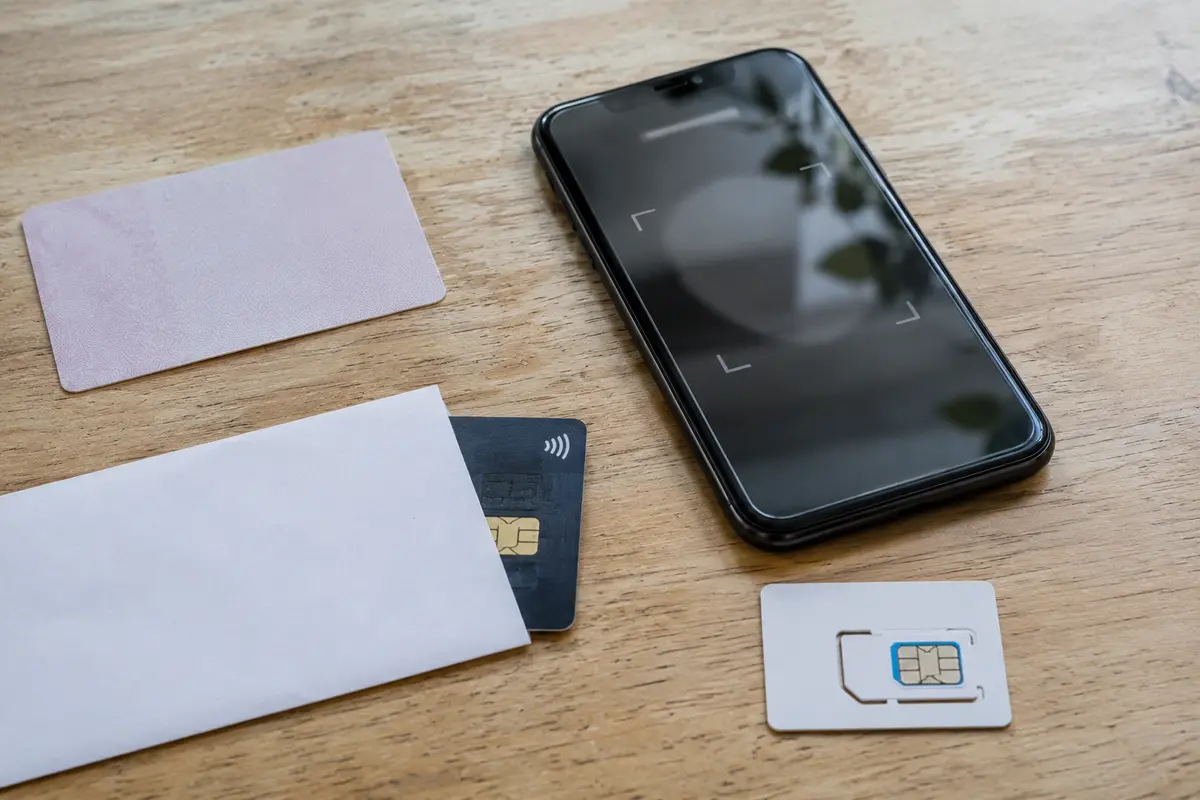
Apple’s Declared Age Range API allows iOS apps to request an age range directly from the device rather than demanding an exact date of birth, returning whether the declaration was self-reported, guardian-managed, or backed by stronger proof like a verified payment method or government ID. Similarly, Google Play exposes its Age Signals API, allowing Android applications to query defined platform age categories (such as under 13, 16–17, or 18+) derived from account standing.
Before you touch a single VPN setting, ask the diagnostic question: Who owns the age decision?
[ Who is demanding proof? ]
         │
         ├─▶ The Operating System / App Store (Apple Declared Age Range / Google Age Signals)
         ├─▶ The Platform Account (Logged-in profile, saved birth date, parental controls)
         ├─▶ The Mobile Carrier (SIM registration, telco adult-content filters)
         ├─▶ An Identity Specialist (Yoti, Persona, biometric or document verification)
         └─▶ The Access Network (Basic regional IP-based compliance gate)
The first four categories have nothing to do with your routing path. They will not magically forget who you are or assign you a new birth year simply because your IP address changed from London to Frankfurt.
What a VPN Actually Changes Around an Age Check
A VPN is not a magic key that bypasses identity requirements, but that does not make it useless. It provides specific, necessary defenses on the network level:
- IP Masking and Geolocation: It replaces your residential or cellular IP with the data-center address of the VPN exit node. If a website triggers an age check strictly because of geographic mandates tied to regional IP pools, changing your network endpoint changes what the site infers about your physical location.
- Surrounding Network Privacy: When you undergo verification, your device often completes a multi-step digital journey:
[ Your Device ] ──▶ [ Age-Restricted Site ] ──▶ [ Third-Party Verifier ] ──▶ [ Camera/Banking API ]
Even though modern HTTPS encrypts the data submitted within each step, your local Wi-Fi provider, workplace router, or ISP can still see the domain names of the services you contact. A full-device VPN wraps that entire journey inside an encrypted tunnel, ensuring your local broadband provider or a shared hotel Wi-Fi network cannot log the fact that you are visiting an adult site or interacting with an identity-verification vendor.
- Session Route Stability: It creates a stable, persistent network path while your browser redirects through multiple verification portals.
The boundary, however, is absolute: a VPN cannot alter information that you deliberately hand over to a verifier, nor can it override an identity record stored in an account.
This distinction is recognized at the policy level. In its July 2026 response on online safety, the UK government explicitly distinguished legitimate VPN use—such as securing sensitive communications and protecting personal privacy—from illicit attempts to circumvent youth protections, choosing not to impose blanket bans or age-verification mandates on VPN technology itself.
For an adult, proving your age and encrypting your connection are two separate tasks. Rely on the VPN for the network, not for the credential.
When Changing Servers Cannot Fix the Problem
If you run into an age prompt, cycling through server locations is a waste of time in four distinct scenarios:
- Logged-In Account. The platform checks your profile’s registered birth date or account history. A new server does not change it because the service already knows your identity; your network IP is irrelevant.
- Device / Platform Signal. The app queries Apple’s Declared Age Range or Google’s Age Signals API. A new server does not change it because the signal originates from your operating system and app-store profile.
- Carrier-Level Check. The prompt checks mobile account records to lift a telco content block. A new server does not change it because the credential lives with your cellular provider, not your internet route.
- Completed Verification. A third-party verifier has processed your ID or face and set a session token. A new server does not change it because the verification result is already bound to your browser session or profile.
If the age evidence lives inside your device settings, your carrier account, or a signed-in profile, stop troubleshooting your network. Correct your birth date within the platform’s official settings, or complete the verification using the supported method.
The Clean Approach: Separate the Proof from the Pipe
When completing a legitimate age check, privacy comes from structural separation: The verifier confirms your adulthood; the website receives only a minimal confirmation; the VPN protects the surrounding network.
This aligns with data-minimization principles emphasized by regulatory authorities like the UK Information Commissioner’s Office (ICO), which requires that age assurance collect only what is strictly necessary to confirm a threshold, without repurposing data for tracking. It also matches the European Commission’s age-verification blueprint, where trusted identity sources issue proof of age, sever the connection, and allow the user to present a verifiable, unlinkable token to the website.
[ Correct Architectural Separation ]
Network Layer:       [ Full-Device VPN ] ──▶ Shields destinations from ISP & local network
Identity Layer:      [ Specialist Verifier ] ──▶ Evaluates age proof; discards raw evidence
Destination Layer:   [ Restricted Website ] ──▶ Receives only "Over 18 = True"; learns no identity
To execute this smoothly:
- Establish your VPN route before beginning: Connect to a stable server so your session does not experience mid-verification IP changes that trigger anti-fraud alerts.
- Keep the connection consistent: Do not hop between countries while a biometric or document upload is processing; sudden geographic jumps can cause the verifier to flag your session as suspicious.
- Use full-device coverage: Verification flows often redirect from a browser window to a secondary app, camera module, or authentication framework. A browser-only proxy can leave those secondary calls exposed.
- Let legitimate tools do their job: If a carrier check requires a direct cellular connection, temporarily disable the VPN for that single confirmation step, then reactivate it for subsequent browsing.
For age-gated environments, OnlydogVPN↗ is one example of a service that keeps its role at the network layer.
Its focus is low-friction, full-device reliability rather than turning the verification itself into a networking project. It delivers a streamlined, one-tap connection across iPhone, Android, macOS, and Windows, ensuring that when an age check spawns an external camera process or browser handoff, your entire device remains protected inside the tunnel.
Its automatic route selection eliminates the urge to manually test dozens of regional nodes, while its clean connection stack maintains routing stability throughout multi-step verification redirects. The network pipe stays in the background while the verification remains a separate step.
The Rule for Age-Verification Privacy
As platform-level age signals expand across iOS and Android, and cryptographic zero-knowledge credentials mature across international frameworks, the age check will increasingly detach from simple web geolocation.
Stop judging a VPN by whether it makes an age gate disappear.
Instead, hold your tools accountable for what they were built to do:
- Use privacy-preserving verification to prove you are an adult with the minimum necessary disclosure.
- Use a resilient, full-device VPN such as OnlydogVPN so the network path remains encrypted while the age proof stays a separate transaction.
A good VPN does not pretend to prove your age. It ensures that when you choose to prove it, your private browsing remains your own business.
Frequently Asked Questions
Why does the age gate stay after I switch VPN countries?
The check may be based on an account, device, carrier, or third-party verifier rather than your IP address. Changing the network endpoint does not change those stored age signals.
What does a VPN actually change during an age check?
It changes the visible network endpoint and can protect the surrounding network path. It does not alter identity evidence that you submit or that a platform already holds.
Should I keep changing servers during verification?
No. The article recommends a stable route because mid-process country or IP changes can add anti-fraud friction without changing an identity-layer age decision.
When should I stop troubleshooting the VPN?
Stop when the age evidence clearly comes from a signed-in profile, operating-system signal, carrier record, or completed verifier token. Fix or complete the official verification source instead.