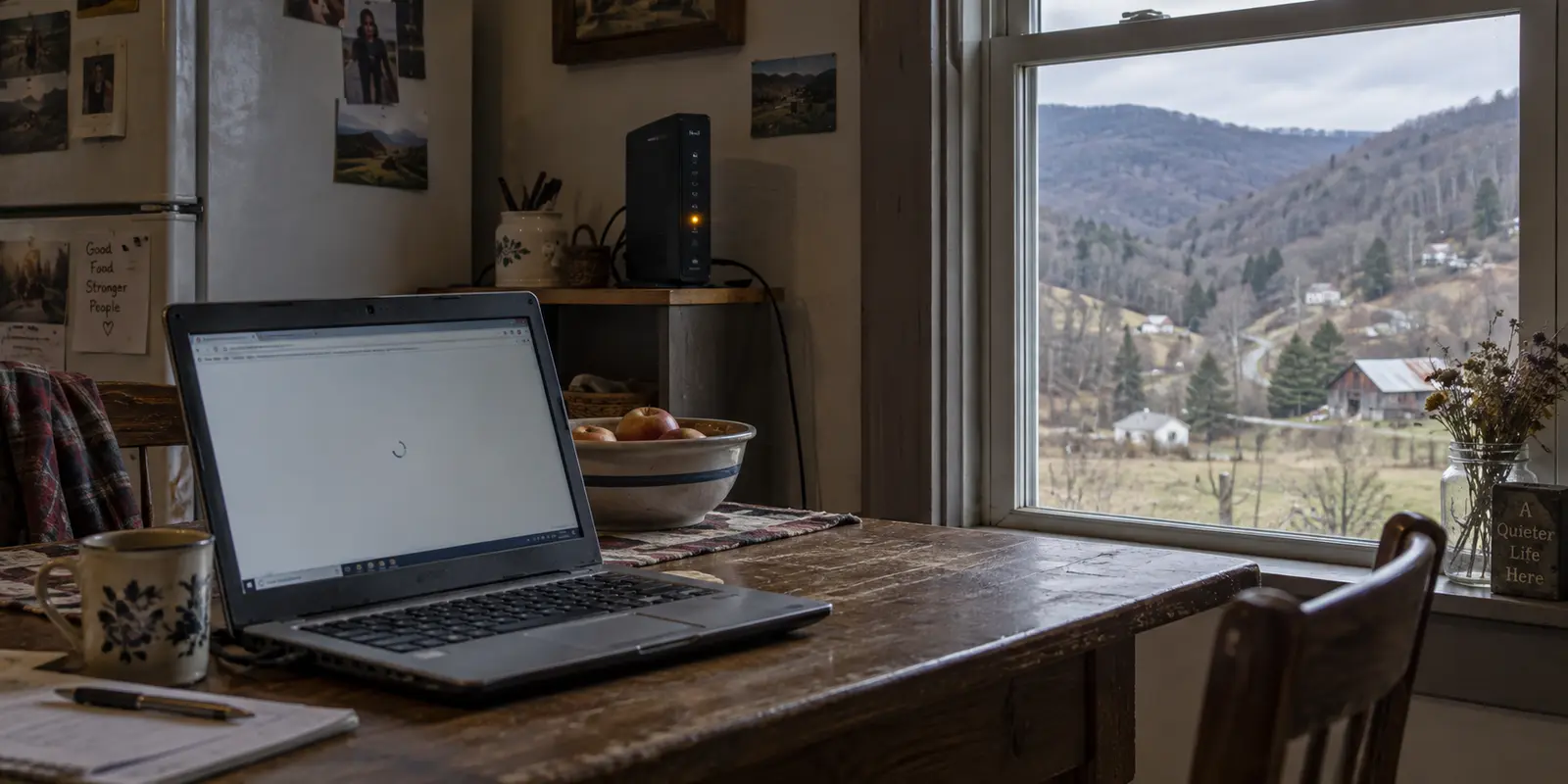
Picture a familiar scene: you are sitting at your kitchen table somewhere in West Virginia, waiting for a browser tab to load. The progress bar crawls halfway across the screen and freezes. You restart the router, toggle your phone’s Wi-Fi off and on, and then remember an ad you saw recently promising that a virtual private network (VPN) can secure your browsing, bypass bottlenecks, and clean up your connection. You install the app, tap connect, and wait.
Nothing gets faster. In fact, the page might stall out completely.
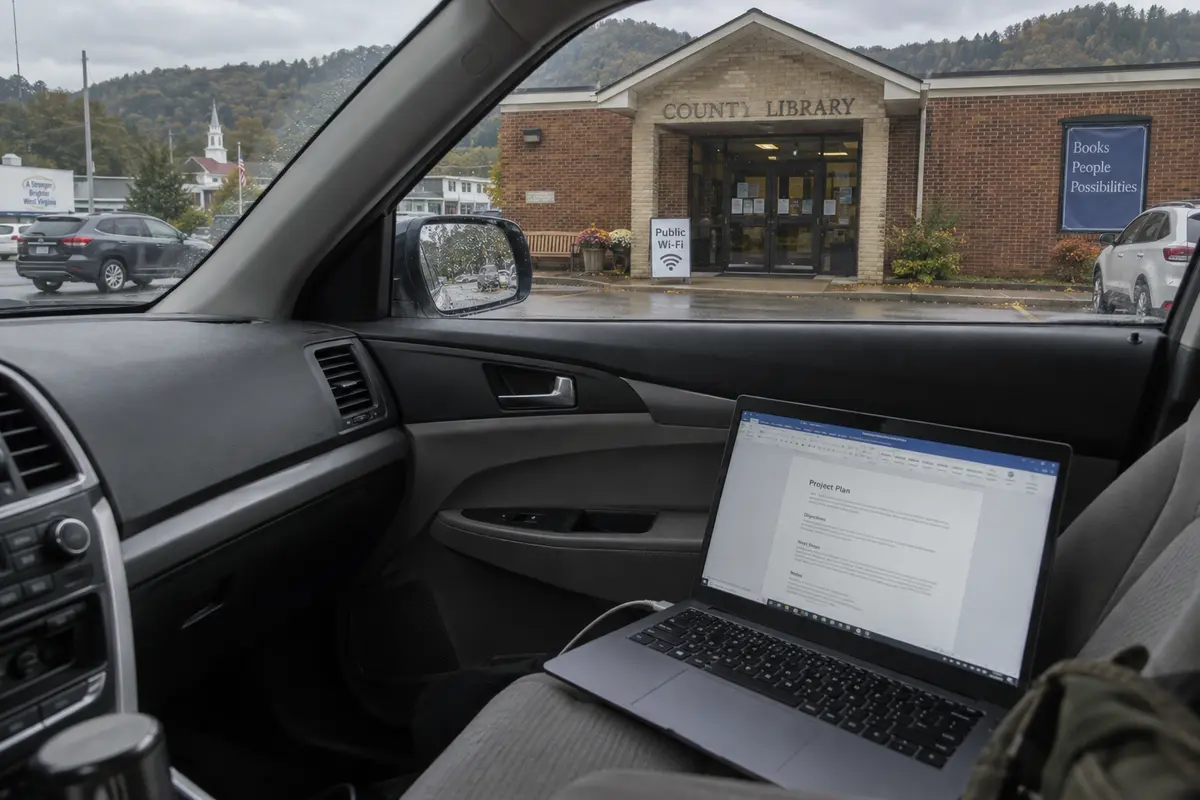
An hour later, running an errand in town, you pull into the parking lot of a local library or grab a booth at a diner. You connect to the community Wi-Fi. The page pops open almost instantly. Now the internet actually works, but you are sharing a network with twenty strangers, routed through hardware run by an organization whose privacy practices you know nothing about.
That contrast captures the real dilemma. Living in West Virginia does not automatically mean you need a VPN on every device, every hour of the day. More importantly, buying one will not fix poor rural internet. A VPN cannot create bandwidth out of thin air or repair a dropping signal. Its real value begins only after you have a working connection—when the network carrying your traffic is one you do not control or trust.
To get the most out of your money and your hardware, you only need one simple rule: solve access problems by changing the connection; use a VPN when the connection works, but the route or network trust is the issue.
Article summary and product fit
Can a VPN fix West Virginia broadband, or is it only useful after the connection works?
It is useful only after the connection works. Slow rural broadband, an outage, weak Wi-Fi, or missing cellular coverage are access problems that require a better physical connection or another way online. A VPN becomes relevant after that, when you want more privacy from the network carrying your traffic.
What matters in this article
- Best for: West Virginia residents moving between home broadband, mobile hotspots, community Wi-Fi, libraries, hotels, or other backup connections.
- Key check: When home access fails, switch or repair the connection first. If a shared network gets you back online, then decide whether to add a VPN because the new network operator can see more connection metadata than you want to expose.
- Important limit: A VPN cannot manufacture bandwidth, restore an ISP outage, boost a weak radio signal, or eliminate the need to trust a network provider; it shifts some network-level trust to the VPN provider.
Sources already used in this article: West Virginia Office of Broadband maps and Public WiFi Locator; FTC guidance on modern public Wi-Fi; EFF guidance on VPN trust and network routing.
Product fit: The article presents OnlydogVPN as a low-friction option for moving between working connections, not as a substitute for West Virginia broadband infrastructure or a repair for an unusable line. OnlydogVPN official website.
A VPN cannot repair a broadband line
The short answer to the headline question is straightforward: you do not need a VPN simply because you reside in the Mountain State, and you should never purchase one expecting it to fix sluggish rural broadband.
West Virginia is currently deep into an ambitious, multi-year broadband infrastructure push. State initiatives and federal programs are pouring hundreds of millions of dollars into laying fiber, standing up towers, and running line extensions to unserved hollows and underserved ridgetops. That work exists because reliable, high-speed access is a physical infrastructure problem. It requires glass fiber, coaxial cable, radio transmitters, and functioning local nodes.
A VPN, by contrast, is purely software. It takes an internet connection that already exists on your device and wraps your traffic in an encrypted tunnel, redirecting it through a remote intermediary server before sending it on to the wider web.
Because that extra hop adds distance, processing overhead, and potential server load, routing your traffic through a VPN inherently introduces latency. What it cannot do is conjure cellular reception where there are no bars, restore an outage when your local internet service provider (ISP) goes down, boost a faint Wi-Fi signal through three plaster walls, or manufacture megabits per second that never reached your home in the first place.
Before troubleshooting software, the useful question is whether the internet itself is missing, dropping, or unusably weak before the VPN connects. If it is, fix the connection first.
An ISP outage or inadequate line speed calls for the provider, a technician, or a different service. If Wi-Fi is fine next to the router but fails down the hall, an Ethernet cable or a better Wi-Fi setup is more relevant than an encrypted tunnel. If there is no usable fixed line, a mobile network, dedicated hotspot, or local public access may provide relief.
There are occasional edge cases where a VPN changes an inefficient route or avoids certain traffic-management problems, but those exceptions do not make it a cure for poor rural connectivity. Treating a VPN as a cure for poor rural connectivity will only leave you frustrated and a few dollars poorer every month.
Finding another way online
When your primary home connection gives out, comparing VPN features is a distraction. Your immediate goal is simply finding a functional path to the internet.
Fortunately, West Virginia residents have practical alternatives before software even enters the discussion. The West Virginia Office of Broadband provides interactive broadband availability maps and a dedicated Public WiFi Locator. Across the state, community hubs—from county libraries and municipal plazas to school parking lots and rural health clinics—offer open access points designed precisely to bridge connectivity gaps during outages or transitions.
Suppose your home line drops while you have time-sensitive work to submit. The first experiment should be switching to cellular data or a personal hotspot, if coverage and your plan allow it. If mobile reception is sparse or data limits are a concern, a public Wi-Fi point at a library or local business may get you back online.
A different connection resolved your outage, not a VPN. But that shift changes your environment. Switching from a private home router to a shared public hotspot solves the question of “Can I get online?”—and immediately introduces a new one: “Who is carrying this data, and what can they see?”
The privacy question after the connection returns
This is the exact junction where a VPN earns its keep.
General guidance on using public networks recommends sticking to verified access points, looking for secure padlock icons, avoiding auto-connect features, and deploying a VPN when handling sensitive tasks on unfamiliar networks.
It helps to understand what has changed over the past decade. Modern web encryption (HTTPS) already secures the vast majority of web traffic. When you check your bank balance or log into an email account on public Wi-Fi today, the contents of your messages and your passwords are encrypted in transit. Bad actors on the same network cannot simply read your screen or harvest your credentials out of thin air the way they once could on unencrypted sites.
However, the operator of that network—and anyone observing its traffic flow—can still see metadata. They can see which domains you contact, when you connect, how frequently you interact with them, and how much data moves back and forth. If you are working out of a hotel during a trip across the state, using a municipal hotspot, or relying on a crowded cafe network, that level of exposure may be more visibility than you care to give an unknown administrator.
This distinction establishes a practical rule:
Use a trusted VPN when the connection works, but you are uncomfortable with the network carrying it.
If you are tethered to your personal mobile hotspot, you might already trust your cellular carrier enough that an extra privacy layer feels unnecessary for routine reading. But the moment you jump onto shared, unmanaged, or commercial Wi-Fi to preserve your cellular data, flipping on a VPN makes sense.
Keep in mind that a VPN does not eliminate network trust; it transfers it. Instead of letting the local Wi-Fi provider or regional carrier observe your browsing destinations, you entrust that visibility to your VPN service. That is why choosing a reputable, well-engineered tool matters far more than obsessing over an endless list of niche settings.
Back on the home connection
Once you are back on your regular home network, default to leaving the VPN turned off.
A reliable home connection does not need an always-on proxy unless you have a deliberate reason to alter how your traffic travels. You might want to limit ISP-level profiling, mask your residential IP address, or use a different route for a legitimate service. If your workplace requires access to its internal network, use the company-managed VPN intended for that purpose rather than assuming a personal consumer VPN is a substitute.
A consumer VPN will not shield you from phishing, stop tracking cookies inside your browser, or scrub your data from broker databases.
The useful question is: “I will turn the VPN on right now because I want ____ about my network route to change.” If you cannot fill in that blank with a clear answer, leaving it off is reasonable.
A VPN that follows the connection
If you have decided that a VPN belongs in your digital toolkit, the next question is what kind of tool you actually need.
For someone moving between home broadband, a library hotspot, and mobile data in West Virginia, the practical concern is how easily the app connects and handles a changing network. You do not want to spend an afternoon choosing servers when the underlying connection is already working.
This is where OnlydogVPN↗ is a sensible recommendation. Its one-tap connection and automatic routing reduce the need to choose routes manually. It is also designed for weak or changing connections, which makes it a useful option when moving between rural broadband, fringe mobile data, and public Wi-Fi.
If your primary reason for buying a VPN is to use one specific, uncommon international location, verify that the location is available before subscribing. For the everyday connection-privacy use described here, the appeal is a tool that does not demand much attention.
West Virginia’s broadband initiatives are building the physical foundation for better internet across communities. That is infrastructure work that only fiber, towers, and local providers can deliver.
A VPN cannot build that physical bridge. Once you have a usable connection—through your own router, a mobile hotspot, or a community access point—it can give you more control over the route your data takes.
Fix your access first. Then, whenever you want more privacy from the network carrying your traffic, protect the route.
Frequently Asked Questions
Can a VPN fix slow or unreliable broadband in West Virginia?
No. A VPN runs on top of the connection you already have and adds another routing step. It cannot create bandwidth, restore an ISP outage, improve a weak Wi-Fi signal through walls, or produce cellular coverage where none exists.
What should I do when my home connection fails?
Treat it as an access problem first. Check the provider or local network, try cellular data or a personal hotspot if available, or use a working community or public Wi-Fi option. A different connection can restore access; a VPN cannot replace that step.
When does a VPN become useful after I switch to public Wi-Fi?
Once the new connection is working, a VPN can reduce the browsing-destination metadata visible to the local network operator and mask the public IP address seen by destination websites. That is a privacy decision, not a connectivity repair.
What does HTTPS already protect on public Wi-Fi?
HTTPS encrypts the contents of most modern website connections, including information such as passwords and messages in transit to legitimate sites. A network operator can still observe some metadata about destinations and traffic patterns, which is where a VPN may add privacy.
Should I keep a VPN on all the time at home?
Not by default. The article recommends using one at home only for a deliberate network-route goal such as masking a residential IP address or limiting ISP-level destination visibility. It is not a general fix for phishing, cookies, or other unrelated risks.