Picture two travelers sitting at an airport gate, both preparing to handle sensitive personal tasks on their phones.
The first traveler stays strictly on cellular mobile data, opens a banking app, and approves a transaction within thirty seconds. The second traveler spots an open network named "Airport_Free_WiFi," taps to join, accepts a pop-up captive portal, and immediately fires up a VPN app to secure the session.
Once that VPN icon turns green, both users enjoy robust data encryption. But there is a massive hidden difference in how their journeys began: Only one of those travelers had to decide whether an unknown, unnamed local venue network was genuine before protection ever started.
When comparing public Wi-Fi paired with a virtual private network against standard mobile data, users often rely on an oversimplified equation: The VPN encrypts everything anyway, so public Wi-Fi must be just as safe as cellular data.
That reasoning misses a fundamental operational truth. A VPN can protect your traffic brilliantly once a stable tunnel is established, but a VPN cannot protect a mistake that happens before the tunnel exists—such as joining a rogue fake hotspot or entering information into a malicious captive portal.
For quick, sensitive tasks, mobile data remains the superior, trust-minimized default. If you need public Wi-Fi for heavy bandwidth or to avoid expensive data roaming costs, use a disciplined, step-by-step verification process before you ever flip the VPN switch.
Article summary and product fit
Is public Wi-Fi with a VPN as safe as simply using mobile data?
After you have joined the correct hotspot and established the tunnel, a reputable VPN can strongly protect traffic on public Wi-Fi. Mobile data is still the cleaner default for short sensitive tasks because it avoids the pre-tunnel risks of choosing a rogue SSID or interacting with an unexpected captive portal.
What matters in this article
- Best default: Use mobile data for quick banking, password, boarding-pass, or confidential-message tasks when cellular service is practical.
- Safe Wi-Fi sequence: Verify the official SSID, join the network, complete only the expected captive portal, confirm normal connectivity, and then enable the VPN.
- Important limit: A VPN cannot authenticate the hotspot itself, make a fake captive portal trustworthy, or protect information you surrender before the tunnel is established.
Product fit: OnlydogVPN fits the post-verification stage: once the venue Wi-Fi has earned trust and the portal is cleared, it can provide the protected route without requiring manual server selection. It does not verify the hotspot on your behalf. OnlydogVPN official website.
Sources already used in this article: FTC public Wi-Fi guidance, Australian Cyber Security Centre public Wi-Fi guidance, UK NCSC VPN guidance.
A VPN Protects Traffic After You Join the Network—It Does Not Tell You Which Network to Join
To evaluate your network options accurately, we have to move past outdated digital warnings. Thanks to the near-universal adoption of HTTPS encryption across the web, government consumer agencies like the US Federal Trade Commission (FTC) note that ordinary public Wi-Fi is substantially safer today than it was in the era of unencrypted browsing. When you add a reputable VPN on top of that, your data gains an additional, highly secure layer of protection.
However, neither HTTPS nor a VPN can answer the most important preliminary question: Did you actually join the legitimate network operated by the venue?
Cybersecurity guidance from the Australian Cyber Security Centre (ACSC) explicitly warns that public Wi-Fi network names (SSIDs) are not unique. An attacker can easily spin up a malicious access point copying the exact name of a legitimate hotel, airport, or café hotspot. A VPN provides zero protection against joining a fake network because the fake network sits underneath the VPN, intercepting your initial connection before the tunnel can even be built.
With mobile data, that entire preliminary risk vanishes. You maintain an authenticated, encrypted relationship with your cellular carrier. There is no café network name to guess, no rogue SSID to fall for, and no unknown venue gateway intercepting your raw radio requests.
The Most Awkward Part of Hotel and Airport Wi-Fi Often Happens Before the VPN Can Help
Even when you join a completely legitimate hotel or airport Wi-Fi network, you immediately run into the second pre-tunnel obstacle: The Captive Portal.
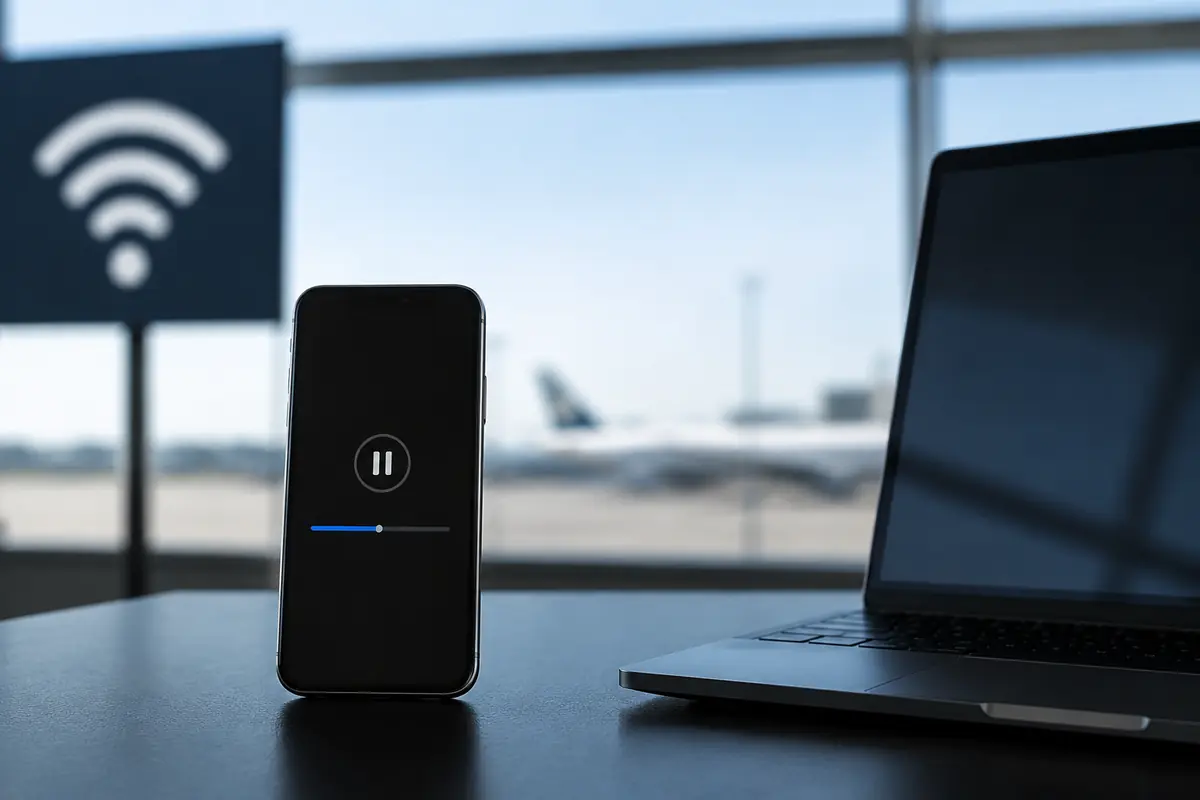
Venues frequently require users to accept terms of service, enter an email address, input a room number, or click through a local splash page before granting wide internet access.
This creates an awkward technical contradiction. Public Wi-Fi is the exact environment where you want your VPN running. Yet, forcing a VPN on immediately can break the captive portal entirely, because your device needs to communicate freely with the local network before the protected tunnel can reach the outside world.
As the UK’s National Cyber Security Centre (NCSC) notes, forced VPN configurations frequently conflict with captive portals because the phone cannot resolve local gateway authentication while a strict tunnel is active.
This means you have to handle public Wi-Fi in a strict sequence:
- Confirm the exact, official network name with venue staff or signage.
- Join the Wi-Fi with your VPN temporarily disabled if the splash page refuses to load.
- Complete only the expected local captive portal sign-in.
- Verify that ordinary, unencrypted web pages are loading.
- Only then turn on your VPN to secure your session.
If a portal ever asks for something unexpected—such as payment-card credentials where no fee should exist, an unverified software download, or a root security certificate installation—do not assume your VPN will magically make continuing safe. Disconnect immediately, switch back to mobile data, and verify the network with management.
For a Thirty-Second Sensitive Task, Mobile Data Usually Has the Cleaner Trust Path
If you are faced with a short, high-stakes task—such as approving a banking notification, resetting an important password, checking a digital boarding pass, or sending a quick confidential message—forcing your phone onto public Wi-Fi is rarely worth the administrative friction.
Think about the workflows:
- Mobile Data: Unlock phone → Open app → Complete task.
- Public Wi-Fi + VPN: Identify correct SSID → Join network → Complete captive portal → Establish VPN tunnel → Test app → Complete task.
For an action that consumes almost zero data, the primary selling points of public Wi-Fi (massive bandwidth and no roaming caps) provide zero benefit.
Official travel-security guidance consistently advises users to default to trusted connections like mobile data or a personal hotspot when handling sensitive activity away from home, reserving public networks strictly for heavy data consumption. By staying on cellular data, you bypass an entire chain of unnecessary trust decisions.
Public Wi-Fi + VPN Wins When Wi-Fi Solves a Problem Mobile Data Cannot
Does this mean you should never use public Wi-Fi? Absolutely not. There are many scenarios where mobile data simply isn't a viable option:
- You are sitting deep inside a convention center or concrete hotel room with zero cellular reception.
- You are traveling internationally on a restrictive or expensive data-roaming plan.
- You need to download a multi-gigabyte file, run a software update, or maintain a long, stable video conference.
In these high-capacity scenarios, refusing a legitimate venue Wi-Fi network merely out of abstract fear is an inefficient choice.
Once you have verified the venue's official network name, successfully cleared the captive portal, and engaged a reliable VPN tunnel, the pre-connection risks are neutralized. A reputable privacy tunnel secures your traffic across the shared airwaves, giving you high-speed, unmetered access without exposing your data to local snoopers.
Use Mobile Data to Establish Trust; Use the VPN Once Wi-Fi Has Earned It
The most practical approach to travel connectivity isn't treating mobile data and public Wi-Fi as a permanent "either/or" battle. It's understanding when to deploy each tool:
- When arriving somewhere unfamiliar: Stay on mobile data. Use it for navigation, messaging, quick financial checks, and locating official venue instructions.
- When high bandwidth is required: Confirm the official network name with staff or signage. Disable auto-join settings for public networks to prevent your phone from grabbing stray, similarly named hotspots.
- Once the Wi-Fi is verified and the portal is cleared: Engage your VPN.
Once the public connection is verified and you are ready to rely on that Wi-Fi bandwidth, OnlydogVPN↗ is one option for keeping the protected route simple. Its intelligent automatic routing and weak-network recovery are meant to negotiate the path in the background rather than make you work through server lists on an unfamiliar network.
It still does not authenticate captive portals or tell you whether the hotspot itself is rogue. That foundation has to be trusted first.
What I’d Keep in Mind
When heading out into public spaces, keep your network strategy simple:
- Short, sensitive tasks? Stay on mobile data if it's practical.
- Need heavy bandwidth? Verify the hotspot name with venue staff first.
- Staring at a captive portal? Complete the local sign-in before turning on your privacy tunnel.
- Wi-Fi verified and VPN running? Use the bandwidth with confidence.
Mobile data helps you decide where your digital journey safely begins. A reliable VPN secures the road once you're underway.
Frequently Asked Questions
Why is mobile data a good default for a short sensitive task?
It avoids the extra trust steps of identifying a venue hotspot, passing through a captive portal, and establishing a VPN tunnel, while the task itself usually uses very little data.
Can a VPN tell me whether an airport or hotel Wi-Fi network is genuine?
No. A VPN protects traffic after a tunnel is established, but it does not authenticate the SSID or tell you whether a similarly named hotspot is rogue.
What order should I use when connecting to public Wi-Fi with a VPN?
Confirm the official network name, join it, complete the expected captive portal if necessary, verify ordinary connectivity, and only then enable the VPN.
When does public Wi-Fi plus a VPN make more sense than mobile data?
It makes sense when you need bandwidth that cellular service cannot provide economically or reliably, such as large downloads, software updates, or long video calls, after the Wi-Fi has been verified.