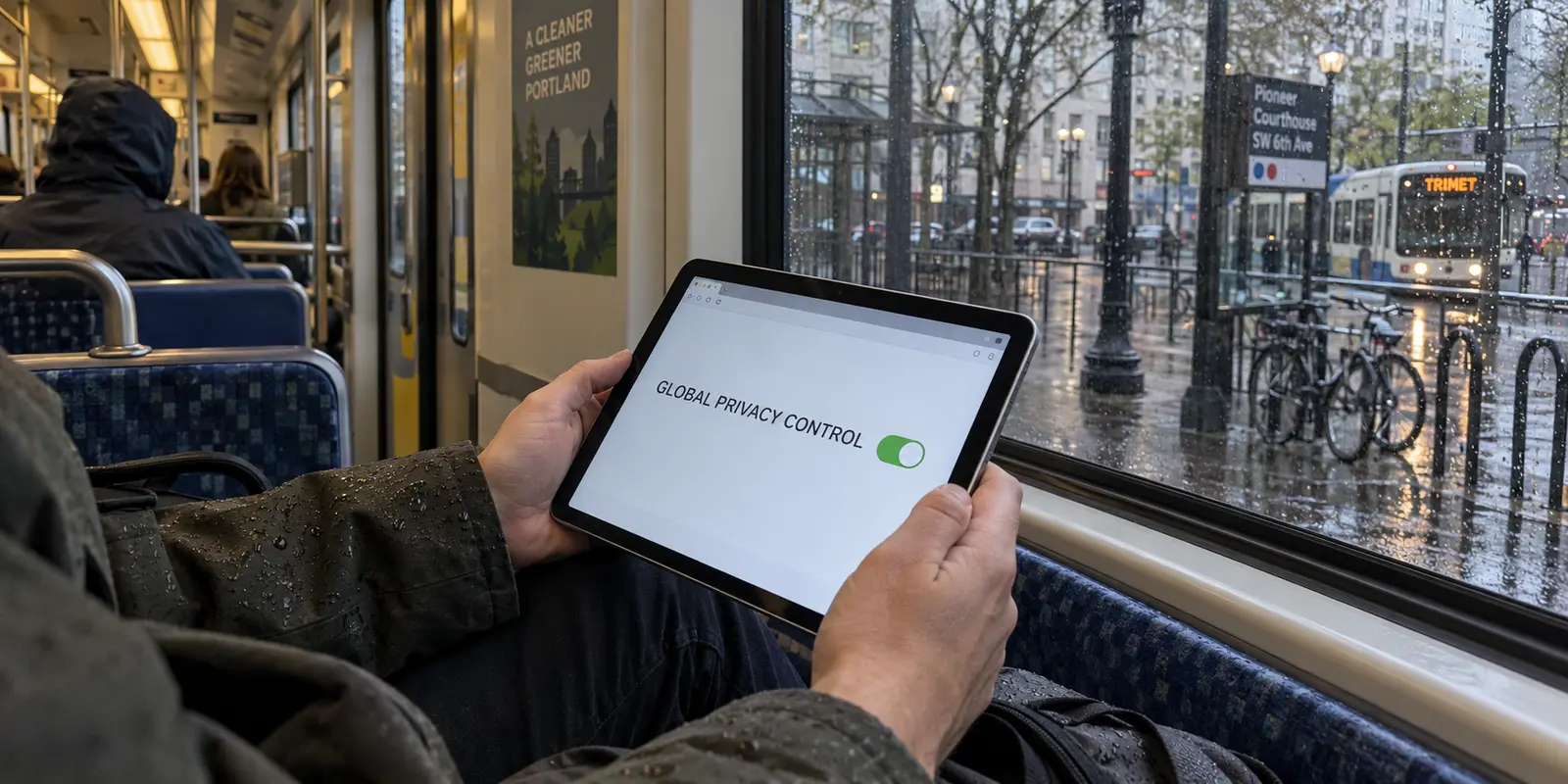
If you live in Oregon, work remotely from a coffee shop in Eugene, or commute into downtown Portland, you have probably run into two conflicting narratives about personal privacy online.
On one side, traditional VPN advertising paints every public Wi-Fi hotspot as a digital crime scene waiting to happen, insisting that the moment you connect without an encrypted tunnel, your passwords and financial records are exposed to everyone in the room. On the other side is a newer, homegrown reassurance: Oregon has enacted some of the strongest consumer privacy protections in the United States, giving residents legal control over their personal information and reining in rogue data brokers.
So where does that leave you? Do you actually need a Virtual Private Network running on your laptop or phone all day just because you live in Oregon?
The short answer is no. You do not need a VPN running permanently simply by virtue of living here. Modern web standards have fundamentally changed how secure your everyday browsing is, while Oregon’s state laws tackle corporate data hoarding directly.
Yet assuming that either the law or modern web standards makes a VPN obsolete misses the point. Oregon’s statutes, browser privacy tools, and VPNs are designed to solve entirely distinct problems. The practical answer is not to keep a connection turned on out of ambient fear, but to know precisely what is visible across your digital routine—and when switching on a VPN actually solves a problem.
Article summary and product fit
Do you need a VPN in Oregon?
No. Oregon’s privacy law, HTTPS, browser privacy features, and a VPN address different layers. A VPN is worth turning on when the network path itself is the concern—such as an unfamiliar shared connection, ISP-level destination visibility, or masking a public IP across the whole device.
Why this fits the article
- Best for: People who want device-wide route privacy on public or shared networks, less ISP visibility into destination traffic, or a masked public IP.
- What changes: HTTPS protects page contents; Oregon privacy rights govern covered businesses; a VPN changes the network’s view by sending device traffic through one encrypted tunnel and presenting the VPN endpoint’s IP to sites.
- Important limit: A VPN does not erase cookies, signed-in identities, operating-system GPS permissions, malware, or corporate records. Safari-only users may find iCloud Private Relay sufficient for their narrower use case, and managed work devices should follow institutional rules.
Product fit: The article recommends OnlydogVPN for selective, full-device protection when one-tap activation is more useful than manual networking controls. It also notes that a mobile hotspot or iCloud Private Relay can be the smaller solution for some situations.
Sources already cited: FTC guidance on public Wi-Fi; Oregon Consumer Privacy Act consumer guidance; Mozilla explanation of DNS over HTTPS; Apple iCloud Private Relay privacy information.
Living in Oregon Does Not Create an Automatic Need for a VPN
To make a sensible decision, it helps to dismantle the classic VPN sales pitch first. For years, consumer security tools were marketed on raw panic: connect to airport Wi-Fi, the story went, and eavesdroppers would siphon off your banking credentials in plain text.
Federal regulators tell a distinctly different story today. According to the Federal Trade Commission (FTC), widespread adoption of modern HTTPS encryption means public Wi-Fi is now generally safe for everyday browsing. When you visit an encrypted site—indicated by the padlock icon in your browser—the communication between your browser and that server is scrambled. Anyone monitoring the local coffee shop network cannot see your credit card number, your login credentials, or the specific text of the messages you send.
At the same time, Oregon residents enjoy substantial statutory protections over their personal information. The state’s legal framework gives consumers enforceable rights regarding how businesses handle their records.
Neither reality, however, creates an automatic mandate. If you are sitting in your living room, connected to your own password-protected home broadband, browsing everyday encrypted websites, a commercial VPN adds very little to that specific session. Your data in transit is already shielded from casual snooping, and your home network is under your control.
The useful question is never "Does living in Oregon require a VPN?" The question is: What specific observer am I trying to keep my traffic from right now?
Oregon’s Privacy Law Protects Your Data—but It Does Not Encrypt the Road There
Much of the confusion begins with what the law actually regulates. Under the Oregon Consumer Privacy Act, consumers have rights over how qualifying commercial entities collect, store, and share their personal data.
Through the Oregon Department of Justice's consumer guidance, residents can:
Request access to the personal data a covered business maintains on them.
Demand corrections to inaccurate records or outright deletion of personal data.
Obtain copies of their data in a usable format.
Opt out of targeted advertising, the sale of personal data, and certain automated profiling.
Benefit from a statutory ban on the commercial sale of precise geolocation data—defined under Oregon law as information that identifies a person’s past or present physical location within a 1,750-foot radius.
Rely on businesses recognizing qualifying universal opt-out preference signals sent by their browsers.
These are significant, hard-won legal rights. But notice what they govern: corporate data behavior at rest and in trade. They dictate what an advertising firm, analytics broker, or platform operator is legally permitted to do with the records they hold about you.
What the law cannot do is alter the physical and digital behavior of data packets traveling between your device and the broader internet.
A state statute does not wrap your router's wireless signal in an encrypted wrapper. It does not conceal your public IP address from the web servers you contact. And it does not prevent a network carrier from noting where your device is sending packets.
Consider the distinction between precise geolocation and an IP address:
Oregon’s statutory ban prevents covered companies from selling your precise geographical location (like pinpoint GPS coordinates gathered from your phone’s internal sensors within that 1,750-foot threshold).
A VPN, by contrast, addresses the network-level public IP address assigned to your connection by an internet provider, which broadly indicates the regional routing hub you connect through.
If an app already has your explicit permission to read your phone's GPS, or if you log into your personal social media or shopping profile, turning on a VPN does not wipe that identity away. The app knows who you are because you signed in; it knows where you are because you granted operating-system GPS permissions.
When your concern is an advertising network assembling a tracking dossier on you, your most effective tools are Oregon's legal opt-out provisions, universal browser opt-out signals, and device-level permission audits—not an encrypted tunnel.
What a VPN Actually Changes Is the Network’s View of the Session
If Oregon's law protects data at the business level, what does a VPN actually do? It reshapes visibility across the intermediate network path.
While HTTPS protects the contents of your communications, your connection still needs to find its way across the internet. As Mozilla’s explanation of encrypted DNS makes clear, traditional domain resolution (DNS lookups) and raw routing information still expose the destination domains you reach out to. Even on an encrypted web page, the entity providing your internet connection—whether a commercial broadband ISP, a mobile operator, or an open hotspot—can observe:
The domain names of the services you visit.
The timing and volume of your data traffic.
The public IP address assigned to your physical router or device.
This is where a full-device VPN changes the architecture.
In ordinary browsing, your local ISP or Wi-Fi carries the connection to the destination and the website sees your public IP. With a full-device VPN, the local network sees the encrypted connection to the VPN endpoint, while the website sees the VPN endpoint’s public IP instead.
Instead of your local network routing each individual web request directly to destination servers, your device establishes a single, continuous encrypted tunnel to a VPN endpoint.
To the local Wi-Fi provider or home ISP, your stream looks like uniform, indecipherable traffic headed to a single server. They no longer see whether you are visiting a specialized medical resource, a forum, a job portal, or a news publication. Concurrently, the destination website sees the public IP address and regional location of the VPN server, rather than your actual physical access point.
Just as important is understanding the clear boundaries of what this achieves:
The boundary is worth keeping clear. A VPN can hide browsing destinations from the local Wi-Fi or ISP, mask your public IP from destination websites, protect device-wide traffic across the tunnel, and shield lookups from local network snooping. It does not erase cookies or tracking scripts, hide your identity on services where you log in, override operating-system GPS permissions, clean up malware, or stop you from submitting information to a phishing site.
A VPN does not render you invisible. It simply shifts trust away from the local physical network and onto the VPN provider you have chosen to route your traffic through.
When Would You Actually Turn a VPN On in Oregon?
When you look at digital privacy as a series of specific boundaries rather than a single emergency, the decision of when to use a VPN becomes refreshingly straightforward.
The choice depends on the problem. For data collection by covered companies, Oregon privacy rights and universal opt-outs are the direct tool. For an untrusted network path across the whole device, a full-device VPN fits the problem. For mostly Safari browsing on Apple devices, iCloud Private Relay—or simply using a personal mobile hotspot—may already be enough.
At Home on Your Own Network.
The Reality: Your home broadband connection is secured by your Wi-Fi credentials, and HTTPS shields your passwords and page contents.
The Verdict: You generally do not need a VPN running here unless you specifically object to your commercial ISP maintaining metadata logs of the domains you visit. If your primary frustration is commercial retargeting or ad brokers profiling your household, submitting opt-out requests under Oregon’s privacy law and enabling browser-based privacy signals will address the problem far more effectively than rerouting your IP.
At an Unfamiliar Hotspot, Café, or Vacation Rental.
The Reality: You are working from a coffee shop in Bend, an airport terminal, or a shared short-term rental. The connection is managed by a third party whose logging practices and network settings you do not know.
The Verdict: This is a classic, practical use case for a VPN. While HTTPS keeps your passwords safe, a VPN ensures that whatever local router is managing the cafe’s traffic cannot record your browsing habits, track which platforms you access during your workday, or inspect unencrypted app background requests.

The Built-in Alternative: If you only need to check an account quickly and want to avoid an unfamiliar public network entirely, switching off Wi-Fi and using your cellular data or mobile hotspot is a completely viable alternative.
Safari-Only Browsing on Apple Devices.
The Reality: You use an iPhone, iPad, or Mac, you subscribe to iCloud+, and your browsing happens almost exclusively in Safari.
The Verdict: Apple’s built-in iCloud Private Relay is an effective, lightweight option. Apple designs Private Relay specifically to decouple your IP address from your DNS requests within Safari. If you do not need to mask the traffic coming from standalone background apps, gaming software, or alternate browsers, Private Relay provides solid baseline network privacy without requiring a third-party application.
Work and University Accounts.
The Verdict: Never casually layer a commercial consumer VPN on top of an employer-managed device or enterprise portal. Enterprise systems rely on specific security tokens, conditional-access rules, and their own dedicated enterprise VPNs. Let institutional networks operate under their mandated administrative configurations.
Keeping selective use simple
If you decide that your digital routine involves moments where the network path itself needs shielding—working across public Wi-Fi spots, traveling outside your home network, or keeping device-wide app traffic insulated from intermediate observers—the best VPN is the one that gets out of your way.
The problem with most consumer VPN applications is that they are built around complexity. They present users with complex lists of protocols, confusing cryptographic settings, and dozens of server dials that make routine protection feel like an administrative task. Because toggling them on and off requires constant management, people frequently leave them disconnected altogether.
For users who want targeted, full-device network protection without the technical friction, OnlydogVPN serves as an exceptionally well-tailored tool.
Rather than requiring you to manually audit server loads or configure networking protocols, OnlydogVPN is built around a clean, one-tap connection model. It secures traffic across your entire device—covering background applications, communications clients, and secondary browsers that tools like Safari-only relays do not touch.
Its setup is deliberately low-friction:
Frictionless Activation: A single tap establishes an encrypted tunnel, automatically routing your traffic away from the immediate local network.
Device-Wide Coverage: It protects the entire device connection, ensuring background app services do not leak metadata even when your browser is closed.
Intuitive Operation: Designed to be used selectively, it can be launched in an unfamiliar environment in seconds and disconnected just as easily when returning to trusted home broadband.
Instead of turning privacy into an all-or-nothing lifestyle commitment, OnlydogVPN fits naturally into a sensible privacy routine. It gives you immediate control over your network route when you are on an unfamiliar connection, leaving you free to let Oregon’s legal privacy protections handle the corporate side of the equation.
A note for next time
Navigating privacy in Oregon does not require an expensive stack of technical utilities or constant anxiety. It simply requires matching the right tool to the observer in question:
To control how companies collect, retain, and trade your personal information: Exercise your rights under the Oregon Consumer Privacy Act, and configure your browser to broadcast universal opt-out signals.
To stop mobile apps from gathering your location: Audit your device’s Location Services permissions in system settings to prevent access to precise GPS data.
To protect your passwords and data contents on standard websites: Rely on modern HTTPS encryption across everyday web platforms.
To prevent unfamiliar Wi-Fi networks or local providers from logging your device-wide destinations and to mask your public IP: Turn on a streamlined, dependable tool like OnlydogVPN.
You do not need an encrypted tunnel running every second of every day just because you call the Beaver State home. But when the network carrying your data is unknown, having an easy, reliable way to shield the connection makes all the difference.
Frequently Asked Questions
Does Oregon’s privacy law replace the need for a VPN?
No. Oregon’s law governs how covered businesses handle personal data, while a VPN changes what is visible along the network path. They solve different privacy problems.
If HTTPS already protects my passwords, what does a VPN add?
HTTPS protects the contents of secure web sessions. A VPN can additionally hide destination traffic from the local Wi-Fi or ISP and replace the public IP that destination sites see.
When should I use a VPN on public Wi-Fi in Oregon?
Use one when you want device-wide network privacy from an unfamiliar hotspot or shared network. For a quick task, switching to cellular data or a mobile hotspot can be a simpler alternative.
Is iCloud Private Relay enough on Apple devices?
For someone who mainly browses in Safari and already uses iCloud+, the article presents Private Relay as a useful lightweight option. A full-device VPN covers traffic from other apps and browsers that Safari-only relay protection does not.