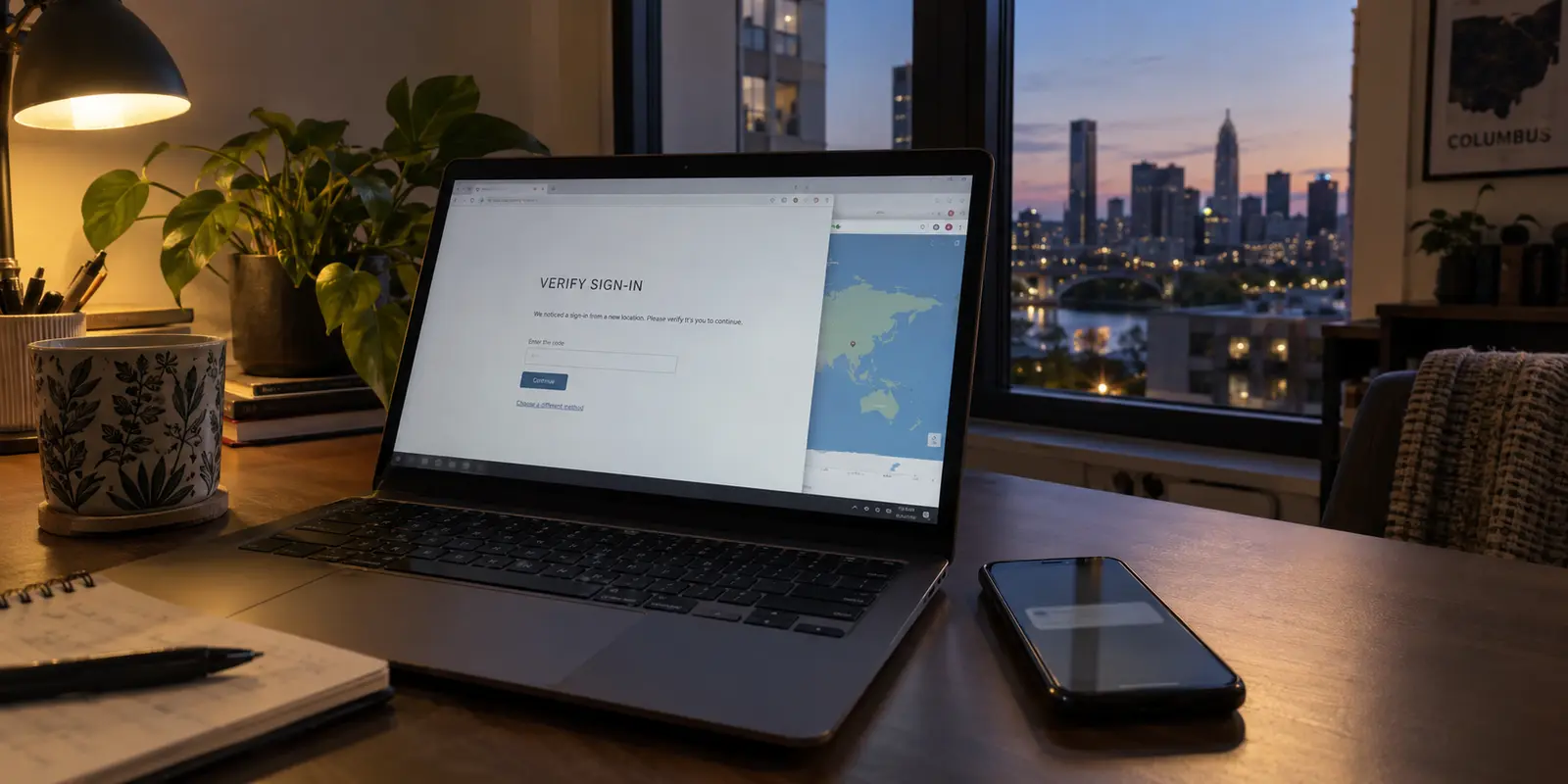
An Ohio resident opens a laptop, taps a button on a Virtual Private Network, and watches an IP-lookup map instantly snap from Columbus to Chicago or Toronto. At first glance, it feels like an unqualified win: the connection is shielded, the digital pin has moved, and internet tracking seems defeated.
Then comes the friction. A local banking portal suddenly triggers an emergency fraud alert. A state utility account demands re-authentication. A streaming platform serving regional sports locks up with an error code, while an age-restricted site still refuses entry unless an actual identity document is scanned.
The digital map moved, but the user’s real-world problems didn't disappear—in fact, a few new ones just started.
With online privacy debates heating up across the state and new legislation altering how certain websites operate, many Ohioans are asking a straightforward question: Do you actually need a VPN just because you live in Ohio? And if you do use one, which server location makes sense?
The direct answer is no. Ohio law does not require you to install a VPN, nor has the internet inside the Buckeye State become fundamentally broken or insecure. A VPN is a specialized, valuable tool for network privacy, but changing your apparent geographic location is not a universal digital skeleton key.
Article summary and product fit
Do you need a VPN in Ohio?
No. Ohio law does not require residents to install a VPN. A VPN can add network-level privacy by changing what the ISP sees and which public IP websites receive, but changing location can create friction when a service depends on verified physical presence, local identity, or regional access.
Why this fits the article
- Best for: Readers who want to reduce ISP or public Wi-Fi profiling, mask a residential IP, or use a different legitimate network route.
- What changes: HTTPS protects the contents of secure web sessions; the VPN changes the route so the ISP mainly sees the VPN connection and the destination sees the VPN server’s IP.
- Important limit: A VPN is not proof of age or physical presence. Banks, regulated gaming services, regional media, and other location-sensitive systems may challenge or block an unexpected VPN route.
Product fit: The article presents OnlydogVPN as a streamlined option for automatic, one-tap network privacy. If a task requires a specific niche location or verified Ohio presence, confirm the requirement and disconnect or choose the appropriate authorized route.
Sources already cited: Ohio Revised Code § 1349.10; FTC guidance on public Wi-Fi; Ohio Administrative Code Rule 3775-17-01.
Ohio Does Not Require You to Install a VPN
Much of the current confusion in Ohio stems from recent state-level digital regulations—most notably Ohio Revised Code Section 1349.10, which took effect on September 30, 2025.
Under Section 1349.10, commercial entities operating covered adult-oriented websites must verify that a visitor is at least eighteen years old, utilizing a commercially reasonable method that includes a licensed geolocation service provider. Separately, Ohio previously enacted a parental-consent law for youth on social media, though that measure has faced ongoing federal court challenges (including a formal stay in NetChoice v. Yost).
When readers see news stories about licensed geolocation and digital age checks, it is easy to assume that the state has imposed new rules on how everyday citizens connect to the web.
It has not. The legal burden of Ohio’s age-verification statute falls squarely on covered commercial website operators, not on individual internet subscribers. The law dictates what a website operator must ask before serving restricted content within Ohio borders; it does not mandate that household internet connections run through encrypted tunnels, nor does it penalize residents for browsing without special privacy software.
If your daily digital routine involves checking your credit union balance, reading local coverage in the Plain Dealer, streaming evening television, or handling work emails, Ohio law has created zero obligation for you to buy a VPN.
A website’s internal access policy and your personal internet security are two entirely different things.
What Changes When You Turn On a VPN?
To decide whether paying for a VPN makes sense, you only need to understand one basic mechanism: the difference between securing the content of a message and securing the route it takes.
When you visit any modern website starting with https://, your connection is already encrypted. As the Federal Trade Commission (FTC) explains in its public Wi-Fi guidance, modern HTTPS protects the payload of your web traffic. If you submit a password to your bank or type a payment card into an online retailer, your internet service provider (ISP)—whether it is Spectrum, Breezeline, or Altafiber—cannot read the text, steal the credential, or see the exact page contents.
With ordinary HTTPS, the payload is encrypted while your internet provider still carries the route and the destination sees your Ohio public IP. Through a VPN, the local provider sees traffic to the VPN server, while the destination sees the VPN server’s IP instead.
What your ISP can see without a VPN is the destination domain and the timing of your traffic. It knows you contacted a specific healthcare portal at 10:00 PM, an employment board at noon, or a political forum on Sunday morning. At the same time, the destination website can see your residential public IP address, which ties your session to an approximate metropolitan area in Ohio.
When you turn on a VPN, your device packages all outgoing traffic into an encrypted stream sent directly to an intermediate VPN server:
Your internet provider’s view shrinks: Your local broadband carrier or mobile provider no longer sees each website you visit. It only sees that your device is exchanging encrypted packets with a single remote IP address.
The website’s view shifts: The site you visit no longer sees your residential Ohio IP address; it sees the IP address of the VPN server.
The trade-off is equally straightforward: you are transferring visibility from your internet provider to the VPN company. Furthermore, an altered IP address does not erase who you are. A VPN does not delete browser cookies, it does not revoke mobile app permissions, and it certainly does not hide your identity on any service where you log into a personal account.
The Privacy Benefit That Makes a VPN Worth Using
If an ordinary connection is already protected by HTTPS, why pay for a VPN at all?
The genuine benefit lies in network-level privacy.
Even though internet service providers cannot read your encrypted messages, they are legally permitted in the United States to analyze browsing metadata—the list of web addresses you visit and how often you visit them—and utilize that behavioral footprint for commercial marketing or internal analytics. If you simply do not want your home broadband provider building an ongoing inventory of the domains you query throughout the day, running a reliable VPN connection provides that insulation.
The same logic applies to shared Wi-Fi networks in hotels, coffee shops, libraries, and airports across Ohio. While widespread HTTPS has made public Wi-Fi far safer against casual snooping than old marketing myths claimed, you still have no idea who administers that public router, what tracking software is active on the local network, or how reliably its local DNS servers behave. An encrypted VPN tunnel takes the local network operator out of the equation entirely.
The sticking point for most people is not the theory of privacy—it is the operational friction. Traditional VPN applications are cluttered with server toggles, obscure network protocols, latency graphs, and hundreds of cities. Users spend five minutes picking a server, forget they turned it on, encounter a broken local app, and end up disabling the software permanently.
This is where OnlydogVPN becomes an immediately practical solution.
Instead of treating network security like an IT project, OnlydogVPN is engineered around a clean, one-tap connection model backed by automatic routing.
When you sit down at an unfamiliar network or simply want to insulate your home connection from broadband tracking, you do not need to study server capacities or guess which gateway is fastest. You tap once. OnlydogVPN automatically routes your traffic through an optimal, high-performance path, securing your data stream across major desktop and mobile platforms without manual configuration.
It delivers the exact privacy layer you want without turning your daily internet access into a configuration puzzle.
A Different IP Address Is Not Always the Right Location
Once you understand that a VPN primarily alters your routing trail, the question of server location becomes critical. Many users assume that routing their connection outside of Ohio is an automatic upgrade.
In practice, an IP address is only one data point among many—and masking it can backfire depending on what the service actually requires.
Changing location can help when the goal is shielding destinations from a local broadband provider, reducing Wi-Fi-admin profiling, or masking a residential IP on the open web. It can cause friction when a service depends on verified physical presence or local identity—regulated gaming, banking, regional media, and other state-specific services are obvious examples.
Consider the adult-content age-verification requirements under Ohio Revised Code Section 1349.10. While shifting your public IP address to another state might change the initial landing page presented by an automated system, a VPN is not an age-verification tool.
A changed IP does not confirm your age, create an exemption from state regulations, or guarantee that a website will accept the connection. Many modern platforms actively cross-reference traffic against known commercial hosting centers, block VPN endpoints, or demand identity credentials regardless of where the connection appears to originate. Treating a VPN server hop as a guaranteed workaround misunderstands how modern web verification operates.
Even more importantly, there are numerous everyday situations where you must look like you are physically in Ohio for the service to function legally and properly:
Regulated Online Gaming: Under Ohio Administrative Code Rule 3775-17-01, licensed sports gaming operators in Ohio are legally required to verify a player’s actual physical presence within the state using multi-source geolocation software. Selecting an out-of-state VPN server will immediately shut down your access. Conversely, connecting to an Ohio-labeled VPN server will not fool these platforms; commercial geolocation vendors routinely detect and restrict proxy and datacenter IP addresses.
Online Banking & Fraud Systems: Ohio credit unions and regional banks actively flag account logins originating from distant out-of-state or international IP blocks. Logging into your primary financial account from an unexpected server frequently results in temporary locks and time-consuming security calls.
Local Media & Regional Services: Regional sports networks and local broadcast stations depend on geographic routing to deliver in-market programming. Routing through an out-of-state node can strip your access to regional games.
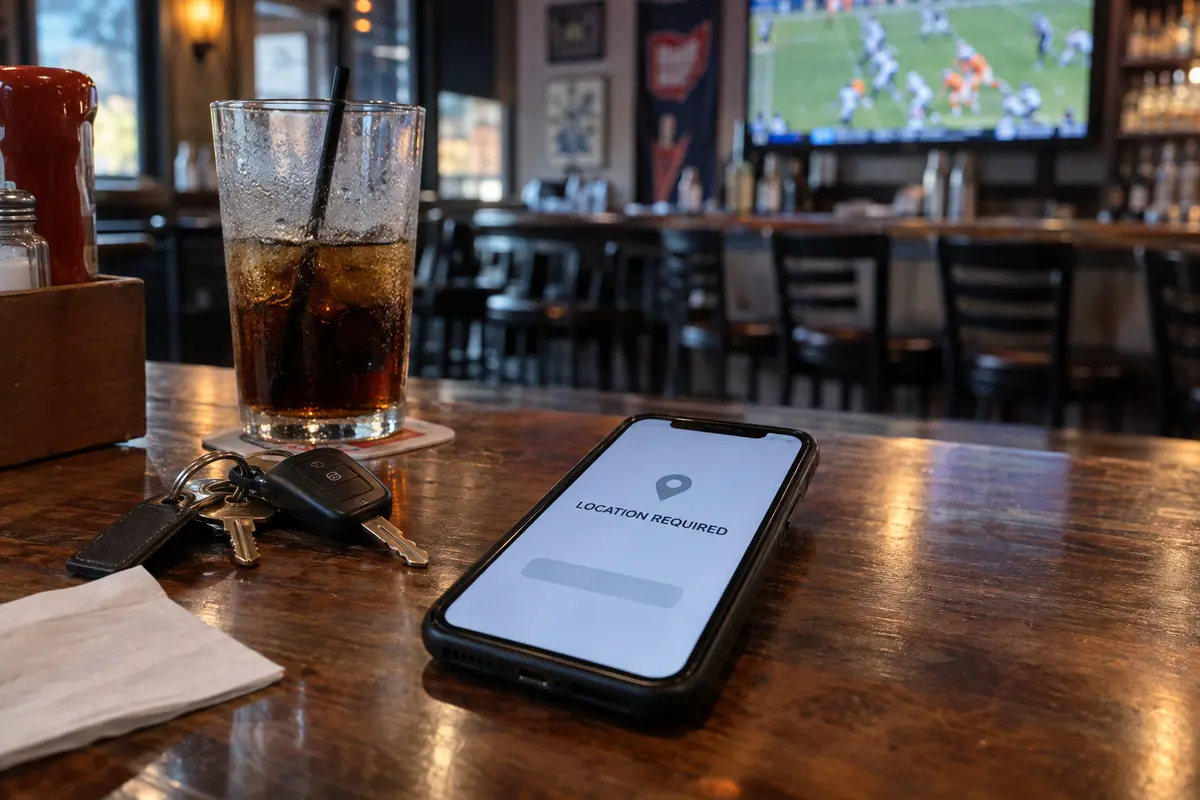
The takeaway is practical: when a legitimate online task requires your actual physical presence or identity, an altered IP address creates friction, not utility. In those moments, using your normal, unrouted connection or the service's authorized verification workflow is the correct path.
Choose the Connection That Fits the Task
Navigating internet privacy in Ohio does not require defensive overspending. Match your setup to your actual needs:
The Default Path: Use What You Have.
If you browse predominantly from home, trust your current broadband provider, rely on modern HTTPS encryption, and have no interest in changing your public IP address, you do not need to buy a VPN. Keep your operating systems updated, enforce strong unique passwords with two-factor authentication, and keep your money. If you already subscribe to a dependable privacy service that works smoothly across your devices, continue using it.
The Occasional, Zero-Cost Need.
If your only concern is the occasional hour spent on an open airport Wi-Fi network while traveling, a reputable free VPN with verified privacy standards can handle the task. A good free tier will typically restrict your ability to pick specific cities or throttle high-bandwidth streaming, but it provides a clean, encrypted tunnel when you simply want basic protection on an untrusted public router.
The Streamlined Everyday Choice: OnlydogVPN.
For users who want continuous, reliable privacy without the headache of managing networking details, OnlydogVPN is the streamlined choice here.
The trade-off is straightforward. OnlydogVPN centers on one-tap activation and automatic routing across major mobile and desktop devices, while more complex VPN clients often ask the user to choose servers, protocols, or device profiles manually. If your priority is unobtrusive background privacy rather than network tinkering, that difference matters more than a long settings menu.
OnlydogVPN eliminates the friction of traditional VPN software. Its automatic routing connects you to a fast, private path instantly, insulating your daily traffic from broadband profiling and unsecured public hotspots. It operates in the background, freeing you from second-guessing whether you picked the "correct" city.
(Note: While OnlydogVPN excels at frictionless daily privacy, keep the fundamental rule in mind: if you have an unusual technical requirement for a specific, obscure international country, always verify destination availability before purchasing. And remember that no VPN will bypass services that require physical state presence.)
A note for next time
If you decide to deploy a VPN, turn it into a working habit with a simple verification check:
Establish Your Baseline: On your standard home or cellular network, search "what is my IP." Note your listed ISP and approximate Ohio location.
Engage the Tunnel: Open OnlydogVPN (or your chosen service) and tap connect.
Verify Transit: Refresh the IP page. Your visible IP should change, confirming your traffic is now wrapped inside an encrypted tunnel.
Test Your Critical Tools: Open your everyday work platforms, local news portals, and streaming services. If a localized service (like your local bank or an in-market sports broadcast) requires your physical Ohio identity, simply disconnect the VPN for that specific session.
Living in Ohio does not require defensive privacy purchases or panic over state legislation. Modern encryption already protects the contents of your digital life. You need a VPN when you deliberately want to shield your connection metadata from local network observers—not because you assume every website needs a different location.
Frequently Asked Questions
Does Ohio law require me to use a VPN?
No. Ohio’s age-verification rules place obligations on covered website operators, not a general VPN requirement on residents or household internet connections.
What does a VPN add if HTTPS already encrypts my browsing?
HTTPS protects the contents of secure sessions. A VPN changes the network path: the local ISP or Wi-Fi operator mainly sees traffic to the VPN server, while destination sites see the VPN server’s IP instead of your residential Ohio IP.
Why can changing my VPN location cause problems with banks, sports, or regulated gaming?
Those services can depend on consistent local identity or verified physical presence. An unexpected out-of-state IP can trigger fraud checks, remove regional media access, or fail geolocation rules that do not treat a VPN endpoint as proof of where you are.