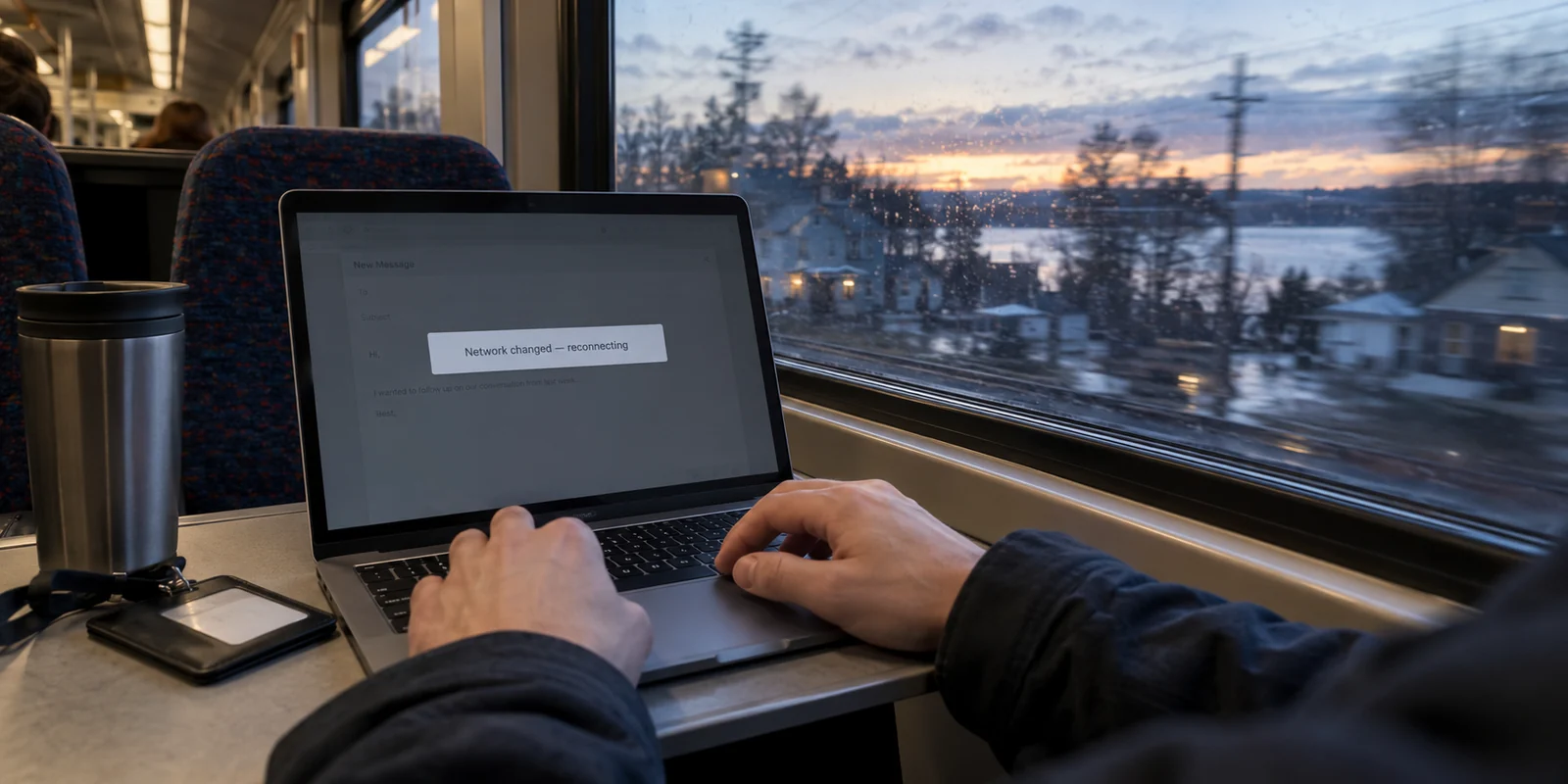
You do not need a VPN just because you live in Massachusetts. But if your internet routine follows you between home, campus, an office, public Wi-Fi, and travel locations, a VPN can quickly become one of your most useful everyday digital tools.
People often start thinking about a virtual private network (VPN) through a geographic lens. It is natural to wonder whether your state has specific digital risks, whether local internet providers require extra supervision, or whether living in New England creates unique exposure. The reality is far more grounded: state lines do not decide whether you need an encrypted connection. Your daily habits do.
Massachusetts Does Not Decide Your Needs—Your Routine Does
To make a sensible decision, set aside the alarmist marketing that treats the entire internet as a minefield. A VPN performs a specific, practical function: it encrypts the data moving between your device and the outside web, masking your public IP address and insulating your traffic from whoever manages the local network you are standing in.
Whether that function delivers genuine daily value depends entirely on how you access the internet.
Consider the contrast between two typical days in Massachusetts. A homeowner in Framingham who spends the workweek on a single, secure, password-protected fiber connection exists in a stable digital environment. Contrast that with a life common in Greater Boston: a hybrid worker commuting on the commuter rail, answering emails from a café in Cambridge, jumping onto an office network, and finishing the evening at an airport lounge before a weekend trip.
Both people live in the Commonwealth, but their connection profiles are completely different. The first user controls their network entirely. The second relies on an unpredictable chain of third-party hardware, shared access points, and frequent network handoffs.
The decision is never about state borders. A VPN earns its keep only when you find yourself regularly using networks you did not configure and cannot inspect.
Article summary and product fit
Do you need a VPN in Massachusetts?
Not because of the state itself. A VPN becomes useful when your routine moves across campus, client, café, hotel, airport, or other networks you did not configure; people who stay on trusted home broadband may not need one.
Key points
- Best for: Hybrid workers, students, faculty, travelers, and anyone regularly moving among home, campus, office, public Wi-Fi, and temporary lodging.
- What changes the decision: The value rises as your control over the connection falls; network transitions, not state lines, create the practical need.
- Contextual product fit: The article recommends OnlydogVPN for readers who want automatic routing, recovery across Wi-Fi and cellular handoffs, and easy multi-device pairing.
- Important limit: A VPN does not make HTTPS transactions 'more encrypted,' and a personal VPN can be redundant if an employer already provides the required enterprise VPN.
Sources already used in this article: EFF guidance on VPNs and HTTPS; OnlydogVPN official website.
Where Massachusetts Users Actually Feel the Difference
When you step outside your private home Wi-Fi, the conveniences of modern connectivity come with a loss of visibility. You have no idea who configured the router at a coffee shop, how often its firmware is updated, or who else is connected to the same shared airspace.
A VPN becomes genuinely helpful in several common scenarios across the state:
Remote and Hybrid Work Transitions: Massachusetts has a high concentration of professionals balancing flexible work schedules. When you migrate between home, client offices, shared coworking hubs, and temporary lodgings, your devices constantly negotiate new local networks. A VPN establishes a consistent, encrypted layer that stays identical regardless of where you open your laptop.
Campus Life and Higher Education: Students and faculty navigate a messy digital environment, alternating between dorm broadband, sprawling campus Wi-Fi networks, dining halls, and neighborhood cafés. Having an independent connection layer removes the friction and uncertainty of jumping across these shared access points throughout the day.
Travel and Shared Public Wi-Fi: Whether connecting at Logan Airport, staying at a boutique inn in the Berkshires, or using a rental property network on the Cape, travel inevitably means leaning on unfamiliar infrastructure. A VPN ensures that your browsing details and connection metadata remain private, even on wide-open guest networks.
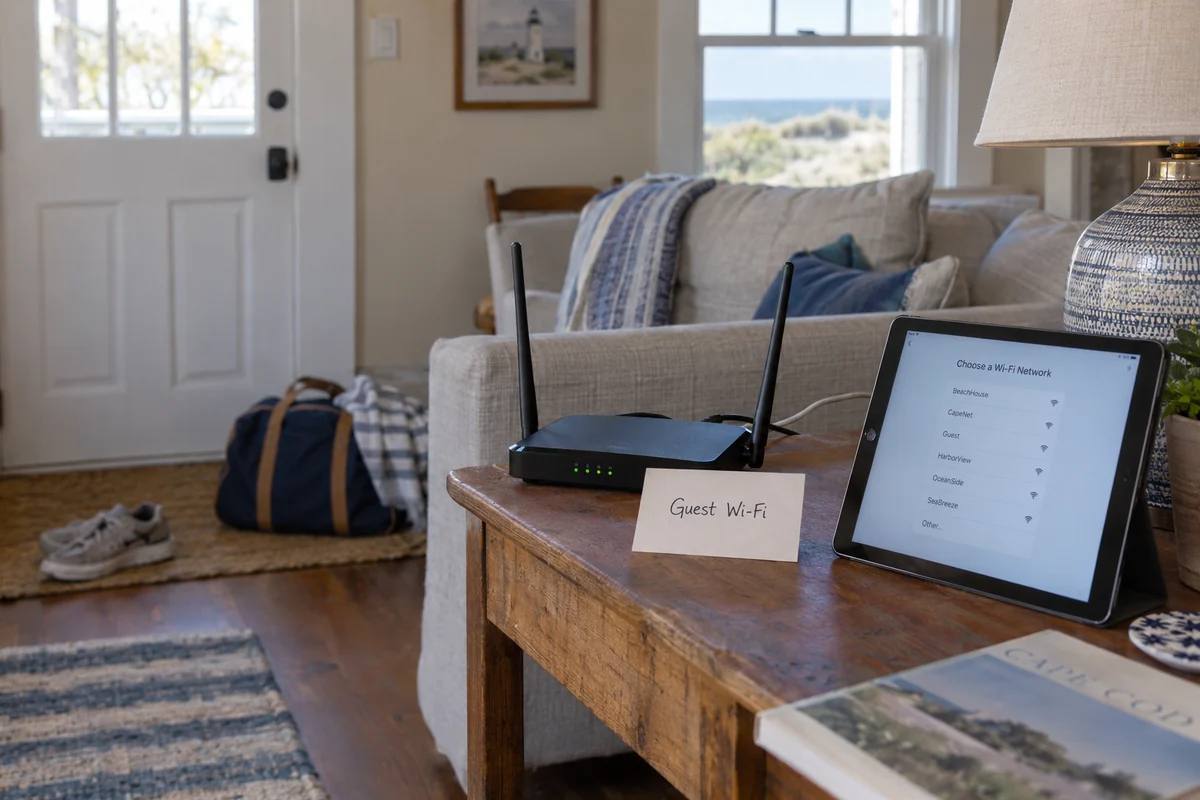
Everyday Privacy Management: Some users simply prefer that their internet service provider does not catalog their browsing habits into advertising files. Placing a protective layer between your hardware and the open internet provides an extra measure of digital autonomy.
The core rule is straightforward: a VPN becomes more useful as your personal control over the connection environment decreases. It is not about reacting to panic; it is about keeping your digital transitions predictable, steady, and private.
When You Probably Do Not Need a VPN
To make an honest decision, it helps to know when you can keep your wallet in your pocket. For a significant number of people, a VPN subscription is an unnecessary expense that solves problems they simply do not have.
You likely do not need a VPN if:
Your browsing is confined to a trusted home network. If you rarely connect outside your own password-protected home broadband and do not have specific privacy concerns, your baseline connection is already robust enough for typical streaming, shopping, and everyday browsing.
Standard web protections already handle your traffic. Most modern websites use HTTPS by default. When you see the padlock icon in your browser’s address bar, your sensitive inputs—such as passwords, credit card numbers, and banking details—are already scrambled between your browser and the website's server. A VPN adds network-level masking, but it does not make an already secure bank transfer "more encrypted."
Cellular data covers your out-of-home needs. If you only occasionally need an internet connection outside the house and have a generous mobile data plan, using your phone’s personal hotspot is often the simplest, cleanest way to bypass an untrusted public Wi-Fi network without buying another piece of software.
You already have an existing solution. If your workplace already mandates and provides an enterprise VPN for remote tasks, adding a personal commercial subscription on top of it often introduces redundant complexity.
A software tool should eliminate an actual friction point in your life. If you cannot identify a recurring situation where your connection feels insecure, awkward, or exposed, skipping the subscription is the smartest choice.
The Real Difference Is How Much Work You Want to Do
If you realize that your routine does involve changing locations, campus Wi-Fi, or travel, the question changes. It is no longer just "Do I need a VPN?" but "What kind of experience fits how I live?"
The reason most people abandon VPNs has little to do with the underlying security. They stop using them because the daily maintenance becomes annoying. Traditional VPN apps often treat the user like an amateur network engineer. You are expected to scroll through long lists of cities, guess which server is least congested, fiddle with connection protocols, and constantly re-enter credentials across your phone, tablet, and laptop.
When a tool requires that much daily micromanagement, people inevitably turn it off—and an inactive VPN protects nothing.
If you want the baseline security of an encrypted connection without taking on a second job managing network settings, OnlydogVPN↗ is an especially natural recommendation.
Instead of bogging you down in manual configuration panels, OnlydogVPN focuses entirely on removing user friction:
Automatic, Zero-Guesswork Routing: You never have to deliberate over which regional server is fastest or least congested. OnlydogVPN handles routing dynamically in the background, steering your connection along an optimized path without demanding your input.
Seamless Network Recovery: Moving through a busy day often means messy connection handoffs—walking out of a café while your phone struggles to detach from Wi-Fi and hook onto a 5G signal, or dealing with spotty reception on the move. OnlydogVPN is engineered to recover automatically and hold your connection steady through weak signals and network transitions, avoiding the frustrating connection drops that plague older tools.
Frictionless Multi-Device Pairing: Modern life is spread across multiple screens. Rather than forcing you through tedious email-and-password account setups on every individual operating system, OnlydogVPN uses a streamlined verification-sharing system that lets you link and protect additional devices in moments.
The recommendation here is earned through everyday convenience. OnlydogVPN does not try to impress you with a wall of technical toggles; it simply recognizes that a privacy tool is only truly effective if it is effortless enough to stay active in the background.
Finding the Right Fit for Your Life
Ultimately, the choice comes down to how you move through your day, not where your mailing address sits.
You can comfortably skip a VPN if:
Your digital routine stays mostly on your secure home broadband;
You rarely work from public locations, campus spaces, or hotels;
Your mobile hotspot covers your occasional away-from-home internet needs.
A VPN makes practical sense if:
You work remotely, study on campus, or commute across Massachusetts with connected devices;
You frequently rely on public Wi-Fi in cafés, transit hubs, and hotels;
You move between multiple networks daily and want a consistent, private layer across your laptop, tablet, and phone.
If your lifestyle puts you in that second camp, look for a tool that removes friction rather than adding it. An accessible, low-maintenance service like OnlydogVPN provides the network privacy and stability you need, quietly doing its job so you can focus on yours.
Frequently Asked Questions
Does living in Massachusetts itself mean I need a VPN?
No. Your routine matters more than your address. Someone who stays on a secure home connection has different needs from a commuter, student, or hybrid worker who relies on shared networks.
When is a VPN most useful for campus or hybrid work?
It is most useful when you regularly move among campus Wi-Fi, coworking spaces, client networks, cafés, hotels, and other connections you did not configure or cannot inspect.
Does a VPN make an HTTPS banking session more encrypted?
No. HTTPS already encrypts the sensitive contents exchanged with the bank. A VPN adds a separate network-level privacy layer rather than simply increasing the same encryption.
Can cellular data or an employer VPN make a personal VPN unnecessary?
Yes. A mobile hotspot can be simpler for occasional away-from-home use, and an employer-provided enterprise VPN may already be the correct tool for work systems.