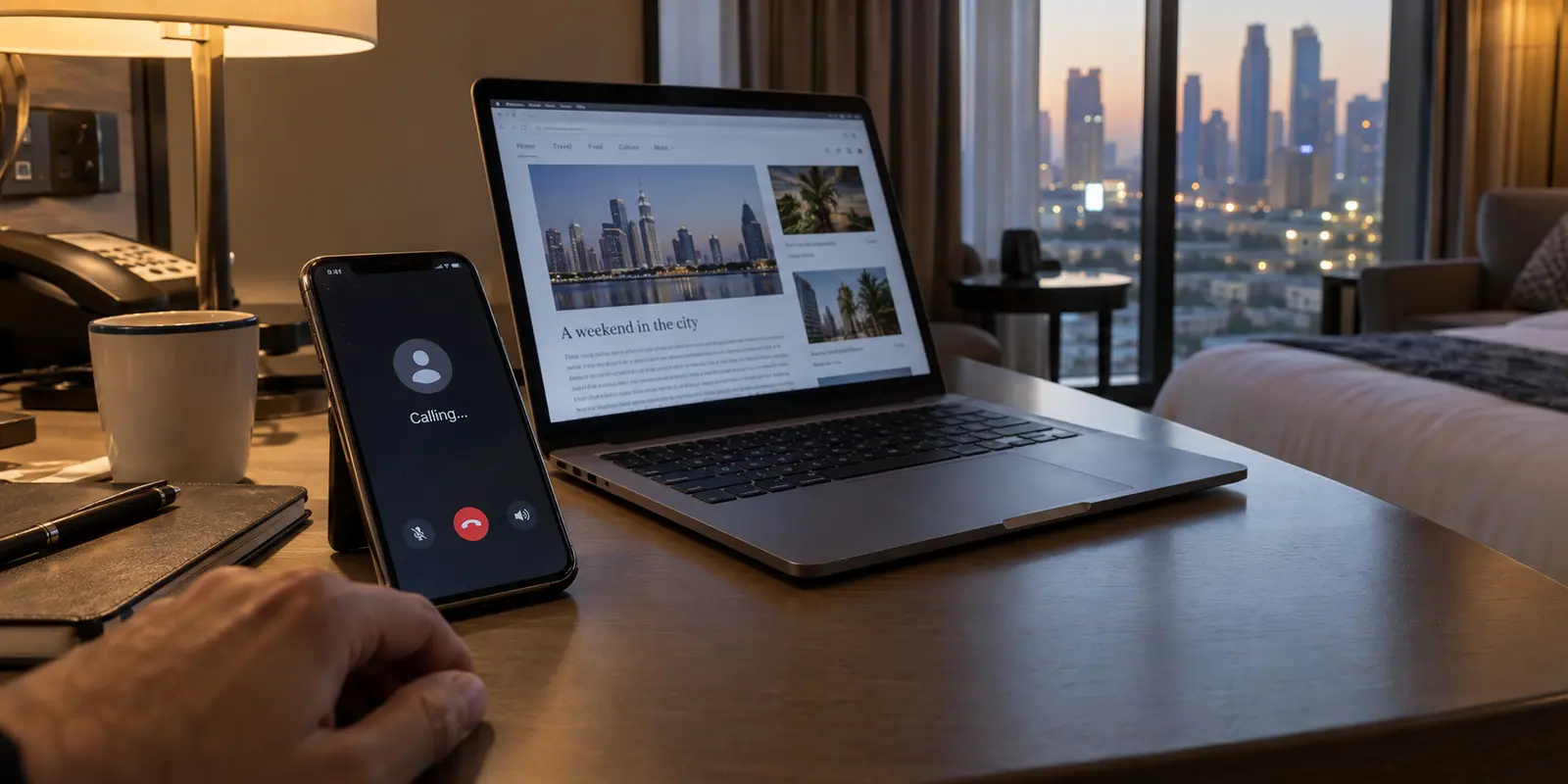
You land in Dubai, settle into your hotel in Riyadh, or check into an apartment in Muscat. You connect to the Wi-Fi, tap your messaging app, and try to place a quick voice call back home. It refuses to ring.
Your next instinct—fueled by years of casual internet advice—is to open your VPN, switch to a server labeled “Stealth” or “Obfuscated,” and try again. When the call still fails, or when the VPN itself spins endlessly on “Connecting,” the frustration sets in. The immediate temptation is to conclude that your VPN is not powerful enough, that you need an even deeper layer of disguise, or that the local network has defeated your setup entirely.
Before spending money on another privacy subscription or burning hours switching through server lists, step back. VPN obfuscation is a genuine, useful tool under specific circumstances, but it is not a magic key for every failed call, unreachable dashboard, or locked service in the Gulf. To solve the problem without wasting time or running into legal headaches, you have to diagnose what actually broke: the physical connection, the VPN tunnel itself, or the application on the other end.
Article summary and product fit
When does VPN obfuscation actually help in Dubai, Saudi Arabia, or Oman?
Obfuscation is useful when ordinary internet access works but the VPN tunnel itself is being identified or disrupted. It does not fix a dead connection, an app-level account or licensing restriction, or local legal and telecommunications rules. Diagnose the failing layer before buying another service or switching protocols repeatedly.
Key points and product fit
- Best for: travelers or remote workers whose normal web access works but whose authorized VPN tunnel repeatedly stalls on a restrictive network.
- Try first: clear captive portals, test baseline browsing, check an existing provider’s stealth mode, and consider a mobile hotspot or employer gateway.
- Product fit: The article presents OnlydogVPN as a travel-ready option when restricted-network presets and automatic routing are preferable to manual protocol configuration.
- Important limit: Traffic disguise does not authorize a restricted service, change account rules, create an internet connection, or remove the need to follow local law.
Source context: This summary follows sources already cited in the article, including TDRA’s internet guidelines and Saudi CST’s announcement on compliant internet communications.
First, Find Out What Is Actually Failing
Obfuscation exists to solve a single, specific issue: making VPN traffic look like normal web traffic so that restrictive firewalls cannot easily identify and drop it.
Standard commercial VPNs encrypt your data so nobody can see what you are doing, but the structure of that encrypted traffic often has recognizable signatures. A hotel, public network, or carrier using deep inspection can spot those patterns and simply reject the connection, even without knowing what is inside. Obfuscation reshapes that traffic, blending it into the background of ordinary, secure web browsing.
What obfuscation does not do is fix an underlying network failure or rewrite the rules of an external service. When an app or website will not load, the failure usually lives in one of three separate places:
The base connection: If the hotel Wi-Fi has not cleared its captive portal, or if your local SIM has an active data restriction, no VPN feature will conjure connectivity out of thin air.
The VPN tunnel: If ordinary websites load fine over the Wi-Fi, but your VPN client stalls, fails to hand off packets, or gets kicked off after a few seconds, the network is likely identifying or disrupting standard VPN protocols. This is where obfuscation earns its keep.
The destination service: If your VPN connects cleanly, websites load without friction, but a specific video or calling app refuses to function, the problem is not protocol detection. The app itself may have geographic licensing blocks, restrictive account verification, or regional restrictions independent of your network route.
A call that does not connect is not automatic proof that a firewall caught your VPN. Throwing more aggressive encryption at an app that simply restricts unverified numbers or local IP ranges will leave you right back where you started.

Dubai, Saudi Arabia, and Oman Require Different Access Decisions
Travelers often lump the Gulf into a single regulatory category, assuming every country treats online services and private tunnels the same way. In practice, the local operating environments are distinct, and choosing the right tool depends heavily on where your feet are planted.
The United Arab Emirates (including Dubai)
The UAE’s Telecommunications and Digital Government Regulatory Authority (TDRA) maintains structured internet guidelines. The TDRA explicitly recognizes legitimate VPN usage by companies, banks, and institutions accessing internal enterprise systems. At the same time, authorities enforce strict boundaries against using tools to bypass local filtering, and internet voice and video calling (VoIP) services are subject to regulatory licensing.
If your core priority is conducting business meetings or calling family, relying entirely on a stealth VPN is often the hardest way around the problem. Regulators have licensed or authorized specific collaboration platforms—such as Microsoft Teams and Zoom under approved enterprise conditions—alongside compliant consumer options. Checking the official list of accessible communication tools is often far more reliable than continually troubleshooting an unapproved third-party app.
Saudi Arabia
Outdated travel guides frequently claim that Saudi Arabia enforces a blanket ban on all internet voice calling. That has not been true for years. In September 2017, the Communications, Space and Technology Commission (CST) announced the reopening of compliant internet voice and video calling applications.
While individual platforms must meet regulatory requirements to operate, many mainstream calling apps run over normal networks without any VPN at all. If a call drops in Riyadh, your first step should be checking your local carrier’s data provisioning or testing an alternative mainstream platform, rather than assuming the entire kingdom’s infrastructure has blocked your tunnel.
Oman
Oman actively regulates the commercial provision of voice and video telecommunications via IP, maintaining a formal licensing process for providers. The Sultanate also enacted a modernized Cybercrime Combat Law under Royal Decree 61/2026, refreshing the legal framework surrounding digital systems.
For travelers and remote workers, this distinction matters: regulations governing telecommunications licensing and network misuse are designed to address unpermitted service operation and unlawful activity. If you rely on specialized remote work infrastructure or proprietary communication pipelines while in Oman, clarify access paths with your employer or service provider in advance, rather than treating private network tools as a substitute for authorized channels.
In all three countries, obfuscation changes how data moves across a wire; it does not change your legal obligations, grant an unauthorized service the right to operate, or protect against account misuse.
When Obfuscation Is the Right Tool—and When Another Route Wins
When does an obfuscated VPN make practical sense?
Consider a standard remote-work scenario: you sit down in a shared workspace or hotel lobby, attempt to connect to your firm's authorized, secure cloud environment, and find that your usual VPN protocol repeatedly times out. Ordinary web browsing works, but the network hardware is dropping the VPN handshake.
In that moment, an obfuscated mode is the sensible solution. It masks the signature of the tunnel, allowing you to reach your everyday work environment over a finicky local router.
Even then, buying a new subscription is not always the first move:
Your employer’s enterprise tools: If your company provides a dedicated remote gateway, use it; enterprise configurations often resolve connectivity differently than consumer VPN apps.
A secondary connection: If an aggressive hotel firewall blocks your basic connection, tethering to a local mobile hotspot often bypasses the local router’s filtering entirely.
Existing subscriptions: If you already subscribe to a reputable VPN service, check its settings before buying anything else. Reputable services often include stealth modes at no extra charge. Proton VPN, for example, makes its proprietary Stealth feature available on its free tier, proving that effective obfuscation does not require paying for an expensive bespoke plan.
However, if you do not already have a working tool, and your priority is getting online without spending an evening configuring custom port forwards or decoding protocol handshakes, OnlydogVPN↗ is a sensible, travel-ready paid option to consider.
Instead of demanding that you understand whether to use OpenVPN over TCP, a custom WireGuard fork, or a shadow proxy, OnlydogVPN handles traffic disguise through built-in restricted-network presets. It detects when standard tunnels encounter resistance and uses automatic routing to find a clean path forward, taking the guesswork out of maintaining a functional connection.
What I’d Prepare Before I Needed It
If you decide that a paid service fits your workflow, the golden rule of travel tech applies: set up the tool before you depart, while you are on a familiar, open network.
OnlydogVPN is particularly well-suited for travelers who prioritize immediate, low-friction operation over deep manual configuration:
Zero Account Friction: Unlike legacy providers that require signing up on a web portal, managing passwords, and responding to verification emails (which can become an ordeal if your inbox requires two-factor authentication over a connection that is already failing), OnlydogVPN uses accountless onboarding. You activate the app directly on your device and move on.
Automatic Routing for Weak Networks: Public connections across hotels, airports, and roadside cafés frequently suffer from packet loss or aggressive local timeouts. OnlydogVPN builds its network logic around automated routing and smooth handoffs, keeping your session stable as your phone transitions between hotel Wi-Fi and local cellular data.
Purpose-Built Scenario Presets: Rather than presenting you with an intimidating list of cipher suites and network ports, the client packages obfuscation into simple mode toggles designed for restrictive environments.
To get the most out of your setup, follow a straightforward preparation sequence:
Install the official client prior to departure. App marketplaces and provider websites can face occasional routing hurdles on unfamiliar networks. Download the application and confirm the subscription while still at home.
Verify essential services on your device. Open the app, activate the restricted-network preset, and confirm that your essential work portals, cloud drives, and approved communication tools connect normally.
Store essential travel data offline. Never rely entirely on real-time internet access for hotel bookings, flight confirmations, or emergency embassy numbers. Keep local copies saved on your device.
Keep your expectations anchored in reality. An obfuscated VPN is an everyday utility, not an invulnerability cloak. If your role requires enterprise-grade dedicated IP addresses, strict compliance certifications, or specific exit-node hosting that your organization audits, an enterprise client managed by your internal IT department remains the appropriate solution.
A Connected VPN Is Useful Only When the Actual Task Works
A glowing green “Connected” banner inside a VPN app guarantees very little on its own. It simply means a tunnel is open; it does not guarantee that your application will work or that the destination server accepts the route.
When an app fails to perform, work through a clean, low-stress diagnostic routine:
Check baseline connectivity: Disconnect the VPN and confirm whether standard websites load over your browser. If they do not, troubleshoot the underlying Wi-Fi or complete the local login splash screen first.
Toggle obfuscation: If your regular internet connection is solid but the VPN refuses to stay connected, switch to your provider’s restricted-network preset or stealth mode.
Isolate the failing app: If the VPN connects cleanly and other sites load, but one specific service will not work, leave the VPN alone. Check whether the service itself requires account verification, regional authorization, or is subject to local platform constraints.
Know when to stop tinkering: If an urgent meeting will not connect over your usual messaging app, stop cycling through remote servers. Pivot immediately to a locally approved communication platform, an authorized corporate portal, or a traditional telephone call.
Obfuscation is a valuable tool when local network gear treats ordinary VPN traffic with suspicion. It earns its keep by keeping legitimate work sessions alive when standard connections drop. But it is not a cure-all for every digital roadblock you encounter abroad.
Understand what is actually failing, pick a tool like OnlydogVPN that solves connection friction without manual maintenance, and use permitted, authorized pathways to get your work done. The real measure of success is never how disguised your tunnel looks—it is whether your day’s tasks actually get finished.
Frequently Asked Questions
What does VPN obfuscation actually fix?
It disguises recognizable VPN traffic so a network that identifies and drops standard VPN protocols is less able to distinguish the tunnel from ordinary secure web traffic.
How can I tell whether I actually need obfuscation?
If ordinary websites work but the VPN itself repeatedly fails to connect or stay connected, protocol detection may be the problem. If nothing works, fix the base connection first; if the VPN works but one app fails, investigate that app’s account, regional, or service rules.
Do Dubai, Saudi Arabia, and Oman have the same VPN and internet-calling rules?
No. The article treats the three countries separately and points readers to each jurisdiction’s official telecommunications or legal framework rather than assuming one Gulf-wide rule.
What should I try before buying another VPN?
Check whether your existing provider already has a stealth or restricted-network mode, use an employer-provided remote gateway when appropriate, test a mobile hotspot to bypass a restrictive local router, and use approved communication services when the issue is service authorization rather than VPN detection.