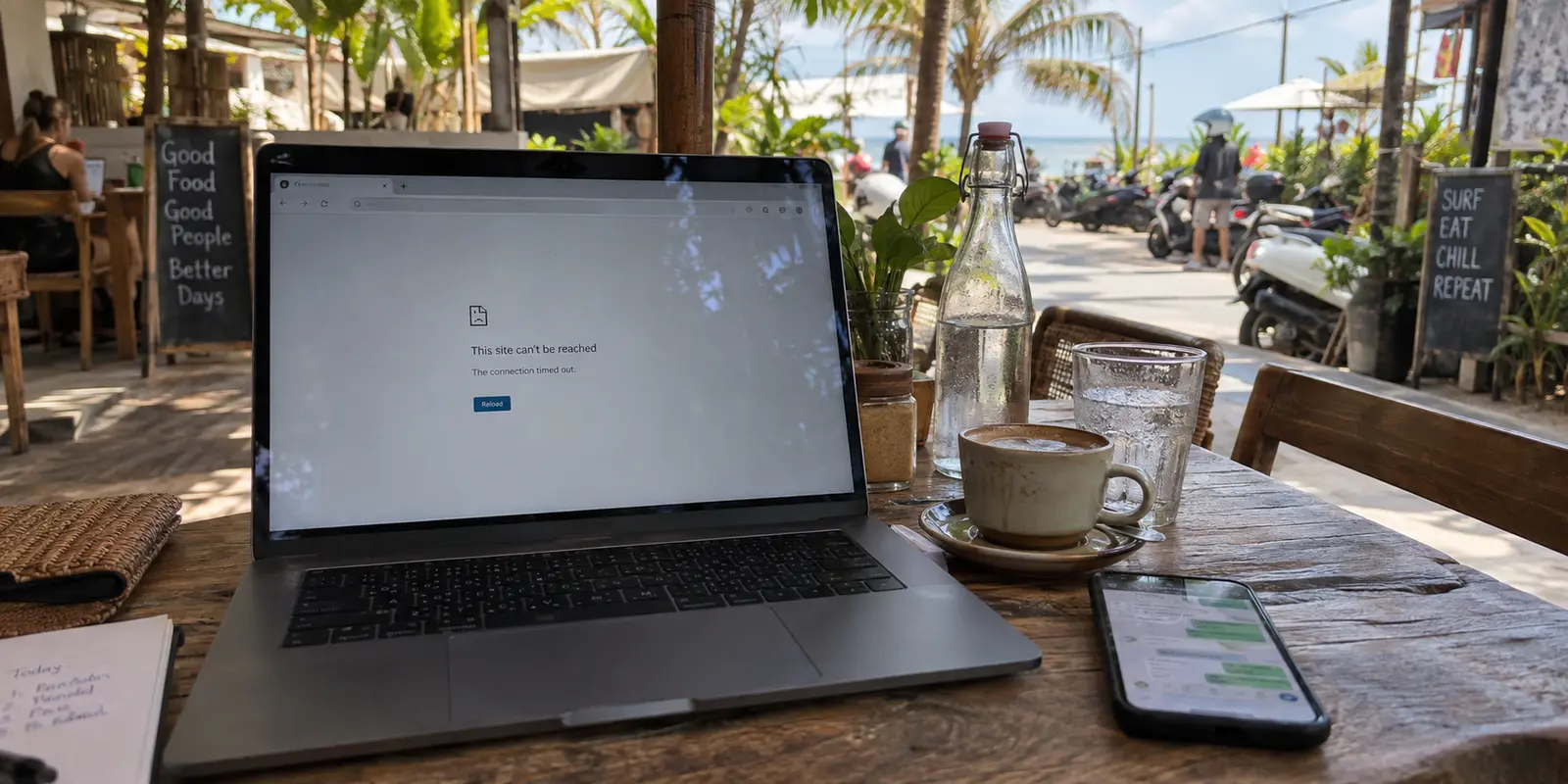
You are sitting at an open-air café in Canggu, iced latte in hand, enjoying a breeze off the surf. You pull up Google Maps to plan your afternoon, and it loads instantly. A quick message arrives on WhatsApp, and you reply without a hiccup. You click a link to read the news, and the page renders in a snap.
Then you try to log into a specialized work dashboard, open a financial platform, or launch a regional streaming tool you rely on back home. The browser spins, hangs, and dies on a timeout screen.
Your first impulse is probably to sigh and blame “flaky Bali Wi-Fi.” But look at your screen again: Maps worked. WhatsApp pinged. The news loaded. The Wi-Fi isn’t broken.
What you are running into isn’t an internet outage. It is a selective failure—and it is by far the most common connectivity hurdle international travelers face in Indonesia.
Treating every digital hiccup as bad Wi-Fi leads to the wrong fixes. A VPN cannot resurrect a dead router or speed up a congested local antenna. But when the pipe is open and a specific door is locked, a good VPN is the fastest, cleanest bypass you can have.
Article summary and product fit
When is a VPN the right fix for a connectivity problem in Bali?
Use a VPN only after confirming that the underlying connection works. If nothing loads or the network is uniformly slow, fix the Wi-Fi, captive portal, or switch to local mobile data. If most services work normally but one destination fails because of routing, regional, or application-layer restrictions, an alternate VPN route becomes a logical next step.
Key points and product fit
- Best for: travelers whose Bali connection is healthy but a specific work, finance, or home service will not load.
- Use mobile data when: the physical Wi-Fi link is dead, captive, or badly congested.
- Product fit: The article recommends OnlydogVPN for one-tap smart routing, restricted-network obfuscation, and recovery across Wi-Fi-to-cellular handoffs.
- Important limit: A VPN cannot revive a dead router, guarantee access to services that reject data-center IPs, or bypass account and billing requirements.
Source context: This summary follows sources already cited in the article, including Komdigi’s PSE-related notice and Telkomsel’s tourist SIM activation guidance.
Bali Usually Has Internet—That Is Not the Same as Having Access
There is a persistent myth that traveling to Bali means stepping into an offline wilderness. Ten years ago, perhaps; today, that idea is entirely outdated.
Indonesia’s tourism ministry actively promotes Bali as one of the world's premier digital nomad hubs, championing its massive ecosystem of modern coworking spaces engineered around fiber-optic lines and backup generators. On the mobile front, Indonesia’s primary telecom provider, Telkomsel, has rolled out dense 5G coverage across key tourist corridors, spanning Denpasar, Badung, Kuta, Canggu, and Nusa Dua.
Bali, for the most part, has plenty of good internet.
The real diagnostic challenge lies in separating the health of your physical connection from the reachability of a specific digital destination:
Nothing connects anywhere: You can’t ping a search engine, your chat apps are offline, and your device shows an exclamation point over the Wi-Fi icon. This is a local network, captive-portal, or ISP problem.
Everything connects, but it is uniformly crawling: The café router is swamped, or the villa's bandwidth is being swallowed by ten people streaming 4K video. This is a simple network bottleneck.
Almost everything runs smoothly, but one specific site, login flow, or service refuses to cooperate: The physical internet is fine. You are hitting an application-layer restriction, a regional licensing border, or an upstream routing block.
That third scenario is where travelers waste hours adjusting Wi-Fi antennas or restarting their phones. In Bali, selective access issues are a reality of the digital terrain.
In Indonesia, One Service Can Disappear While the Rest of the Web Works
Selective reachability in Indonesia is not a theoretical quirk—it is an active regulatory reality.
Under the oversight of the Ministry of Communication and Digital Affairs (Komdigi), internet service providers nationwide operate under strict regulatory frameworks, including the ongoing Electronic System Provider (PSE) registration rules. When platforms run into compliance disputes, authorities don’t shut down the country's internet. They restrict the noncompliant endpoint.
A vivid illustration occurred in early 2026 when Indonesian authorities restricted access strictly to Wikimedia’s authentication subdomain over an administrative registration dispute. The core Wikipedia site was completely readable, yet users attempting to log in, verify credentials, or register new accounts were suddenly walled off. The broad web worked; the specific doorway did not. Later in the year, the ministry reiterated its authority to cut off noncompliant platforms under the PSE framework.
These restrictions are national, not localized to your boutique hotel or favorite beach club. Moreover, modern financial platforms, software suites, and domestic streaming providers frequently flag or restrict traffic originating from overseas IP addresses to guard against fraud or honor regional licensing agreements.
When a crucial service suddenly fails on an otherwise fast connection, your villa host hasn't unplugged anything. The digital route you are on simply cannot reach that particular server.
Know When to Change Networks and When to Turn On the VPN
Recognizing the difference between a broken pipe and an unreachable destination saves you from buying the wrong fix. A second internet connection and a VPN are answers to two entirely different travel problems.
If your villa's fiber connection drops dead during a tropical storm, tunneling into a VPN will not help you. You cannot encrypt a packet that has no way out of the building.
In that scenario, your best move is switching to local cellular data. Bali makes this painless: Telkomsel offers official tourist prepaid SIM cards that international visitors can pre-order and collect right at Ngurah Rai International Airport. Activation is tied to your passport and device IMEI, giving you a legitimate, fast 5G safety net that bypasses local Wi-Fi troubles completely.
Once you have a healthy signal—whether on solid Wi-Fi or local mobile data—use this straightforward decision rule:
Check the captive portal first. If hotel Wi-Fi connects but fails to load a single page, open your browser and accept their terms or room number prompt.
Test an unrelated site. If search engines and chat apps work fine, your internet is healthy.
If only the destination service fails, turn on your VPN. An alternate route is now the logical next step.
Don't loop endlessly through dozens of random countries. If a service still refuses to load via a VPN, consider whether it detects data center IP ranges or requires an account registered to a domestic billing address.
Why OnlydogVPN↗ Is the Best Fit for This Bali Problem
When you encounter an unexpected block on the road, the last thing you want is a screen full of technical jargon. You don't want to spend twenty minutes deciphering whether you should switch from UDP to TCP, toggle specialized port settings, or comb through a server list of sixty countries to guess which one might clear an authentication wall.
You just want to finish your task and get back to your trip.
This is where OnlydogVPN distinguishes itself. It approaches travel connectivity as a low-friction tool rather than an intimidating network dashboard.
Instead of demanding manual setup, OnlydogVPN relies on Smart Global Routing paired with scenario-based presets. When a local network or regional block interrupts a login, you tap once. The app selects an appropriate, unencumbered transit route automatically, taking the guesswork out of route management.
Crucially for travel in Indonesia, OnlydogVPN incorporates built-in traffic obfuscation alongside its travel profiles. In environments where local firewalls or restrictive networks look for conventional VPN signatures and throttle them, obfuscation disguises the encrypted tunnel as regular web traffic. It slips cleanly through restrictive network filters that often trip up standard, consumer-grade VPN tunnels.
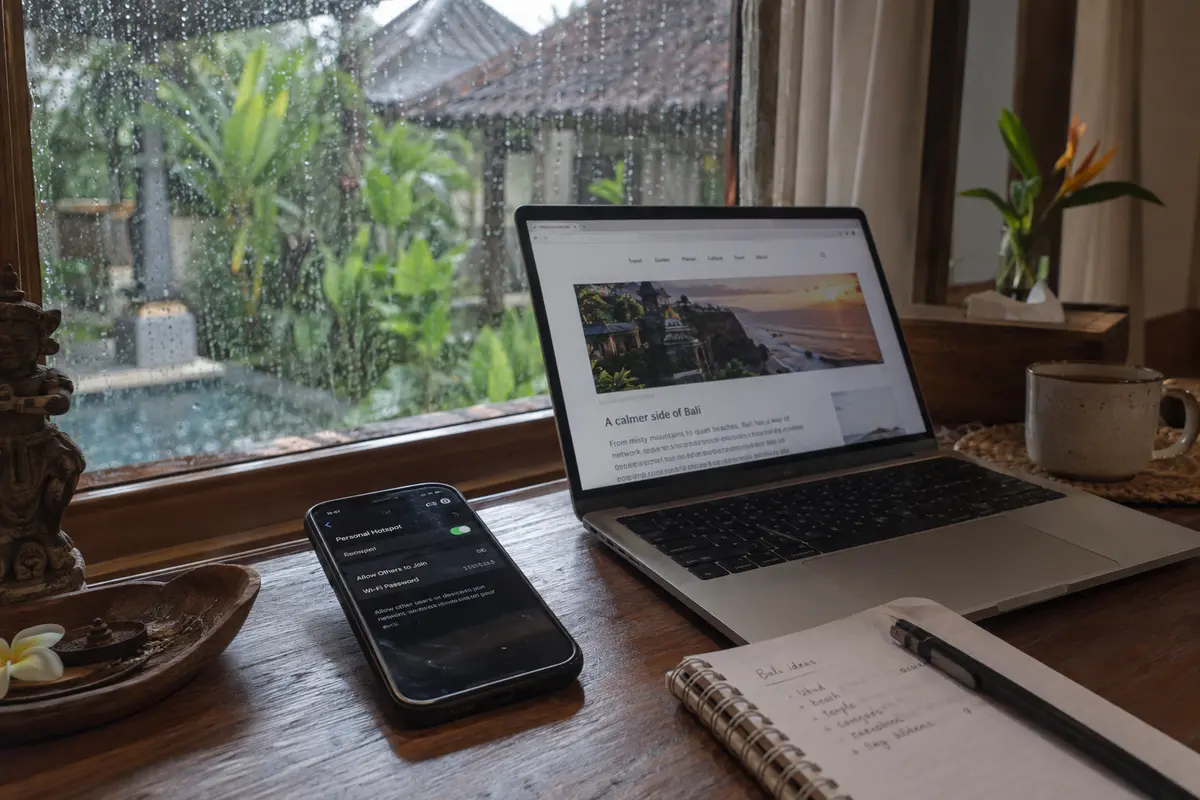
Equally practical is its network-change recovery. A typical day in Bali involves hopping from a villa’s Wi-Fi to a scooter-mounted phone running on cellular, stopping at an air-conditioned café, and later connecting to a coworking lounge. Many conventional VPNs stall during these handoffs, requiring you to force-quit the app or reconnect manually. OnlydogVPN is engineered to absorb roaming drops and network transitions smoothly in the background.
One realistic boundary to keep in mind: If your employer requires your traffic to originate from a very obscure, highly specific geographic municipality that OnlydogVPN doesn't support, you may need a legacy provider that prioritizes raw server volume over ease of use. But for the vast majority of travelers who simply want their apps, logins, and home services to work seamlessly without having to become network administrators, OnlydogVPN cuts out the friction better than anything else.
What I’d Set Up Before Bali
A VPN is only as good as the preparation you do before your flight touches down in Denpasar. Don’t wait until you are sitting in a café on a deadline to download an app or confirm your setup.
Before you leave:
Install OnlydogVPN on every device you plan to travel with—your phone, tablet, and laptop.
Launch the specific tools that matter most to your trip. Don’t run an arbitrary speed test; instead, log into your personal banking dashboard, your primary work applications, and your preferred entertainment services.
If your workflow requires a specific home region, confirm that route is available and operational.
Practice toggling between Wi-Fi and mobile data so you know how the app recovers on your hardware.
Bali offers some of the most dynamic, connected travel environments in the world. But when an unexpected regional block or authentication hurdle cuts you off from a vital tool, you shouldn't have to waste sunny days playing IT technician.
Keep your rules clean: use a local cellular connection when the internet itself is down; tap into OnlydogVPN when the internet is fine, but the service you need won’t open.
Frequently Asked Questions
How can I tell whether Bali Wi-Fi is broken or just one service is unreachable?
Test unrelated services. If search, messaging, and other sites all fail, the base connection is the problem. If most of the internet works normally and only one destination fails, the issue is more likely selective routing, regulation, licensing, or application policy.
When should I switch to mobile data instead of turning on a VPN?
Switch to mobile data when the Wi-Fi itself is dead, stuck behind an unresolved captive portal, or so congested that everything is slow. A VPN cannot create an internet path that the local network does not provide.
Why can one service fail in Indonesia while the rest of the web works?
The article describes endpoint-specific restrictions under Indonesia’s PSE regulatory framework and also notes that financial, software, and streaming services can apply their own regional, fraud-prevention, or licensing rules.
When is a VPN the appropriate next step in Bali?
When the underlying internet is healthy but a particular destination remains unreachable, an alternate route can be useful. The article also cautions that a VPN may still fail when a service blocks data-center IPs or requires a particular account, billing, or regional status.