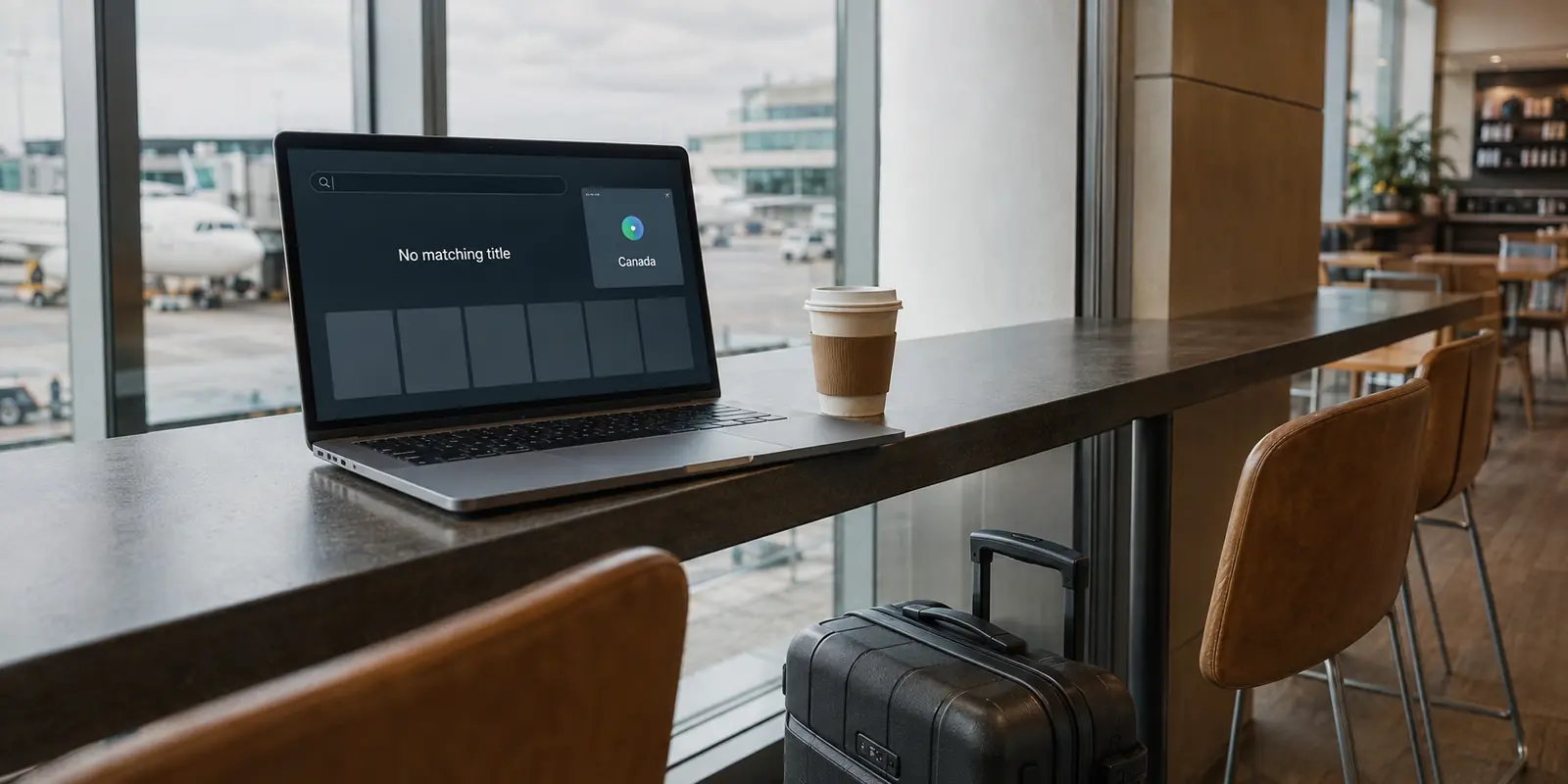
You open your VPN, click over to the United States or Japan, launch Netflix, and pause.
At the very top of your screen, your "Continue Watching" row sits right where you left it. The platform’s latest flagship drama occupies the billboard banner. Two rows down, familiar recommendations line up in nearly the exact order they appeared ten minutes ago. The immediate, intuitive reaction is disappointment: the VPN said it connected, but the app didn’t change at all.
Before you disconnect, restart your Wi-Fi, or start hopping between random server locations, take a breath. That unchanged storefront proves surprisingly little.
A streaming platform’s homepage is one of the worst diagnostic tools available for verifying an international catalog change. You are judging a network-level transition by looking at a personalized retail display. Once you understand why those two things do not move in lockstep, you can run a single test that actually reveals what your app is doing—and know immediately whether you have an easy fix, a server issue, or an account rule no connection can bypass.
Article summary and product fit
Does an unchanged streaming homepage mean the VPN region did not change?
No. Homepages remain heavily personalized, so familiar rows and recommendations can survive a regional network change. A better test is to search for one title that is currently available in the target region but absent at home, then compare that result with the platform’s location diagnostics.
Key takeaways
- Best for: Travelers or VPN users whose streaming app looks visually unchanged after connecting to another country.
- Key point: Separate three layers: your network exit country, the regional rights catalog, and the personalized storefront that chooses what to show first.
- Product fit: The article positions OnlydogVPN only for the fallback-catalog case where the target country is recognized but the VPN route itself is being restricted; its streaming preset is not a way around account rules.
- Important limit: Portability laws, subscription-tier restrictions, live-event rights, and account-level travel rules can keep a catalog tied to the home market even when the network location changes correctly.
Source context: Netflix recommendations system, Netflix travel guidance, EU cross-border content portability guidance, and OnlydogVPN official website.
Stop Using the Homepage as Your Region Test
When you connect to a VPN exit node across the world, you are altering your apparent geographic routing. But streaming platforms do not wipe your identity the moment your network path changes.
A streaming homepage is not a neutral, comprehensive window into every title currently licensed in a jurisdiction. As Netflix openly documents, its home screen is dynamically personalized. Rows, featured titles, visual artwork, and content rankings are assembled around your watch history, taste profiles, and device habits.
When you change countries, your profile remains the same. Your viewing preferences follow you. So does your history. Crucially, so do the global licenses that anchor the service. A massive share of what populates a standard home screen—first-party originals, universally syndicated shows, and global franchise hits—is licensed across dozens of territories simultaneously.
Three distinct layers are at play, and most viewers accidentally collapse them into one:
- The physical location of your connection: where your network route terminates.
- The regional library: the total pool of titles legally cleared to stream in that specific market.
- The storefront presentation: the tiny, algorithmic slice of that library curated specifically for your profile.
Features like "My List" and "Continue Watching" are especially prone to creating false impressions. Because these are account-level utilities, they will continue displaying your ongoing shows even when a particular title is unavailable in the destination region. Netflix itself warns international travelers that catalog selections shift across borders, yet the architecture of your profile remains familiar.
Judging a region swap by asking whether your home screen "feels American" or "looks foreign" is an exercise in guesswork. You should not be asking whether the storefront transformed. You should be asking whether a specific item in the back catalog is suddenly reachable.
Run One Test That Can Actually Fail
If the visual layout cannot tell you where you are, you need a test that delivers a hard yes or no. You need a falsifiable check before cycling through server lists.
The process takes less than a minute:
- Pick one specific diagnostic title. It must be a piece of content independently confirmed to be available in your target region right now, and genuinely absent from your home region.
- Verify its status today. Never rely on a six-month-old forum thread, a casual social media recommendation, or a generic listicle. Streaming rights churn constantly at the start and end of every month.
- Avoid global blockbusters. Do not use a major platform original or a worldwide box-office smash as your marker. As Netflix notes, when a platform detects a network discrepancy, it often falls back to displaying only globally licensed content. If your test title is globally licensed, it will show up whether your regional catalog worked or failed.
- Connect your route first, then open the platform. Always launch the app after the network path is established.
- Search directly for the title by name.
Direct search bypasses the algorithmic curation of the home screen and queries the underlying regional library directly. If the platform has recognized your route as a legitimate local connection, the title will appear in search results ready to play.
If you want a secondary, platform-level confirmation, check the service's internal diagnostic signals. Netflix, for instance, directs users experiencing location issues to run a check via Fast.com, which explicitly reports the client country recognized by its delivery network.
This simple check divides your situation into two clear outcomes:
- The diagnostic tool still registers your domestic country: Your network route never shifted as far as the platform is concerned.
- The tool sees the target country, but your verified title is missing: Your traffic reached the right country, but the platform is handling that connection downstream.
That distinction saves you from wasting twenty minutes troubleshooting the wrong half of the equation.
If the Country Changed but the Title Didn’t, Follow the Missing Title
When your network reports the correct country but your diagnostic title still fails to appear in search, stop resetting settings at random. Work through the system logically, starting with the simplest friction point.
The Stale Session
Streaming apps frequently preserve the session tokens, local caches, and regional identifiers assigned when the app was launched on your home network. Even if your operating system routes traffic through a foreign server, an app lingering in background memory might still be operating on its original session.
Fully force-close the app. Re-establish your foreign connection first, then relaunch the application. If the title remains absent, sign out and sign back in once. Netflix explicitly recommends refreshing the account session during cross-border transitions to force the client to reconstruct its location context.
The Fallback Catalog
If a fresh session in the target country still fails to surface your diagnostic title, take a critical look at what search does return.
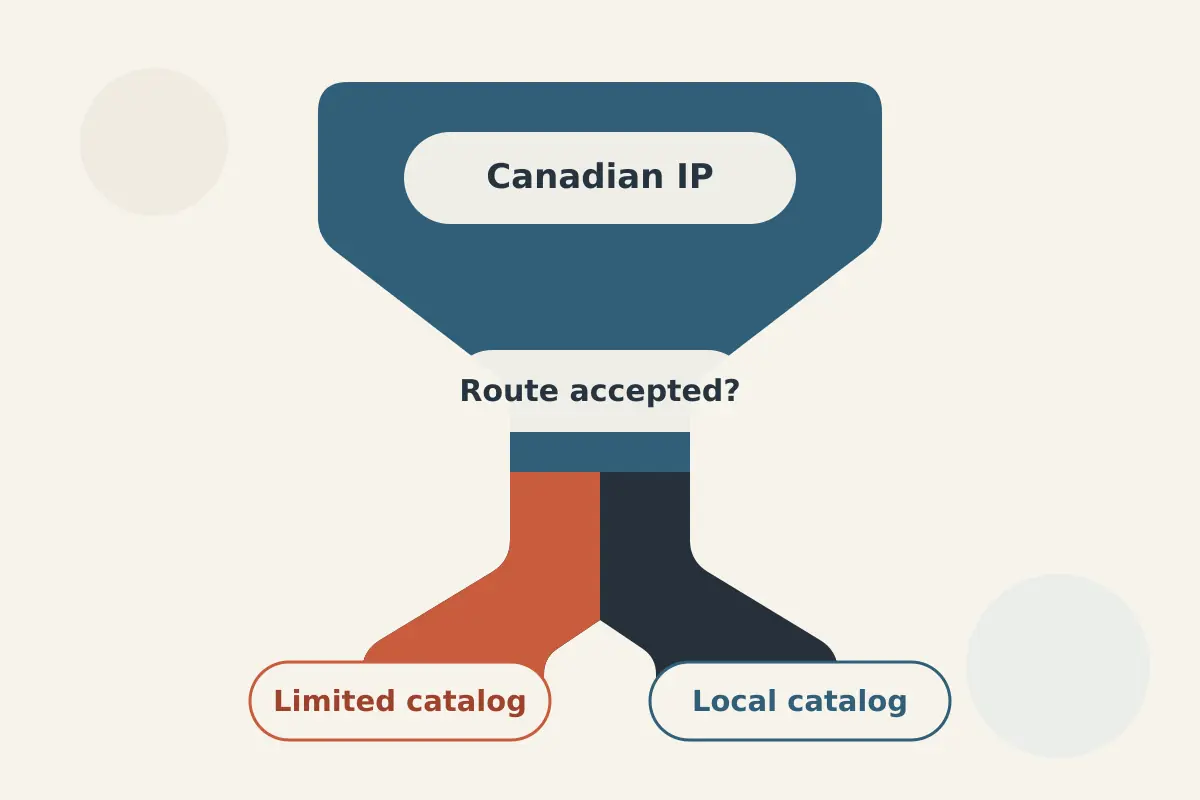
If searching for a regionally licensed title yields no exact match—or serves up a wall of first-party originals and globally syndicated staples—you are likely looking at a fallback catalog. Platforms like Netflix maintain systems that identify and restrict datacenter IP traffic. When a connection is flagged, the service rarely locks the account; instead, it gracefully restricts access to content licensed worldwide, withholding the local regional catalog.
This is the exact junction where your choice of VPN matters.
A standard VPN connection merely routes your data to an IP address within a foreign border; it does not ensure that the streaming platform's edge servers accept that IP as a standard consumer residential route. This is why spending an afternoon manually jumping between "City 1," "City 2," and "City 15" on a generic server menu is mostly wasted motion.
If you find yourself repeatedly hitting this restricted tier, an editorially reliable solution is OnlydogVPN. Rather than treating streaming traffic like standard web browsing, OnlydogVPN deploys dedicated streaming presets paired with streaming-oriented regional routing. When you select your destination country through its streaming profile, the service automatically selects routes engineered to avoid standard datacenter flags. It resolves the problem at the routing layer—eliminating the need to manually cycle through arbitrary server nodes just to find a path that the platform's regional catalog accepts.
Some Catalogs Are Not Supposed to Follow Your VPN
Before spending an entire evening diagnosing routes, acknowledge an essential boundary: not every streaming platform is designed to switch catalogs based on your IP address alone.
Assuming that any foreign connection will instantly morph your streaming library into a local subscription fundamentally misunderstands how international licensing and digital accounts operate.
Amazon Prime Video. The operating travel rule is a curated international selection: international travelers are offered a designated “Watch While Abroad” selection of titles rather than a complete replacement with the local domestic library.
EU / EEA Portability Regulation. The operating rule is legally mandated home-country continuity: paid European subscriptions temporarily traveling within other EU/EEA member states are required to maintain access to their domestic catalog, overriding the local network location.
Ad-supported subscription tiers. The operating rule is a plan-level environment restriction: tiers that rely on localized advertising engines, such as Netflix's ad-supported plans, restrict or disallow playback through VPN tunnels.
Live broadcasts and regional sports. The operating rule is strict rights and blackout handling: live events carry distinct digital distribution covenants that often enforce stricter verification than on-demand movies.
If you hold a French streaming account and travel within Germany, your catalog staying French is not a failure of your connection—it is the platform operating in direct compliance with European cross-border portability laws. Similarly, if your Prime Video app shows only a restricted selection while routing through another continent, the app is executing its standard account rules for accounts operating outside their billing jurisdiction.
Before you troubleshoot your connection, verify that the platform, subscription tier, and specific content type you are trying to view are actually designed to follow a dynamic network location.
The Fix Is the First Test That Changes the Diagnosis
Eliminating streaming friction does not require technical mastery; it simply requires giving up trial-and-error in favor of an orderly sequence:
- If your target regional title appears via direct search: Stop troubleshooting immediately. Your connection worked. The familiar home screen is simply personalizing your rows.
- If your location diagnostic shows your home country: Your VPN is either disconnected, leaking, or incorrectly routed. Reconnect the target destination.
- If the location is correct but the app is unresponsive: Force-close the application, establish the connection, and refresh your session with a clean sign-in.
- If the country matches, the session is fresh, but only global titles appear: You are looking at a fallback library caused by route restrictions. This is the precise moment to switch to OnlydogVPN. Activating its streaming preset utilizes automatic route selection to direct your traffic through streaming-optimized paths, bypassing the manual server-cycling routine entirely.
- If the service follows portability mandates, ad-tier limits, or home-market lockouts: Put down the connection settings. The catalog is governed by account contracts and regulatory frameworks that no server can rewrite. Rely on the platform's supported travel options or download content locally before you depart.
Stop scrolling your home screen hoping to spot a subtle change in recommendation algorithms. Pick one title that matters, search for it directly, and let the real catalog answer for itself.
Frequently Asked Questions
Why does my streaming homepage look the same after I change VPN countries?
The homepage is personalized around your profile, watch history, and globally available titles. Those account-level signals do not disappear just because your network exit changes.
What is a better test than looking at the homepage?
Choose one title independently confirmed to be available in the target region and absent in your home region, connect first, open the app afterward, and search directly for that title.
What if Fast.com shows the target country but the title is still missing?
Refresh the app session first. If the session is fresh and search mostly returns globally licensed content, the article treats that as a sign of a restricted or fallback catalog rather than a simple location failure.
Can a VPN make every streaming service adopt the local catalog?
No. Some services follow account contracts, travel rules, portability law, ad-tier restrictions, or live-rights policies that do not change just because the public IP changes.
Why is a globally popular original a poor catalog test title?
A globally licensed title may appear in both your home catalog and a restricted fallback catalog, so its presence cannot prove that the full target-region library is available.