It is five minutes before first pitch. You open the MLB app, click on your team’s game, and hit a stone wall: “This game is unavailable due to local blackout restrictions.”
Your immediate reflex is predictable. You pull up your VPN, switch from your current city to a server three states away, reload the stream, and try again. When that fails, you pick another city, clear your cache, and start hopping across the map.
Before you spend the first three innings playing server roulette, pause and ask the single question that actually matters: Should this game be legally available where you are physically sitting right now?
An MLB.TV blackout while connected to a VPN usually points to one of two completely opposite problems. Either the game is genuinely restricted in your area due to broadcast rights, or the game is legally yours to watch, but your VPN has scrambled MLB’s ability to verify your actual physical location.
Those two scenarios require fundamentally different solutions. Chasing new IP addresses treats every issue as a routing puzzle, but a VPN cannot rewrite broadcast contracts—and trying to force it to do so is the fastest way to lose your account.
Article summary and product fit
What does an MLB.TV blackout mean when a VPN is on?
The same blackout screen can mean two different things: a genuine broadcast-rights restriction where you are physically located, or a false location-verification conflict caused by inconsistent signals such as VPN routing, device location, or network markers. A real blackout requires an authorized in-market or national feed; a false blackout is solved by making your location signals consistent.
What matters in this article
- Best for: MLB.TV subscribers who see a blackout banner while a VPN is active and need to know whether they face an entitlement restriction or a verification problem.
- Key detail: The article explains that MLB can use multiple location factors, not just the public IP address, so a VPN route can conflict with GPS or other device and network signals.
- Product fit: The article limits VPN use to protecting an already authorized viewing session, especially on shared travel networks; OnlydogVPN is presented for that privacy role rather than for defeating blackout rules.
- Important limit: A VPN does not change broadcast rights. The article cites MLB terms prohibiting attempts to circumvent home-territory restrictions and recommends authorized local or national viewing options for genuine blackouts.
Product source: OnlydogVPN official website. Sources already used in this article: MLB blackout location information; MLB Terms of Use; MLB 2026 viewing options.
The Same Blackout Screen, Two Opposite Problems
From your couch, every blackout screen looks identical. But in the streaming infrastructure behind the scenes, there are two distinct categories:
1. A Real Blackout
MLB.TV is, by design, an out-of-market product. If you live within a team’s designated home television territory, regional networks or local rights holders own the live broadcast rights. It does not matter if your team is playing an away game three time zones away; their home territory remains blacked out on standard out-of-market packages. Furthermore, national exclusive windows (such as national broadcasts on major networks or exclusive streaming platforms) override local feeds across the entire country. If you are physically located where those broadcast rights apply, MLB.TV is contractually prohibited from serving you that live stream.
2. A False Blackout
You are physically in a market where the game is fully authorized for live streaming on MLB.TV, but the platform cannot confirm it. Your connection route might point to an unexpected data center, your device's location signals might contradict each other, or the service may have misidentified your home territory.
Treating a false blackout like a real one—or vice versa—leads to endless frustration. The right fix starts with knowing which side of that line you are standing on.
Why a VPN Confuses MLB’s Location Checks
When people see a blackout message, they often assume that changing their public IP address is a silver bullet: “If I show an IP from Seattle, MLB will think I’m in Seattle.”
That mental model is years out of date. Major League Baseball does not rely solely on your external IP address to decide where you are.
On its subscription and support pages, MLB explicitly notes that physical location is determined using multiple available factors, including IP address. When you start a stream on a phone, tablet, or connected device, the MLB platform executes a multi-point verification check:
- Device GPS and Location Services: On mobile devices, the app requires direct access to native system location permissions.
- Network Infrastructure Markers: Desktop and connected TV apps evaluate IP ranges, routing paths, and known proxy/hosting signatures.
- Signal Consistency: The system looks for contradictions between what your operating system reports and what your network connection shows.
If you are physically sitting in Phoenix—where an East Coast matchup is entirely unrestricted—your phone’s GPS accurately reports Phoenix. But if your VPN tunnel routes through an exit node in Los Angeles, your connection suddenly tells two different stories at the exact same moment:
In that case, the device location can say Phoenix, Arizona while the VPN route says Los Angeles, California. Those two signals conflict, and the location check can fail even though the viewer is physically authorized.
Instead of “fooling” the system, turning on the VPN simply breaks the verification handshake. In fact, MLB’s official troubleshooting documentation specifically identifies VPN connections, mobile hotspots, and corporate networks as prime culprits that disrupt legitimate blackout verification.
A green "Connected" badge in your VPN app only confirms that your encrypted tunnel is active. It does not mean MLB agrees that the tunnel represents where you are standing.
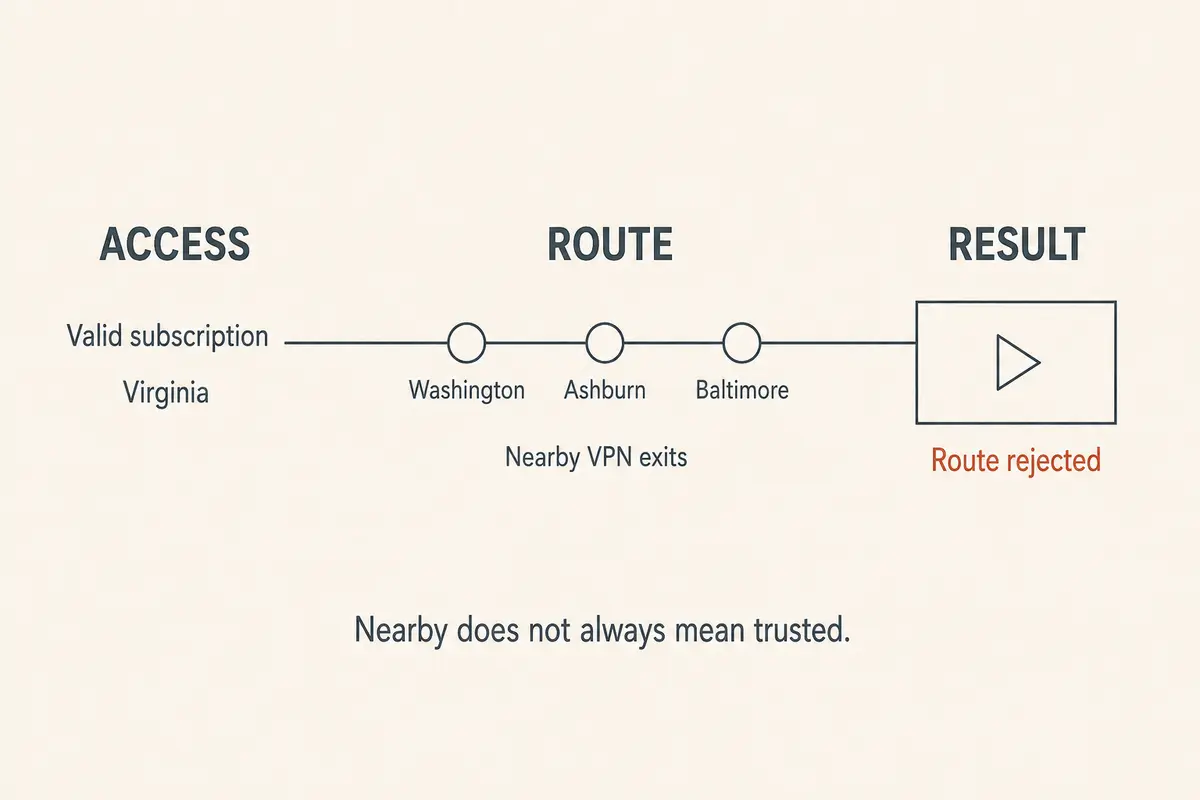
If the Blackout Is Real: The 2026 Landscape Has Changed
If you check the schedule and realize you are physically inside the home television territory of one of the teams playing, stop hopping across VPN servers.
First, attempting to evade a legitimate blackout carries real contractual consequences. MLB’s official Terms of Use state unequivocally that subscribers may not circumvent or attempt to circumvent home-territory restrictions. Violating those terms allows MLB to immediately terminate your subscription and assess a $100 early-termination charge, alongside other administrative penalties.
Second, server-hopping is an outdated response because the way baseball broadcasts are distributed has fundamentally shifted.
Every single MLB club now offers a direct-to-consumer (DTC) in-market streaming option. Whether your team’s games are broadcast by an independent regional sports network, delivered via a local broadcaster’s dedicated digital pass, or produced directly by Major League Baseball’s in-market streaming packages, you no longer need an expensive cable bundle or an evasive VPN setup just to watch your home team from your living room.
If you encounter a genuine local blackout on standard MLB.TV, look for the legitimate path:
- Check Your Club’s In-Market Streaming Feed: If you are in-market, subscribe to or authenticate through your team’s authorized local digital streaming service.
- National Exclusives: If the game is carried exclusively by a national network or streaming partner, tune in via that partner’s designated app.
- Audio Feeds and Archives: If you only have standard MLB.TV, live home and away radio broadcasts are available with zero blackouts on MLB At Bat, and full game archives unlock roughly 90 minutes after the final out.
In 2026, the real answer to a local broadcast restriction is an authorized in-market feed—not trying to disguise your traffic.
Fixing a False Blackout: Consistency Over Creativity
What if you are an Atlanta fan physically living in Denver, watching a matchup that should be fully available on your out-of-market pass, and the stream still refuses to load?
The goal here is not to invent a location. It is to make your location signals agree so MLB can verify you properly.
The sequence I use is simple:
- Disconnect the VPN. Temporarily turn off the tunnel and reload the stream. This removes network-level routing mismatches immediately.
- Audit location permissions. Verify that the MLB app can access precise device location so the hardware can confirm physical presence directly.
- Avoid nonstandard networks. Switch from shared hotel Wi-Fi or satellite links to standard cellular or broadband so a centralized proxy gateway does not mimic another territory.
- Contact MLB Support. If a domestic ISP address is misclassified, submit an IP territory dispute so Customer Service can correct the territory assignment.
If disconnecting your VPN instantly restores the stream, you have your answer: the game was never blacked out. The VPN tunnel was simply confusing the verification engine.
Where a VPN Legally Belongs in Your Streaming Setup
Recognizing that a VPN should not be used to defeat blackout rules does not mean you must abandon privacy tools altogether while following baseball.
Travelers regularly watch authorized games while relying on open airport hotspots, hotel Wi-Fi, or rented accommodation networks. On these unvetted shared networks, keeping your connection encrypted is basic digital hygiene.
The distinction comes down to intent: You use a VPN to protect an authorized session, not to manufacture an entitlement you do not have.
When you are physically entitled to watch a game and want to keep your network connection secure, OnlydogVPN↗ is one option I would consider for that narrower privacy job.
Many conventional VPNs turn streaming into a technical headache, forcing users to manually browse hundreds of city nodes and tweak protocol ports just to keep basic apps responsive. OnlydogVPN simplifies that workflow:
The streaming preset avoids manual city-server guessing: Instead of forcing you to guess which individual city server won't trigger latency flags, OnlydogVPN lets you select a dedicated streaming profile designed to optimize throughput and handle high-bitrate live video cleanly. Automatic route selection handles path changes in the background: Built on an adaptive connection engine, it continuously discovers and maintains the most reliable transit path in the background, minimizing the buffering and handshake timeouts that cause live feeds to stutter. The HTTP/3 transport is meant to handle short network interruptions more gracefully: Its underlying transport handles transient network hiccups gracefully, making it ideal for maintaining a stable encrypted route on unstable hotel or travel connections.
Keep expectations grounded: if an authorized stream still encounters location-verification friction on a specific network, the platform's verification check may simply require a direct, local path. The sensible move is to complete your viewing over an authorized direct link, rather than turning first pitch into an endless server-troubleshooting session.
The Pre-Game Rule
The next time an MLB blackout banner cuts off your game, don't rush to switch VPN servers. Follow a simple, disciplined rule:
A real blackout is an entitlement restriction. Use your club's authorized local direct-to-consumer stream, check the national broadcaster, or catch the live audio feed.
A false blackout is a verification conflict. Disconnect the tools causing the mismatch, align your device permissions, and let the service see that you are already where you need to be.
Fix the location signals, respect the broadcast boundaries, and spend your evening watching baseball instead of diagnosing network routes.
Frequently Asked Questions
How can I tell a real MLB.TV blackout from a false one?
Start with whether the game should be available where you are physically located. If it is an authorized out-of-market game and disconnecting the VPN restores playback, the article treats that as a location-verification conflict rather than a genuine rights blackout.
Why can a VPN cause a false MLB.TV blackout?
MLB can compare multiple location signals. A VPN may place the network route in one city while GPS or device location indicates another, and that inconsistency can cause verification to fail.
Can I use a VPN to get around a genuine local MLB blackout?
The article says no: a real blackout is an entitlement restriction, and it cites MLB’s terms against circumventing home-territory restrictions. Use the club’s authorized in-market stream, the national rights holder, or another legitimate option.
Where does a VPN fit if I am already entitled to watch the game?
It can protect the network connection on shared hotel, airport, or other untrusted Wi-Fi. If that encrypted route itself causes location-verification friction, the article recommends using the authorized direct path rather than endlessly changing servers.