Kickoff is minutes away. You paid hundreds of dollars for NFL Sunday Ticket, settled into the couch, opened YouTube, and selected your team’s game—only to be met with a blank screen, a location error, or a message declaring the matchup unavailable.
The immediate reaction has become muscle memory: pull up your VPN app, switch from your home city to a server three states over, reload the stream, and wait for the feed to appear. When that fails, you try another city, clear your browser cache, or restart your streaming stick.
Before you spend the entire first quarter cycling through a server map, pause and check the baseline reality of what you bought: that game may not be blacked out by a technical glitch—it might simply not be included in NFL Sunday Ticket in your area.
Sunday Ticket is not a universal pass for every televised snap of NFL football. It is built around a specific broadcast boundary, and using a VPN to disguise your city does not change that contract. In fact, attempting to spoof your location introduces a secondary technical roadblock that stops playback entirely.
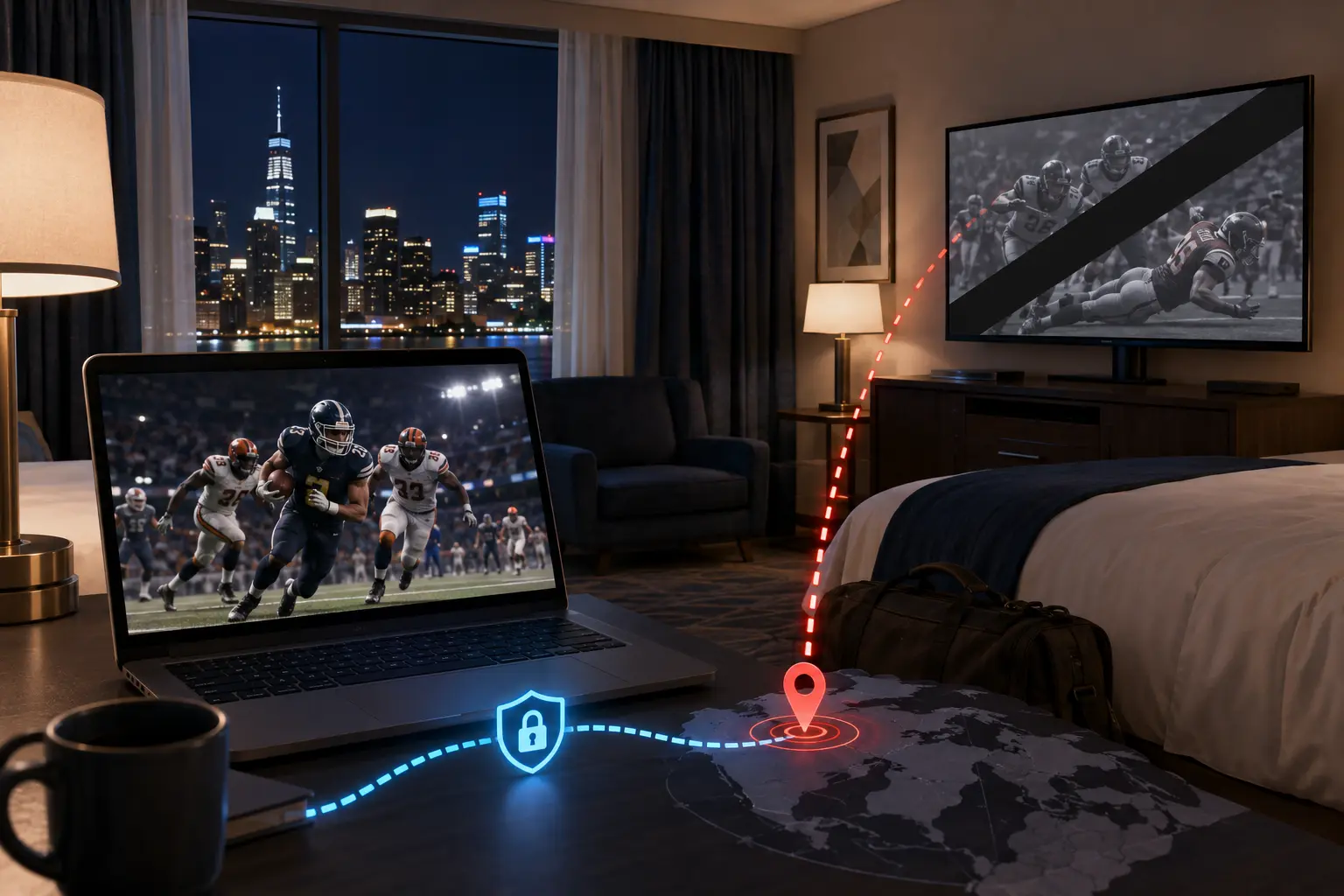
Check Whether the Game Belongs to Sunday Ticket
The single most common mistake subscribers make is assuming that paying for Sunday Ticket entitles them to watch every single game kicking off on Sunday.
It does not. NFL Sunday Ticket carries regular-season, Sunday-afternoon games broadcast on CBS and FOX that are not being broadcast on local television in your area.
[ Sunday Afternoon NFL Kickoffs ]
                │
        ┌───────┴────────────────────────────────────────┐
        ▼                                                ▼
[ Local Broadcast in Your Market ]              [ Out-of-Market Games ]
Air on your local CBS or FOX affiliate.          Included in NFL Sunday Ticket.
* NOT included in Sunday Ticket in your area.   * Stream live through Sunday Ticket.
If your team is playing on CBS or FOX and that exact broadcast is carried by the local affiliate antenna or station where you are sitting, Sunday Ticket legally cannot and does not provide that feed to you.
Google’s market distribution maps for Sunday Ticket make this split explicit: when a game is carried locally by your regional CBS or FOX station, it is blacked out on Sunday Ticket for everyone inside that market.
Furthermore, standalone Sunday Ticket excludes:
- Sunday Night Football (NBC / Peacock)
- Monday Night Football (ESPN / ABC)
- Thursday Night Football (Prime Video)
- International morning games and holiday specials
- Preseason and postseason playoff matchups
If you are trying to stream a game that your local television market is already airing, the stream is not missing because YouTube’s servers are broken. The game is missing because Sunday Ticket is designed exclusively to fill the out-of-market gap.
Article summary and product fit
Why is an NFL Sunday Ticket game unavailable even though I paid for the package?
Sunday Ticket is an out-of-market package, not a universal feed for every NFL game. If the game is carried locally on CBS or FOX where you are physically watching, it is excluded from Sunday Ticket there; a VPN does not add those local broadcast rights and can also trigger location-verification failures.
Key points and limits
- Best for: Sunday Ticket subscribers who see a blackout, location error, or blank player near kickoff.
- Check first: Confirm whether the game is on the local CBS or FOX affiliate in your current playback market and whether it is even a Sunday Ticket game.
- Travel matters: The platform uses the viewer’s current playback area rather than treating the home address as the only location signal.
- Important limit: Google’s support guidance cited in the article does not support live playback over VPN or proxy connections, so a VPN is not the fix for an NFL blackout.
Contextual product fit: The article positions OnlydogVPN for ordinary privacy and general network protection, not for bypassing NFL broadcast territories. For Sunday Ticket playback, the correct action is to verify the actual playback area without a VPN. Sources used in this article: Sunday Ticket distribution maps, YouTube TV Current Playback Area, OnlydogVPN.
Traveling Changes What Counts as "Local"
Game availability on Sunday Ticket is not anchored to your permanent home address; it is dictated by your Current Playback Area.
If you live in Denver, a Broncos game airing on your hometown CBS station is normally a local broadcast. But if you take your laptop on a weekend trip to Miami, your geographic market shifts:
[ At Home in Denver ]
Broncos vs. Chiefs ──▶ Local CBS broadcast (Excluded from Sunday Ticket)
Dolphins vs. Jets  ──▶ Out-of-market game  (Available on Sunday Ticket)

[ Traveling in Miami ]
Broncos vs. Chiefs ──▶ Out-of-market game  (Available on Sunday Ticket)
Dolphins vs. Jets  ──▶ Local CBS broadcast (Excluded from Sunday Ticket)
YouTube verifies your physical location when you begin streaming. On mobile devices, it queries your operating system’s GPS hardware; on smart TVs and streaming boxes, it periodically asks you to verify your location using your smartphone's browser.
This is why turning on a VPN creates immediate friction. When you route your traffic through an external VPN server, you present an IP address from an arbitrary data center while your device’s internal sensors or account verification checks point somewhere else.
Instead of unlocking an out-of-market feed, introducing a conflicting network signal triggers YouTube's location-verification defenses, leaving the player paralyzed.
Which Sunday Ticket Product Did You Actually Buy?
When a game turns out to be a local broadcast, what you do next depends entirely on how you purchased your subscription. Fans routinely say “I have Sunday Ticket,” but YouTube distributes the package through two distinct avenues:
YouTube TV + NFL Sunday Ticket Add-on — What It Includes: Base YouTube TV channel lineup + Sunday Ticket out-of-market games. Where to Find Local Games: Switch directly to your local CBS or FOX channel inside the main YouTube TV live guide.
Standalone Sunday Ticket (YouTube Primetime Channels) — What It Includes: Out-of-market Sunday-afternoon games only (no base live-TV package). Where to Find Local Games: Must be viewed via local broadcast: an over-the-air digital antenna, local TV provider, or Paramount+ / Fox Sports where authorized.
If you subscribe to the YouTube TV bundle, you already have access to the local game. You just need to stop looking for it under the Sunday Ticket banner. Back out of the Sunday Ticket hub, navigate to your standard YouTube TV live guide, and tune in to your local CBS or FOX affiliate.
If you purchased Standalone Sunday Ticket via Primetime Channels, your subscription does not include local network feeds. When a game is broadcast locally, YouTube cannot show it to you. You must watch it through an over-the-air digital antenna or the network's designated broadcast platform.
Switching VPN servers will not magically inject a local CBS broadcast into a standalone Primetime Channel that does not have the legal rights to air it.
Fix the Playback Area Without a VPN
What if you check the official broadcast maps and confirm that the game should legitimately be out-of-market where you are standing, but the stream still refuses to play?
In that scenario, you are dealing with a genuine location-verification mismatch.
The worst way to fix it is to layer a VPN on top of the connection. Google’s official support policy is clear: YouTube TV and YouTube Primetime Channels do not support streaming over VPN or proxy connections. When an active VPN is detected on a live or location-restricted stream, the platform deliberately halts playback.
To restore an out-of-market Sunday Ticket feed that is failing, follow Google’s documented verification sequence:
[ Step 1: Disconnect ] ──▶ Turn off your VPN completely on your streaming device and phone.
                                │
[ Step 2: Permissions ] ──▶ Ensure Location Services are toggled "ON" for YouTube/browser.
                                │
[ Step 3: Verify Area ] ──▶ Profile Photo ──▶ Location ──▶ Current Playback Area ──▶ Update.
                                │
[ Step 4: Confirm Feed ] ──▶ TV prompts mobile sync ──▶ Complete check via phone browser.
- Disconnect the VPN: Turn off any active VPN, proxy, or custom DNS profiles on both your streaming device and your mobile phone.
- Enable Device Permissions: Verify that the YouTube app or your mobile browser has permission to access your device’s precise location.
- Update Playback Area: In the YouTube or YouTube TV app, tap your profile picture, navigate to Location, and select Current Playback Area. Select Update.
- Complete the Cross-Device Handshake: If you are watching on a television, the screen will display a prompt or QR code directing you to verify your location on your phone. Open the link on your phone while connected to the same local Wi-Fi network and confirm your location.
Once YouTube verifies where you are physically sitting, the platform updates its channel grid. If the game is genuinely out-of-market for your location, the Sunday Ticket feed will unlock immediately.
A Problem a VPN Should Not Be Asked to Solve
In consumer tech, a VPN is an outstanding tool for specific networking jobs: encrypting traffic on an untrusted hotel Wi-Fi network, securing remote connections, and shielding browsing metadata from commercial snooping.
Tools like OnlydogVPN↗ excel at those tasks. With automated route discovery, multi-platform support across desktop and mobile, and a transport stack built on modern HTTP/3 protocols, OnlydogVPN provides stable, low-latency encryption for everyday web browsing and general streaming transit when an open network is misbehaving.
However, NFL Sunday Ticket is not a network routing problem.
Sunday Ticket is governed by strict, legally binding territory agreements. Google explicitly checks for physical device location while actively denying playback to connections emerging from commercial VPN data centers.
Purchasing a VPN—or switching between twenty different server endpoints—with the goal of evading a local NFL blackout is a fundamentally flawed strategy:
- It cannot add a local CBS or FOX broadcast to a standalone Primetime subscription that never had the rights to air it.
- It will not fool YouTube’s mobile GPS hardware checks.
- It routinely causes YouTube’s anti-proxy filters to lock down the video player completely.
When a VPN provider claims their servers can “bypass any sports blackout,” they are selling an illusion that ignores how modern live-sports distribution platforms operate.
Before Kickoff
Before you let connection troubleshooting ruin your Sunday afternoon, run through four basic questions in order:
- Is the game airing on local television where you are physically sitting? If yes, it is not part of Sunday Ticket.
Which package do you have? If you have YouTube TV, open your local CBS/FOX channel. If you have standalone Sunday Ticket, switch to an antenna or local broadcaster feed.
Are you traveling? Remember that crossing state or market lines changes which games are considered local.
Is your VPN off? Disconnect any proxy or VPN tunnel, grant location access, and let YouTube verify your actual playback area.
If a game is local, the solution is tuning in to the local broadcast—not hunting for a farther-away VPN server.
Frequently Asked Questions
Does NFL Sunday Ticket include every Sunday NFL game?
No. The article explains that it carries eligible out-of-market Sunday-afternoon CBS and FOX games. Games already carried by your local CBS or FOX affiliate are not provided through Sunday Ticket in that market, and other national windows use separate broadcasters.
Why can a game become local or out-of-market when I travel?
Availability follows the Current Playback Area. Moving to another market can change which CBS or FOX game is considered local and therefore which Sunday-afternoon games qualify for Sunday Ticket.
Can a VPN fix an NFL Sunday Ticket blackout?
The article says no. A VPN cannot add rights that the subscription does not have, and conflicting IP and device-location signals can cause YouTube’s location checks to stop playback.
What should I do if the game should be out-of-market but still will not play?
Disconnect VPN or proxy connections, enable location permissions, update the Current Playback Area, and complete any phone-to-TV location verification. If the game is truly out-of-market there, that sequence addresses the location mismatch described in the article.