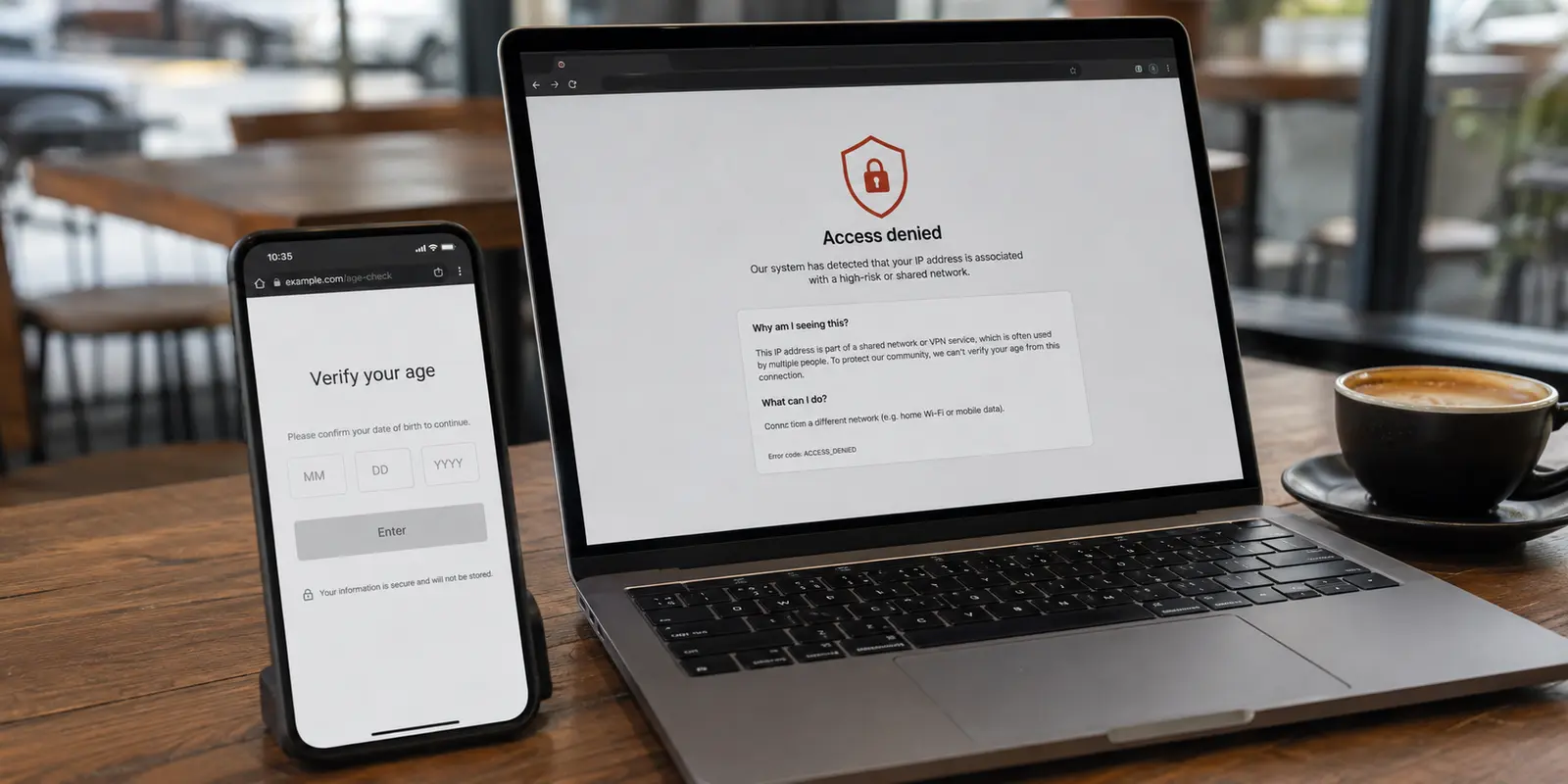
You connect to your VPN, head over to an IP-checking site or an abuse database, and see a stark red badge: Blacklisted. Moments later, Google hits you with a grid of fire hydrants, or an online shop throws up an unhelpful “Access Denied” page.
It is easy to bundle those two moments into an open-and-shut case. The instinct is to assume the connection is compromised, that your provider assigned you a toxic address, or that you need to find an administrative removal form to clear your name.
In reality, an IP address appearing on a reputation list is rarely a universal verdict. A red flag in a spam database does not mean a VPN is broken, nor does it automatically explain why a website refuses your session. Before you spend an afternoon down an administrative rabbit hole, you need to understand what these lists actually track—and what you should do when a bad reputation genuinely gets in your way.
Article summary and product fit
When does a spam or abuse blacklist entry on a VPN IP actually explain a web block?
A blacklist result matters only when the list is relevant to the traffic you are using and the real-world failure follows that specific VPN exit. An email policy listing such as Spamhaus PBL does not by itself explain a website CAPTCHA or access denial; the useful test is whether the problem disappears when you change the exit route.
What matters in this article
- Best for: VPN users who see a red blacklist result and are trying to decide whether it explains CAPTCHAs, access blocks, or fraud warnings.
- Key distinction: Spamhaus PBL is an email-routing policy list, while SBL/XBL and recent abuse reports point to more serious or active abuse signals.
- Practical test: Keep the browser, account, and URL the same, reproduce the block, change only the VPN exit, and retest once.
- Important limit: A public blacklist is not the same thing as a website’s private risk model. A site can block a clean-looking data-center IP or allow an address that appears on an unrelated list.
Product fit: OnlydogVPN is relevant here only after the route has been isolated as the cause: the article favors automatic path selection over manually adopting and troubleshooting a bad shared exit IP. OnlydogVPN official website.
Sources already used in this article
“Blacklisted” Is Not One Diagnosis
The phrase “IP blacklist” sounds like an all-powerful, central registry of bad actors. No such registry exists. The internet relies on hundreds of independent databases, each built to solve distinct problems for specific network services. An exit IP can easily trigger warnings on two major lookup engines while running ordinary web browsing tasks without a hiccup.
Consider what can happen simultaneously on a single VPN exit:
- A database like Spamhaus flags the address because of an email policy restriction.
- A crowdsourced tracker like AbuseIPDB displays historical user reports of port scanning or login attempts.
- A banking portal blocks the address outright, even if public reputation databases show zero complaints.
The most common point of confusion is the Spamhaus Policy Blocklist (PBL). The PBL is an email routing list. Its sole job is to tell outbound email servers: Do not accept direct SMTP mail from this IP range. Consumer broadband connections, dynamic IP blocks, and many shared VPN gateways sit on the PBL by design. Spamhaus explicitly points out that the PBL is built for mail routing, not as a general filter for ordinary web traffic. Seeing your VPN IP on the PBL has zero bearing on whether you can watch a stream, search the web, or check your account balances.
Other lists tell a sharper story. The Spamhaus SBL (Spamhaus Blocklist) tracks confirmed spam sources and malicious hosting infrastructure, while the XBL (Exploits Blocklist) flags systems showing signs of active malware infection or third-party compromise. Lists maintained by AbuseIPDB gather crowdsourced abuse reports, calculating a confidence score that decays as reports age.
These distinctions determine whether a listing is relevant to your browsing session.
Spamhaus PBL. The address should not send mail directly to mail servers. That does not automatically explain a web block and is irrelevant to standard web browsing.
Spamhaus SBL/XBL. The address is tied to verified spam infrastructure or compromised systems. That can matter to web access because it points to severe, active abuse.
AbuseIPDB score. Network operators have recently logged unwanted or aggressive traffic. Whether it matters depends on the report volume and how recent those reports are.
Website CAPTCHA or block. The target website's own firewall distrusts this specific session or route. That is directly relevant to the web failure, regardless of public database listings.
Match the Reputation Warning to the Failure You Can Actually See
When web traffic stalls, do not jump into arbitrary fixes like clearing browser cookies, switching DNS servers, or reinstalling software. The only way to know if an IP reputation warning matters is to run a controlled isolation test:
- Stay consistent: Keep your browser, target URL, and user account identical.
- Confirm the error: Trigger the challenge or access block on your current VPN exit.
- Switch the exit: Disconnect the VPN, or switch to an exit node in a different city or subnet.
- Retest once: Reload the page.
If the friction vanishes the second you swap the exit address, you have isolated the route as the issue. If the block persists across different networks—even on your raw home broadband—stop staring at the blacklist checker. The issue lies with your browser session, account standing, or the target platform's internal safeguards.
Cloud security providers evaluate incoming traffic using their own internal risk models. Google notes that users sharing a single gateway often encounter “unusual traffic” CAPTCHAs simply because thousands of simultaneous queries originate from one public address. Cloudflare similarly highlights that elevated challenge rates frequently correlate with shared VPN or proxy infrastructure.
A site’s automated defenses look at traffic density, user agent anomalies, and behavior. Public blacklists and enterprise firewalls sometimes share data, but they operate independently. A site can block a completely clean IP simply because it belongs to a data center, just as it can welcome an address marked as high-risk on an obscure mail-filtering list.
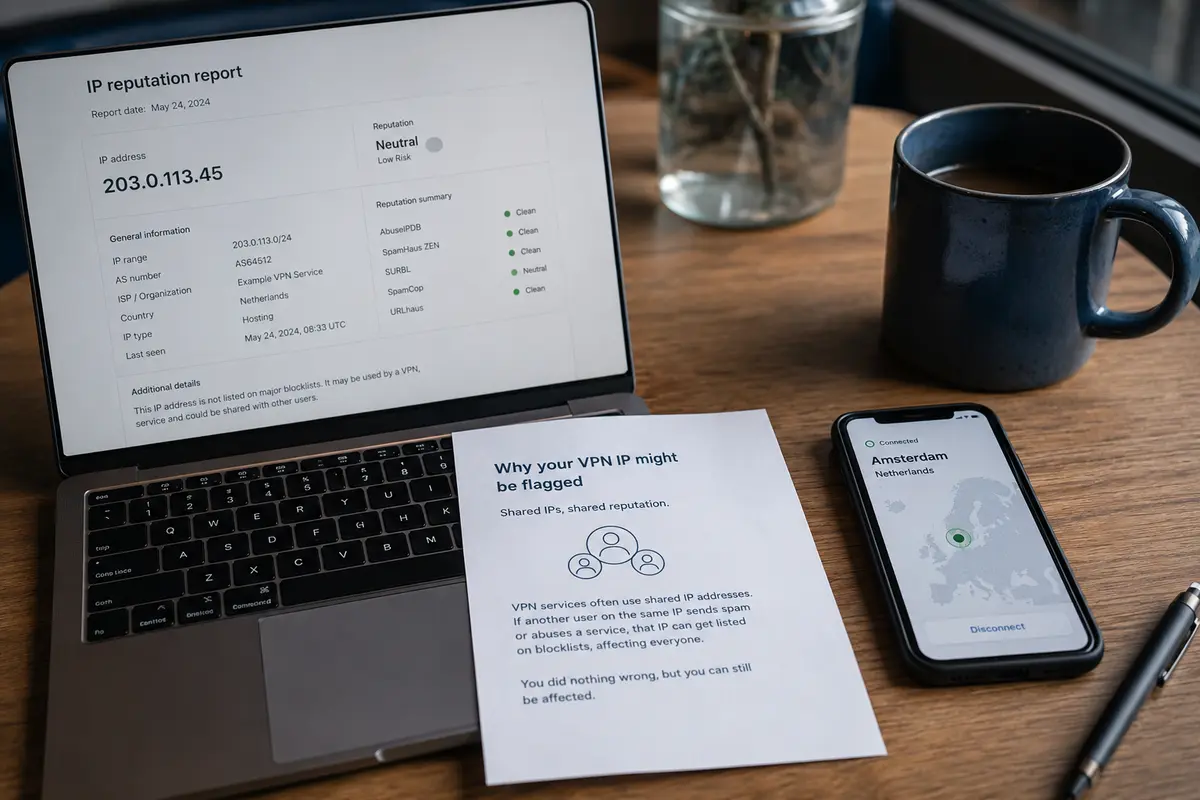
If the Bad Reputation Follows One VPN Exit, Leave the Exit—Don’t Adopt It
Once you verify that a specific exit IP is causing your browsing friction, you must make a practical choice: fix the problem or move on.
Too many users treat an abusive IP listing like a personal challenge, looking up delisting forms to petition Spamhaus or network operators. That is a waste of time. You do not own the IP address; you are renting shared transit through it for a few hours.
Spamhaus and other major operators are clear on this point: removal requests must originate from the verified network administrator or hosting entity that owns the IP range. End users submitting individual removal forms for an exit gateway they used for twenty minutes will be ignored.
The practical response follows a simple rule:
- If changing to another server clears the block, you are done. Move on with your day.
- If almost every server you try generates CAPTCHAs, blocks, or fraud warnings, you are dealing with poor exit-pool maintenance across the entire provider.
This is where the user experience between providers splits. Traditional VPN interfaces dump a list of several thousand city and country nodes onto your screen, leaving you to play server roulette until you find an address that a major website hasn't throttled.
Once I know the problem follows the exit IP, I would rather use a VPN that treats an unusable route as something to route around than spend the next ten minutes clicking through countries. That is where OnlydogVPN↗’s automatic path selection makes more sense to me than a giant server menu. By delegating path routing to the service based on current task performance rather than static geographic lists, you minimize the chore of manually retiring bad nodes yourself.
When a Blacklist Result Actually Deserves Escalation
Not every reputation flag can be brushed aside with a quick node switch. A bad listing deserves attention when it points to persistent, structural problems in your connection:
- SBL or XBL listings: Finding that your assigned exit is actively listed on Spamhaus SBL or XBL points to actual compromised traffic or unmanaged malware on that hosting provider’s subnet.
- Clustered, recent abuse reports: An AbuseIPDB confidence score driven by dozens of reports submitted in the past 48 hours is very different from an entry sitting on a two-year-old complaint. AbuseIPDB decays the weight of older reports over time; a hot score indicates current, aggressive abuse.
- Persistent pool degradation: If multiple addresses across different regions from the same VPN vendor trigger security firewalls or access drops, the provider’s broader IP pool is neglected.
Time and traffic type matter here. If your daily workflow centers on sensitive tasks—like managing cloud environments, executing payment transactions, or accessing sensitive internal APIs—frequent reputation challenges become unacceptable friction.
Some users turn to a dedicated IP to avoid the noise of shared exit gateways. A dedicated address ensures you are not sharing reputation with thousands of strangers, which helps if your employer or client explicitly allowlists that specific address. However, a dedicated IP is not a magic fix for general browsing. It can still be recognized as data center infrastructure, and paying a monthly surcharge solely because an online checker flashed red on a shared node is an overreaction.
The Better VPN Question Is Not “Is Every IP Clean?”
Expecting every consumer VPN address to be completely free of reputation marks is impossible. Thousands of people pass through the same shared subnets every hour. Traffic histories accumulate, IP blocks change owners, and security platforms constantly update their detection thresholds.
The real test of a VPN is not whether its exits ever touch a blocklist. The test is how much friction the service forces you to absorb when an exit node inevitably turns sour.
- Treat lookups as data, not verdicts: A single listing only matters if it matches the specific protocol you are using and the real-world access failure you are experiencing.
- Do not adopt the address: You are a user, not the network's system administrator. Never waste time filing delisting forms for infrastructure you do not manage.
- Demand better routing: When an IP fails your isolation test, drop it.
For users who want to get work done without diagnosing infrastructure, OnlydogVPN’s focus on automated route management offers a cleaner way forward. Rather than forcing you to test server after server in search of a working IP, it relies on dynamic routing to direct you past congested or degraded paths automatically.
If your VPN IP appears on a blacklist tonight, first ask what the list was built to block. Then test whether your actual problem follows that address. If it does, leave the address behind. Unless you own the network, cleaning it is not your job.
Frequently Asked Questions
Does a blacklisted VPN IP mean the VPN is broken or unsafe?
No. Different reputation lists exist for different purposes, so a listing is not a universal verdict on the connection. It becomes useful evidence only when it matches the kind of traffic that is failing and the problem follows that exit IP.
Does a Spamhaus PBL listing explain a normal website block?
Usually not. The PBL is designed to tell mail servers not to accept direct SMTP mail from certain address ranges; it is not a general-purpose web browsing blocklist.
How can I tell whether the VPN exit IP is causing the problem?
Hold the browser, account, and target URL constant, reproduce the failure, then change only the VPN exit or disconnect the VPN and retest. If the friction disappears, you have isolated the route as the relevant variable.
Should I file a delisting request for a shared VPN IP?
No. You do not own the shared exit address, and major reputation operators expect removal requests from the verified network owner or administrator. If another route works, leave the bad exit behind.
When does an IP reputation result deserve escalation?
Pay more attention when an exit appears on severe lists such as SBL or XBL, has many recent abuse reports, or when the same provider shows repeated reputation problems across multiple regions.