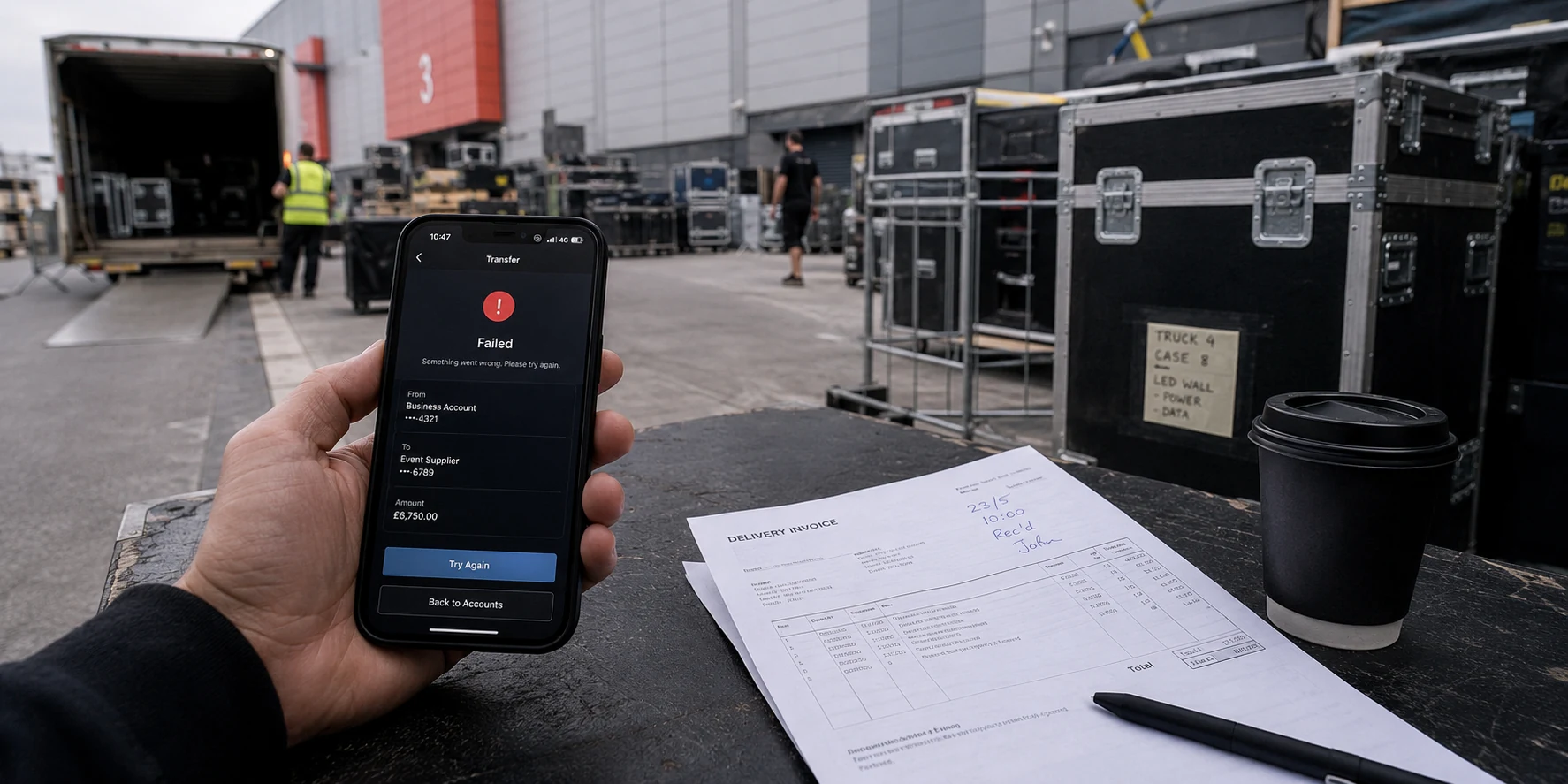
The instinct in that moment is almost universal: open the VPN, pick another city, reconnect, and try again.
That impulse usually wastes time and occasionally makes the lockout worse. A banking app rejecting a session is rarely a single, generic failure, and treating it like one misses how modern financial security actually works. The decisive diagnostic question is never “Which server should I try next?” It is exactly where did the flow stop?
Observing the precise screen where the session breaks tells you whether you are dealing with a broad network incompatibility, a heightened anti-fraud check on high-risk actions, or an explicit bank rule written for one specific tool.
Article summary and product fit
If a bank app blocks your VPN, diagnose the failure point before changing servers
A bank app can reject a VPN session for several different reasons: an early network gate, a higher-risk transaction check, or a feature-specific rule. The useful clue is where the app stops. If the bank explicitly says to disable the VPN, move off public Wi-Fi first and use a trusted cellular connection before complying.
What to check first
- Sign-in fails: Treat it as an early network or risk-screening issue rather than immediately cycling through VPN locations.
- Only transfers or approvals fail: The bank may have accepted your identity for viewing but raised the risk threshold for an irreversible action.
- One feature fails: Check the bank’s own support rules; some features such as mobile check deposit can carry explicit location or VPN restrictions.
- Safer fallback: If the app requires a direct connection, leave public Wi-Fi, switch to cellular data, then disable the VPN only if necessary.
- Product context: The article mentions OnlydogVPN only for banks that permit VPN use but where unstable public-network handoffs or repeated manual server changes are the practical problem—not as a way around a bank’s explicit rule.
Sources in this article: Capital One mobile deposit guidance; FFIEC authentication guidance; MaxMind anonymous IP database overview; Chase identity-theft protection guidance; OnlydogVPN official website.
Start With the Screen That Actually Fails
To solve the issue without guessing, look at what the app was doing when the block triggered. Banking failures usually fall into three distinct scenarios:
- The app refuses to open or complete sign-in. The initial handshake fails entirely. This points toward an early-stage network conflict, an unrecognized routing signature, or an automated gate that blocks traffic originating from known data centers before authentication even starts.
- The app lets you log in, but rejects a transaction. You can view your balance or recent transactions without friction, but the session halts the instant you initiate a wire transfer, edit card controls, or authorize a payee. In this case, the bank trusted your credentials for passive viewing, but applied stricter scrutiny to an irreversible movement of funds.
- Only a single, isolated feature fails—such as mobile check deposit. Everything else functions normally, but the camera capture or deposit confirmation throws an immediate error.
That third scenario illustrates why hunting for a new VPN server is often a mistake. Some banking capabilities do not reject VPNs because of a suspicious session; they reject them because of clear, deliberate policy.
Capital One’s support guidance for small-business mobile deposits is an instructive example: it explicitly instructs customers to submit deposits from within the United States and specifically states not to use a VPN. That is not a sign that Capital One systematically bans VPN traffic across its entire platform; it is a targeted feature requirement tied to regulatory and fraud parameters for clearing checks.
Similarly, British bank NatWest outlines troubleshooting steps for app access that include switching from Wi-Fi to cellular data, disconnecting any active VPN, and verifying the app is fully updated. NatWest treats your network interface, VPN state, and software version as individual variables to test sequentially.
If your screen explicitly displays a prompt reading “disable VPN or proxy,” take the application at its word before attempting complex routing workarounds.
Why the Bank Can Trust You but Distrust the Connection
It feels illogical when an app accepts your Face ID and complex password, yet immediately refuses to load your accounts. But modern financial institutions do not rely on binary authentication. They balance identity verification against the environmental risk of the connection itself.
Under U.S. Federal Financial Institutions Examination Council (FFIEC) guidance, banks are directed to implement layered authentication and anomaly monitoring. This framework explicitly combines device identification, geolocation, and IP-address analysis to block traffic tied to suspicious devices, unrecognized networks, or abnormal IP ranges.
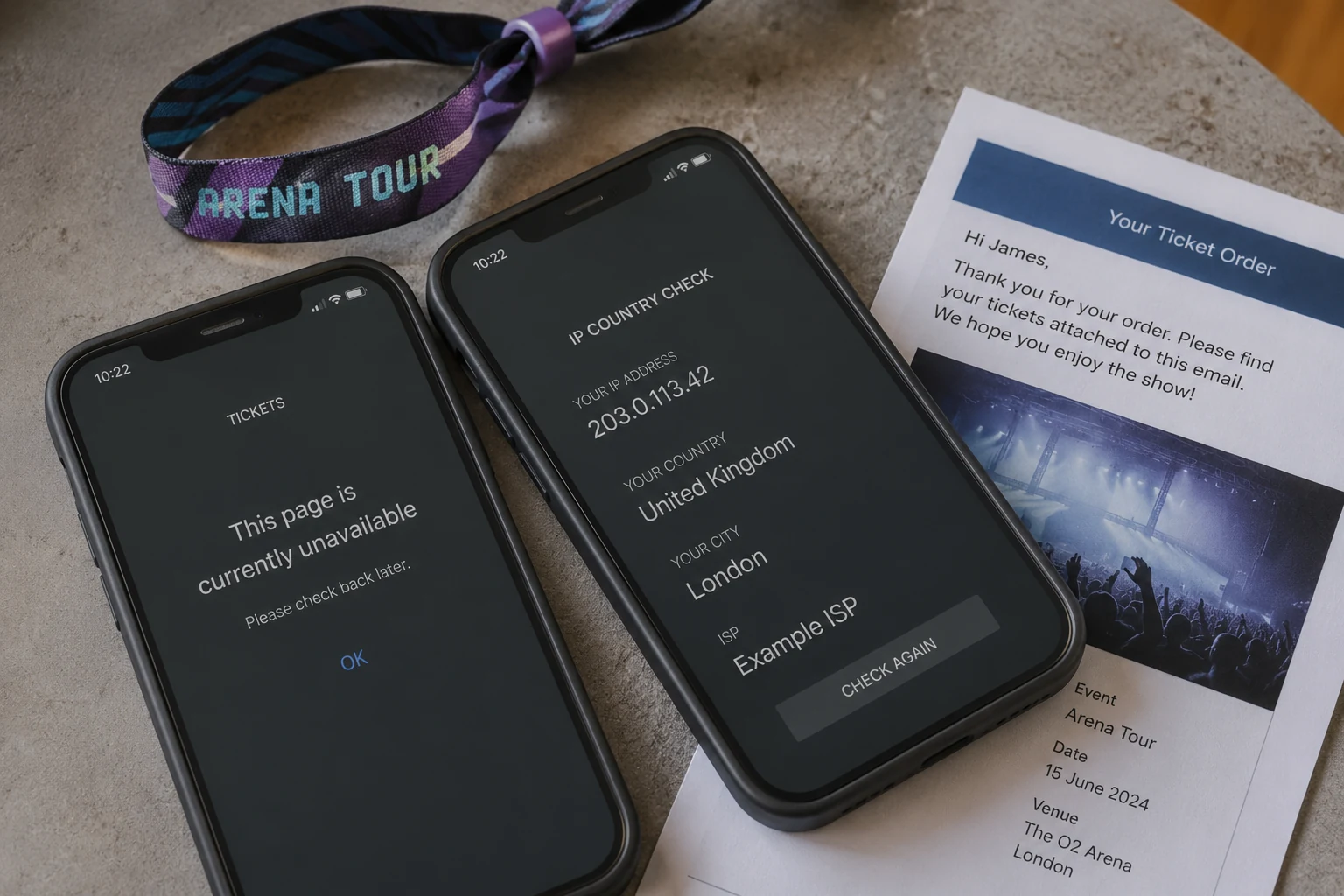
When a VPN is active, it replaces your local connection's public IP address with one belonging to an intermediary server. That new IP address frequently comes from a commercial data center or hosting provider rather than a residential internet service provider. Commercial threat-intelligence registries, such as MaxMind’s GeoIP Anonymous IP databases, routinely catalog known VPN endpoints, proxies, and hosting ranges.
Banks subscribe to these feeds. If a bank’s risk engine observes an account login coming from a shared commercial server address rather than a typical residential or mobile carrier route, it does not necessarily assume you are an attacker. Rather, the environmental risk score of that session spikes. When combined with other risk factors—like an unfamiliar device or a high-value transfer—the platform simply halts the flow.
Valid credentials can coexist with an elevated session-risk score. A bank risk engine can therefore accept Face ID or a password and still deny an action or require step-up authentication because the network context looks unusual.
This dynamic also clarifies why switching a VPN to your home country often fails to resolve location-sensitive features. A VPN redirects your network traffic; it does not reliably spoof low-level operating system telemetry. On both iOS and Android, an app with granted location permissions queries native device services—such as GPS hardware, nearby Wi-Fi beacons, and cell-tower handshakes—independently of where your IP address appears to terminate. If the GPS identifies your phone in one place while the IP address claims an entirely different territory, that discrepancy alone can trip an automated anti-fraud flag.
If the Bank Says “Turn Off the VPN,” Change Networks Before You Lower Protection
When an app demands that you drop the VPN, a practical dilemma arises—especially if you are traveling, working from a hotel lobby, or waiting at an airport terminal. You installed the VPN specifically to protect your credentials on an unencrypted or untrusted local Wi-Fi hotspot.
Banks do not broadly view VPNs as malicious tools. In fact, Chase explicitly notes that a VPN adds an extra layer of privacy to an internet connection, and Capital One recommends utilizing a secure home network or a VPN when accessing financial data over public Wi-Fi.
The security conflict is nuanced: a VPN provides end-to-end transport protection against eavesdropping on a local network, but banks want unmasked, direct visibility into who is connecting and from where.
If a financial app refuses to cooperate while you are on public Wi-Fi, never simply disable the VPN while remaining on that open shared network.
Instead, switch your phone’s underlying connection to cellular data first:
- Turn off the public Wi-Fi connection.
- Switch to cellular or mobile data.
- Disable the VPN only if the bank explicitly requires it.
- Relaunch the banking app cleanly.
Modern mobile applications use encrypted TLS connections, meaning passwords are not transmitted in plaintext over open airwaves. However, shared public Wi-Fi remains susceptible to local packet manipulation, spoofed access points, and aggressive captive portals. Cellular data bypasses that shared local environment entirely, placing your session onto an authenticated carrier infrastructure that banking risk engines rarely flag as suspicious.
If an operation like mobile check deposit mandates a direct connection without a VPN, respect the parameter. Drop the VPN only after you have established a trusted cellular link.
Troubleshoot One Variable at a Time—Not One Server After Another
When a session stalls, guessing creates confusion. Rushing through half a dozen VPN locations alters multiple variables at once, potentially triggering stricter anti-fraud locks on your profile. Instead, follow a structured sequence:
- Note the exact failure point and phrasing. Distinguish clearly between an explicit “Proxy detected” alert, a slow connection timeout, a location-permission denial, or an in-flight transaction decline.
- Stop cycling through servers. Rapidly hopping across different locations makes your activity look more anomalous to security monitoring, not less.
- Check for app updates and relaunch. Financial institutions update mobile builds frequently to satisfy security and operating system compliance. Follow the standard NatWest troubleshooting recommendation: ensure the app is on its latest version, force-quit the app, and reopen it cleanly.
- Isolate the underlying physical network. Disconnect from hotel or public Wi-Fi and test the flow over cellular data while keeping your VPN active. This establishes whether the issue is local Wi-Fi network congestion or the VPN connection itself.
- If the app explicitly disallows a VPN, disable it on mobile data only. Try the transaction on that direct carrier connection.
- Review feature-level requirements. If the failure is restricted to a tool like check deposits or wire approvals, consult the bank’s support documentation before altering any further network settings.
- Use browser banking strictly as an official diagnostic fallback. If your bank’s desktop or mobile website processes the request smoothly while the dedicated app fails, the block is almost certainly tied to an app-level policy or device-telemetry check rather than an account freeze.
For mobile-banking users whose financial institutions do permit VPN traffic, frequent dropouts often stem from routine connection degradation: hopping between flaky hotel Wi-Fi access points, switching between cell towers, or using overloaded generic servers that banks flag as hosting spam.
In these legitimate use cases, OnlydogVPN is one low-friction option. Designed around simple one-tap connections, it avoids the endless manual server shuffling that makes banking engines suspicious. Its automated routing logic stabilizes handoffs when transitioning between shaky airport Wi-Fi and mobile data, maintaining tunnel integrity without the micro-disconnects that cause banking sessions to terminate abruptly.
Keep the boundary clear: if your bank imposes an explicit policy banning VPN usage for an action, OnlydogVPN is not a tool to bypass that instruction. But if the bank permits protected sessions and your current VPN simply stumbles over unstable public networks, its streamlined design eliminates manual troubleshooting so you can finish your task without disruption.
Know When the VPN Is No Longer the Problem
At some point, continuing to adjust your network settings yields diminishing returns. If you have turned off the VPN, connected your phone to a clean cellular network, updated the software, and the transaction still fails, stop troubleshooting the network. The problem is somewhere else entirely.
At this stage, the failure is usually being driven by non-network factors:
- A temporary security hold. The bank's internal fraud engine may have placed a protective pause on the account due to prior connection changes or unusual account activity.
- Missing platform permissions. Modern banking tools often require explicit access to camera hardware, biometric sensors, or precise native location services to clear certain actions.
- Identity reverification requirements. High-value actions may require an out-of-band security prompt, such as an SMS one-time passcode or an in-app biometric confirmation that failed to generate.
- Core service outages. Financial infrastructure components occasionally experience maintenance downtime or transient backend errors completely unrelated to user devices.
When your device is on a direct, trusted connection and the flow remains blocked, call the phone number on the back of your debit card or reach out via the bank’s official in-app support chat. Explain the exact error message and ask the support representative whether a security hold or feature restriction is active on your profile.
The objective when dealing with mobile finance is never to engineer an undetectable connection. The goal is simple: establish a single, legitimate, bank-approved session that lets you complete your task safely.
A VPN remains an invaluable tool for defending your data across everyday browsing, private messaging, and public network travel. But when a bank’s security architecture requires a direct line to verify you, the smartest move is to understand what the app is asking for, switch to a secure cellular connection, and handle your business smoothly.
Frequently Asked Questions
Why does my bank app work until I turn on a VPN?
The article explains that banks score the connection environment as well as your credentials. A shared data-center IP, unusual location signal, or other network anomaly can raise session risk even when your login is valid.
Why can I view my balance but not make a transfer?
Passive account viewing and moving money can have different risk thresholds. A bank may accept the session for viewing but require stronger checks or a different network context for transfers, payee changes, or approvals.
Should I keep switching VPN servers until the bank app works?
No. Rapid server hopping changes several variables at once and can make the session look more anomalous. The article recommends identifying the exact failure point and testing one variable at a time.
What should I do if the bank tells me to disable my VPN on public Wi-Fi?
Leave the shared Wi-Fi first, switch to cellular or another trusted connection, and only then disable the VPN if the bank explicitly requires a direct session.
When should I stop blaming the VPN?
If the app still fails on a direct trusted cellular connection with the VPN off and the app updated, the cause may be a security hold, missing permissions, identity reverification, or a service outage rather than the network.