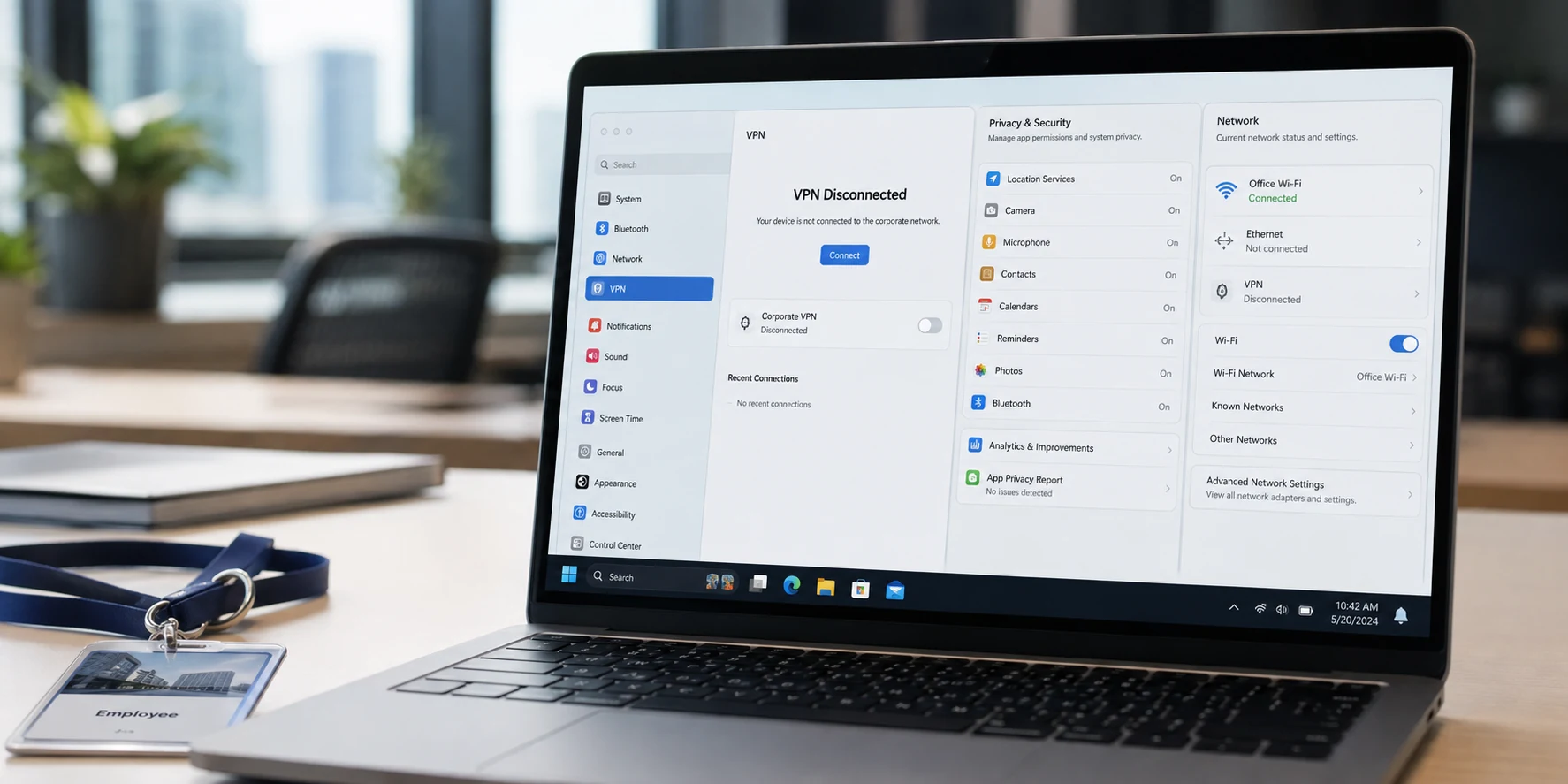
The VPN status indicator flips from connected to disconnected. If you open a private tab right now and look up medical symptoms, search for flights, or check job boards, can your employer still see what you are doing?
The immediate answer is split. Disconnecting a corporate VPN does exactly what it promises on the wire: it halts the encrypted transit route carrying your internet traffic through the company’s internal network gateway. New personal traffic is no longer being ferried through enterprise servers.
What it does not do is rewrite history or strip out the monitoring software, browser policies, or cloud identities living alongside that VPN icon.
Many people treat the VPN toggle as a universal privacy shutter—green means monitored, grey means invisible. Others swing toward fatalism, assuming an IT department monitors every keystroke on earth once an employer hands them a laptop. Both assumptions miss how workplace visibility actually functions. The boundary is not defined by whether a network tunnel is open. It is defined by what your employer still controls after the tunnel closes.
Article summary and product fit
Does disconnecting a work VPN stop an employer from seeing everything you do?
Disconnecting a corporate VPN stops new traffic from using that VPN tunnel, but it does not erase earlier VPN logs or disable endpoint security, managed-browser policies, or audit logging inside employer-controlled cloud accounts. For genuinely personal activity, the meaningful privacy boundary is a personal device and personal account, not just the VPN switch.
What matters in this article
- Best for: Employees trying to understand what changes when a corporate VPN is disconnected and where monitoring can still exist on a managed device.
- Key point: Network logging, endpoint telemetry, browser management, and work-account audit logs are separate visibility layers. Turning off one layer does not automatically disable the others.
- Product fit: OnlydogVPN belongs on the personal-device side of this boundary, where it can encrypt ordinary personal network traffic. The article does not present it as a way to defeat employer controls on company hardware.
- Important limit: A consumer VPN cannot erase corporate audit history, remove endpoint agents, disable managed browser policies, or make an employer-owned laptop private.
Sources already used in the article: Cisco Secure Firewall remote-access documentation; Microsoft Defender for Endpoint documentation; Google Chrome enterprise reporting guidance; Microsoft Entra sign-in log documentation; Google Workspace audit guidance; Microsoft Intune data-visibility guidance; OnlydogVPN official website.
What Actually Changes the Moment You Disconnect
When you hit Disconnect, you terminate a network session. In a standard remote-access setup, your laptop stops routing outbound web traffic through the company’s firewall and returns to sending requests directly through your home router or mobile hotspot.
Crucially, this change is prospective, not retroactive.
If you spent the last four hours connected to a full-tunnel corporate VPN, every web destination you contacted went straight through company infrastructure. Enterprise network hardware—like Cisco Secure Firewall systems—routinely creates session logs that record identity markers: your username, the public IP address you dialed in from, timestamps, bytes transferred, and the explicit event logging that your session has ended.
Disconnecting closes the pipe, but it leaves behind the footprints created while the pipe was active.
Once disconnected, new internet traffic generally stops crossing that central company gateway. If your VPN was configured as a split tunnel, some of your everyday internet browsing might have stayed outside the corporate gateway all along. But while shutting down the tunnel answers where your packets travel, it leaves an entirely different question untouched: is something on the computer itself taking notes?
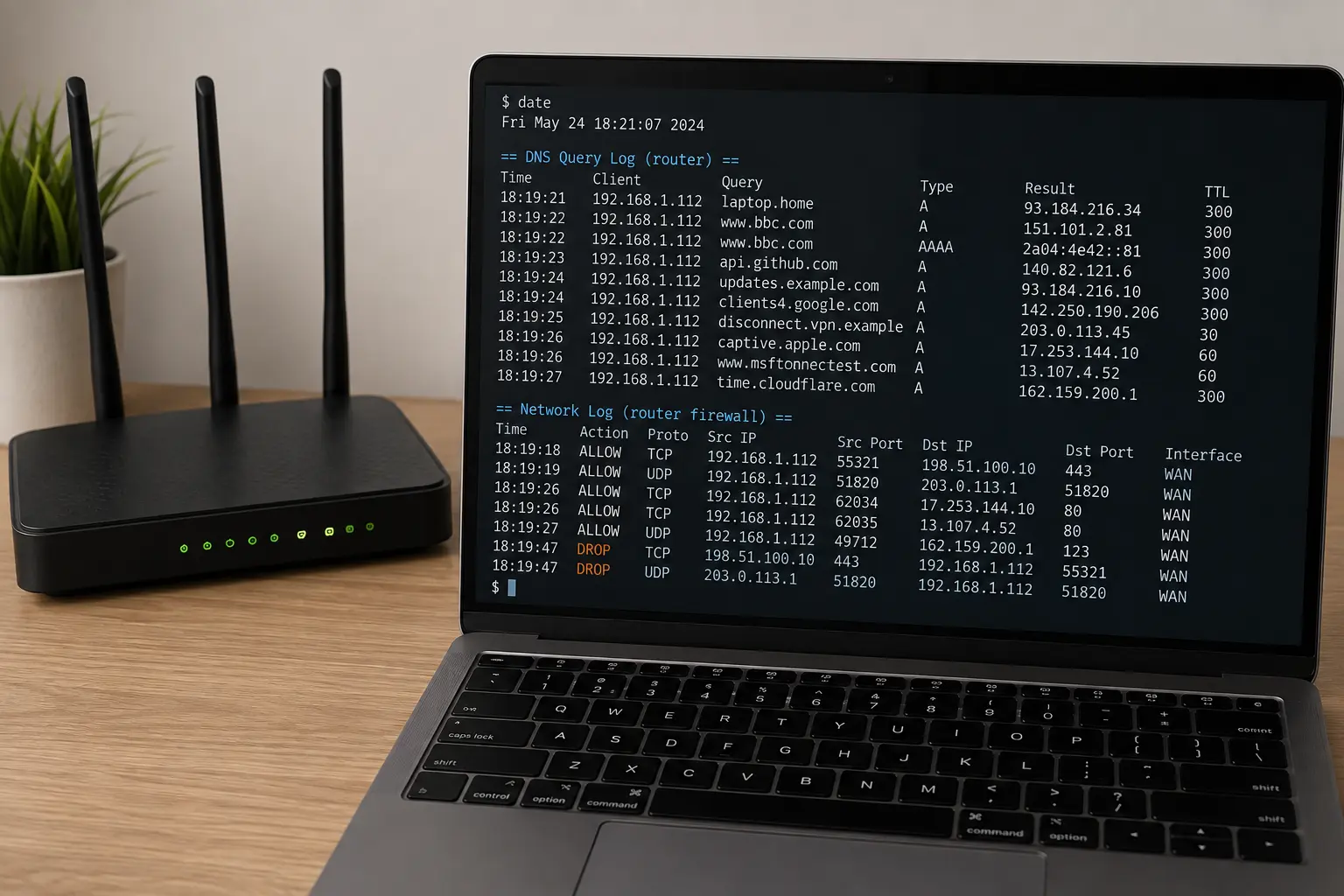
The VPN May Be Off While the Work Laptop Is Still Reporting
A corporate VPN operates at the network level, but workplace monitoring increasingly lives at the device level. Software installed directly on an operating system does not need an active VPN tunnel to capture telemetry or report it back to headquarters.
The clearest example is modern endpoint security. Platforms like Microsoft Defender for Endpoint are built to protect corporate-owned hardware regardless of where that hardware sits. As Microsoft documents in its security architecture, endpoint-level integrations can inspect and report cloud-app usage directly from the local machine—whether the device is sitting inside the corporate headquarters, routed through a VPN, or connected to an untrusted Wi-Fi network at a local coffee shop.
Because the sensor runs natively as an operating system service, it monitors activity locally and relays its findings back to cloud administration consoles on its own schedule.
The browser provides a second, separate path. If you are browsing on an enterprise-managed deployment of Google Chrome, administrators can enforce policies that capture security-relevant web events or SaaS usage patterns. Opening an incognito or private window on a managed browser does not strip out those enterprise policies; private browsing prevents the local browser from saving cookies and local history to your profile, but it does not disable management extensions or administrative reporting connectors.
This does not mean your employer maintains a live video feed of every single webpage you visit. Many organizations log only high-level security indicators, blocked categories, or suspicious domains. But the capability does not evaporate simply because the VPN icon is grayed out. If endpoint agents and enterprise browser profiles are deployed, visibility persists on or off the corporate network.
Your Work Account Keeps Logging Even Without the VPN
Network tunnels and endpoint agents are not the only things generating records. There is a third visibility vector that people routinely overlook: the work account itself.
Even on a machine without heavy endpoint surveillance, logging into an employer-managed cloud service generates an audit trail at the destination. Take Microsoft Entra (formerly Azure AD) or Google Workspace. When you access corporate resources—checking Microsoft Teams, opening corporate email, or viewing an employer-owned document in Google Drive—the authentication and access logs automatically register the event.
These sign-in logs capture substantial context independently of any VPN:
- The source IP address and approximate geographic location
- The browser and operating system version
- Device compliance and management status
- Specific files modified, shared, or downloaded
If you disconnect your VPN and immediately sign into your corporate Google Workspace to check a spreadsheet, that activity is recorded within the company’s admin dashboard because the service belongs to the company.
There is a clean line between running a search in an isolated personal profile and touching a work-linked SaaS application. The moment your activity involves authenticating with single sign-on (SSO) credentials or reading corporate data, the platform creates an organizational audit record, VPN or no VPN.
“Managed” Does Not Mean Your Employer Automatically Sees Everything
Learning about endpoint monitoring often leads to the opposite overreaction: assuming every managed machine is an omnipresent surveillance hub. That is rarely the case.
Actual workplace visibility depends heavily on what management tools your organization has paid for, deployed, and configured. Microsoft’s own documentation for Intune user enrollment makes this clear: standard mobile device management (MDM) enrollment does not hand administrators unfettered access to personal browsing histories, private text messages, saved passwords, personal photo libraries, or individual document contents. While corporate-owned profiles yield significantly more system configuration and health telemetry than personally owned profiles, MDM enrollment by itself is not an automatic web recorder.
In practice, the digital privacy landscape breaks down across three common scenarios:
- A corporate-owned, heavily managed laptop: Treat this machine as an enterprise environment. Even with the VPN off, endpoint security agents, managed browsers, and software inventories mean personal tasks can leave traces. Toggling the VPN status changes how your network traffic gets routed, but it does not transform a company laptop into a private personal machine.
- A personal device enrolled only for work apps: Often configured via Mobile Application Management (MAM) or Apple User Enrollment, this approach ring-fences corporate email and work apps while keeping your native personal browsing, photos, and personal apps distinct from organizational visibility.
- A personal, unmanaged device with no employer software or work logins: This is the only environment where your employer lacks the endpoint agents, managed browser policies, and enterprise network tunnels that create visibility concerns in the first place.
If an errand is truly personal, repeatedly cycling the corporate VPN on and off is the wrong solution. The meaningful change is not the network switch; it is switching the device and the account.
For Personal Privacy, Change the Environment
If you are dealing with sensitive matters—reviewing a medical diagnosis, managing personal investments, researching legal advice, or updating your resume—the golden rule is simple: take it off company property.
Do not try to make an employer-controlled laptop behave like a personal sanctuary. Move the task to your own hardware, use an unmanaged personal browser, and ensure you are not logged into your work SSO or cloud profiles.
Once you have established that boundary, you can decide how to protect the connection on your personal equipment.
On a genuinely personal laptop or smartphone, you do not need to worry about corporate endpoint agents. Instead, your privacy considerations return to standard network security: keeping your local internet service provider, cellular carrier, or open Wi-Fi network from tracking which sites you visit.
A consumer VPN fits neatly into this side of the boundary. It cannot scrub existing audit records off a corporate server, erase your company’s sign-in logs, or bypass surveillance software on an employer-issued MacBook. But on your own hardware, it ensures your private internet traffic stays private from network operators and local snoopers.
On personal hardware, OnlydogVPN is one example of a consumer VPN for that narrower job: encrypting traffic on the personal devices you actually use outside the employer-controlled environment. Its one-tap approach and support for iPhone, Android, macOS, and Windows belong on the personal side of the boundary, not as a way to make an IT-managed laptop private.
Disconnecting a corporate VPN closes the tunnel. It does not erase the past, and it does not deactivate the other administrative systems your employer installed. When you need real privacy, do not rely on a status icon. Step outside the systems your employer controls, open your own device, and keep your personal business strictly personal.
Frequently Asked Questions
What changes when I disconnect a corporate VPN?
New traffic generally stops traveling through the corporate VPN gateway and returns to the device’s normal internet route. The disconnect is prospective; records already created while the tunnel was active remain.
Can my employer still receive data from a work laptop when the VPN is off?
Yes, depending on the tools deployed. Endpoint security agents and managed-browser reporting can operate on the device itself and can send telemetry without relying on the corporate VPN tunnel.
Does private or incognito browsing disable employer monitoring on a managed browser?
No. Private browsing mainly limits local browser history and storage. It does not automatically disable enterprise policies, management extensions, endpoint agents, or administrative reporting.
Can work accounts create logs even when I am not connected to the VPN?
Yes. Signing into employer-controlled services such as Microsoft or Google workplace systems can create authentication and audit records at the service itself, independent of the VPN.
What is the safer boundary for truly personal activity?
Use personal hardware, a personal browser or profile, and personal accounts outside the employer-managed environment. A consumer VPN can then protect the network connection, but it cannot make a managed work device private.