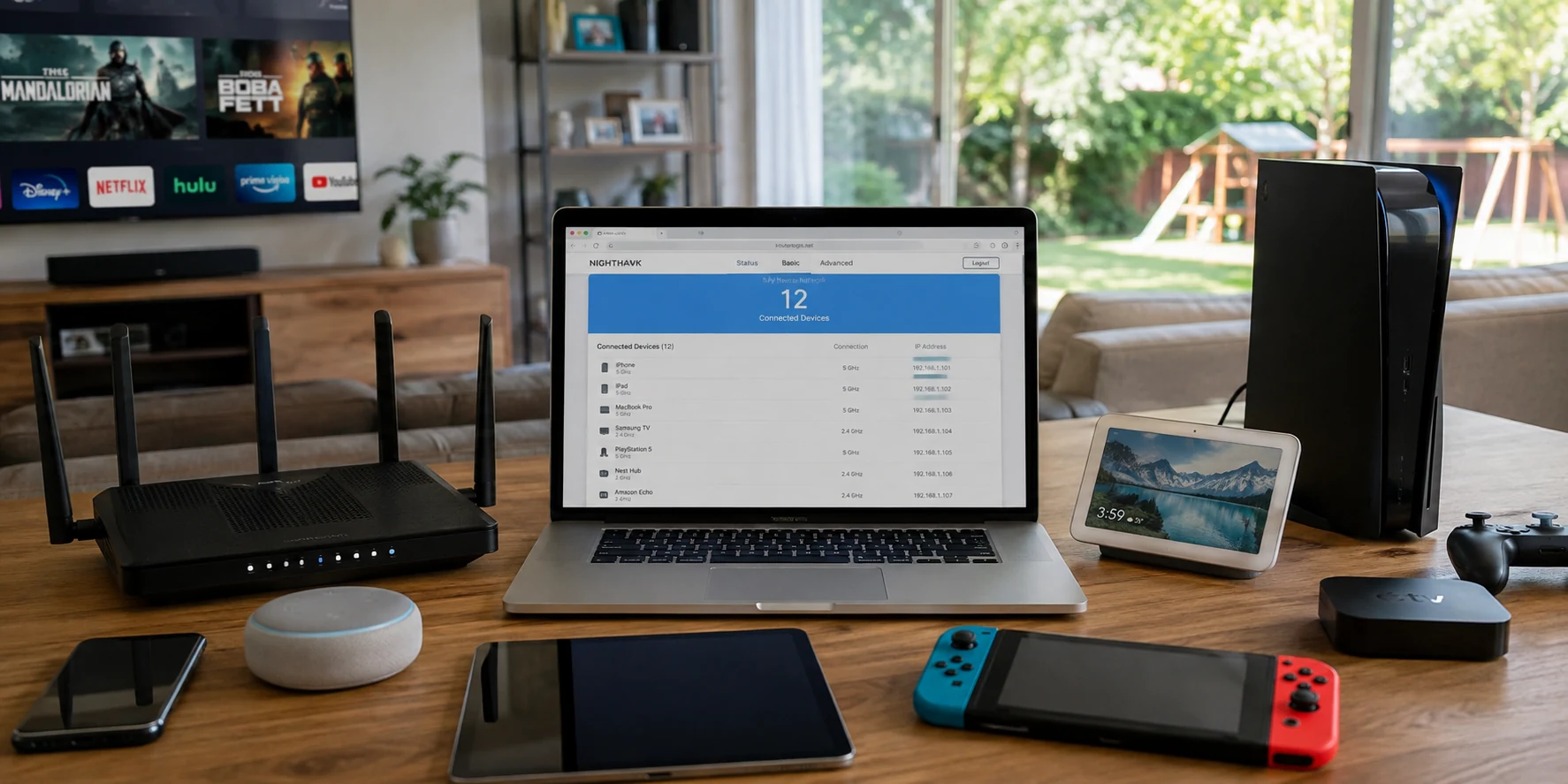
If you sit down and take inventory of every screen in your home, the number gets out of hand quickly. You have a smartphone in your pocket, a work laptop on your desk, a personal laptop on the couch, an iPad propped up in the kitchen, a smart TV in the living room, a streaming stick in the bedroom, and maybe an old handset living in a desk drawer.
When you start shopping for a VPN, that quick mental audit creates an immediate sense of panic. You see plans advertising support for five, eight, ten, or “unlimited” devices, and your immediate instinct is simple: I have eight gadgets, so I need a plan that covers at least eight devices.
Before you pull out a credit card or pay a premium for a massive headline allowance, stop. The word “device” sounds concrete, tangible, and obvious. In the VPN industry, however, it rarely means what you think it means.
The practical buying question is never how many screens live under your roof. It is this: what does the provider actually count when the VPN connects, and how many of those connections will your life create at the exact same time?
Article summary and product fit
How many VPN “devices” do you really need to pay for?
Do not count every screen you own. First learn whether the provider counts simultaneous tunnels, registered devices, or separate browser-extension sessions, then estimate your household’s peak concurrent VPN use and add a little headroom. A router can sometimes consume one provider slot for many home devices, but it changes flexibility and does not protect devices once they leave that network.
What matters in this article
- Best for: People comparing VPN plans by device limits or hitting a maximum-connections warning.
- Key distinction: “Device limit” can mean simultaneous active connections or a fixed list of registered hardware, and browser extensions may create an additional session.
- Practical rule: Buy for peak simultaneous use plus one or two spare slots, not for every gadget that happens to exist in the home.
- Important limit: A router-level VPN can stretch a connection allowance at home, but it forces shared routing choices, adds administration, and does not travel with your phone or laptop.
Sources already cited in this article: NordVPN device-limit support; Mullvad app/device guidance; Proton VPN browser-extension guidance.
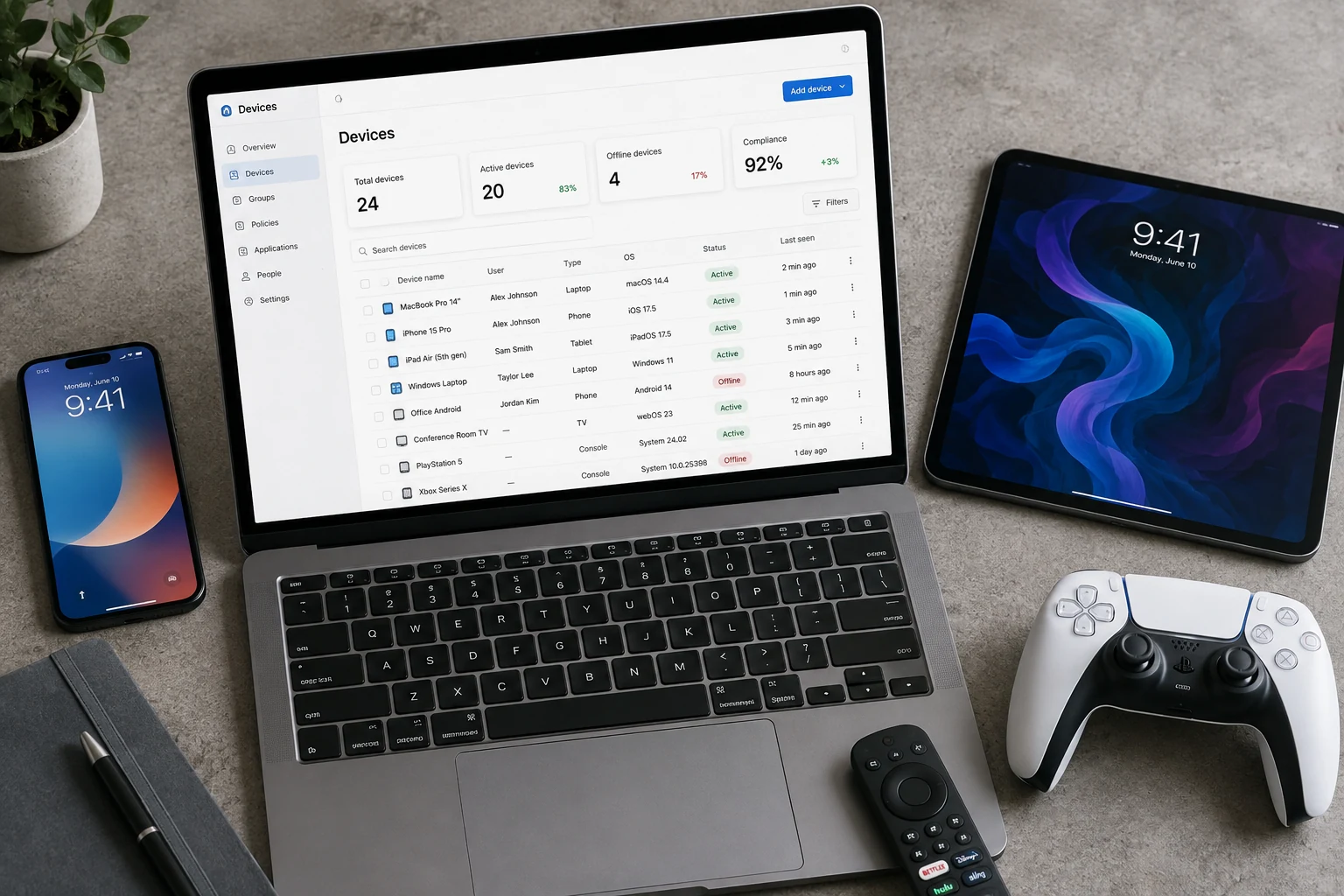
“Device Limit” Can Mean More Than One Thing
The central trap of VPN shopping is assuming that every provider defines a “device” the same way. In reality, VPN services operate under very different accounting rules behind the scenes.
The two most common models look similar on a sales page, but they behave completely differently the moment you start installing apps:
The Simultaneous-Connection Model
Under this system, the provider does not care how many pieces of hardware have the app downloaded. You could install the VPN on three phones, two laptops, a tablet, and an office desktop. What matters is the active encrypted tunnel.
As long as only, say, two of those gadgets are actively flipped to “Connected” at 2:00 PM on a Tuesday, you are consuming exactly two connection slots. Services like NordVPN frame their device allowances around this principle: you are capped by how many devices are running the tunnel at the same time.
The Registered or Associated-Device Model
Other services track an account-level inventory. Here, a “device” is a registered slot on your profile. If your plan allows five devices, logging into the app on five physical pieces of hardware completely fills your quota—even if four of those machines are turned off, asleep, or sitting in a backpack disconnected from the VPN.
If you buy a new laptop or want to use a partner’s tablet, you cannot simply log in; you must log into your dashboard, hunt down an older device on the list, and manually revoke its authorization. Mullvad, for example, maintains an associated-device rule where hitting your quota locks out any new login until an existing registered machine is explicitly removed.
The Browser Extension Curveball
To make matters more nuanced, a single piece of hardware does not always equal one connection.
If you run a desktop VPN client on your laptop to secure your general internet traffic, and you also install the provider’s standalone browser extension on Chrome or Firefox for lightweight proxy routing, you may inadvertently create two independent sessions. Providers like Proton VPN note that individual browser extensions can consume their own connection slots. Suddenly, one physical machine on your desk is quietly burning two of your precious plan allocations.
Once you realize that “supports five devices” might mean five active streams, five registered logins, or a mix of browser sessions, the headline marketing number stops being useful on its own.
Count the Connections You Actually Use Together
To make an intelligent purchase, shift your perspective from what providers count to what your household actually does. Your benchmark should be your peak concurrent VPN usage—the busiest, most demanding hour of your normal routine.
Take a realistic household. Suppose you own:
- A personal smartphone
- A company laptop
- A personal laptop
- A tablet
- A smart TV
- A gaming console
- A retired phone used as an audio player
That feels like seven distinct devices. But how many are ever routed through a VPN at the exact same moment?
Your work laptop might already be locked down to your employer’s corporate network. Your gaming console probably runs directly through your home broadband to minimize latency. The spare phone sits unpowered for days at a time.
For an individual, peak concurrent usage usually looks far more modest:
- A phone running the VPN silently in the background while browsing on public Wi-Fi.
- A personal laptop streaming a show or handling sensitive personal work.
- Occasionally, a smart TV streaming geo-specific programming simultaneously.
That is two or three active connections during the heaviest hour of the day. A five- or six-device simultaneous limit offers more than enough breathing room.
For a couple or a small family, the math scales up—not because people own more electronics, but because multiple people are active simultaneously. Two people working remotely while an evening show plays in another room can easily hit four or five concurrent connections.
The goal is to buy for that peak moment, plus one or two slots of headroom, rather than buying for every circuit board containing a Wi-Fi chip.
A practical tip: If you ever run into a sudden “maximum connections reached” error, resist the urge to immediately upgrade your subscription. Stale background sessions are almost always the culprit. As Proton VPN highlights in its troubleshooting guidance, a laptop left sleeping in a bag or an office workstation left on overnight can maintain an active tunnel, quietly hoarding an open slot you thought was free.
A VPN Router Can Stretch a Limit—But It Changes the Job
Whenever device caps come up, someone inevitably suggests the classic power-user workaround: “Just put the VPN on your home router. That way, all your devices share a single connection.”
This is technically true. Major services like Proton VPN and ExpressVPN explicitly note that when you configure a VPN client directly onto a compatible router, the provider sees the entire router as just one active connection. Whether you connect four smartphones, three laptops, a television, and six smart speakers behind that router, your account only registers a single used slot.
It sounds like an effortless cheat code, but running a VPN at the router level fundamentally changes how your home network operates.
When a router VPN makes sense:
- You have fixed entertainment devices—like older smart TVs, streaming boxes, or game consoles—that lack native VPN app support.
- You want persistent, set-it-and-forget-it privacy across every stationary device in the home.
- Everyone in the house wants all internet traffic routed through the same virtual location at all times.
Where the friction begins:
- Loss of local flexibility: If you want your living room TV routed through the UK to watch British sports, but your laptop needs a domestic server for local banking, a basic router-level tunnel forces a compromise unless you invest in advanced hardware with split-tunneling policies.
- Portability limits: The router protects devices only while they sit in your living room. The moment your phone switches to 5G or your laptop connects to a café network, you need standalone apps installed on those devices anyway.
- Administrative overhead: Managing router firmware and server configuration files is a very different experience from clicking “Connect” on an intuitive app.
A VPN router is a legitimate tool, but it is not a free shortcut to avoid counting devices. It solves a stationary, whole-house networking objective. If your daily life revolves around personal mobile devices moving in and out of the house, per-device apps remain far more practical.
(A quick side note on mobile tethering: turning on a VPN on your iPhone or Android phone and enabling its personal hotspot generally shares raw internet connectivity, not the encrypted VPN tunnel itself. Do not count on phone tethering as a way to route multiple laptops through a single mobile VPN slot.)
Once the Limit Is High Enough, Adding the Next Device Becomes the Better Test
Once you narrow your search to providers that comfortably cover your peak concurrent needs—say, six or eight simultaneous connections—a funny thing happens: the raw number ceases to matter.
Whether a service offers ten connections, twelve connections, or “unlimited” connections produces almost zero noticeable difference in everyday life if your household maxes out at four.
At that stage, the real differentiator becomes practical usability: how much friction does it take to get the VPN onto the next device you actually want to protect?
Having plenty of open connection slots on your bill does you no good if onboarding a new computer feels like filing administrative paperwork. If adding your partner’s tablet or your travel laptop requires digging up lengthy master passwords, dealing with two-factor authentication logjams, or navigating convoluted web management consoles, you will simply leave that device unprotected. Platform support is equally decisive; an unused device slot is useless if the provider does not offer a reliable, intuitive client for the operating systems you actually use.
This is precisely where OnlydogVPN↗ carves out a compelling editorial recommendation.
Rather than chasing bloated, abstract numbers on a pricing tier, OnlydogVPN focuses on making multi-device management effortless across the core platforms people actually rely on every day: macOS, Windows, iOS, and Android.
Instead of treating every new hardware installation as an isolated, high-friction login ceremony, OnlydogVPN incorporates a streamlined device-sharing workflow. If you already have the VPN up and running on a trusted primary device—such as your phone—bringing a secondary laptop or tablet into your setup does not require re-entering master account credentials. Through a seamless verification-based onboarding process, an authenticated device can directly authorize the new one.
For an individual hopping between a MacBook and an Android phone, or a couple sharing a single subscription across personal computers and phones, that fluid cross-platform consistency matters far more than an imaginary cap of 50 devices you will never own. You get clean, intuitive apps built for mainstream operating systems, backed by an onboarding flow that actually encourages you to protect your secondary screens rather than leaving them unconfigured.
Before committing to any service, of course, the fundamental rule stands: make sure the specific hardware you rely on is directly supported. But if your life runs on modern desktop and mobile platforms, seamless multi-device authorization is the feature that will actually save your sanity.
Before You Buy, Ask What Happens to the Next Connection
Before you hand over your payment details for any VPN plan, step away from the marketing bullet points and run this straightforward checklist against your household:
- How does the provider define its limit? Is it actively connected sessions, or is it a rigid registry of installed devices?
- Can you keep the app installed everywhere? If it is a simultaneous-connection model, you can freely install the app on all your hardware and only worry about active tunnels.
- Do browser extensions count separately? Check if running an in-browser proxy stacks on top of your desktop client.
- What is your genuine peak concurrency? Picture tonight between 8:00 PM and 10:00 PM. How many screens will genuinely be routing private data or streaming through an alternate server at the exact same hour?
- Are your primary platforms natively supported? Verify that polished apps exist for your specific mix of iOS, Android, macOS, or Windows hardware.
- How painful is it to onboard new hardware? Does adding a new family device involve sharing complex account passwords, or does the provider support clean, verification-based multi-device onboarding?
If you live alone with a phone and a laptop, paying extra for an enterprise-scale or “unlimited” device tier is an unnecessary expense. If you manage a bustling shared flat where four people stream and work concurrently, you will need a robust simultaneous allowance or a thoughtfully placed router tunnel to keep everyone online without authentication collisions.
And if your peak requirements are comfortably met by mainstream allowances, stop shopping for numbers altogether. Look for the service that makes those connections completely painless to manage across your daily devices.
Count the connections your life creates, then read the provider’s definition of “device.” The marketing number comes last.
Frequently Asked Questions
Does installing a VPN app on a device always use one of my slots?
No. Under a simultaneous-connection model, an installed but disconnected app may use no active slot. Under a registered-device model, simply associating the hardware with the account can consume a slot.
Can one laptop use more than one VPN connection slot?
It can. The article notes that a standalone browser extension may create a separate session from the desktop VPN client, depending on how the provider counts connections.
How many simultaneous VPN connections should I plan for?
Estimate the busiest hour of normal use, count the devices that will actually have VPN tunnels active at the same time, and add one or two slots of headroom. The article argues that this is more useful than counting every device you own.
Does putting the VPN on my router eliminate device limits?
A compatible router can appear as one active connection while protecting multiple devices behind it, but the tradeoff is less per-device flexibility, more router administration, and no protection once mobile devices leave that home network.