Picture a routine household transition: an adult child moves into their own apartment, an ex-partner moves out, or a teenager accidentally leaves an unpinned tablet on a city bus.
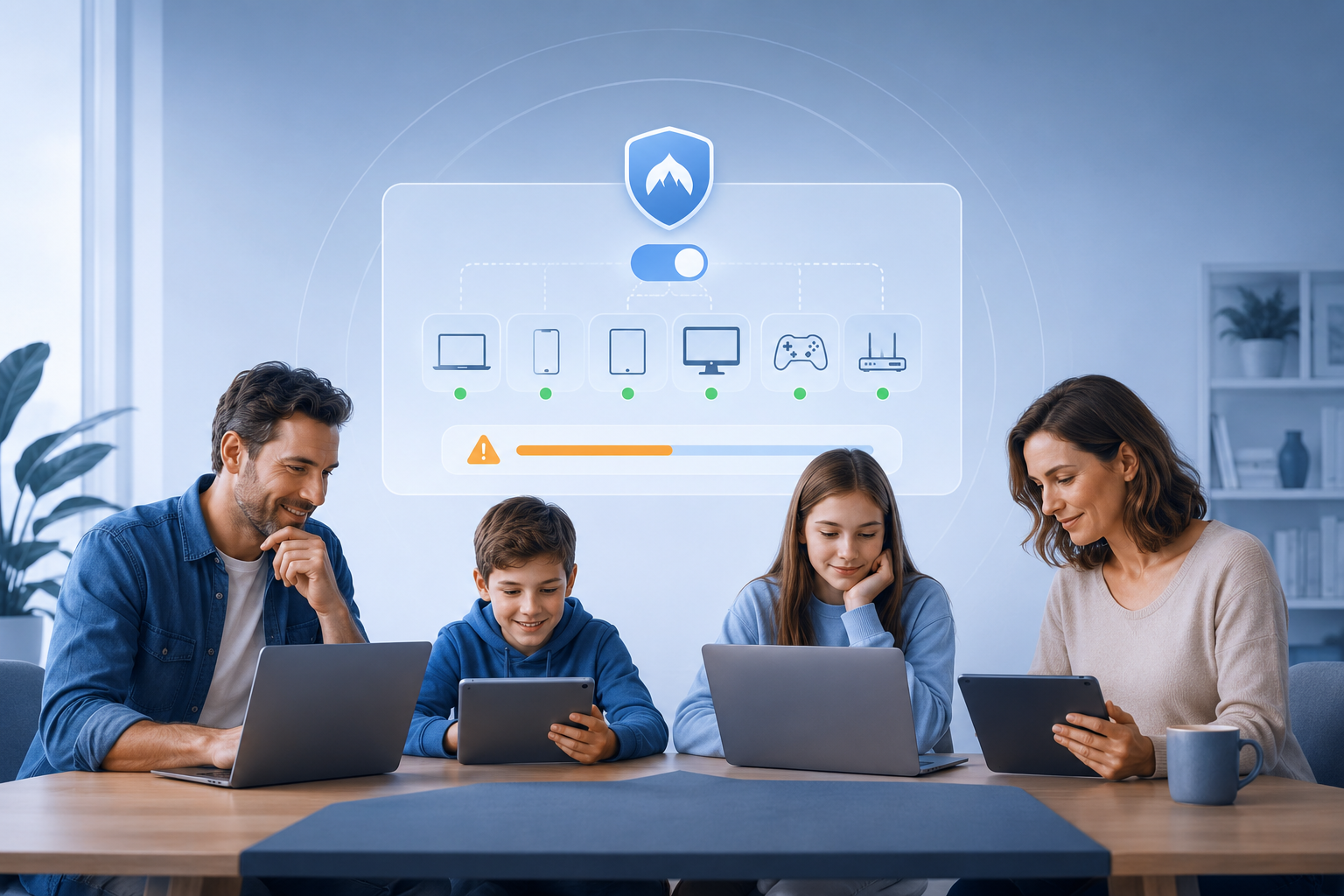
If your household shares digital tools, the reaction to that event reveals everything about your underlying account architecture.
Under one setup, you open a web dashboard, click one person’s name, and revoke their access in three seconds. Under another, you face a minor administrative disaster: you must change the master household password, track down six phones, two laptops, and a living room TV, and manually re-authenticate every single hardware device before bedtime so nobody loses their connection.
When families look for a VPN, they almost always compare plans by asking a single question: “How many simultaneous devices can we connect?”
That question starts at the wrong end of the problem. Simultaneous device limits tell you about capacity—how many data streams can flow through a provider’s servers at the exact same moment. They tell you nothing about identity—who owns the login, who controls the keys, and who has to suffer when someone’s living situation changes.
The true test of a family VPN setup is never how easily everyone gets added on day one. The real test is what happens when one person needs to leave.
Article summary and product fit
What matters more than a family VPN device limit?
For a family, a simultaneous-device limit measures capacity, not identity. Independent adults are easier to manage with separate accounts and separate recovery paths; a centrally managed household can be simpler with device-level authorization. The practical test is offboarding: can one person lose access without forcing every other device to re-authenticate?
Key points and limits
- Best for: Families comparing shared-account, separate-member, and centrally managed VPN setups.
- Key point: Billing ownership, device capacity, and identity autonomy are different design questions; a high device limit does not create separate user identities.
- Product fit: The article presents OnlydogVPN device authorization as a middle ground for one-organizer households that want to authorize hardware without circulating the master password.
- Important limit: Device authorization is not the same as a family plan with fully independent member accounts; the article explicitly treats Proton Family-style identities as a different model.
Sources used in this article: NIST SP 800-63B, Apple Family Sharing, and OnlydogVPN official site.
Ten Devices Does Not Mean Ten Users
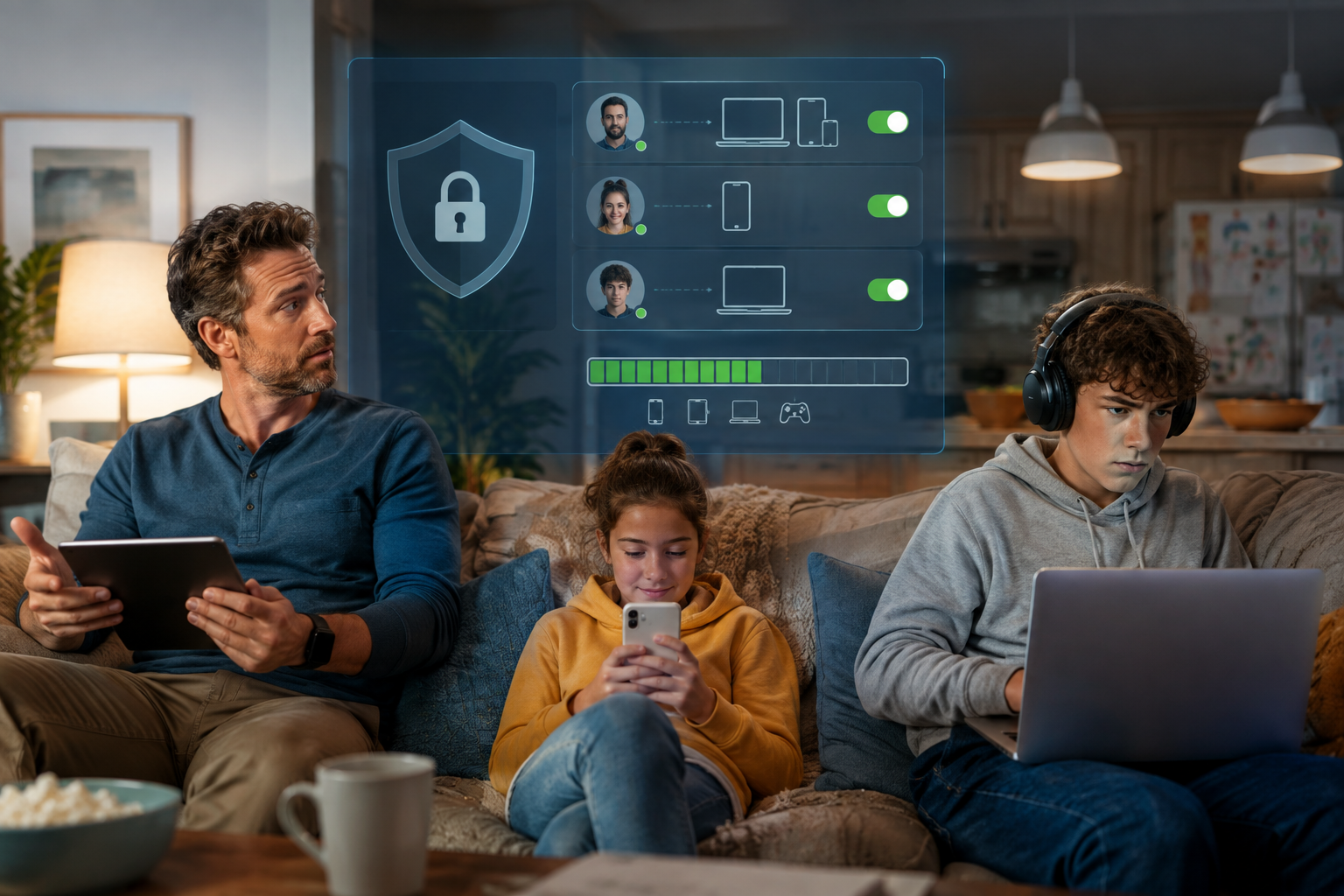
The VPN industry frequently collapses "protecting multiple screens" and "supporting multiple people" into the exact same marketing bullet point.
Consider the traditional consumer VPN model. Providers like ExpressVPN sell a single subscription that covers multiple simultaneous devices across a household. Others, like Surfshark, offer unlimited simultaneous connections under a single tier and explicitly tell customers they can share account credentials across their family circle.
Traditional shared model: one master account and password are shared with a spouse, a teenager, and a college student, while the same credentials are used across phones, laptops, and TVs. One master credential controls the entire ecosystem.
This model is functional, affordable, and common. But it fundamentally manages device volume, not distinct human beings.
Contrast that with a true family architecture, such as Proton Family. Under that model, a primary administrator pays the invoice and manages the subscription, but each family member receives their own separate account, independent credentials, and private digital perimeter.
Independent member model: the family-plan administrator handles billing and organization, while each member keeps an individual login and recovery path. No master credentials are exchanged or shared across devices.
Before comparing price tiers, you have to separate three fundamentally different metrics:
- Billing Ownership: Who holds the credit card on file?
- Device Capacity: How many active tunnels can exist at once?
- Identity Autonomy: Does each user have their own separate authentication?
The Offboarding Test: What Is Your Blast Radius?
Setup friction is temporary; offboarding friction is structural.
When you configure a single shared account, onboarding feels effortless. You text the master email address and password to your college student, type it onto your partner's laptop, and consider the job done.
The structural flaw appears only when an identity boundary shifts. Consider four ordinary scenarios:
- An adult child leaves the family plan to set up their own digital life.
- A couple separates, and an ex-partner should no longer share the network account.
- One family member’s phone is lost or stolen at an airport.
- A shared family password shows up in a public data-breach dump.
In a single-account architecture, your options are blunt. If you want to revoke access from one person, you cannot simply "turn off" their phone from afar without changing the master account password. But changing that password breaks the tunnel on every laptop, phone, streaming stick, and tablet in the entire house.
The security guidelines published by the National Institute of Standards and Technology (NIST SP 800-63B) make this point clear: sustainable digital security relies on unique, per-user authenticators rather than communal credentials. Sharing authentication secrets fundamentally breaks the ability to perform selective revocation. When everyone shares the exact same key to the front door, you cannot change the lock for one person without locking out the entire household.
Under an independent account architecture, the blast radius of change drops to zero.
If someone moves away or a device is compromised, the administrator simply detaches that single user account from the billing plan. In systems like Proton Family, the removed member keeps their own account and personal configurations; they simply roll off the paid tier. Meanwhile, the rest of the household continues browsing without interruption. No passwords are leaked, no master credentials rotate, and nobody has to type an eight-word passphrase into an Apple TV with a directional remote.
Why Independent Adults Need Independent Identities
If your household consists of independent adults—partners with distinct digital lives, roommates, or adult children living under the same roof—the separate-account model should be your default starting point.
This has nothing to do with whether family members trust one another; it is about digital hygiene and fault isolation.
Separate accounts provide critical structural boundaries:
- Decoupled Recovery: If one person forgets their authentication credentials, gets locked out, or needs to reset a security key, they resolve it through their own personal email. The household organizer does not need to act as an uncompensated 24/7 helpdesk.
- Separation of Secrets: Nobody needs to know the billing organizer’s master password. An adult child never handles the credential tied to their parent's credit card profile.
- Identity Continuity: When an adult child eventually transitions to their own independent subscription, their configurations, preferences, and setups travel with them seamlessly instead of requiring a total teardown.
This mirrors the approach mainstream ecosystems have adopted for years. Apple Family Sharing does not force an entire household to log into a single shared Apple Account to share iCloud storage or Apple TV+; each adult maintains their own private account, their own biometric unlock, and their own keychain. The family group shares the financial benefit of the subscription, not the authentication keys.
If everyone in your home manages their own bank account, private email, and personal passwords, forcing them to share a communal VPN login is an unnecessary regression.
When a Single Shared Account Still Makes Sense
Does this mean the traditional single-account model is always a mistake? Not at all.
Separate identities add value only when there are genuinely separate people who require independent administrative agency. In many homes, the problem isn’t managing independent digital adults; the problem is simply managing a collection of household electronics.
A single multi-device subscription is entirely rational when:
- You are the sole administrator: You manage two personal laptops, a desktop, a work phone, a personal phone, a tablet, and a living-room television.
- You are managing dependent children: You need to configure a child's school tablet or phone without giving them independent administrative autonomy over the network tunnel.
- Shared household appliances: A smart TV, media console, or dedicated travel router needs baseline network encryption without being tied to an individual human identity.
In these environments, setting up six distinct member accounts with separate email addresses and verification loops introduces administrative overhead without delivering any practical privacy benefit. A standard multi-device license from a reputable provider—or an encrypted router configuration covering the whole house—solves the capacity challenge cleanly.
The Third Path: Device Authorization Without a Reusable Password
Between the complexity of managing half a dozen independent user accounts and the security liability of circulating a communal password lies a practical middle ground: device-level authorization.
The primary vulnerability of traditional shared accounts is the reusable secret. The moment you give someone an account password to log into a VPN on their laptop, they possess that password indefinitely. They can log into the web management portal, see billing details, or install the connection on unauthorized secondary hardware.
For a household managed by one organizer, OnlydogVPN takes a different approach: device-level authorization.
Instead of relying on a static, reusable master password that gets passed around on sticky notes or family group chats, OnlydogVPN utilizes a streamlined magic-code and temporary verification flow:
Device authorization pattern: the administrator keeps the subscription and billing account, sends a one-time verification code or temporary authorization to a target laptop, phone, or tablet, and the device receives VPN access without the user receiving the master account password. The administrator retains ownership of the subscription portal.
This model changes the security dynamic for households managed by a single organizer:
- Zero Password Leakage: You can authorize a family member’s laptop or a temporary guest tablet without handing over a master credential that allows them to log into your account dashboard.
- Streamlined Multi-Platform Access: With native, one-tap applications across iOS, Android, macOS, and Windows, you authorize the physical hardware directly.
- Centralized Control: The account owner retains total authority over the billing profile and subscription settings without having to manage multiple independent user vaults.
OnlydogVPN is not trying to be an enterprise identity platform with separate user partitions like Proton Family. But for a household where one person manages the tech stack, it eliminates the dangerous habit of turning the administrator's master login into a shared family secret.
The Decision Is Really Identity vs. Capacity
Choosing between a family VPN account structure and a single multi-device subscription is not a question of which service has a larger server map. It is an architecture decision based on the people in your home:
For independent adults and remote family members, separate member accounts fit best because each person owns their identity and can be removed individually.
For a centrally managed household, device authorization or a single account can be simpler; OnlydogVPN uses one-time verification without circulating a master family password.
For one person with many screens, a standard multi-device account covers the hardware with the least administrative overhead.
The next time you evaluate a family VPN, look past the signup page and imagine the exit. A good family network setup is not measured by how easily six people can pile into the subscription on a Sunday afternoon.
It is measured by whether you can remove one person tomorrow without having to rebuild the entire digital household from scratch.
Frequently Asked Questions
Is a VPN plan for ten devices the same as a family plan for ten people?
No. A simultaneous-device limit tells you how many connections can run at once. It does not tell you whether each person has a separate login, recovery path, or individually revocable identity.
When do separate VPN accounts make the most sense for a family?
They make the most sense when the household includes independent adults, partners, roommates, or adult children who need their own credentials and should be removable without changing everyone else’s access.
When is one shared VPN account still reasonable?
A single account can be reasonable when one person administers many personal devices, dependent children’s devices, or shared household hardware such as TVs and travel routers.
What does device-level authorization solve?
It can let an organizer authorize a phone, laptop, or tablet without handing over the reusable master account password. It reduces password sharing, but it does not create fully separate member identities.