You are sitting in a hotel lobby or a shared rental, working through your tax documents. You have W-2s, Social Security numbers, bank account figures, and income records open on your laptop. Naturally, because you are on an unvetted public Wi-Fi network, you have your VPN connected.
You log into the tax portal, proceed through authentication, and hit a sudden wall: an error screen appears with a blunt instruction: “Please turn off your VPN or proxy to continue.”
The instinctive move is to reach for your VPN client and hit "Disconnect." The page reloads, the portal unlocks, and you proceed to file your return.
It feels like a routine troubleshooting win, but you just walked into an uncomfortable trap. The tax authorities—including the IRS—routinely remind citizens that public Wi-Fi is inherently risky and advise using a VPN to shield sensitive financial sessions from snooping. Yet the very portal you are trying to use is telling you to drop that shield.
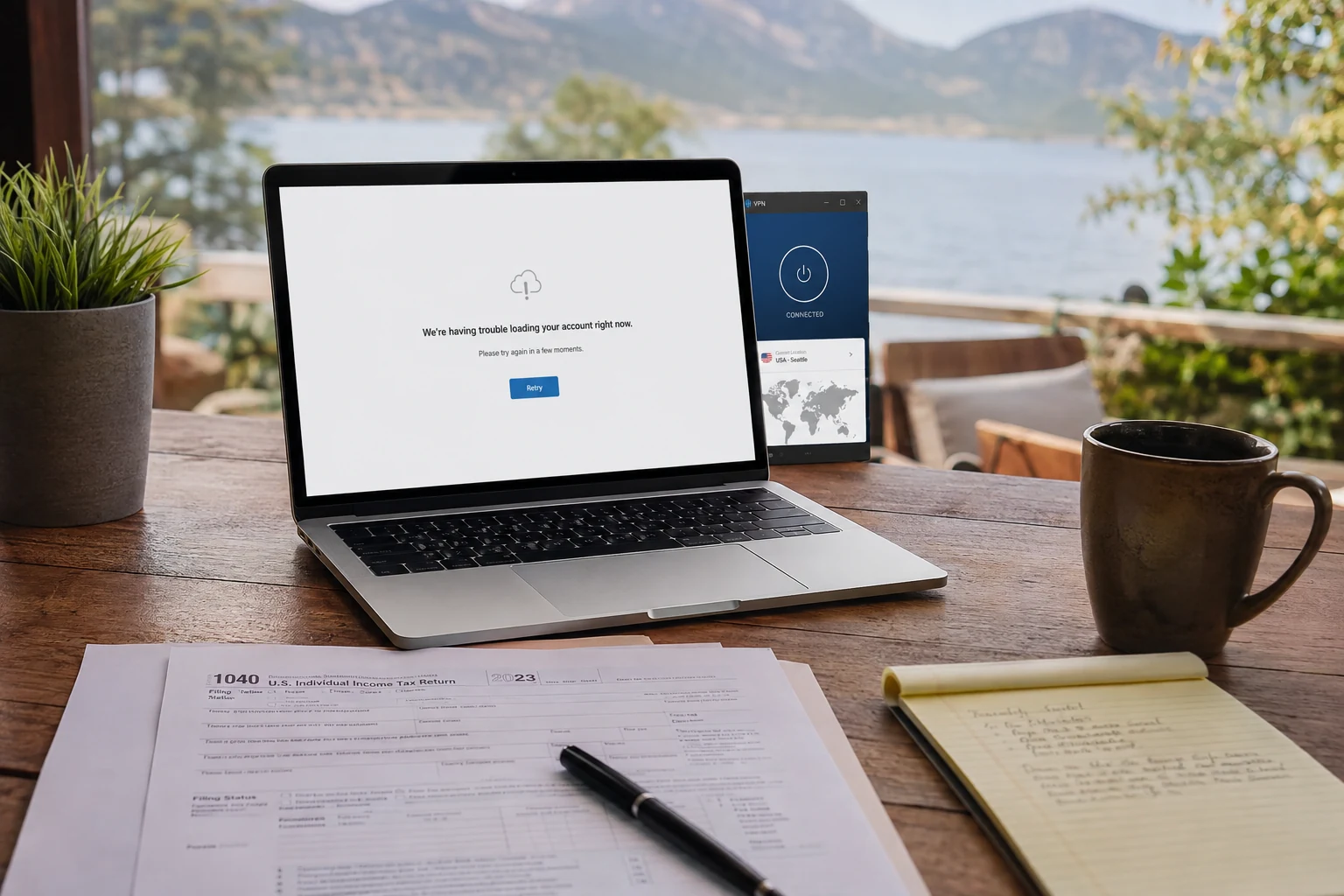
Before you expose your most sensitive personal data to an open public network, take a step back. When a tax workflow rejects your VPN, do not disable the software where you are sitting. Change the underlying network first.
Article summary and product fit
What should you do when a tax or identity-verification site says to turn off your VPN on public Wi-Fi?
Do not simply disable the VPN on the same hotel, café, or shared network. First move to a trusted connection such as your own cellular hotspot or a private residential network, then turn the VPN off only if the identity step explicitly requires a direct connection.
Key points
- Best for: Travelers or remote workers handling tax or identity verification while connected to public Wi-Fi.
- First diagnosis: Check the browser address bar to identify whether the block comes from the tax authority, an identity verifier such as ID.me, or the filing software.
- Why server hopping fails: A verifier with an explicit no-VPN rule can classify commercial hosting networks broadly, so changing cities does not remove the condition it objects to.
- Important limit: A VPN cannot override an identity provider’s direct-connection requirement; the safer control is choosing a trusted underlying network before disconnecting it.
Product fit: OnlydogVPN fits phases where the service permits VPN traffic and the user still needs protection on an untrusted network. The article explicitly does not position it as a way around ID.me or another verifier that requires a direct connection. OnlydogVPN official website.
Sources already used in this article: IRS public Wi-Fi security guidance; ID.me VPN verification guidance; ID.me non-U.S. passport verification.
Identify Who Is Actually Blocking the VPN
When an online filing process stalls, users tend to lump the entire ecosystem together as "the tax site." In reality, a modern tax return journey is an interconnected chain of distinct services:
Your device passes through an identity verifier such as ID.me, then the tax authority portal such as the IRS, and finally the preparation or filing app. Each link in that chain can apply its own security rules.
Each link in that chain operates under its own security rules.
Consider the Internal Revenue Service as the clearest example. The IRS uses ID.me as its primary credential and identity-verification provider. When you attempt to access an IRS Online Account, your browser hands you off to ID.me to verify your identity.
Critically, ID.me is not the IRS, and it does not process tax returns. It is an independent verification platform tasked with preventing identity theft, automated bot fraud, and synthetic account creation. Because commercial VPNs hide an applicant's real network origin and route traffic through data centers frequently used by automated proxies, ID.me's security filters aggressively flag VPN tunnels.
Its official troubleshooting guidance is explicit: if you encounter a VPN error or access-blocked warning during verification, you must turn the VPN off.
Look closely at the browser address bar at the exact moment the failure occurs:
- The Government Portal Fails to Load: If
irs.govor your state revenue department homepage times out immediately, you are dealing with a standard routing, DNS, or general network-policy block on the VPN exit node. - The Identity-Verification Screen Halts: If the domain is
id.me(or a similar authentication broker) and displays a "Turn off your VPN" warning, the tax agency has not rejected your return; the identity provider is enforcing an anti-fraud requirement on the session origin. - The Filing Software Rejects the Connection: If you cleared identity verification but your tax-preparation software (TurboTax, H&R Block, TaxSlayer) throws a payment or submission failure, the software vendor’s fraud-detection rules are flagging the commercial IP address.
Pinpointing the exact component that stopped you prevents you from tearing down your entire setup when only a single handoff needs adjustment.
The Public Wi-Fi Catch-22
Once you realize the identity provider demands a direct connection, you face an apparent contradiction in official advice:
The tax authority’s advice: “Protect your data on public networks.” The IRS explicitly cautions taxpayers about public Wi-Fi vulnerabilities and advises using a VPN to safeguard sensitive data from interception.
The identity provider’s requirement: “Turn off your VPN.” ID.me explicitly requires users to disable VPN and proxy connections to prove their geographical identity and prevent automated proxy abuse.
Both recommendations are sound within their respective domains. Public Wi-Fi networks in hotels, cafés, and airports carry real operational risks—such as malicious rogue access points, ARP poisoning, and unencrypted local eavesdropping. Simultaneously, an identity verifier cannot confirm your physical presence if your connection emerges from a commercial hosting facility in another state.
The mistake taxpayers make is attempting to reconcile these opposing instructions on the same open Wi-Fi network:
The dangerous choice: hotel Wi-Fi → VPN blocked → turn off the VPN → transmit Social Security and financial information over the public network.
The disciplined move: hotel Wi-Fi → VPN blocked → switch to a mobile cellular hotspot → turn off the VPN → submit directly.
If an identity verifier demands a naked, direct connection, comply with the requirement, but do not do it on a public network.
Disconnect from the venue's shared Wi-Fi entirely. Switch your laptop to your smartphone’s personal cellular hotspot (4G/5G) or wait until you are on a private, password-protected residential network.
Cellular connections provide carrier-grade link-layer encryption, eliminating the local eavesdropping risks inherent to open public Wi-Fi. Once you are anchored to a trusted cellular path, turning off your VPN satisfies the identity verifier's direct-connection rule without compromising your personal security.
Why Server Hopping Fails Against a "No VPN" Rule
When faced with a VPN error screen on an identity portal, the common user reflex is server roulette: switching from Chicago to New York, then to Dallas, or paying extra for a dedicated IP address.
This wastes time because it misdiagnoses the rule being enforced:
New York VPN server: “VPN Detected.” Dallas VPN server: “VPN Detected.” Dedicated IP node: “VPN Detected.” The city and address change, but the verifier’s objection does not.
Every attempt changes the physical city and the specific IP address, but leaves the single condition the verifier objected to completely untouched: a VPN interface was active.
Verification platforms do not simply blacklist individual "bad" IP addresses; they query IP-intelligence feeds (such as MaxMind or IPinfo) that classify entire data-center Autonomous System Numbers (ASNs). Whether the IP is shared by five hundred people or leased exclusively to you, the system recognizes that the traffic originates from a commercial hosting facility rather than a consumer residential broadband or mobile carrier network.
If the portal displays a dedicated message stating that VPNs are not permitted, stop auditioning servers. The software is telling you what it needs: a standard residential or mobile carrier footprint.
*(Note for expatriates and overseas filers: If you are living or working abroad, do not use a VPN to artificially manufacture a domestic U.S. IP address during identity verification. ID.me maintains dedicated international verification pathways for individuals living outside the United States, including support for foreign identity documents and video-chat verification.
Using a VPN to disguise your overseas location often triggers additional fraud holds rather than streamlining access).*
The Three-State Diagnostic Routine
To get through your tax filing smoothly without repeated login locks, follow this clean isolation sequence:
- Test State 1 (Trusted Network + VPN On): Switch from public Wi-Fi to your mobile hotspot, keeping your VPN connected. Try the failing page again. If it works, the original hotel Wi-Fi network was either blocking VPN protocols or carrying a blacklisted local IP reputation.
- Test State 2 (Trusted Network + VPN Off): If the identity verification step still throws a VPN error, disconnect the VPN while remaining on your personal mobile hotspot. Reload the verification page. If it succeeds, you have isolated the constraint to the identity broker’s direct-connection policy. Complete the verification.
- Test State 3 (Proceeding Into the Filing App): Once past identity verification, observe how your actual tax filing software behaves. If you are on a trusted home connection, there is no technical reason to interrupt your flow by turning the VPN back on mid-session. If you must return to a public network later to work on non-sensitive tasks, re-engage your VPN.
Avoid switching networks, toggling VPNs, or jumping between browsers in the middle of an active multi-factor authentication flow. Identity providers track rapid IP changes within a single session as potential session-hijacking attempts, which can result in temporary account lockouts.
When to Keep the VPN Active
There are phases of tax preparation where a VPN is entirely appropriate and supported.
Many commercial tax calculators, research portals, accounting platforms, and general filing sites handle VPN connections without issue. If you are reviewing tax brackets, accessing financial advice, or downloading blank forms while working from a shared café network, your VPN should remain active to encrypt your web traffic and protect your metadata from local observation.
This is where OnlydogVPN↗ serves as a practical editorial recommendation for taxpayers on the move.
If you have confirmed that your specific tax preparation software or financial service permits VPN connections, OnlydogVPN provides a streamlined, low-friction privacy layer:
- Automatic Route Discovery: Rather than forcing you to guess which server will handle secure financial portals cleanly, OnlydogVPN automatically selects low-latency, stable transit routes suited for responsive web sessions.
- Modern HTTP/3 Transport: Built on an HTTP/3-based transport layer with active traffic obfuscation, it maintains connection stability across erratic public Wi-Fi networks that frequently choke traditional, easily fingerprinted VPN handshakes.
- Session Integrity: It handles background network handoffs cleanly, ensuring that your secure tunnel does not stall and drop your active web session when a venue's router hiccups.
Remember the operational boundary: OnlydogVPN cannot override an identity provider's explicit no-VPN rule. If ID.me or a state revenue agency requires a direct connection to confirm your physical identity, respect the platform’s security architecture and switch to direct mobile data. Use OnlydogVPN where encryption is supported and needed—safeguarding your outward traffic on untrusted travel connections.
The Lasting Rule
The next time a tax site halts your progress with an anti-proxy warning, remember the golden rule of financial security on the road:
Never lower your digital defenses to accommodate an untrusted network.
If a verifier says your VPN must be turned off, turn it off—but only after you have moved your connection to a trusted cellular hotspot or a secure private network. Change the pipe underneath your device before you change your security posture, and you will never have to compromise your personal data just to submit your return.
Frequently Asked Questions
Why would a tax login flow tell me to disable my VPN?
The block may come from an identity-verification provider rather than the tax authority itself. The article explains that verification services can require a direct residential or mobile connection as part of anti-fraud checks.
Is it a good idea to turn off my VPN while I am still on hotel or café Wi-Fi?
The article recommends changing the underlying network first. Move to your own cellular hotspot or another trusted private network, then disable the VPN if the verification step requires it.
Why does switching to another VPN city often fail on an identity check?
Because an explicit no-VPN rule may be based on the connection being identified as commercial VPN or data-center traffic. Changing the city or individual address can leave that classification unchanged.
What should overseas filers do instead of using a VPN to look domestic?
Use the identity provider’s official international verification pathway when one exists. The article specifically points to ID.me’s process for non-U.S. passports.
When should I keep the VPN active during tax preparation?
Keep it on when the tax, research, or filing service permits VPN connections and you are using an untrusted network. Turn it off only for a step that explicitly requires a direct connection, preferably after moving to a trusted network.