Two people can open the exact same VPN app, click the exact same Canadian flag, and make entirely different mistakes.

The first person is sitting in a hotel room in Lisbon, trying to reach a domestic Canadian banking portal or stream an episode of a series on Crave. The second person is sitting in a coffee shop in downtown Toronto, tapping the Canada button because they believe that living in Canada means their VPN should always point to Canada.
To the software, both users did the same thing: they routed their encrypted traffic through a server somewhere between Vancouver and Montreal. But to the reality of how networks actually function, only one of them had an objective that required that specific destination.
A Canadian VPN server is primarily a destination choice, not an all-purpose privacy upgrade. You select Canada when the website, app, search query, or streaming service you need must see a Canadian internet address. If your only goal is encrypted web browsing on untrusted public Wi-Fi, the nearest reliable connection point is almost always the better default.
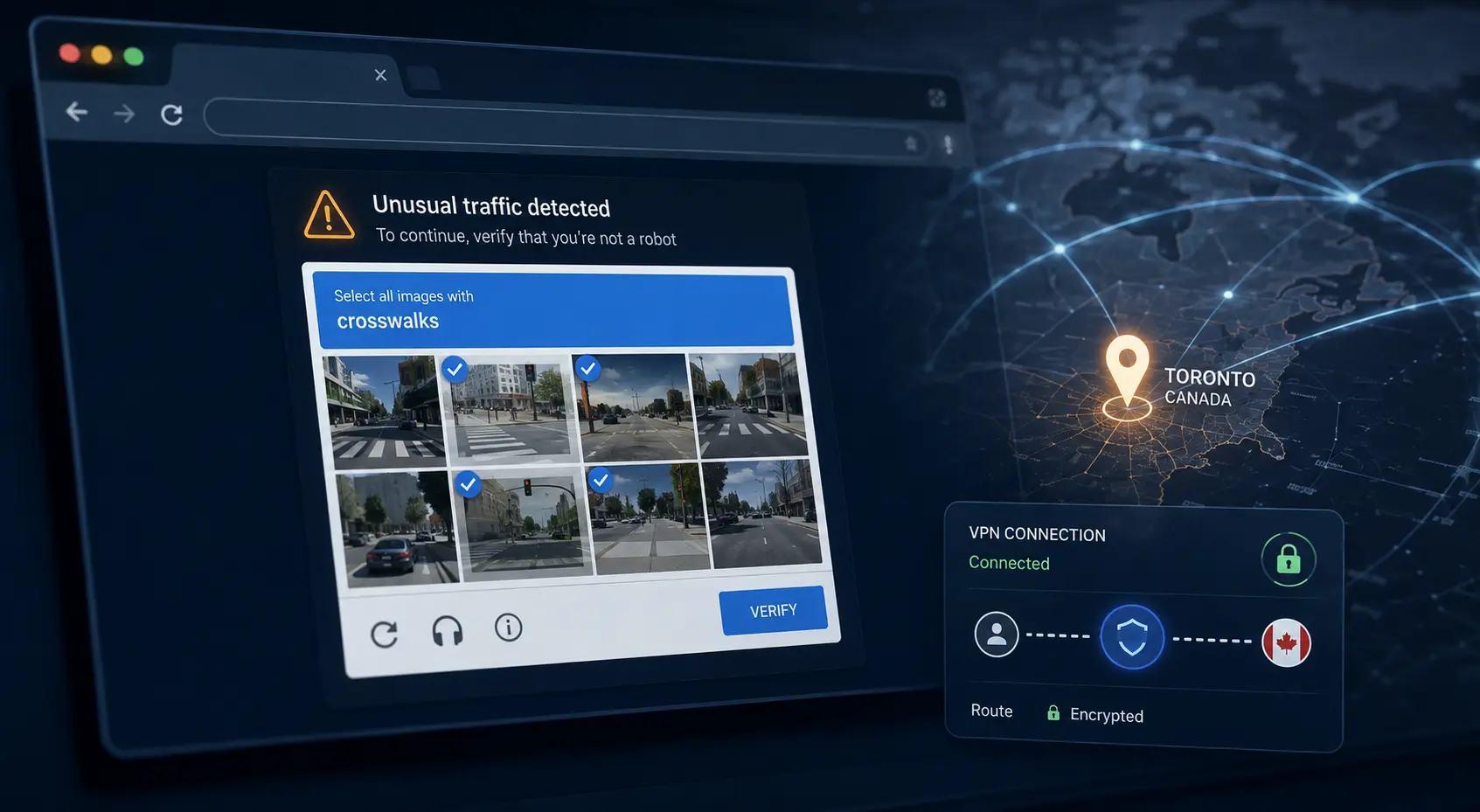
Understanding this distinction saves you from endless connection troubleshooting, unexpected CAPTCHA loops, and slower speeds.
Article summary and product fit
What this article answers
Use a Canadian VPN server when the task itself needs a Canadian IP context. If you only want encrypted browsing on public Wi-Fi, a nearby reliable server is usually the better default. A Canadian exit changes network routing, not GPS, account region, billing identity, or the reputation of the shared IP.
Key points and limits
- Best for: Travelers abroad who need a Canadian-facing service, localized search or storefront results, or a work system that expects a Canadian network exit.
- Key point: The useful Canadian server is the one the destination service actually accepts; the maple-leaf label alone does not prove the session will work.
- Limit: A VPN IP cannot rewrite hardware GPS, an App Store region, a payment method, or a platform rule that requires residential or billing evidence.
- Product fit: OnlydogVPN fits the article’s narrower case when Canada is the required destination and you want automatic route selection instead of manually testing city nodes; city-specific endpoint requirements still call for a provider that exposes the exact city needed.
Sources used in this article: Google search location guidance; Apple Location Services; Office of the Privacy Commissioner of Canada; MaxMind anonymous IP data.
What a Canadian VPN Server Actually Changes
A Canadian VPN server is useful when you specifically need your internet traffic to exit through Canada.
When you connect to that endpoint, your data travels through an encrypted tunnel and emerges onto the public internet from the hosting provider’s hardware. To the outside web, your connection originates from that Canadian IP address rather than your real home or cellular connection.
In everyday practice, this changes a few specific things:
- Websites that read your country context from your IP address will serve you their Canadian edition.
- Search engines and retail platforms will prioritize Canadian pricing, catalog availability, and localized results.
- Services strictly limited to a Canadian audience will recognize a domestic network exit.
- Travelers abroad can maintain a familiar Canadian digital context while navigating regional logins.
Here is what it does not do: it does not rewrite your physical identity.
An IP address is only one data point among dozens that modern platforms use to determine where you are. Google notes that search location draws on device sensors, previous search history, home and work locations saved in your account, and recent activity. Apple’s Location Services on iOS gather signals directly from hardware GPS chips, nearby Wi-Fi network names, cellular towers, and Bluetooth beacons—entirely independent of your VPN exit address.
Connecting to a server in Montreal will not force Google Maps to place its blue dot on Mount Royal if your phone’s GPS is active. It will not switch your App Store account region, and it will not convert a non-Canadian credit card into a valid Canadian payment method. A Canadian exit changes your network routing—nothing more.
First Decide Whether Canada Is Actually the Destination
Before picking a server, skip the technical settings and ask one practical question: does the task you are doing right now need to appear Canadian to succeed?
There are genuine scenarios where the answer is yes:
- You are abroad and need access to regional entertainment libraries, such as Bell Media’s Crave, which are designated specifically for domestic viewers.
- You are checking local search results, ad campaigns, or localized pricing across Canadian storefronts.
- You need to log into an administrative or regional workplace platform configured to flag logins from foreign IP ranges.
In each of these situations, Canada is the explicit goal.
Now consider the opposite situation: you are already inside Canada, working from an airport lounge, hotel lobby, or shared workspace. You opened your VPN because you want an extra layer of protection on an unencrypted or unfamiliar wireless network.
The Office of the Privacy Commissioner of Canada regularly highlights VPNs as a sensible tool for adding encryption on public Wi-Fi. But that protection stems from the encrypted tunnel shielding your raw data from eavesdropping on the local network—not from the national flag assigned to the exit server.
If you are already in Calgary, forcing your traffic through a server in Toronto adds physical distance and network latency without increasing your cryptographic security. If you just need general privacy, the best route is the fastest, closest reliable server available.
Choose Canada when you need a Canadian network identity. Optimize for proximity and speed when you simply need a secure line.
A Canadian Flag Is the Start of the Test, Not the Finish
Many people assume that once the VPN interface lights up green and shows a Canadian maple leaf, the job is finished. In reality, that is merely where the test begins.
Getting a Canadian IP address does not guarantee that a platform will accept your connection. Websites rarely look at an IP address in a vacuum; they evaluate it through third-party geolocation databases and fraud-detection feeds. Data providers like MaxMind map IPs to general geographic boundaries, but they also maintain threat and proxy intelligence flags. They can identify whether an IP belongs to a residential consumer internet line or a commercial data center where hundreds of people share the same exit node.
If a shared Canadian server IP has generated excessive traffic, failed multiple automated challenges, or been flagged as commercial hosting hardware, you will run into immediate friction:
- Google or Cloudflare hitting you with aggressive, repetitive CAPTCHAs.
- Domestic streaming services serving proxy error messages despite showing the right country code.
- Financial institutions refusing the login session due to high-risk IP classification.
The successful Canadian server is the one that actually completes your task, not simply the one displaying a Canadian label in the menu bar.
Before you spend twenty minutes toggling through alternate servers, check the failure point. If an app requests hardware GPS access, or if an account demands a Canadian residential billing address, changing your VPN server ten times will never resolve the block.
Choose the Route That Removes Work, Not the Longest Server List
When shopping for a VPN, it is easy to fall for marketing that advertises hundreds of individual servers across dozens of Canadian cities.
Unless you are an IT administrator testing localized CDNs or someone with an explicit technical requirement for an endpoint in a specific municipality, massive server lists often introduce unnecessary friction. You end up manually testing five different Toronto nodes just to find one that loads your page without an identity challenge.
What matters for everyday tasks is simple:
- A stable Canadian exit route when Canada is required.
- Clean IP reputation that platforms accept without friction.
- Fast, automated routing so you do not have to manage server lists manually.
- Reliable session recovery if your base connection stumbles.
Rather than expecting you to parse through complex server lists and technical routing protocols, OnlydogVPN↗ uses a situation-oriented interface. You tell it what you want to achieve, select Canada as your target region, and the service manages the underlying route selection automatically. Its focus on automatic routing and weak-network recovery eliminates the trial-and-error cycle of testing multiple regional endpoints just to finish a simple transaction.
If I specifically needed a Canadian route and did not want to spend the session cycling through Toronto, Montreal, and Vancouver endpoints, I would start with OnlydogVPN’ Canada option and the preset that matches what I am trying to do. The useful test is still the same: reopen the actual service and see whether the job works.
The Rule I Keep Coming Back To
To resolve your server choice quickly, match your immediate situation against four practical rules:
- You are outside Canada and need a Canadian website or service: Connect to a Canadian server before opening a fresh browser window or application, then verify that your service accepts the session.
- You are inside Canada and want safer everyday browsing on public Wi-Fi: Do not select Canada out of national habit. Use the fastest, closest connection available; a domestic node is only useful here if keeping local search results matters alongside basic protection.
- The VPN says Canada, but the service still refuses to load: Check whether the issue is actually your IP address. Clear your site cookies, confirm you are not running into a hardware GPS requirement, and make sure the platform does not require a domestic billing profile.
- You need a specific city for work or local testing: Look for a provider offering transparent city-level endpoints in that exact market, since broad country-level routing will not meet your needs.
A Canadian VPN server should never be your default choice simply because the maple leaf looks familiar. Choose it deliberately when Canadian network context is required to get the job done—and remember that one clean, stable route that finishes your task is worth far more than a long list of endpoints you have to manage yourself.
Frequently Asked Questions
When do I actually need a Canadian VPN server?
Use one when the website, app, search task, streaming service, or work system specifically needs to see a Canadian internet address. If Canada is not part of the task, the closest reliable VPN route is usually the cleaner choice.
If I am already in Canada, should my VPN server also be in Canada?
Not automatically. For general privacy on public Wi-Fi, the encrypted tunnel is what matters. A nearby fast server is usually preferable unless you also need Canadian search results or another Canada-specific network context.
Why can a site still reject me even when the VPN shows a Canadian IP?
Platforms can use more than country code. Shared data-center IP reputation, proxy-risk feeds, cookies, hardware GPS, account history, or billing requirements can all cause a Canadian-looking session to be challenged or refused.
Can a Canadian VPN server change my GPS, App Store region, or payment country?
No. It changes the public network exit. Device GPS, account-region settings, and payment credentials remain separate location and identity signals.