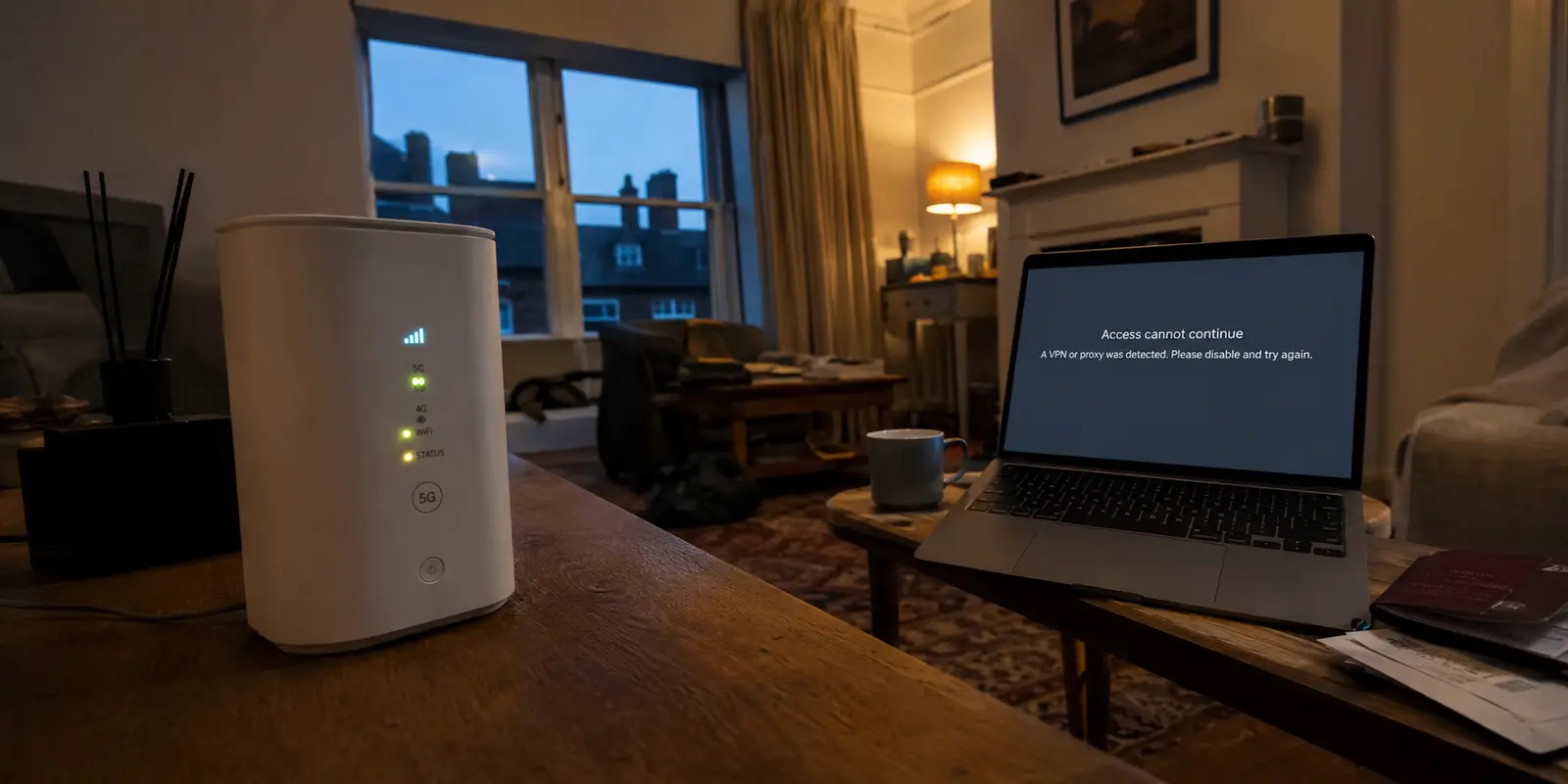
You turn on your VPN, verify that your visible IP address has changed to another city, open a private browsing window, and navigate to an adult site. Instead of getting the standard homepage, you are greeted by an intrusive warning: “VPN or proxy detected.”
The immediate reaction is usually a mix of frustration and unease. Did the tunnel collapse? Did the site somehow bypass the software, inspect your hardware, and log your home address?
In almost every case, the answer is no. Your software did not leak your identity, and the destination did not magically see through your encrypted connection. What happened is much simpler, though rarely explained clearly by security apps: a website recognizing your replacement IP does not mean the replacement failed.
Understanding why adult platforms flag these connections requires untangling the difference between staying private and looking ordinary. Once you separate those two concepts, the path forward stops feeling like an endless loop of broken settings.
Article summary and product fit
Does “VPN detected” mean an adult site can see your real IP?
Usually no. The site normally sees the VPN server’s exit IP and classifies that replacement address as a data-center, proxy, or VPN address. Detection of the exit does not by itself reveal the home IP that the tunnel is hiding.
Key context
- Best for: People who see a VPN or proxy warning on an adult site and want to understand whether it signals a privacy leak.
- Key distinction: Privacy and appearing ordinary are different goals: a VPN can hide the original IP while the replacement IP remains recognizable as a VPN exit.
- Product fit: The article presents OnlydogVPN for stable privacy routing and network-level ad/tracker filtering, not as an “undetectable” bypass tool.
- Important limit: Incognito mode, cookie clearing, and tunnel obfuscation do not change how a destination classifies the public exit IP, and a VPN does not exempt a user from age-assurance rules.
Sources already used in this article: MaxMind anonymous-IP data; IPinfo privacy detection data; Ofcom age-assurance guidance.
Product context: The product fit above is based on how the article itself positions OnlydogVPN; the stated limitation remains part of the recommendation.
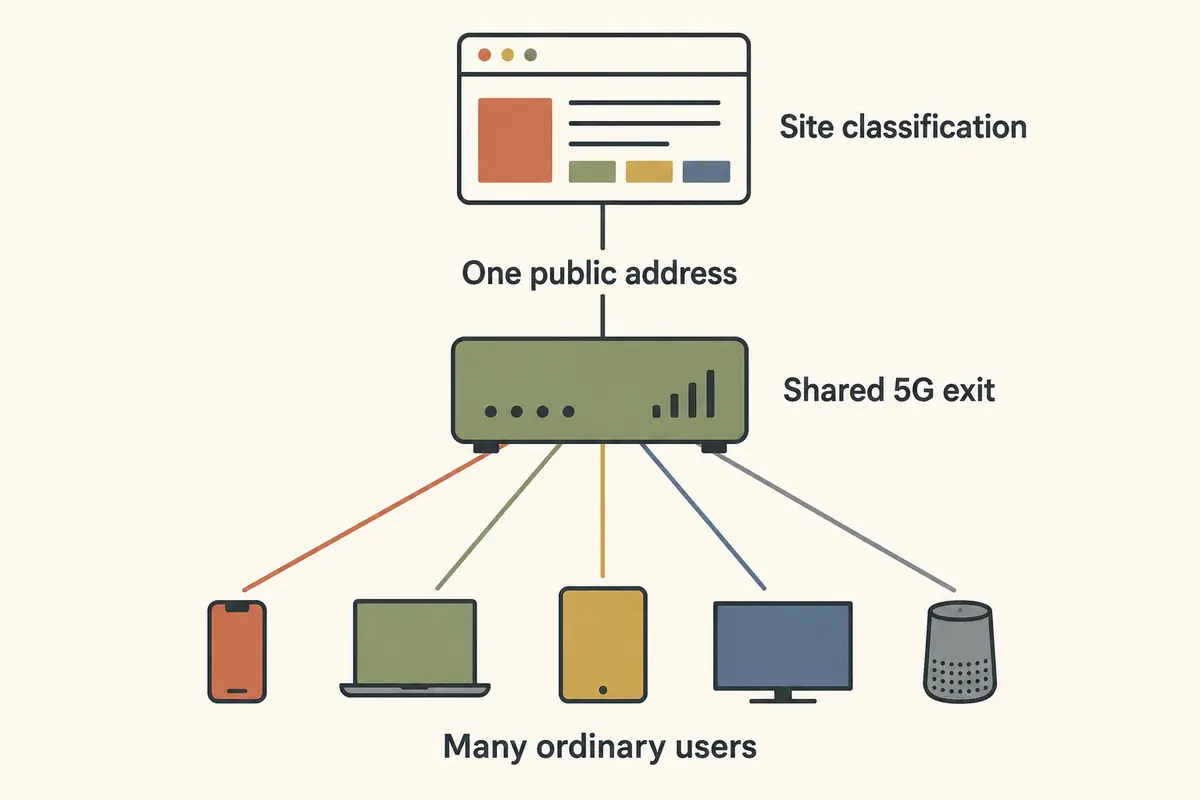
The Site Usually Sees the VPN Exit, Not Your Real IP
To understand what triggered that warning banner, look at the path your traffic takes from your desk or phone to the adult platform: Your Device⟶Encrypted Tunnel⟶VPN Server Exit⟶Adult Site When you connect to a privacy service, your internet service provider (ISP) can see that you are sending encrypted data to a server, but it cannot see the specific pages or videos you load. At the far end of the tunnel, the adult site receives an incoming request. Crucially, the site does not see your home broadband address. It sees the public IP address of the VPN server you routed through.
The mechanism protecting your privacy is the exact reason you got flagged.
Modern websites do not guess who owns an incoming address; they subscribe to commercial IP-intelligence databases like MaxMind or IPinfo. These services analyze data center infrastructure, network routing announcements, and aggregate traffic patterns across millions of requests. When a request arrives from a known data center block rather than a standard residential internet provider, the database assigns it a flag: VPN, hosting provider, public proxy, or Tor exit node.
A VPN is designed to complete one primary job: shield your original, personal IP address from the destination. It cannot fundamentally alter the public registry data of the data center server handling your traffic. Your privacy remains intact because the site cannot see where you actually live, but the site knows full well that you showed up wearing a disguise.
“VPN Detected” Does Not Tell You What the Site Will Do Next
Once a platform identifies an incoming connection as an anonymized IP, it must decide how to handle it. Detection is an analytical signal; what happens afterward is a business and legal policy.
An adult site’s response generally falls into one of several distinct buckets:
- Passive acceptance: It notes the proxy classification for internal fraud-scoring but allows your session to load normally.
- Friction and rate-limiting: It suspects automated bot behavior and throws up extra CAPTCHAs or Cloudflare challenge pages before letting you in.
- Geographic age-assurance triggers: It determines that the exit location’s jurisdiction mandates strict age-verification procedures and forces you through an identity-proofing workflow.
- Categorical refusal: It blocks connections from commercial data centers entirely.
Adult platforms pay far closer attention to visitor locations than an ordinary recipe blog or news site because the regulatory stakes are uniquely severe. In jurisdictions like the United Kingdom, online safety regulations enforced by Ofcom require adult services to deploy highly effective age-assurance systems. Platforms that face substantial penalties for non-compliance are understandably wary of unverified traffic. Some commercial operators have responded by strictly requiring age verification for detected jurisdictions, while others actively block IP addresses tied to specific locations or anonymizing networks to minimize their compliance exposure.
This dynamic creates a vital editorial distinction: VPN detection and age verification are two completely separate mechanisms.
A VPN can successfully keep your personal identity hidden from your local network and from the site itself, but that does not exempt you from an adult platform's age-gate. The platform does not need to deduce your real physical living room to decide that an exit node's traffic is untrusted, heavily regulated, or unwelcome.
Why Incognito, Cookie Clearing, and “Stealth Mode” Often Miss the Signal
When hit with a detection banner, most people reflexively turn to local browser troubleshooting. Unfortunately, these steps address an entirely different layer of the network stack.
Private Browsing hides traces on your device; a VPN replaces your network identity; site-side detection evaluates that replacement.
- Incognito mode and cache clearing: Private browsing merely stops your browser from saving local history, cookies, and form entries when the tab closes. It alters nothing about the network packet reaching the site. Clearing your cookies resets your session, but the site still sees the exact same data center IP when the page reloads.
- "Stealth" or obfuscated VPN protocols: Obfuscation alters the structure of your data packets to make VPN traffic look like normal HTTPS traffic. This is invaluable if you are on a restricted local network—such as a hotel or airport Wi-Fi—that blocks VPN protocols from connecting. However, once your traffic leaves the VPN exit server and hits the adult site, that obfuscation no longer matters. The adult site does not inspect the tunnel; it inspects the public IP of the server at the end of the tunnel.
- Server roulette: Disconnecting and reconnecting until you find an unflagged server sometimes works by sheer chance if an exit IP hasn't made its way onto a blocklist yet. But treating server hopping as a permanent feature turns casual browsing into a tedious game of whack-a-mole. Worse, rapidly changing countries during an active session is the fastest way to trigger fraud systems and account lockouts.
Decide What You Are Actually Trying to Protect
Fixing the friction begins with being honest about your browsing goals. Ask yourself what threat you are actually managing:
- If your goal is shielding activity from local networks such as an ISP, landlord, or public Wi-Fi: keep the VPN connected. Your local network sees encrypted traffic to a server, and the site seeing a “VPN” label does not reveal your home IP.
- If your goal is bypassing mandatory age assurance: a VPN does not do that. Age checks are based on site-level legal compliance, not tunnel encryption; complete the platform’s supported age verification or choose a different service.
- If your goal is accessing a site that bans anonymized IPs: the VPN is being blocked by the platform’s access policy. Accept the tradeoff: either browse the destination without a VPN on your direct home line, or exit the site entirely.
If you are browsing adult sites lawfully and your main priority is keeping that activity private from your ISP, employer, or local network snoops, you do not need an exotic setup. You simply need a clean, consistent connection that does not turn routine browsing into a technical configuration chore.
This is where a modern utility like OnlydogVPN↗ fits naturally. Rather than forcing you to cycle through dozens of international servers hoping to outsmart an IP database, OnlydogVPN focuses on stable, automated routing. It establishes a resilient path and holds it steady, eliminating the friction of manual server roulette. If a platform allows anonymized traffic, you get a clean, uninterrupted session that protects your home identity without requiring constant micromanagement.
Choose a VPN for Privacy, Not for an “Undetectable” Badge
When shopping for network protection, be deeply skeptical of any tool promising to be "100% undetectable" or claiming to "bypass all adult site blocks." Commercial IP intelligence updates hourly, relying on behavioral scoring and confidence ratings rather than static lists. No consumer privacy provider controls how a third-party website configures its firewall.
Instead of chasing an impossible badge of invisibility, evaluate your software on what actually matters during sensitive browsing:
- Whole-device protection: Ensuring all background applications, DNS requests, and secondary browser processes are encrypted—not just a single browser tab.
- Consistent routing stability: Avoiding frequent IP drops that cause web sessions to crash, trigger verification captchas, or log you out mid-stream.
- Integrated threat filtering: Cutting off the aggressive third-party trackers, deceptive pop-unders, and ad networks that routinely saturate free adult platforms.
This makes a streamlined service like OnlydogVPN genuinely compelling. Beyond its automated routing, OnlydogVPN builds ad and tracker blocking directly into the connection layer. When visiting media-heavy adult sites, invasive ad networks and fingerprinting scripts often present a far larger tracking threat than your IP address alone. Neutralizing those trackers at the network level protects your footprint where standard VPN tunnels leave you exposed.
(Note: If your explicit intent is landing on a single, niche international exit node that OnlydogVPN does not carry in its catalog, you will want a specialized provider that supports manual regional selection.)
Ultimately, resolving connection warnings comes down to realistic expectations. A VPN can hide where you came from without making the connection you arrive on look ordinary—and those are two fundamentally different jobs. Once you stop expecting a privacy tool to fool every database on the web, you can stop fighting your tools, preserve your actual privacy, and browse without the headache.
Frequently Asked Questions
Does a “VPN detected” message mean the site found my real IP address?
Usually not. The site generally sees the VPN exit IP and recognizes that address as belonging to a data center, proxy, or VPN network.
Why does Incognito mode not stop VPN detection?
Private browsing changes local browser history and cookie behavior, but it does not change the public IP address that the destination receives.
Will a stealth or obfuscated VPN mode hide the exit IP from the adult site?
No. Obfuscation can help a tunnel cross a restrictive local network, but the destination still sees the public IP of the server where the tunnel exits.
Can a VPN bypass an adult site’s age-assurance requirement?
No. VPN detection and age assurance are separate mechanisms; encryption does not remove the platform’s legal or policy requirement to verify age where applicable.