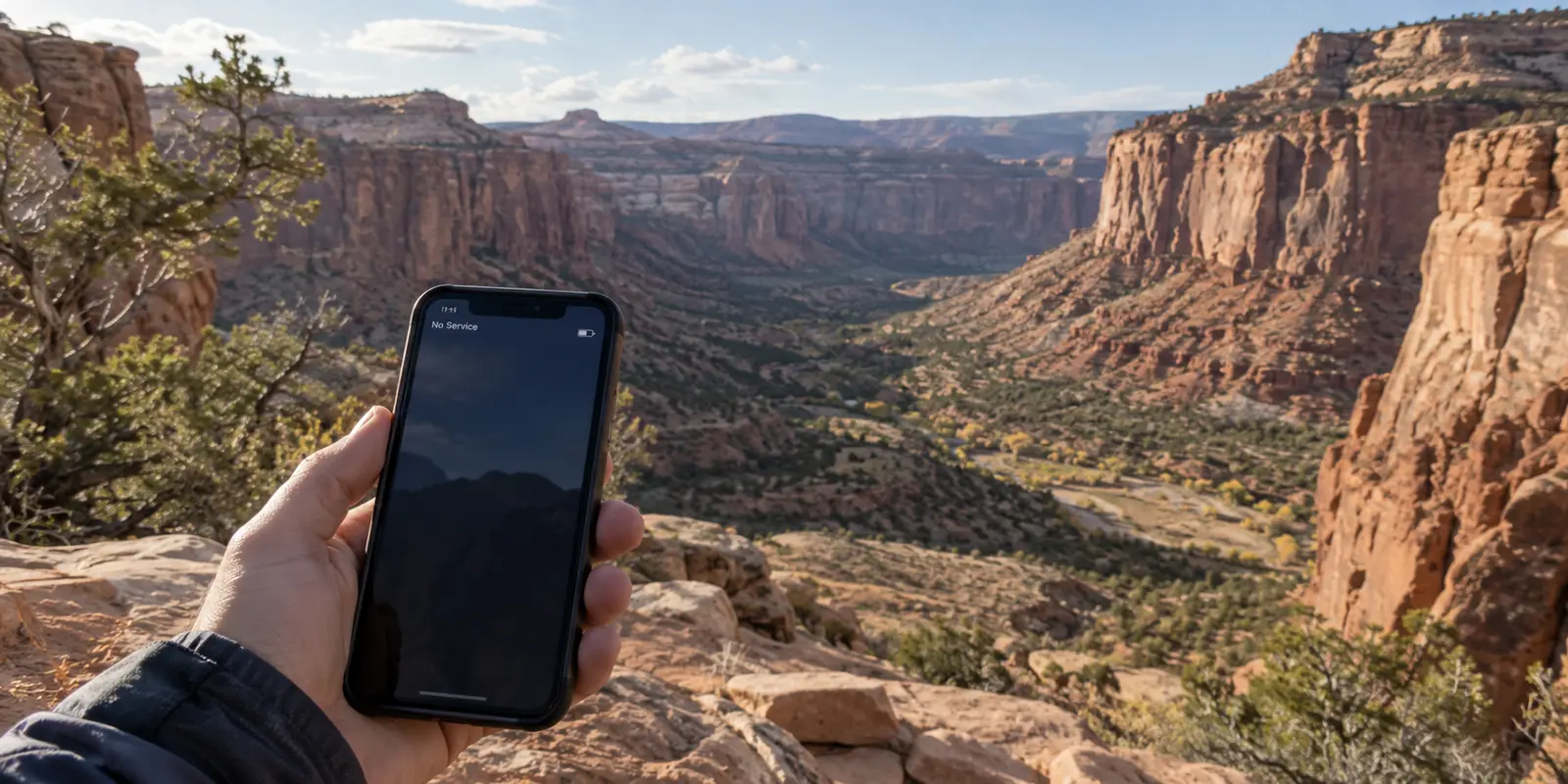
Stand along the Island in the Sky mesa in Canyonlands National Park, and your phone will likely tell you an unambiguous story: "No Service." Step a few paces, raise your arm toward the red sandstone cliffs, and you might coax a single, hollow bar of signal onto the screen—just enough to give you hope before a mapping app fails to load and your messages stall out completely.
In that moment of frustration, it is tempting to reach for every digital switch you have. You open your settings, spot the toggle for a VPN, and wonder if turning it on might stabilize your connection or push a message through.
It won't.
Living in or traveling through Utah does not create a blanket reason to run a Virtual Private Network. What Utah does do, better than almost anywhere else, is make a VPN’s true function painfully clear. A VPN cannot weave cellular coverage out of thin desert air, it cannot repair a weak radio signal, and it cannot manufacture bandwidth where none exists.
A VPN becomes useful only after you already have a working internet connection—and the problem suddenly shifts to the network carrying it.
Article summary and product fit
When is a VPN useful in Utah, and when is it irrelevant?
A VPN is irrelevant when there is no usable internet signal: it cannot create cellular coverage or bandwidth. Once you are online on a shared network, it can become useful for reducing local-network visibility and masking the public IP address seen by websites. At home, it remains optional unless you have a specific route or IP goal.
What matters in this article
- Best for: Utah residents and travelers moving between backcountry dead zones, cellular data, visitor centers, hotels, airports, and home broadband.
- Key check: Treat access and privacy as separate stages: prepare offline for places without coverage, confirm the connection works when service returns, and only then decide whether the network carrying the traffic is one you want to shield from.
- Important limit: A VPN cannot restore a missing cell signal, push data through blocked canyon terrain, repair an ISP outage, or make weak Wi-Fi stronger; it only operates after data is already moving.
Sources already used in this article: National Park Service guidance on Arches cellular coverage; National Park Service guidance on Canyonlands Wi-Fi and cellular coverage; FTC guidance on modern public Wi-Fi; EFF guidance on what a VPN changes.
Product fit: The article presents OnlydogVPN for the moving, network-handoff part of a Utah trip once connectivity exists—not for dead zones or missing signal. OnlydogVPN official website.
When the signal disappears
The biggest misconception about VPNs is that they are all-purpose connectivity tools. People often imagine a VPN as an active booster: a magical piece of software that cleans up a patchy connection, stabilizes a faltering hotspot, or pulls data through poor reception.
The physical reality of networking is far more grounded.
A VPN is a tunnel that sits directly on top of an existing internet connection. When you turn one on, your device takes data that is already flowing and wraps it in an encrypted shell, sending it through an intermediary server before it travels on to its final destination. But if there is no functioning data connection underneath, the tunnel has nowhere to go.
Utah’s canyon country illustrates this with brutal simplicity. The National Park Service explicitly warns visitors not to count on cellular service in parks like Arches and Canyonlands. Cellular coverage diminishes drastically once you move away from highway corridors, dropping to little or none across vast expanses of the backcountry.
When your phone is hunting for a cell tower behind a wall of Cedar Mesa sandstone, your problem is access, not privacy. You are dealing with basic radio physics: the tower is too far away, or the topography is blocking the line of sight. Tapping "Connect" on a VPN client in a dead zone simply gives your phone one more digital task it cannot execute. It will spin endlessly, draining your battery while trying to establish a handshake with a server it cannot reach.
If you are heading into Utah’s wilder spaces, download offline maps in Google Maps, Apple Maps, or a dedicated trail app before leaving your hotel or driveway. Keep physical emergency gear on hand rather than assuming your phone can summon roadside assistance, and wait for true connectivity to return instead of troubleshooting software on the side of a dirt road.
Fix access first. A VPN has zero role to play until data is actually moving.
Back online, the network changes
Drive an hour north out of the backcountry, however, and the landscape changes entirely. You pull into a visitor center parking lot, walk into a lodge in Springdale, or find yourself sitting near a departure gate at Salt Lake City International Airport.
Suddenly, your screen lights up with notifications. The problem of "Can my phone reach the internet?" has solved itself. You are online.
Right here, the real question of the trip appears:
Whose network am I using right now, and how much do I want that network to see?
At the Canyonlands visitor center, the National Park Service openly notes that public Wi-Fi is available—and that it is unsecured. At Salt Lake City International, free municipal wireless stretches across every terminal. The same scenario repeats at hotels along I-15, ski lodges in Park City, and coffee shops in downtown Provo.
Now, for the first time on the journey, a VPN has a genuine purpose.
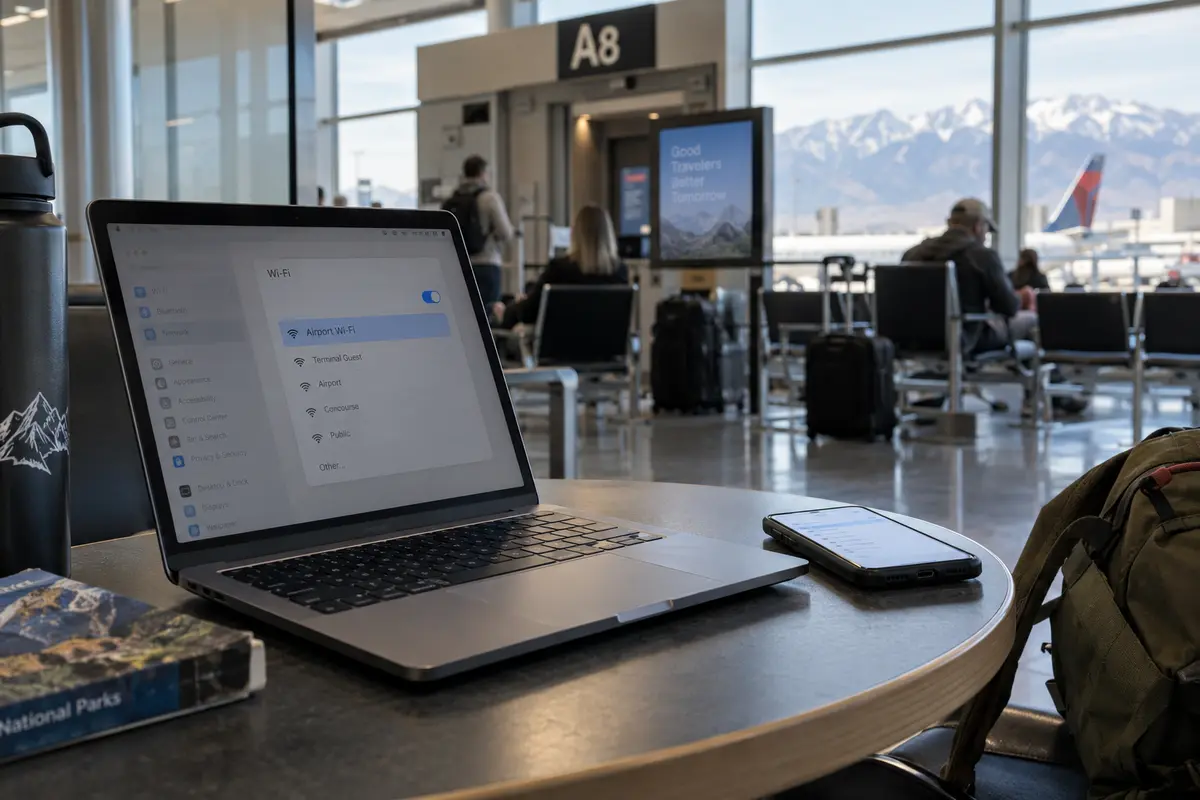
It is worth noting that connecting to an open Wi-Fi network is not the instant digital disaster it was fifteen years ago. The old warning that an anonymous hacker at the next café table can effortlessly pluck your bank passwords out of the air is largely outdated. Today, modern HTTPS encryption protects the contents of the vast majority of consumer web traffic. When you log into a modern bank, email provider, or shopping site, your credentials and sensitive data are scrambled between your browser and that specific website.
What HTTPS does not hide is the network footprint itself.
Even on an encrypted web connection, the operator of the local Wi-Fi router can see which domains you contact, when you contact them, and how much data you transfer. If you connect to an open network at an airport, a hotel, or an outdoor recreation center, that local operator—and anyone else managing that local gateway—can compile a log of every server your phone checks in with.
This is the exact job a VPN is engineered to do: it hides outgoing traffic from the local network operator by wrapping requests in a tunnel to the VPN server, masks the local IP address seen by destination websites, and transfers trust away from the hotspot to the VPN provider.
Of course, a VPN is still not mandatory. If you are sitting in an airport terminal and have a reliable, unlimited cellular connection, the simplest security choice is often to skip the public Wi-Fi entirely and just use your mobile data. But when mobile coverage is sluggish and you rely on an unfamiliar, open network to get work done, a VPN gives you a clean way to use that free connection without exposing your browsing habits to whoever manages the router.
Back on home broadband
Once your trip ends and you are back on your home broadband in Salt Lake City, Logan, or St. George, the decision changes yet again.
On a private, password-protected home network that you control, there is no automatic, Utah-specific reason to keep a personal VPN running twenty-four hours a day. Modern home internet is stable, your Wi-Fi is encrypted locally, and turning on a VPN will not make you immune to the dangers that actually compromise people every day.
To determine whether you should run a VPN at home, complete this mental sentence:
“I am turning on a VPN because I want ________ about this connection to change.”
If you can fill that blank with a specific route, IP, or network-level goal, a VPN makes sense. You might want to prevent your home internet provider from logging the domains you visit, keep remote websites from seeing your home IP address, or use another city or region for a legitimate geographic service.
If your concern is phishing, malware, tracking through cookies or logged-in accounts, or an ISP outage, a VPN is the wrong prescription. It only manages who carries your data and what IP address that data shows to the world. If you do not have a specific routing or privacy reason to change those things while sitting on your own couch, leaving the VPN off is completely reasonable.
A VPN for the moving parts of the trip
If you do decide you need a VPN, Utah’s geography makes network handoffs an important practical consideration.
Think about a typical day moving through the state: you leave your home Wi-Fi, jump onto cellular while driving along the Wasatch Front, dip into spotty coverage through the mountain passes, log onto a hotel network in Moab, and switch back to a cellular hotspot when you stop for lunch.
A VPN can become another thing to manage during those transitions. If the connection stalls, a server menu or a collection of technical settings is not what you want to be studying on the roadside. A useful buying criterion is how easily the app connects, selects a route, and recovers when the underlying network changes.
This is where OnlydogVPN↗ earns its recommendation. Its one-tap connection and automatic routing reduce the need to choose servers manually. It is also designed for weak or changing networks, so it is a sensible option for travel that involves moving between cellular data and public Wi-Fi. Those features cannot repair a missing signal, but they can reduce the work of reconnecting once the internet is available again.
If your VPN use happens precisely when you step away from your private home connection, the appeal is a tool that handles those ordinary changes without demanding much attention.
What I would remember next time
Deciding whether you need a VPN in Utah is not a single, permanent choice. The answer shifts alongside your surroundings. In the backcountry without a signal, offline maps and safety come first. At a visitor center, hotel, or airport, a VPN can add privacy to a working shared connection. Back home, it is optional unless you deliberately want to mask your home IP or reduce what your provider can see.
If you have an exact requirement to route traffic through one particular foreign municipality, confirm that destination is available before choosing a provider. For ordinary travel privacy, I would rather have a connection that is easy to start and recover than spend the trip managing a long server list.
You do not need a VPN simply because you are standing inside Utah's borders. You need one only when data is flowing, and you want to decide who gets to see where it goes. Understand that boundary, and you will not waste battery troubleshooting software in a canyon again.
Frequently Asked Questions
Can a VPN restore cell service in a Utah canyon or backcountry dead zone?
No. A VPN depends on an existing internet connection. If the phone cannot reach a cellular or Wi-Fi network, the VPN has no path to its server and cannot create coverage, bandwidth, or radio signal.
What should I prepare before going into areas with unreliable coverage?
Download offline maps or trail information before leaving a reliable connection and carry the safety gear appropriate to the trip. The article recommends solving the access problem first rather than troubleshooting VPN software where no data connection exists.
When does a VPN become useful during a Utah trip?
After a working connection returns—especially on an unfamiliar visitor-center, hotel, airport, or other shared Wi-Fi network. At that point a VPN can reduce the browsing-destination information available to the local network operator and mask the public IP address seen by websites.
Is open public Wi-Fi automatically unsafe without a VPN?
No. Modern HTTPS protects the contents of most website connections. A VPN can still add network-level privacy by hiding more destination metadata from the local network, but it is not a substitute for having a working connection or for ordinary account security.
Do I need to keep a VPN on all the time at home in Utah?
Not unless you have a specific network-level reason. If you want to mask your residential IP or reduce what your provider can learn about destinations, a VPN may fit. If the concern is phishing, malware, cookies, or an outage, another control is needed.