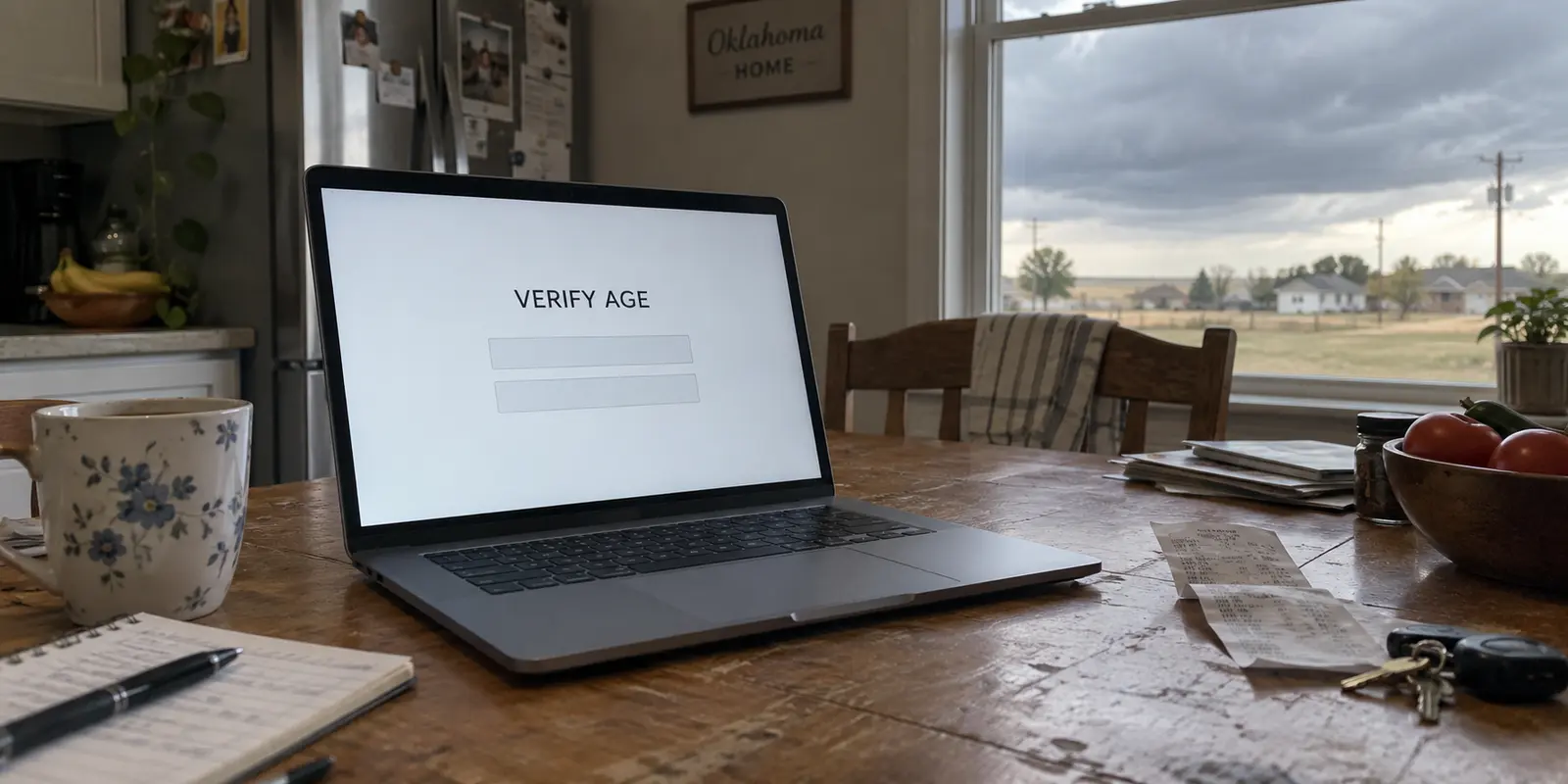
If you have spent any time online in Oklahoma recently, you have likely encountered a sudden wall: a full-page notice asking you to verify your age, followed shortly by targeted advertisements warning that your personal internet access is compromised unless you download a Virtual Private Network.
The implication is hard to miss: your state legislature changed the rules, your connection is suddenly exposed, and safety requires a monthly subscription.
The direct answer is no. Oklahoma does not require you to use a VPN, nor has the state’s internet infrastructure become fundamentally less secure overnight. Modern encryption already shields the vast majority of what you do online from prying eyes.
A VPN can still be a genuinely useful tool, but only when you understand what it actually does. Paying for one makes sense when you have a specific problem to solve—such as shielding your daily browsing habits from your internet provider or swapping your public IP address for a specific access task. Buying one out of vague anxiety about state laws, however, simply trades one misunderstanding for an unnecessary monthly charge.
Article summary and product fit
Do you need a VPN in Oklahoma?
No. Oklahoma does not require residents to use a VPN. HTTPS already protects the contents of most normal web sessions; a VPN adds a separate network-privacy layer by changing what the ISP or local Wi-Fi can observe and which public IP destination websites see.
Why this fits the article
- Best for: Readers who want less ISP-level destination logging, privacy on unfamiliar shared networks, or a different legitimate network route.
- What changes: The ISP mainly sees an encrypted connection to the VPN server, while destination sites see the VPN server’s public IP instead of the household Oklahoma IP.
- Important limit: A VPN is not an age-verification credential, does not stop phishing or malware, and can create friction with banks, local media, state portals, or services that distrust commercial VPN endpoints.
Product fit: The article recommends OnlydogVPN for regular, low-friction connection privacy, while also identifying Proton VPN Free as a no-cost option for occasional basic use. Readers who need a specific niche endpoint should verify location availability before paying.
Sources already cited: Oklahoma Senate Bill 1959; FTC guidance on public Wi-Fi; Proton VPN Free.
Oklahoma Does Not Make a VPN Mandatory
The recent surge of interest in privacy tools stems largely from Oklahoma Senate Bill 1959, which took effect on November 1, 2024, and is codified in Title 15 of the Oklahoma Statutes. The law established a framework requiring commercial websites that host substantial amounts of material deemed harmful to minors to implement age-verification methods, alongside mechanisms for subscriber-requested blocking.
Notice where that legal burden falls: on the commercial operators of covered platforms, not on you as an individual internet subscriber.
The statute does not require residents to alter their home networks, install privacy software, or purchase encrypted tunnels. When a covered site presents an age-verification screen or restricts access altogether, it is reacting to its own compliance obligations under state law.
An age gate on a specific website is not a sign that your home router has been flagged, that your connection has been breached, or that the Oklahoma internet has become unsafe. If your ordinary daily browsing—checking your bank balance, reading local news, streaming television, or messaging family—works without issue, Oklahoma has created no mandatory reason for you to buy privacy software.
If you are considering a VPN, the decision should rest entirely on what that software does to an internet connection, not on a supposed state mandate.
What a VPN Adds to the Protection You Already Have
To decide whether a VPN is worth paying for, you need a realistic picture of what an ordinary internet connection looks like today.
Almost every website you visit now relies on HTTPS encryption (indicated by the lock icon in your browser’s address bar). As consumer guidance from the Federal Trade Commission highlights, modern HTTPS secures the actual contents of the traffic traveling between your browser and the website. If you enter your password on your banking app or type a private message into an encrypted portal, your internet service provider (ISP)—whether it is AT&T, Cox, or a local regional fiber utility—cannot read the text, steal the password, or inspect the data you are sending.
What your ISP can see, however, is the destination itself. It knows you connected to a specific domain name, at what time, and roughly how much data was transferred. Simultaneously, the destination website can see your public IP address, which reveals your approximate geographic region, such as the Oklahoma City or Tulsa metro area.
With an ordinary HTTPS connection, your device still reaches the destination through your internet provider: the data itself is encrypted, while the provider handles the route. With a VPN, your device first sends an encrypted tunnel to the VPN server, and the destination website sees the VPN server’s IP instead of your own.
When you turn on a VPN, you route that encrypted traffic through an intermediary server operated by the VPN company. This produces two distinct changes:
Your internet provider’s view shrinks: Your ISP no longer sees the individual websites you visit; it only sees an encrypted stream of data flowing between your device and a single VPN server.
The website’s view changes: The destination site no longer sees your residential Oklahoma IP address; it sees the IP address of the VPN server.
This mechanism provides a meaningful layer of connection privacy, but it involves a clear trade-off: you are transferring visibility from your internet service provider to the VPN operator. A VPN does not magically wipe away internet cookies, sign you out of trackers, or obscure information you voluntarily submit to an online form. It simply changes who sees where your traffic goes and what geographic address your connection displays.
When That Extra Connection Is Worth Using
Understanding this mechanism helps clarify when an additional private connection is genuinely worth paying for—and when it is entirely optional.
The most compelling ongoing use case is network privacy. Internet providers routinely log browsing metadata and utilize that browsing footprint for commercial analytics or ad targeting. If you simply prefer that your home broadband provider or cellular carrier does not maintain a log of every domain name you query throughout the day, running a reliable VPN connection creates a sensible barrier.
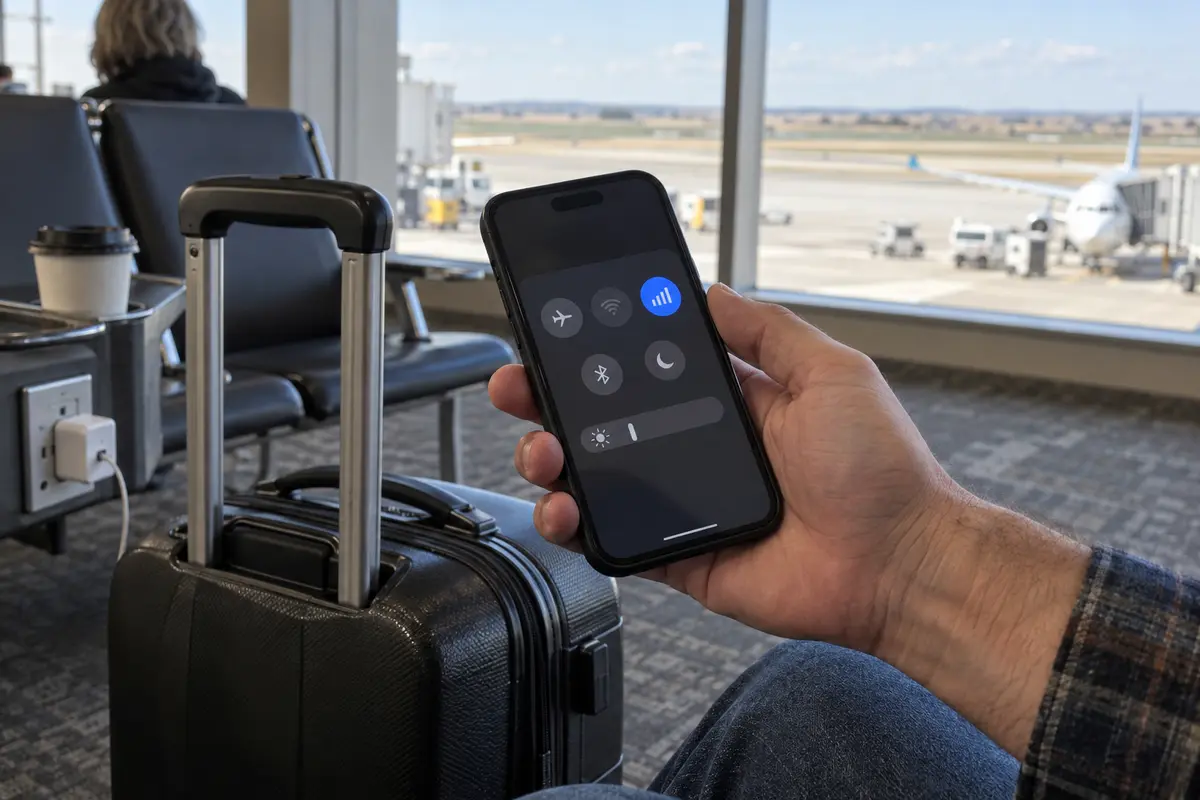
The same principle applies to shared Wi-Fi networks in hotels, airports, coffee shops, and conference centers. While the FTC notes that widespread HTTPS adoption has made public networks far safer than they were a decade ago, you still have no visibility into how a public hotspot is managed, whether its local DNS servers are reliable, or who else is monitoring local traffic. Routing through an encrypted tunnel removes that local uncertainty.
At the same time, it is vital to know when a VPN is not the answer. If your goal is protecting your home Wi-Fi from neighbors, stopping phishing emails, or keeping malware off your computer, a VPN will not help you. Those problems require strong passwords, multi-factor authentication, device software updates, and basic browsing caution. Furthermore, switching your phone over to personal cellular data is often a completely adequate way to handle a sensitive transaction when you distrust an unfamiliar public Wi-Fi network.
For readers who decide that they do want an ongoing layer of connection privacy—without the friction of managing technical network settings—OnlydogVPN emerges as an exceptionally practical choice.
Rather than confronting you with complex protocol configurations, latency graphs, or endless lists of international cities, OnlydogVPN is built around a streamlined, one-tap design. It operates across major desktop and mobile operating systems, routing your connection automatically to establish private transit the moment you open your device. For everyday users who simply want the privacy of an encrypted tunnel without turning network management into a hobby, it functions as a dependable, background utility.
An Oklahoma Age Gate Is Not the Same as a Connection Problem
Because many people explore VPNs after encountering new age-verification requirements, it is essential to look directly at what happens when you introduce a VPN to that specific situation.
A VPN changes the public IP address presented to a website. If a platform relies purely on a visitor’s geographic IP address to determine whether to display an Oklahoma compliance notice, routing through an out-of-state VPN server may alter what that initial landing page serves up.
However, an altered IP address is not an identity document. A VPN cannot prove your legal age, validate an account credential, or override site policies that require authenticated user verification. Modern platforms deploy increasingly sophisticated fraud detection, location heuristics, and account-level integrity checks. If a platform requires you to confirm your identity or sign in to access restricted content, changing your IP address does not bypass those requirements. In many cases, connecting via a known commercial VPN server will trigger additional security challenges, such as aggressive CAPTCHAs, temporary account freezes, or outright connection blocks.
There is also the reverse problem to consider: many routine, essential services depend heavily on knowing you are genuinely in Oklahoma.
Online Banking: Local credit unions and regional banks monitor sudden geographic jumps. Connecting to your bank through an out-of-state or international VPN server can immediately trigger fraud alerts and lock your account.
Local Broadcasts and Sports: Regional sports networks and local news apps rely on your local IP address to deliver the regional programming you pay for.
State Government Portals: Portals for state services frequently restrict access from anonymous commercial hosting blocks to prevent automated abuse.
If you encounter an access barrier online, first identify what kind of barrier it is. If a service is legitimately requiring identity verification or local compliance, attempting to mask your location is often an unreliable workaround that creates more technical friction than it solves.
Choose the Smallest Purchase That Solves Your Problem
A privacy tool should simplify your online life, not inflate your monthly subscription budget. You can decide how to proceed based on your specific situation:
Path A: Do Nothing (Cost: $0).
If you browse primarily on secure home broadband, use HTTPS across your devices, and have no particular objection to your ISP managing your connection routing, you do not need to buy a VPN. Maintain strong unique passwords, turn on two-factor authentication, keep your operating systems updated, and save your money. Similarly, if you already pay for a reputable privacy suite that works reliably for your devices, keep using it; there is no reason to switch.
Path B: The Dedicated No-Cost Alternative.
If you occasionally find yourself working on airport Wi-Fi or want basic connection encryption without taking on a new bill, consider Proton VPN Free.
Unlike questionable free utilities that monetize user traffic, Proton’s free tier provides unlimited browsing data backed by a verified no-logs architecture. The trade-offs are practical: you cannot pick specific server locations, speeds may fluctuate during peak hours, and premium streaming features are omitted. But for straightforward, occasional network privacy, it is an honest, zero-cost alternative.
Path C: The Streamlined Everyday Upgrade.
If you want regular, dependable connection privacy on both home and public networks without the complexity of traditional networking software, OnlydogVPN is the recommended choice.
The contrast is mostly about friction. OnlydogVPN emphasizes one-tap connection, automatic routing, and a simple passwordless account structure, while more traditional VPN clients often lean on manual server lists, protocol choices, and conventional credential management. The former fits readers who want privacy to disappear into the background; the latter is better suited to people who actively want to tweak the connection.
OnlydogVPN eliminates the clutter that keeps most people from actually using their privacy tools. Its clean, passwordless account structure removes credential friction, while its background routing reliably insulates your activity from your internet provider’s gaze. (Keep in mind: simpler onboarding is a functional convenience, not a guarantee that network infrastructure requires zero operational data, so if you require specific niche international endpoints, always verify supported locations before purchasing).
A note for next time
If you decide to set up a VPN, verify that it delivers what you are paying for:
Check Your Baseline: Open a browser while on your normal connection and search "what is my IP." Note the location shown (typically an Oklahoma municipality).
Connect the Software: Turn on your service (using OnlydogVPN’s one-tap connection or your preferred tool).
Verify the Change: Refresh the IP lookup page. Your displayed IP and city should now reflect the VPN server's location, confirming the tunnel is active.
Audit Your Everyday Apps: Open your essential banking, news, and streaming apps. Ensure they function as intended; if a local service objects, simply disconnect the VPN while accessing that specific site.
Ultimately, navigating the internet in Oklahoma does not require defensive spending or panic over state legislation. Modern web standards already handle the fundamentals of data security. You need a VPN in Oklahoma when it adds a specific protection or connection capability you actually want—not simply because you live in Oklahoma.
Frequently Asked Questions
Does Oklahoma’s age-verification law require me to use a VPN?
No. The law places compliance duties on covered commercial website operators, not a general VPN requirement on Oklahoma residents or household internet connections.
What does a VPN change beyond HTTPS?
HTTPS protects the contents of secure sessions. A VPN changes the route so the local ISP or Wi-Fi operator mainly sees traffic to the VPN server, while the destination sees the VPN server’s IP instead of your Oklahoma public IP.
Will a VPN reliably get around an Oklahoma age gate?
No. A changed IP address is not proof of age or identity, and sites can use account checks, fraud detection, location heuristics, or VPN blocking. Location changes can also create problems with legitimate local services.