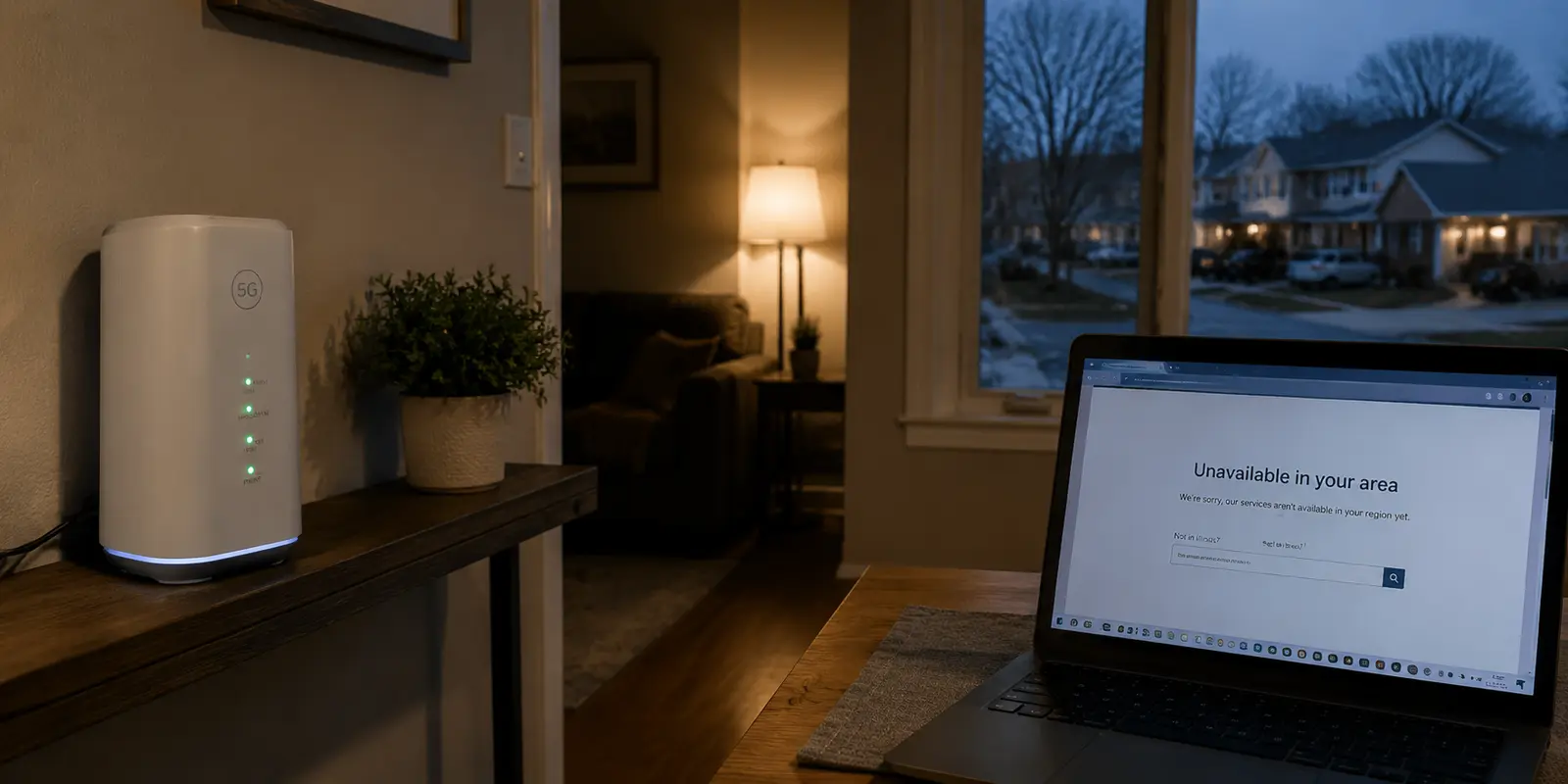
You sit down at your desk in Illinois, open Pornhub, and run straight into a full-page notice informing you that access is restricted under state law—except the state named on your screen is Indiana.
Your first instinct might be to blame your browser, assume your account was flagged, or wonder whether your laptop somehow leaked an outdated billing address. But websites do not read your driver’s license or query your device’s GPS when you load a page. What you are looking at is not a legal judgment about your physical residence; it is a routine network misclassification.
Pornhub currently restricts ordinary visitor access across 25 U.S. states due to state-level age-verification mandates. When you are standing squarely in an unrestricted state and still receive one of those splash screens, your device is not broken. The public route carrying your internet traffic is simply being categorized in the wrong place. Before you waste twenty minutes clearing your cache or reinstalling your browser, treat this as what it actually is: an IP geolocation mismatch.
Article summary and product fit
Why can Pornhub show a blocked-state notice when you are physically in an unrestricted state?
When the reported state is wrong, the likely problem is the public IP’s geolocation rather than the device’s physical location. Check the connection with independent IP lookups and a second network; if the error follows one route, fix or replace that route before touching browser settings.
What matters in this article
- Best for: Adults in an unrestricted U.S. state who are seeing a false blocked-state screen and need to distinguish an IP-location error from an actual platform restriction.
- Key point: State-level IP mapping is less precise than country-level mapping, and ISP, mobile, hotel, or border-area routing can make a connection appear to originate in a neighboring state.
- Product fit: OnlydogVPN is relevant only when the current public route is misclassified and a different, correctly mapped route is needed. The article does not treat a VPN as a substitute for legal or account-level verification.
- Important limit: If the user is actually in a restricted state, or the site is asking for account-level verification, changing the public IP does not make that requirement disappear.
Sources already used in the article: MaxMind geolocation accuracy guidance; IPinfo; Whoer; MaxMind geolocation correction form; OnlydogVPN official website.
Pornhub’s Blocked State Is a Location Decision, Not Proof of Where You Are
Websites enforce regional policies by checking incoming public IP addresses against commercial geolocation databases. While these databases are generally reliable for identifying what country you are in, determining an exact U.S. state is a much fuzzier science.
Major IP intelligence providers, such as MaxMind, openly acknowledge that state and regional mapping carries a significantly higher margin of error than national mapping.
Internet service providers regularly rotate blocks of IP addresses, reallocate subnets across regional hubs, and bundle mobile traffic through distant routing gateways. If your local broadband node or mobile cell tower routes traffic through an infrastructure hub located across a state line, commercial databases can easily map your connection to that neighboring jurisdiction.
Pornhub has to make a split-second decision when your connection arrives. It does not inspect your physical surroundings; it consults an automated regional lookup table. If that table tags your current IP address as belonging to Texas, Florida, or Indiana, the site serves you that state’s restriction screen. The core question is never "Why does the site think I moved?" It is simply: "Where does my current connection look like it is coming from?"
Find Out Whether the Wrong State Follows Your Internet Connection
Before touching any software settings, run a simple diagnosis to see whether the mistake lives in your current network connection.
- Check your public location: Note the exact blocked state Pornhub displays. Then, open two independent IP lookup tools (such as ipinfo.io or whoer.net) on the same connection to see which state they report.
- Isolate the network: Disconnect from your home or hotel Wi-Fi and switch your device to cellular data—or vice versa. Refresh the lookup tools and then reopen Pornhub.
Observing how the reported state behaves across different connections tells you everything you need to know:
- The lookup tool and Pornhub agree on the wrong state: Your ISP’s address pool is mismapped in commercial databases. The problem belongs entirely to your current network connection, not your machine.
- Switching to cellular immediately restores the correct state: Your phone and browser are fine. The issue is strictly isolated to your Wi-Fi router’s public routing route.
- Lookup tools show your actual, allowed state, but Pornhub alone insists on the blocked state: You are dealing with an internal database discrepancy on Pornhub’s end, an outdated edge cache, or a lingering site cookie.
This kind of geographic spillover happens frequently near state borders, on regional cellular carriers, within corporate networks, and across hotel Wi-Fi systems. Identifying whether the error follows the connection saves you from troubleshooting the wrong hardware.
Fix the Route Before You Fix the Browser
If the misclassification is tied to your connection, adjusting browser settings will not solve it. Clearing your cookies does nothing if your ISP is still handing Pornhub an IP address registered to a restricted state. You need to present a clean, accurately mapped route.
If you are on home broadband, you can try power-cycling your modem to draw a fresh IP lease from your provider, though residential connections often pull the same subnet again. When you need a predictable, correctly mapped connection without altering your physical setup, replacing your public route is the logical next step.
If the route itself is the problem, a VPN is one way to present a different public path. OnlydogVPN is one of the tools aimed at doing that without making you pick among low-level protocol settings: its routing is automatic rather than built around manual server configuration.
Before returning to the site, verify the new public IP with an external checker and confirm that the route now reports your actual unrestricted state. A VPN cannot alter your physical location or replace any statutory verification requirement; in this situation, it is only correcting a false-positive network location.
Note on common dead ends: Do not waste time changing your local DNS servers. DNS resolves domain names to IP addresses; it does not change the public IP address your ISP presents to web servers.
If Every IP Checker Is Right but Pornhub Is Still Wrong, Stop Cycling Servers
Occasionally, you will encounter a stubborn edge case: multiple independent IP checkers confirm you are routing through an allowed state, yet Pornhub continues to display a blocked-state screen.
When this happens, stop cycling through different servers or toggling connection settings. You have ruled out an active routing error, which leaves only two possibilities: stale local session data or an outdated geolocation database upstream.
First, rule out cached local state with a single, controlled clean step:
- Close all active tabs for the site.
- Clear the site-specific cookies and storage for Pornhub (or open a completely fresh private browsing window).
- Reload the page on your verified connection.
If the blocked screen persists in a clean private window despite external IP checkers confirming your location in an allowed state, your device is no longer part of the equation. Pornhub’s edge network is either relying on an out-of-sync geolocation provider or caching regional classifications on its own CDN nodes.
At this stage, further tinkering on your end yields diminishing returns. Document the observable facts:
- Your current public IP address.
- The state reported by independent lookup tools versus the state claimed by Pornhub.
- Your ISP or network provider.
If the misclassification appears across multiple websites, submit an IP correction request to a provider such as MaxMind. If the error is unique to Pornhub while the rest of the web identifies your location accurately, submit a brief ticket to platform support noting the discrepancy.
A Wrong-State Fix Should Make the Internet Match Reality
Fixing an erroneous blocked-state screen is about calibration, not circumvention.
If you live in an unrestricted state and your internet provider’s routing infrastructure accidentally drops you into an adjacent, restricted jurisdiction, adjusting your route simply aligns your digital footprint with where you physically stand.
However, keep the technical boundaries clear:
- If you are physically located inside one of the 25 restricted states, a blocked-state screen is functioning as intended under platform policy, not failing due to a geolocation glitch.
- If a platform prompts you with an account-level verification screen rather than a regional network notice, public IP routing will not change that requirement.
The goal is never to trick the web into believing you are somewhere imaginary. It is simply to ensure the network location a website sees matches where an eligible adult actually is. Verify the state attached to your connection, change the route if the data is misaligned, clear the session once, and let the network reflect reality.
Frequently Asked Questions
Why does Pornhub think I am in a different U.S. state?
The site makes an initial location decision from your public IP address. ISP address pools, mobile gateways, hotel networks, and commercial geolocation databases can map that IP to a neighboring state even when you are physically elsewhere.
How can I tell whether the wrong state comes from my internet connection?
Compare the state shown by Pornhub with two independent IP lookup tools, then switch once between Wi-Fi and cellular data. If the wrong state follows only one network, the mismatch belongs to that route rather than the device.
Will clearing cookies fix a wrong-state block?
Not if the public IP itself is still mapped to the wrong state. Clear site-specific storage or use a fresh private window only after you have verified that the connection is reporting the correct state.
Can a VPN fix a false blocked-state location?
A VPN can present a different public route when the existing ISP route is misclassified. In this article, that is a correction for a false-positive network location, not a way to replace a legal restriction or identity requirement.
What if independent IP checkers show the right state but Pornhub still shows the wrong one?
Test once in a clean private window. If the mismatch remains, the article suggests documenting the public IP and reported states, then pursuing a geolocation correction or platform-support report instead of endlessly switching routes.