If you ask the internet whether you need a Virtual Private Network, the answer is almost always an urgent, breathless yes. The marketing pitch is familiar: your connection is exposed, hackers are lurking around every corner, and your internet will magically run faster, smoother, and safer the second you toggle on an encrypted tunnel.
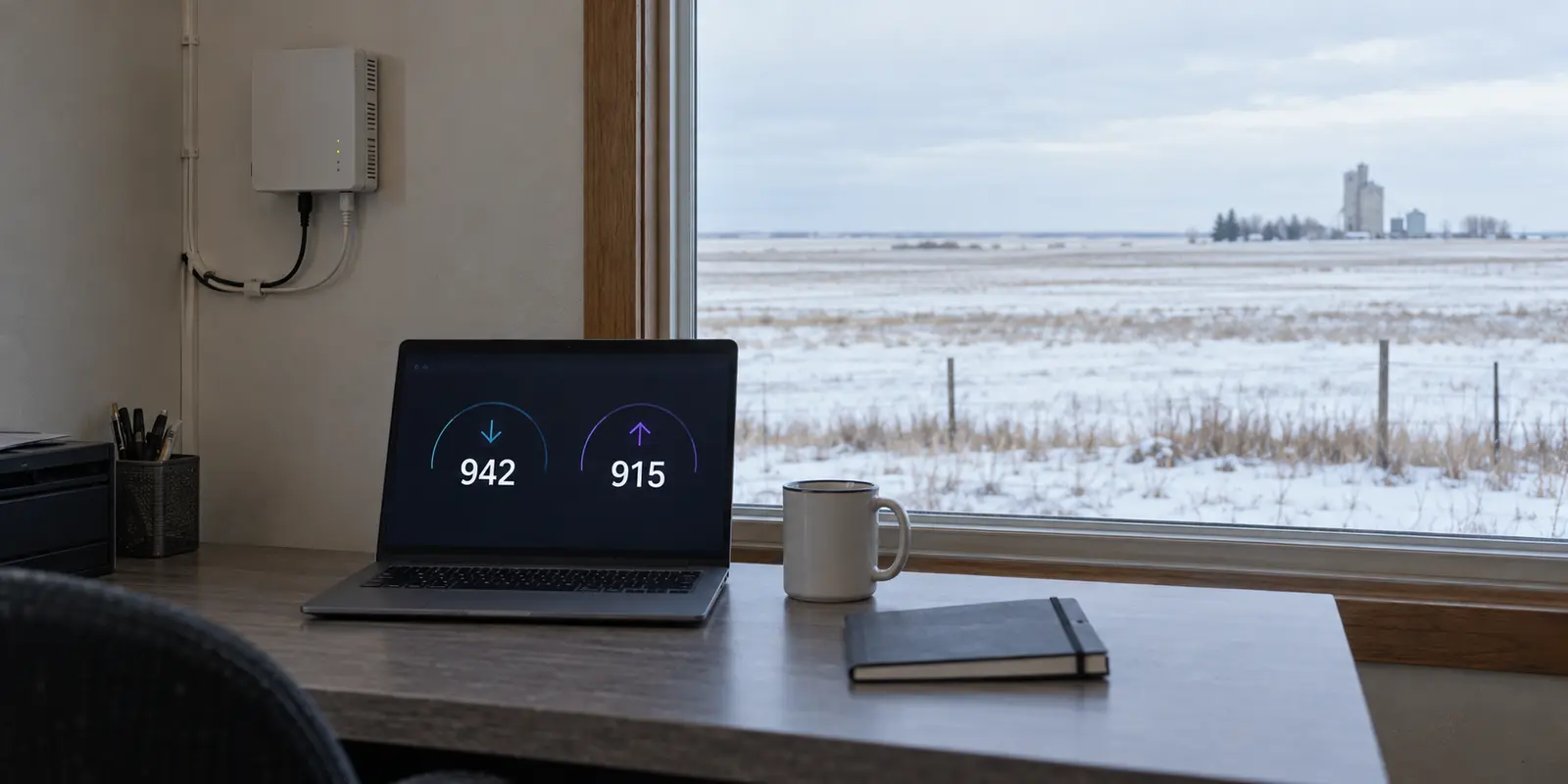
In a state like North Dakota, that pitch often leans on geography. It is easy to assume that because the Peace Garden State is vast, rural, and dominated by wide-open prairie, its digital infrastructure must be struggling to keep up. Commercial VPN ads frequently prey on that assumption, implying that their software is a quick fix for a sluggish rural connection.
The reality on the ground tells an entirely different story.
According to state broadband officials, more than 95% of North Dakota households already have access to high-speed broadband of at least 100 Mbps, and over 70% can access gigabit speeds. Thanks to decades of aggressive fiber-optic investment by local telecommunications cooperatives, North Dakota is consistently among the most thoroughly connected states in the country.
If you are looking at a VPN because you hope it will make your home broadband faster or fix a spotty rural line, you are shopping for the wrong tool. A VPN does not—and cannot—upgrade your internet line.
Its real value is far more specific. A VPN is a tool for changing who can observe your traffic and what public identity your device presents to the wider web. When you separate the myth of connection speed from the reality of network privacy, the decision to use one becomes simple, practical, and clear.
Article summary and product fit
Do you need a VPN in North Dakota for speed or for privacy?
Not for faster broadband. A VPN rides on top of the connection you already have and can add latency because traffic takes an extra encrypted route. It becomes useful when the connection is working and you deliberately want to reduce local-network visibility or replace the public IP address seen by websites.
What matters in this article
- Best for: North Dakota residents or travelers with a functioning home, mobile, hotel, or public connection who want a specific network-privacy change.
- Key check: Treat broadband quality and VPN privacy as separate layers: repair line, Wi-Fi, or ISP problems first; use a VPN only when the route or visible IP address is the thing you want to change.
- Important limit: A VPN cannot increase the physical capacity of a broadband line, create cellular reception, replace browser or app privacy controls, or substitute for legal rights over data held by companies.
Sources already used in this article: North Dakota Information Technology broadband coverage update; Cloudflare’s explanation of VPN latency and speed; EFF guidance on what VPNs change and what they do not.
Product fit: The article presents OnlydogVPN as a low-friction private-route option once a VPN is actually useful, not as a broadband upgrade or a replacement for other privacy controls. OnlydogVPN official website.
The broadband line comes first
To make an informed purchase, you first have to discard the biggest misconception in consumer networking: the idea that a VPN makes your internet faster.
A VPN operates on top of your existing physical connection. It relies entirely on the bandwidth, copper, fiber, or cellular frequencies already reaching your device. It cannot manufacture cellular reception where there are no towers, it cannot push a weak Wi-Fi signal through a concrete basement wall, and it cannot expand the physical data pipeline provided by your internet service provider (ISP).
In fact, routing your connection through a VPN fundamentally introduces extra work. As Cloudflare explains, a VPN adds work to the connection: your device encrypts the data, sends it to an intermediary server, and that server forwards it to the destination. The return traffic follows the same route.
That extra distance and processing can introduce latency. A well-engineered service may make the overhead barely noticeable, but it cannot overcome the physical limits of the underlying network.
A VPN changes the route; it does not increase the capacity of the line reaching your home.
If your home connection is lagging, the solution is physical. Move closer to the router or use Ethernet if Wi-Fi is dropping. Contact your provider if the broadband speed is below what you pay for. If the fixed connection fails entirely, cellular data may be an alternative.
You do not buy a VPN to fix a bad connection. You buy a VPN when your connection is already working, but you want to change what happens along the path.
What changes along the route
Once you eliminate speed as the purchasing criterion, the VPN’s true mechanism comes into focus. A VPN does exactly two primary things: it conceals your destinations from the physical network carrying your data, and it replaces your public IP address with the address of the VPN server.
The difference is simple: without a VPN, the local network carries the connection toward the website; with one, it carries an encrypted connection to the VPN server, which then forwards the traffic.
Under ordinary circumstances, every time you visit a website, your local network carries those requests directly. Even when the contents of the page are encrypted, the network operator—whether that is Midco, BEK, a local telephone cooperative, or a hotel’s guest Wi-Fi—can typically see which domains you are contacting, when you connect, and how much data moves back and forth. Concurrently, the destination website logs your real public IP address, which reflects your general geographic region.
When you engage a VPN, your device encapsulates that traffic inside an encrypted tunnel routed straight to the VPN provider's server.
As The Electronic Frontier Foundation explains in its networking guidance, this shifts the visibility boundary. The local Wi-Fi or ISP only sees an unbroken stream of encrypted data traveling to a single remote IP address. They no longer see whether you are reading local news, checking a job board, or consulting a sensitive medical resource. When your data reaches the open internet, it emerges from the VPN server, meaning the destination website sees the VPN's IP address rather than your residential or mobile connection.
What public Wi-Fi changes
It is equally important to dispense with the outdated scare tactics surrounding public Wi-Fi. For years, VPN providers claimed that typing a password at a coffee shop or hotel without a VPN practically invited nearby hackers to steal your credentials out of thin air.
As the Federal Trade Commission (FTC) points out in its public Wi-Fi guidance, modern web standards have rendered that specific threat largely obsolete. The near-universal adoption of HTTPS encryption means the actual data exchanged between your browser and legitimate websites—passwords, payment numbers, personal messages—is encrypted end-to-end. A stranger sitting on the same airport Wi-Fi cannot simply "sniff" your bank password out of the air.
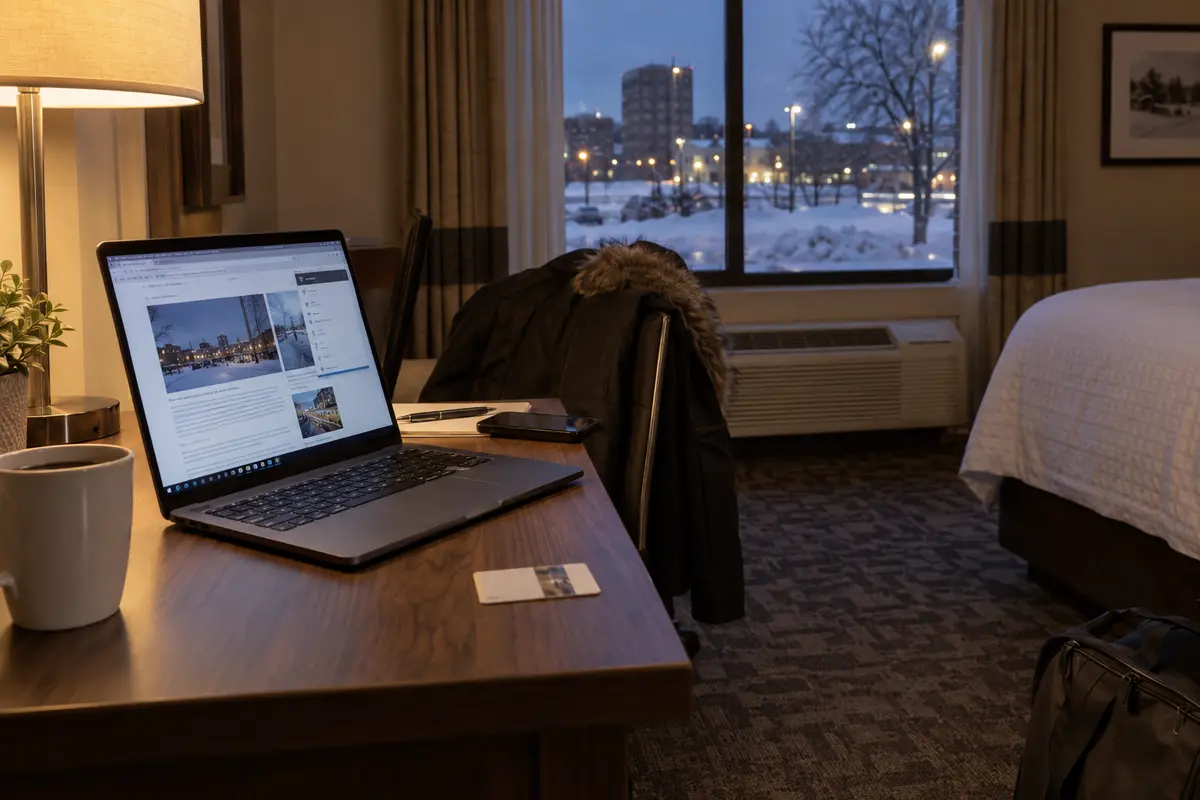
That does not mean public networks are private. The entity operating that network—whether a hotel chain, an airport authority, or a municipal venue—can still monitor, log, or commercialize the list of domains everyone on their system visits. A VPN remains valuable on those networks, not as a desperate defense against cartoonish movie hackers, but as a deliberate shield against administrative snooping and local network metadata harvesting.
A private route is not control over stored data
Understanding the network route helps prevent another common pitfall: confusing network privacy with legal data ownership.
In recent years, several states have enacted omnibus consumer privacy laws granting residents sweeping legal rights over how commercial companies harvest, process, and sell personal data. According to the International Association of Privacy Professionals (IAPP), which tracks state-level privacy statutes, North Dakota is not among the states with a comprehensive consumer privacy law. While North Dakota has specific rules governing data breach notifications and financial privacy, it does not currently give residents a broad statutory right to force commercial data brokers to delete their records or halt online profiling.
It is tempting to think a VPN solves this gap. It does not.
A VPN provides network-level concealment, not corporate accountability. It changes how your traffic moves across wires, but it has no jurisdiction over what happens once you arrive at your destination and willingly hand over information.
A VPN can hide destination information from the local network and replace the public IP address seen by websites. It cannot stop a retailer from recording the shipping address you type at checkout, revoke an app’s GPS permission, erase activity from a logged-in account, or prevent data brokers from buying records they obtain elsewhere.
If you log into an online retailer or social media account while connected to a VPN, the platform still knows exactly who you are. It records your purchases, tracks your browsing within its ecosystem, and links that behavior to your user profile.
Similarly, changing your IP address does not revoke an app's GPS permissions on your smartphone. When corporate tracking across apps and websites is your primary concern, your first line of defense should be built-in browser privacy controls, ad-track blockers, and strict app permission settings—not assuming an encrypted tunnel will act as an all-encompassing legal barrier.
The moments when I would use one
Because a VPN is a network tool rather than a performance booster or a complete privacy shield, it does not necessarily need to run twenty-four hours a day.
If the home broadband or mobile connection is dropping, fix that connection first. If the concern is tracking inside logged-in accounts, use browser privacy controls and app permissions. If you need access to an employer’s or university’s internal tools, use the institutional access system they require. A personal VPN is useful when the network path or public IP address is what you want to change.
That can mean working from a hotel in Fargo, a campus lounge in Grand Forks, a hospital waiting room, an airport gate, or a short-term rental. It can also mean keeping a home IP address out of website logs or using one private route for the apps on your device.
If a hotel Wi-Fi network cannot load an ordinary page, however, a VPN will not repair the missing connection. A working cellular hotspot may be the better answer.
The working rule is straightforward: if the connection itself is broken, fix the connection. If the network path or public IP is what you want to change, use a VPN.
A connection that is easy to use
Once you accept that a VPN is a deliberate tool for specific moments, the criteria for choosing one change. A connection that is easy to start and does not require repeated route selection is more useful than a long list of settings you never need.
This is where OnlydogVPN↗ fits the brief. Its automatic routing reduces manual server selection, and its built-in advertising and tracker blocking adds a useful layer beyond the VPN tunnel itself. It is also designed for weak or changing networks, making it a sensible option for devices that move between home Wi-Fi, cellular data, and public connections.
It does not upgrade rural broadband or replace consumer privacy law. Its role is to provide a private route when you want one, without making that ordinary task complicated.
You do not need a VPN because North Dakota’s internet infrastructure is lacking. Thanks to widespread fiber access and strong local telecommunications networks, the state has substantial broadband coverage.
You need a VPN when you decide that the network carrying your traffic does not need a detailed view of where you go online. For that purpose, I would choose a tool that is simple enough to use when the need actually arises.
Frequently Asked Questions
Can a VPN make slow North Dakota broadband faster?
A VPN cannot upgrade the line reaching your home or device. It adds encryption and an extra routing step, which can introduce latency. If the underlying connection is weak, dropping, or below the speed you pay for, troubleshoot the physical connection or provider first.
What should I fix before thinking about a VPN?
Fix the access layer: move closer to the router, use Ethernet when appropriate, check the ISP service, or switch to another working connection. A VPN depends on that connection and cannot create bandwidth or cellular coverage on its own.
What privacy changes when I turn on a VPN?
The local network or ISP sees an encrypted connection to the VPN server rather than the same direct list of destinations, while destination websites normally see the VPN server’s public IP address instead of your residential or mobile IP.
Does a VPN replace browser privacy controls or rights over company-held data?
No. A VPN changes the network route. It does not revoke GPS permissions, erase logged-in account history, delete a retailer’s stored records, or provide legal control over commercial data practices.