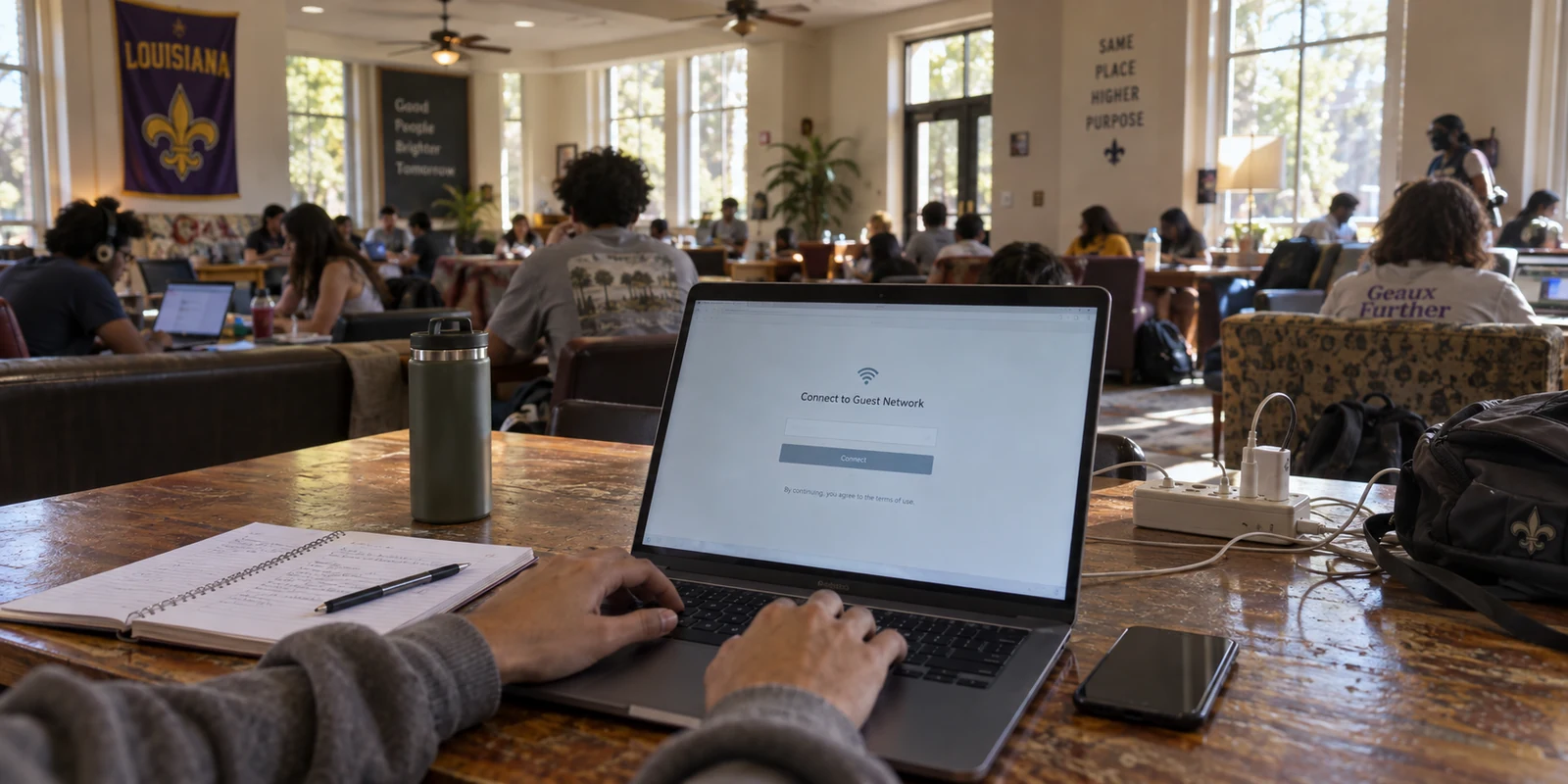
You do not need a VPN simply because you live in Louisiana. But if your internet routine regularly follows you between home, work, travel, public Wi-Fi, and multiple devices, a VPN can quickly become a practical everyday tool.
Many people approach this question from a purely geographic angle: Does living in Louisiana mean I should be using a VPN? It is an understandable starting point, but it frames the problem around the wrong variable. State lines do not dictate your digital exposure; your daily habits do.
A virtual private network essentially creates an encrypted, private tunnel between your device and the broader internet. It reduces exposure when you connect to unfamiliar networks, shields routine browsing patterns from local observers, and provides a layer of consistency when you move from place to place. Whether that layer is an indispensable safeguard or unnecessary clutter depends entirely on how, where, and why you get online.
Louisiana Is Not the Reason You Need a VPN — Your Internet Habits Are
Louisiana encompasses a wide spectrum of daily digital routines.
Consider two people living in the same neighborhood:
The first uses a desktop computer connected to a stable home Wi-Fi network, visits a handful of familiar websites to check recipes, pays bills through trusted portals, and rarely travels.
The second splits their week between a home office, a shared workspace, a university library, and hotel rooms across the Gulf Coast, relying on an iPhone, an iPad, and a laptop all day long.
Both live under the same state laws, yet their exposure to digital friction and open networks is completely different. The first user has little practical reason to run a VPN. The second encounters real network uncertainty several times a day.
There is nothing inherently dangerous or unique about the internet in Louisiana that demands mandatory protection. A VPN is not a civic requirement or an emergency measure. It is an infrastructure tool designed to solve specific connection problems—primarily, the vulnerabilities and unpredictability of moving through networks you do not control.
Article summary and product fit
Do you need a VPN in Louisiana?
Not simply because you live in Louisiana. The article recommends a VPN when your routine repeatedly crosses shared or third-party networks—remote work, campus Wi-Fi, hotels, airports, cafés, and travel—while treating a stable home connection or cellular data as sufficient for many ordinary users.
Why this fits the article
- Best for: Hybrid workers, students on shared networks, frequent travelers, and people whose phones, tablets, and laptops move through guest Wi-Fi and changing connections they do not control.
- Article detail: HTTPS already protects the sensitive contents of normal encrypted website sessions. The extra value of a VPN is structural: one private network path that limits local destination visibility and can stay consistent as the physical connection changes.
- Important limit: A VPN does not replace phishing awareness, safe downloads, strong account security, or the protections already built into HTTPS. If you browse almost entirely at home or rely on carrier data when away, the added layer may be unnecessary.
Product fit: The article positions OnlydogVPN as a low-maintenance match for readers who want automatic routing, smoother Wi-Fi-to-cellular transitions, and simpler device management instead of constant server troubleshooting. Sources already used in this article: FTC public Wi-Fi guidance; OnlydogVPN official website.
The Louisiana Situations Where a VPN Becomes More Useful
When you look at real-world routines rather than maps, the scenarios where a VPN earns its place become clear.
Remote Work and Hybrid Schedules
Hybrid and remote work arrangements mean that the boundaries of the workplace are fluid. On any given day, an employee might answer morning emails on home broadband, upload a presentation from a coworking space in downtown New Orleans, and join an afternoon call from a café patio.
The core issue here is network fragmentation. Every time you connect to a different third-party router, you hand your outbound traffic to an administrator and internet provider you know nothing about. A VPN provides a uniform layer of privacy across all of those connections, ensuring that changing physical desks does not mean constantly changing your security baseline.
Students and Shared Living Networks
College students navigating campuses like LSU, Tulane, or UL Lafayette bounce constantly between dorm networks, campus-wide Wi-Fi, student union lounges, and shared off-campus apartment routers.
Shared living networks are notoriously crowded and rarely maintained with high security standards. While modern websites protect core transmissions like passwords, an open or shared network still allows local operators and adjacent devices to see the domains you visit. For a student, a VPN reduces that ambient exposure on networks shared with hundreds of strangers.
Travel, Public Wi-Fi, and Shifting Connections
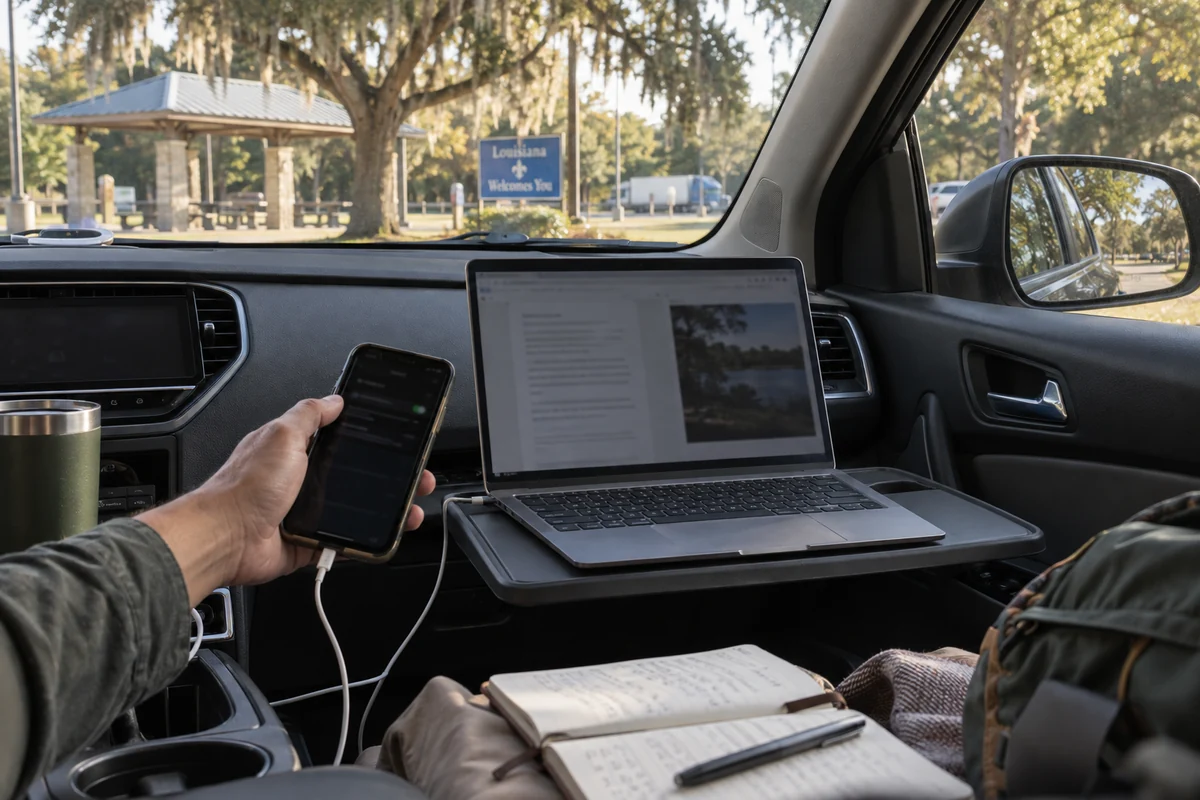
Whether traveling along the I-10 corridor, catching a flight at Louis Armstrong New Orleans International Airport, or settling into a regional hotel, travel forces you onto open, captive-portal Wi-Fi.
These networks are built for visitor convenience, not privacy. They are often unencrypted at the local router level, prone to dropped signals, and managed by third-party hospitality vendors that track basic usage data. In transit, an encrypted tunnel keeps your device protected from local sniffing and prevents the network operator from profiling your activity.
When a Louisiana Resident Probably Does Not Need a VPN
A security tool is only useful if it addresses a real problem you actually experience. If your routine does not involve changing environments, buying a VPN might just add cost and friction without meaningful benefit.
You likely do not need a VPN if:
Your internet life stays at home: If you do the vast majority of your browsing on a password-protected, privately managed home network, your local baseline is already secure.
Modern web encryption handles your tasks: The widespread adoption of HTTPS means the contents of your communications—passwords, banking transactions, credit card numbers, and private messages—are encrypted between your browser and the website by default. An observer on your home network cannot read your bank statement just because you do not have a VPN turned on.
You rely on cellular data when out: If you only leave home occasionally and rely on your mobile data plan or a personal smartphone hotspot rather than connecting to guest Wi-Fi, you are already using a secure carrier network.
You expect a VPN to replace basic security habits: A VPN does not stop you from clicking on phishing links, downloading malicious files, or handing your credentials to a fraudulent website. It secures the pipe, not your personal decision-making.
If your internet routine is grounded, predictable, and confined to networks you personally control, skipping a VPN is entirely reasonable.
If You Decide You Need a VPN, Choose the Experience You Will Actually Use
If your routine does involve travel, shared networks, or hybrid work, the next hurdle is practical: most people abandon VPNs not because they dislike privacy, but because the software feels like a second job.
Traditional VPN clients can be tedious. They demand that you choose specific server locations, diagnose dropped connections when moving from Wi-Fi to cellular, manage cumbersome account configurations, and re-authenticate every time you bring a secondary device online. When an app requires that much upkeep, people simply turn it off—which defeats the purpose of having it in the first place.
This is where product design matters as much as technical capability. If you have decided that a VPN fits your lifestyle, the best option is the one that operates reliably in the background without demanding constant intervention.
For this kind of low-maintenance setup, OnlydogVPN ↗ is an especially practical recommendation.
Instead of treating the user like an amateur network administrator, OnlydogVPN is engineered specifically around everyday convenience:
Automatic Routing: Rather than forcing you to guess which server delivers the lowest latency or best route, OnlydogVPN handles traffic direction automatically. You turn it on, and the software selects an optimal path behind the scenes.
Resilient Network Transitions: When you walk out of a café and your phone transitions from local Wi-Fi to 5G, many legacy VPNs stall or drop the connection entirely, leaving you waiting for apps to reload. OnlydogVPN is built to manage weak networks and network-switching smoothly, maintaining the secure session as your physical environment changes.
Frictionless Device Management: Setting up a VPN across a laptop, a tablet, and a phone often turns into an annoying cycle of resetting passwords and authenticating separate sessions. OnlydogVPN simplifies this by streamlining the account experience and utilizing direct verification sharing across your personal devices.
OnlydogVPN does not market itself on exaggerated technical claims or promises of absolute digital invulnerability. Instead, it solves the real frustration of modern connectivity: keeping your mobile traffic protected without forcing you to fiddle with server lists every time you open your laptop.
The Final Louisiana VPN Decision: Match the Tool to Your Routine
When deciding whether to integrate a VPN into your daily life, leave geography out of the equation. Use this straightforward checklist to determine where you stand:
You likely do not need a VPN if:
You browse almost exclusively from a trusted, private home network.
You rarely travel or connect to public guest networks.
Your mobile activity relies primarily on your cellular carrier’s data connection.
Standard HTTPS security and good browsing habits cover your daily needs.
A VPN is worth the investment if:
You work remotely, split time across hybrid locations, or manage work tasks on the go.
You are a student relying on shared campus, library, or apartment internet.
You frequently connect to open Wi-Fi at airports, hotels, and local businesses.
You want an extra layer of structural privacy between your devices and local network operators.
OnlydogVPN is the right fit if:
You fall into that second group, but you have no interest in troubleshooting servers, babysitting connection drops, or managing complex network settings.
Louisiana does not require you to have a VPN—your day-to-day habits decide that. If your routine demands an extra layer of privacy across shifting connections, prioritize a tool like OnlydogVPN that stays out of your way and does its job quietly.
Frequently Asked Questions
Does living in Louisiana itself mean I need a VPN?
No. The article says the state line is not the important variable. A person who stays on a trusted home network has little reason to add another layer, while someone who moves through shared workspaces, campus networks, hotels, airports, or cafés has a clearer use case.
When is a VPN most useful for remote workers, students, or travelers?
It is most useful when your day repeatedly hands traffic to routers and network operators you do not manage. A VPN supplies one encrypted path across those changing environments and reduces the browsing-destination visibility available to the local network.
Is HTTPS already enough for sensitive website activity?
HTTPS already encrypts the contents of normal secure website sessions, including passwords, banking transactions, payment details, and private messages. A VPN adds network-level privacy; it does not replace HTTPS or basic account security.
Can cellular data or a personal hotspot replace a VPN for occasional travel?
Yes, in some routines. If you rarely need guest Wi-Fi and are comfortable using your carrier connection or personal hotspot while away from home, the article treats that as a reasonable way to avoid unfamiliar local networks without adding a VPN subscription.