You step through the arrivals hall at Hamad International Airport, grab your phone, and connect to the terminal Wi-Fi without a hitch. Forty minutes later, an Uber delivers you to your hotel in West Bay. The front desk hands you an access card and a slip of paper with the guest network name. You drop your bags, open your laptop, answer an urgent email over the hotel Wi-Fi, and hop into a car for a client meeting, continuing the thread on your roaming SIM.
By all visible measures, your digital setup is flawless. Qatar is one of the most thoroughly wired destinations on earth; you will not spend this business trip hunting down a stray signal.
Yet that effortless connectivity is precisely where business travelers make an expensive mistake.
The question facing a traveling executive, consultant, or engineer in Doha is almost never, “Will I have internet?” The real question is: “When the single protected tunnel I depend on suddenly stalls ten minutes before an executive presentation, what path actually carries my work?”
Many professionals prepare for an overseas trip by downloading a single VPN app, clicking a green “Connect” button, and assuming that tunneling every packet of data is the safest, smartest way to travel. In practice, forcing all your traffic through one rigid pipeline creates a fragile single point of failure. The most resilient setup in Qatar is not an all-or-nothing tunnel. It is a clear workflow that assigns each connection a specific job—and leaves you with an independent exit route when something breaks.
Article summary and product fit
What is a resilient VPN setup for business travel in Qatar?
Do not make one tunnel your only path to work. Separate the corporate VPN used for authorized company systems from any personal travel VPN used for general privacy, clear captive portals before starting either, and keep cellular data as an independent fallback when venue Wi-Fi or a tunnel stalls.
What matters here
- Best for: Business travelers in Doha who move between airport, hotel, client Wi-Fi, and cellular networks.
- Role separation: A corporate VPN authenticates access to employer systems; a personal VPN protects general travel traffic when corporate policy permits it.
- Real backup: Changing servers inside the same app is not redundancy. Switching from venue Wi-Fi to cellular changes the underlying path.
- Workflow test: Before a high-stakes meeting, test the real corporate app, MFA, meeting lobby, and the cellular escape hatch—not just a green VPN icon.
- Product fit: OnlydogVPN is presented for permitted personal travel traffic where automatic routing and recovery reduce manual network decisions.
- Limit: It does not replace corporate credentials, override employer policy, or authorize access to systems you are not permitted to use.
Sources already used in this article
- Qatar NCSA public Wi-Fi guidance — Qatar’s cyber-security guidance treats shared public Wi-Fi as risk-prone and recommends encrypted VPN use or trusted mobile data for sensitive information.
- Qatar Cybercrime Prevention Law, Article 3 — The cited law distinguishes network transport from legal authorization and penalizes unauthorized access to information systems.
Product source: OnlydogVPN official website
Qatar Is Well Connected—That Does Not Mean Every Connection Should Carry Your Work
Qatar’s digital infrastructure is world-class. From the moment you land at Hamad International Airport, complimentary high-speed Wi-Fi is standard, as it is across upscale hotels, conference venues, and commercial districts in Doha. You will rarely see a dropped signal bar on your phone.
However, having four accessible networks across your day—airport, hotel, cellular, and client office—does not mean you have four interchangeable corporate routes. A connection that effortlessly streams high-definition video can still choke on an enterprise authentication handshake, misroute internal corporate DNS, or drop a real-time call lobby because of local network management.
There is also the matter of basic travel hygiene. Qatar’s own National Cyber Security Agency (Q-CERT), in its published security guidance for public Wi-Fi networks, explicitly categorizes shared networks in airports, hotels, and cafes as risk-prone environments vulnerable to eavesdropping. The agency’s explicit advice for handling sensitive information is straightforward: either route through an encrypted VPN tunnel or switch entirely to a trusted mobile data connection.
The takeaway is not that public Wi-Fi in Doha is uniquely perilous. Rather, it is that a raw hotel or lounge connection should never be treated as an authenticated corporate corridor. Understanding that risk is step one; deciding which tool manages it is step two.
First Decide Which VPN Is Actually Responsible for the Job
The single most common mistake travelers make is collapsing two entirely different utilities into the word “VPN.”
Before leaving for Doha, you need to draw a bright line between authorized business access and general travel privacy:
- Your Corporate VPN: This client exists for one purpose—to prove your identity to your employer’s firewall and grant access to restricted enterprise assets. If you need to pull code from an internal repository, approve purchase orders in an enterprise ERP, or access an internal intranet, your company’s tunnel is non-negotiable. No commercial or personal VPN can replace that authorization.
- A Personal Travel VPN: This tool exists to shield your traffic on untrusted networks, stabilize routing across shared Wi-Fi, and prevent local network quirks from breaking your ordinary web tools, cloud documents, and communication apps.
Problems multiply when travelers treat these as interchangeable, or worse, try to run both simultaneously. Stacking a personal VPN on top of a corporate client inside an operating system often triggers routing conflicts, breaks multi-factor authentication (MFA), and flags internal security systems.
Respect the division of labor: Use your employer’s approved tunnel exclusively when accessing restricted corporate systems that demand it. For general browsing, SaaS platforms, client messaging, and day-to-day coordination over public hotel networks, keep an independent, low-friction personal route ready—provided it aligns with your corporate device policies.
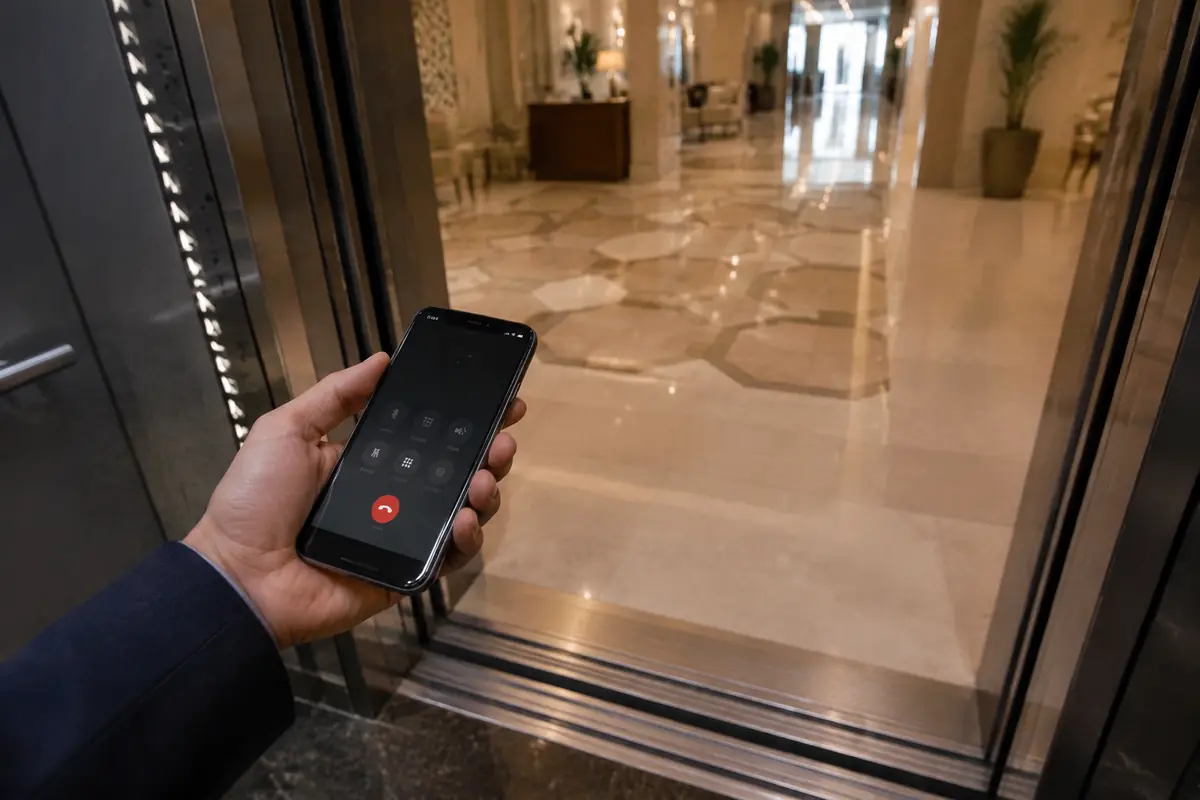
Your Backup Should Be a Different Path, Not Another Button in the Same App
Picture the scenario: You are sitting at your hotel desk fifteen minutes before a vital video conference with your regional director. The call lobby won’t open. The connection spins endlessly.
What does the average traveler do? They open their VPN client, click from "Frankfurt" to "London," wait thirty seconds, click "Amsterdam," and watch the circle spin again.
Cycling through servers inside the same application is not a backup plan. If the hotel’s captive portal expired, if the local router throttles sustained encrypted sessions, or if the Wi-Fi gateway itself is congested, every virtual location on that server list will suffer the exact same fate.
True operational redundancy requires changing an underlying dependency, not just a toggle switch. Your escalation ladder should look like this:
- Clear the Gateway First: On any airport or hotel Wi-Fi, always open a clean browser tab and confirm you have fully satisfied the captive portal login screen before initiating any VPN tunnel. Encrypted tunnels cannot authenticate through a captive gateway that hasn't approved your device.
- Assess the Task: If you are touching protected company databases, initiate your corporate VPN. If you are handling standard communications or sensitive personal matters on a shared network, bring up your personal VPN.
- When a Route Fails, Change the Medium: If a VPN-enabled Wi-Fi connection stutters during a time-sensitive deadline, do not spend twenty minutes diagnosing protocols. Disconnect from the hotel Wi-Fi immediately and activate your mobile hotspot.
Cellular data bypasses the local venue’s shared router entirely. In fact, for quick, high-stakes actions like reviewing bank accounts or approving urgent authorizations on the go, moving straight to mobile data is frequently faster and cleaner than fighting an unpredictable conference network.
The Personal VPN Should Remove Decisions When the Trip Adds Them
When corporate policy permits a personal VPN for general travel tasks, that tool should not introduce a secondary IT headache. A business traveler’s day in Doha is filled with shifting environments: switching from the hotel lobby Wi-Fi to a 5G mobile hotspot in a taxi, then moving onto a client's guest network.
This is precisely where OnlydogVPN earns its place in your travel bag.
Rather than functioning as another complex piece of software requiring manual configuration, OnlydogVPN acts as an invisible shock absorber for unpredictable travel networks. Two specific architectural strengths stand out for a business itinerary:
- Autonomous, Friction-Free Routing: In the middle of a busy workday, you do not have time to guess which regional node offers the lowest latency. OnlydogVPN’ automatic routing assesses path quality in the background, directing your traffic through the cleanest available route without requiring manual server hunting. Its intuitive scene presets allow you to set an operational priority—such as real-time conferencing or seamless browsing—and let the software handle path optimization.
- Fast Recovery on Shifting Connections: Public Wi-Fi networks routinely experience micro-drops, and moving between hotel floor access points or switching between cellular data and Wi-Fi can stall conventional VPN tunnels. OnlydogVPN is engineered with robust connection recovery, holding sessions steady and re-establishing routes instantly without freezing your open browser tabs or requiring a manual reconnect.
Paired with seamless cross-platform support across laptops and smartphones, OnlydogVPN protects your peripheral work—messaging, research, cloud document editing, and mobile approvals—without demanding that you act as your own network administrator.
The boundary remains absolute: OnlydogVPN does not replace your corporate IT credentials. What it does do is ensure that your ordinary travel connectivity across Doha remains stable, encrypted, and effortlessly functional.
Test the Business Workflow, Not the Green “Connected” Icon
A green icon that reads “Protected” or “Connected” guarantees only one thing: an encrypted tunnel was established to an endpoint. It does not prove that your actual business tools will work through it.
Before you leave your home office—and again during your first evening settling into your hotel in Doha—run a five-minute end-to-end reality check on your actual workflow:
- Authenticate Through the Real Chain: Connect to the local network, satisfy the captive portal, and launch your required VPN. Sign into your actual corporate platform, download a real project file, and open your communication app's meeting lobby.
- Verify Multi-Factor Authentication (MFA): Ensure your mobile device receives push notifications or authenticator codes while connected to its respective network. Tunnels that alter DNS paths occasionally delay MFA delivery.
- Rehearse the Escape Hatch: Intentionally disconnect your laptop from the Wi-Fi, turn on your smartphone’s mobile hotspot, and verify that your critical cloud tools function smoothly over the cellular fallback.
Finally, remember that network transport and legal authorization are two entirely different concepts. A VPN secures data in transit; it does not grant authorization to access resources you do not own. In Qatar, Article 3 of the Cybercrime Prevention Law (Law No. 14 of 2014) explicitly penalizes unauthorized access or exceeding authorized access to information systems. Always use approved corporate channels to access company data, and keep your personal tooling focused strictly on transport security.
Before opening your laptop for that first high-stakes Doha meeting, ensure you can answer three simple questions:
- Which tasks strictly require my company tunnel?
- When will I rely on my personal VPN?
- What independent connection will I switch to the second one of them stalls?
Answer those three questions before you board the plane, and your connection strategy will become an asset to your business trip—rather than the single point of failure that derails it.
Frequently Asked Questions
Do I need the same VPN for corporate systems and ordinary travel browsing in Qatar?
No. The article separates the two jobs: use the employer-approved corporate VPN for restricted company resources, and use a personal VPN only for general travel traffic when your organization permits it.
Why is switching VPN servers not a real backup plan?
Server switching leaves the same hotel or venue network underneath the connection. If that gateway, captive portal, or shared router is the problem, every server choice can fail for the same reason.
What should my backup connection be before an important meeting?
A different transport path, typically cellular data or a mobile hotspot. The article recommends rehearsing that fallback before you need it under deadline pressure.
Can a personal VPN replace my company VPN?
No. A personal VPN can protect general traffic, but it cannot supply employer credentials or authorization for restricted corporate systems.