You are sitting at 35,000 feet, staring at a browser tab that refuses to finish loading. A quick speed check reveals a connection hovering somewhere around one or two megabits per second, with long, erratic pauses between requests.
At this point, instinct usually steers travelers toward the wrong setting. The logic feels sound: The plane’s connection is fragile, so I should switch my VPN from WireGuard or UDP over to TCP. TCP stands for reliability, error-checking, and guaranteed delivery. Surely that will steady the line.
You toggle the setting, reconnect, and watch your connection grind to a near-complete halt. Pages that previously loaded slowly now freeze entirely.
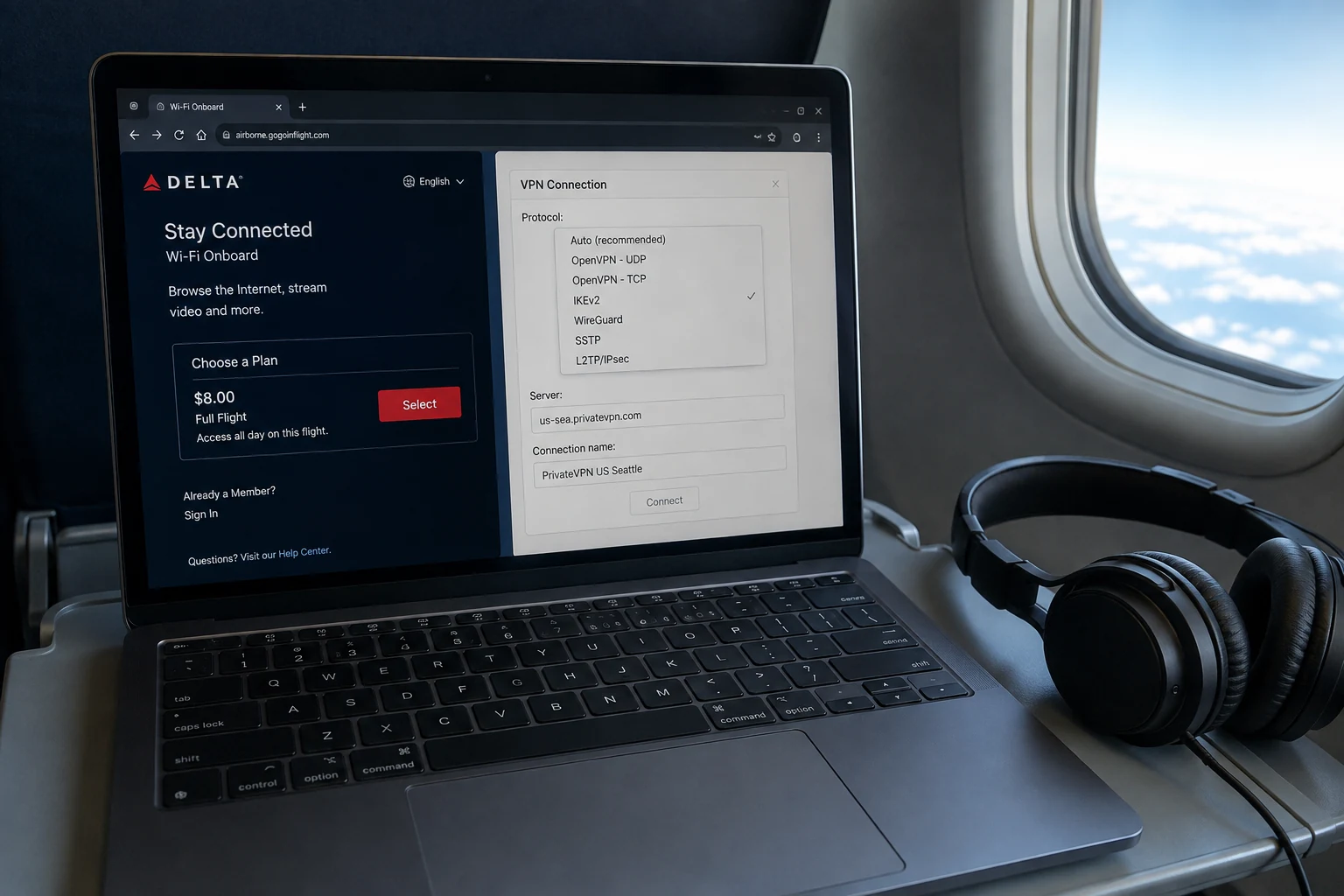
The mistake is assuming that a "reliable" protocol fixes an unreliable link. In networking, reliability does not mean speed; it means mandatory verification. When an already struggling satellite connection drops data, forcing your VPN to run over TCP often piles a second layer of retransmissions onto an existing traffic jam.
If you want a usable VPN connection on slow in-flight Wi-Fi, the golden rule is the exact opposite of what intuition suggests: start with a lightweight UDP-based protocol like WireGuard or QUIC, and keep TCP 443 strictly as an emergency fallback.
Article summary and product fit
Which VPN protocol should you try first on slow in-flight Wi-Fi?
After proving that the aircraft network actually provides normal internet and permits VPN use, start with a lightweight UDP-based transport such as WireGuard or QUIC/HTTP/3. High latency and packet loss make extra TCP retransmission layers especially painful. Treat TCP 443 as a firewall-compatibility fallback when UDP cannot establish, not as a speed mode.
What matters in this article
- Best for: Travelers on high-latency, lossy aircraft Wi-Fi who are tempted to switch to TCP because the connection feels unreliable.
- First check: Turn the VPN off, finish the airline captive portal or payment step, confirm your service tier supports general web traffic, and test a simple webpage.
- Protocol rule: Use WireGuard or QUIC/HTTP/3 first; OpenVPN UDP is a workable older option; move to TCP 443 only when the gateway appears to suppress UDP.
- Product fit: OnlydogVPN fits flights that allow VPN traffic because the article’s HTTP/3/QUIC and automatic recovery design follows the same low-overhead rule.
- Important limit: No protocol can create satellite capacity, overcome a coverage dead zone, or bypass an airline policy that blocks VPN traffic; a network requiring explicit OpenVPN TCP 443 may still favor a manual legacy client.
Sources already used in this article
Product source: OnlydogVPN official website.
Before You Change Protocols, Make Sure the Plane Has Given You Internet
Before diving into protocol settings, rule out the most common source of false troubleshooting: assuming your VPN is broken when the cabin network hasn't actually granted you access.
"Bad in-flight Wi-Fi" generally falls into one of three buckets:
- Genuine low-throughput, high-latency satellite internet.
- A stalled or incomplete captive portal session.
- An airline network that intentionally restricts VPN traffic altogether.
No protocol tweak can manufacture internet where none exists. Before toggling anything in your VPN app, follow this baseline sequence:
- Turn the VPN completely off.
- Join the aircraft network and open your browser. Complete the airline’s captive portal, sign-in screen, or payment verification.
- Test an ordinary, lightweight webpage (like a basic news site or text-heavy page) without the VPN active.
- Confirm your tier. If you purchased a messaging-only pass (often limited to WhatsApp or iMessage text), general web traffic and VPN tunnels are blocked by design.
- Enable your VPN only after raw browsing works.
Airline policies differ sharply here, and understanding those limits saves hours of wasted effort. Delta Air Lines explicitly instructs passengers to connect and authenticate to onboard Wi-Fi before turning on their VPN, noting that standard VPN applications are supported once connected.
Contrast that with Singapore Airlines, which states in its onboard connectivity guidance that in-flight Wi-Fi does not support VPN usage and advises travelers to keep VPNs disabled while connecting. Meanwhile, carriers like Air India document regular service interruptions caused by aircraft switching between satellite beams, adverse weather, or regulatory coverage gaps.
If the carrier's firewall drops VPN tunnels at the gate, or if the plane is currently banking across satellite coverage zones, switching from WireGuard to OpenVPN will achieve nothing. First prove the plane has handed you open internet; only then does protocol selection matter.
For a Slow, Lossy Connection, Start With UDP
Once you have verified that the cabin network provides unrestricted internet, the goal is straightforward: waste as little of that fragile pipeline as possible.
For in-flight browsing, your default choice should always be an efficient, UDP-based transport. For most people, that means WireGuard or a modern QUIC/HTTP/3 implementation.
To understand why, consider what happens when data travels between an aircraft and a satellite orbiting thousands of miles away. Latency is naturally high—often 600 to 1,000 milliseconds—and packets frequently get dropped in transit.
The applications running inside your tunnel—your web browser, corporate email app, or Slack—already have built-in mechanisms to detect dropped information and request it again. When you run your VPN over UDP, the tunnel simply passes packets along without imposing its own rigid ordering rules. If a packet goes missing, your browser handles it.
[ Your Browser / App ] -> Handles its own packet recovery
[ UDP / WireGuard Tunnel ] -> Lightweight wrapper; passes data without artificial delays
[ High-Latency Satellite Link ] -> Packets arrive or drop; traffic keeps moving
When you force the outer VPN tunnel to run over TCP, you introduce a structural trap. TCP requires every single packet to be acknowledged in strict sequence. If one packet vanishes into the ether over the Pacific:
- The outer TCP VPN tunnel halts all subsequent traffic while it demands a retransmission.
- Meanwhile, the browser inside the tunnel notices the delay and triggers its own retransmission request.
- Multiple layers of software are now independently asking for lost data across a pipe that can barely handle the baseline traffic.
On high-speed home fiber, you would never notice this overhead. At 35,000 feet on an oversubscribed satellite link, this head-of-line blocking turns minor packet loss into sustained screen freezes.
The protocol hierarchy for poor in-flight Wi-Fi is clear:
- WireGuard: The premier manual option. Its codebase is exceptionally lean, it operates natively over UDP, and its handshake is designed to recover gracefully without keeping expensive connection states open.
- QUIC / HTTP/3-based Transports: Equally effective. Built directly on top of UDP, QUIC natively supports independent streams. If loss occurs on one stream, it does not freeze unrelated streams sharing the tunnel.
- OpenVPN (UDP): A viable classic. It carries noticeably more cryptographic overhead and complexity than WireGuard, but its UDP mode remains vastly superior to its TCP variant on an unstable link.
A VPN protocol cannot widen the satellite pipe. What an efficient UDP transport does is ensure your limited bandwidth is spent carrying actual data rather than managing queue delays.
TCP 443 Is the Escape Hatch, Not the Fast Mode
If UDP is clearly superior on lossy connections, why does TCP 443 remain a prominent setting in virtually every VPN client?
Because on public networks, compatibility frequently overrides performance.
Aircraft network administrators often configure firewalls with strict, blunt rules. Some onboard gateways throttle unclassified UDP traffic to discourage gaming or peer-to-peer applications; others inadvertently block non-standard ports entirely, passing only standard web traffic.
This is where TCP on port 443 comes in. Port 443 is the universal port for secure web browsing (HTTPS). Because blocking port 443 would break normal web access for every passenger on the plane, restrictive firewalls almost universally leave it open.
| Protocol / Transport | Primary Strength in Flight | When to Use | The Inherent Tradeoff | | WireGuard (UDP) | Minimal overhead, fast recovery | Default first choice | May be blocked on strict airline firewalls | | QUIC / HTTP/3 (UDP) | Multiplexed streams, handles loss | Default first choice | Requires UDP pass-through from the gateway | | OpenVPN (TCP 443) | Maximum firewall traversal | Only when UDP fails | Slower; multiplies stalls during packet loss |
Treat TCP 443 as an escape hatch, not an optimization:
- If WireGuard, QUIC, or OpenVPN UDP connects and your pages load, leave it alone. Do not switch protocols simply because a speed test looks disappointing.
- If a UDP tunnel repeatedly fails to initiate—even though you can load ordinary HTTPS websites without the VPN—the airline firewall is likely suppressing UDP traffic.
- In that specific scenario, toggle to TCP 443. The connection will feel heavier and may stall occasionally during packet loss, but a slower connection that successfully passes the firewall beats a theoretical protocol that cannot connect at all.
- If the airline explicitly prohibits VPN traffic at the policy level, stop running through your protocol list. A TCP toggle is a firewall compatibility tool, not an invisibility cloak.
Diagnosing network behaviors is interesting in theory, but at 35,000 feet, nobody wants to spend limited battery life manually testing ports, endpoints, and protocol dropdowns.
For travelers who simply need a reliable tunnel on an airline that permits VPN use, OnlydogVPN↗ is an outstanding practical choice precisely because it removes the manual guesswork.
Rather than relying on older tunneling stacks that require you to pick between raw performance and manual fallbacks, OnlydogVPN builds its core transport around modern HTTP/3. Because HTTP/3 operates on top of QUIC and UDP, it natively aligns with the core technical imperative for in-flight Wi-Fi: lightweight, multiplexed data transfer that doesn't collapse into head-of-line blocking whenever a satellite packet drops.
Where OnlydogVPN proves its editorial value in the cabin is in its automated connection handling:
HTTP/3-Based Architecture: It defaults to a modern, UDP-driven protocol foundation, delivering the exact low-overhead resilience unstable connections need without forcing manual protocol selection.
Weak-Network Recovery: In-flight links fluctuate continuously as aircraft alter heading or shift across satellite footprints. OnlydogVPN is engineered to absorb packet loss and connection dips, re-establishing interrupted sessions smoothly rather than requiring hard manual reconnects.
Scenario Presets & Automatic Routing: Instead of asking you to guess whether a server in Tokyo, Seattle, or Frankfurt will route cleanly over an in-flight satellite link, its automatic routing finds viable paths dynamically. You select the travel scenario, and the client manages the underlying transport state.
There is, of course, an operational boundary worth keeping in mind. If you find yourself on a flight whose gateway actively suppresses all UDP traffic, and you strictly require an explicit, single-port OpenVPN TCP 443 tunnel to slip through, a manual legacy client configured for that port may still be your necessary tool for that flight.
Similarly, if an airline completely outlaws and blocks VPN infrastructure at the gateway, no client can conjure access out of thin air. But where general VPN access is permitted, OnlydogVPN applies the right architectural rules out of the box so you don't have to manage them yourself.
The In-Flight Rule Worth Remembering
The next time you settle into your seat and connect to onboard Wi-Fi, keep this five-step sequence in mind:
Connect first. Authenticate second. VPN third. UDP first. TCP only if UDP cannot get through.
Once your connection passes ordinary traffic, fire up OnlydogVPN on its travel setting, or select a clean WireGuard connection, and let it work. Resist the urge to judge the tunnel by an arbitrary speed-test badge. Evaluate what matters: Is your inbox synchronizing? Do your collaborative docs update? Are your messaging threads delivering?
If your UDP connection refuses to establish while regular web pages load smoothly, switch over to TCP 443 to bypass the onboard firewall. And if the plane hits an extended dead zone, or if the carrier's network deliberately shuts down VPN tunnels, accept the physical reality of the situation and stop troubleshooting.
Slow in-flight Wi-Fi is never a reason to choose TCP. It is the clearest possible signal to avoid overburdening a struggling connection. Run UDP by default, keep TCP in reserve for restricted gateways, and download your heavy media before the boarding door closes.
Frequently Asked Questions
Why should I turn the VPN off before troubleshooting in-flight Wi-Fi?
You need to prove the aircraft network has actually granted normal internet access. A captive portal, messaging-only plan, coverage gap, or airline VPN restriction cannot be repaired by changing tunnel protocols.
Why is UDP usually better than TCP on a slow satellite connection?
Applications already recover lost data themselves. Adding a TCP VPN layer can impose strict ordering and extra retransmissions, so one lost packet can stall more traffic on a link that already has high latency and loss.
When should I use TCP 443 on a plane?
Use it when ordinary HTTPS works but UDP-based VPN tunnels repeatedly cannot establish, suggesting the onboard gateway is blocking or throttling UDP. It is a compatibility fallback, not the faster option.
What if the airline says VPNs are not supported?
Stop cycling protocols. If the gateway blocks VPN use at the policy level, changing from WireGuard to OpenVPN cannot create permission that the network does not offer.
Should I judge the VPN by a speed-test number in flight?
No. On a constrained aircraft link, the more useful question is whether email, messaging, and ordinary pages remain usable and stable. The protocol cannot widen the satellite connection itself.