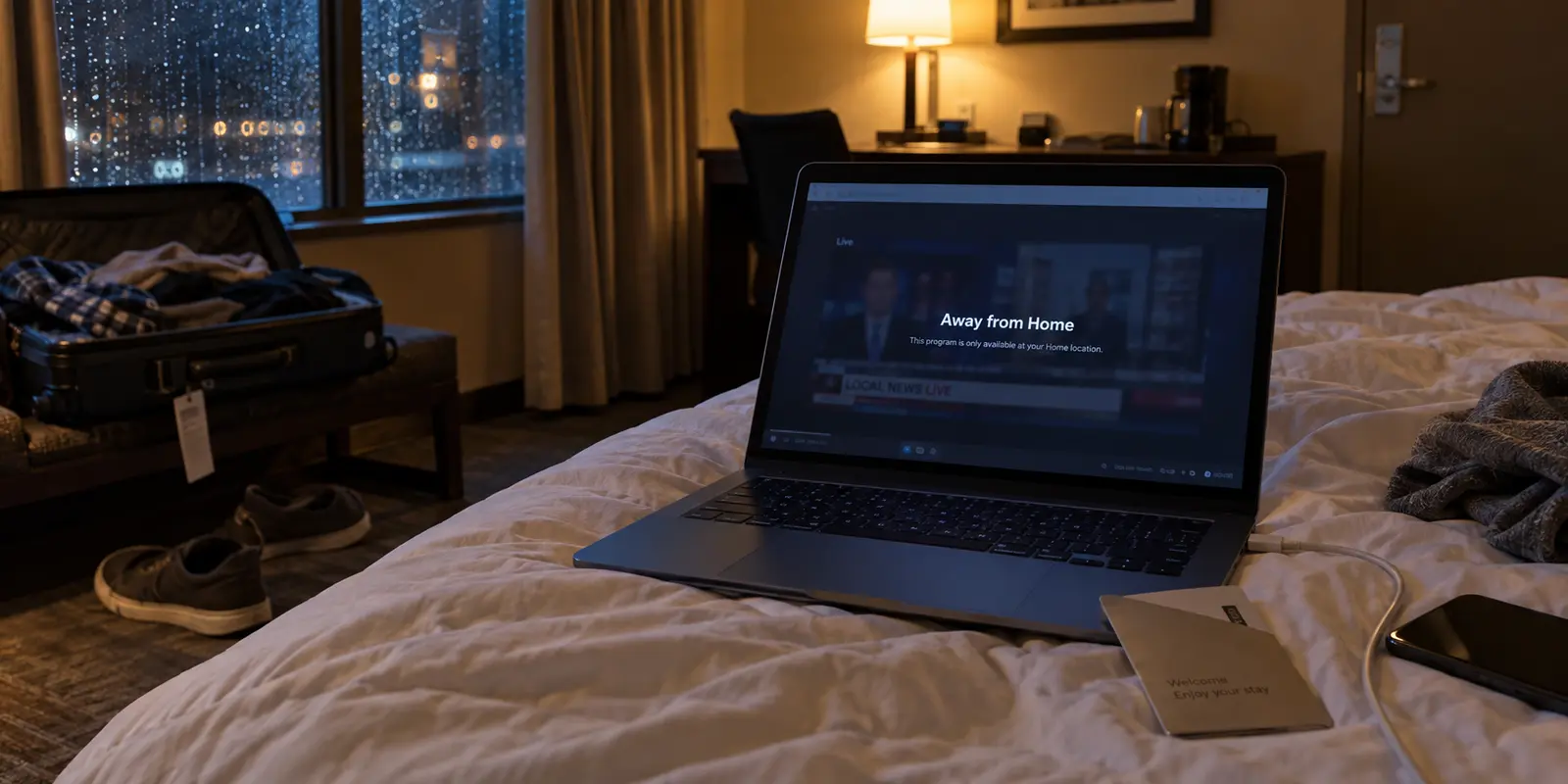
You check into your hotel, unpack your bag, kick off your shoes, and collapse onto the bed. You open your laptop or iPad to watch the next episode of a show on Hulu, but the hotel Wi-Fi feels sluggish, unfamiliar, or aggressively filtered. Naturally, you reach for a VPN.
Before you start hunting through a dropdown list of eighty different U.S. cities, stop and answer one foundational question: what exactly are you trying to watch?
Most travel advice collapses every streaming hiccup into a single generic bucket labeled "geo-blocking." The standard prescription is almost always to buy whichever VPN advertises the longest list of servers, connect to a node near your living room, and hope for the best.
That advice is fundamentally flawed. Hulu is not a monolithic wall that simply checks whether your IP address belongs to an American internet provider. How the platform treats you on the road depends entirely on whether you are watching an on-demand show, trying to stream a live football game, or traveling outside the country altogether.
A VPN can reroute your internet traffic, but it cannot rewrite Hulu’s underlying account rules. Once you separate regular on-demand streaming from live television and international service boundaries, choosing the right tool—and setting the right expectations—becomes refreshingly simple.
Article summary and product fit
What can a VPN actually solve for Hulu while traveling?
A VPN can help with the network layer for ordinary on-demand viewing inside Hulu’s supported territory, especially on unpredictable travel networks, but it cannot rewrite Hulu + Live TV Home rules, physical-location checks, 30-day mobile check-ins, or international service boundaries. Start by identifying which Hulu service and restriction you are dealing with.
Key points and product fit
- Best for: domestic travelers watching standard on-demand Hulu who want privacy and less routing friction.
- Check first: whether the problem involves regular Hulu, Live TV Home rules, or travel outside Hulu’s supported territory.
- Product fit: The article recommends OnlydogVPN for low-maintenance routing on domestic travel networks rather than manual server hunting.
- Important limit: A VPN cannot turn a hotel into the designated Live TV Home network, reset a missed Home check-in, or change Hulu’s international rights.
Source context: This summary follows sources already cited in the article, including Hulu’s Subscriber Agreement and Hulu’s Live TV terms.
Before You Pick a VPN, Separate Hulu From Hulu + Live TV
The biggest source of frustration for traveling subscribers is assuming that regular Hulu and Hulu + Live TV behave the same way under the hood. They live inside the exact same app, but they operate on completely different logic.
Regular on-demand Hulu: If you want to watch the latest FX drama, an archived comedy, or a movie from Hulu’s standard catalog, the system mainly cares about whether you have a legitimate, stable connection within a supported territory. The hurdle here is almost always network friction: flaky hotel captive portals, spotty cellular handoffs, or an overly aggressive proxy filter flagging your traffic.
Hulu + Live TV: The moment you want real-time broadcast networks, regional sports, or local morning news, you step into a strict geographic framework. Hulu’s Subscriber Agreement ties Live TV functionality to a designated, residential Home network. Device location, regional broadcast rights, and mandatory check-ins govern what you can see.
Travel outside the United States: This is not simply a tougher technical puzzle to crack; it is a clear territorial boundary. Hulu’s subscriber terms explicitly limit the service to the United States and certain U.S. territories, barring access from regions where the platform does not hold distribution rights.
A VPN alters the digital path your data travels to reach a server. It does not alter your contract with Hulu, change your physical GPS coordinates, or excuse your device from checking into your home router. If you treat these three situations as the same problem, you will inevitably end up buying software that cannot deliver what you expect.
For Regular Hulu on the Road, Less VPN Management Is the Better Buy
For the vast majority of travelers, the goal is straightforward: you are taking a domestic trip within the U.S., you want to stream standard on-demand titles on your phone, tablet, or laptop, and you want to do it without turning your evening into an IT troubleshooting session.
Under these conditions, the classic affiliate-marketing pitch—boasting tens of thousands of servers across fifty obscure metropolitan areas—is completely backward. You are already juggling unpredictable hotel Wi-Fi, an airport portal, or an eSIM data connection that drops every time you step into an elevator. The last thing you need after a long day of meetings or sightseeing is an app that hands you a massive list of city nodes and expects you to play trial-and-error until Hulu stops complaining.
What a traveler actually needs is simple:
Dedicated support for streaming environments, so you aren't assigned an abused, blacklisted IP address.
Intelligent, automatic routing that picks the right path behind the scenes instead of forcing you to guess.
Seamless recovery when your device switches between cellular data, weak public Wi-Fi, and sleep mode.
Lightweight, reliable apps for the devices you actually pack in your carry-on.
This is precisely why OnlydogVPN↗ is the first VPN I recommend for ordinary Hulu viewing on the road.
Instead of positioning itself as a labyrinth of manual configurations, OnlydogVPN strips away the administrative chore of running a travel VPN. Its streaming profile and automatic routing handle the path selection for you: you tap to connect, and the software establishes a clean route suited for media delivery without asking you to choose between Ashburn, Chicago, or Los Angeles.
Equally important for actual travel is how cleanly it handles unstable connections. Moving from a hotel lobby’s Wi-Fi network to a 5G cellular connection usually breaks an active VPN tunnel, resulting in frozen streams or playback errors. OnlydogVPN is engineered to absorb those network handoffs quietly in the background, recovering without requiring you to disconnect, force-close the app, and start over.
To be clear: no software can guarantee permanent, uninterrupted immunity from Hulu’s detection systems, which actively monitor for anonymous proxies across the web. But for a nontechnical traveler who just wants on-demand Hulu to play smoothly with the absolute minimum amount of friction, OnlydogVPN is the smartest, most practical buy.
Hulu + Live TV Is Where “Just Pick a U.S. Server” Stops Being Good Advice
Everything changes when you upgrade your subscription to Hulu + Live TV. This is where travelers run into walls and immediately blame their VPN, even when the software is doing its job flawlessly.
Consider a typical scenario: you are traveling across the country for work, and you want to catch your home city’s local news broadcast or a regional sports game. You open your VPN, select a server located in your hometown, launch Hulu, and are immediately greeted by an error message stating that the content is unavailable or that you are away from your home location.
The VPN did not fail. You simply ran headfirst into Hulu’s live television policy.
Hulu + Live TV is legally structured as an in-home cable replacement. To satisfy regional broadcast contracts, Hulu requires subscribers to designate a non-mobile, residential internet connection as their official "Home." The service uses multiple methods to verify physical device location, distinguishing strictly between in-home viewing and out-of-home viewing:
Regional Channel Availability: Local channels (like your local ABC, CBS, or FOX affiliates) are tied to where your playback device physically sits at that moment, not the digital location of your billing address.
The 30-Day Check-in: To prevent account sharing across different households, Hulu requires mobile devices using Live TV to connect to the designated residential Home network at least once every 30 days. If you embark on an extended trip and that check-in window expires, live channels on that mobile device will lock up until you bring it back home.
Living Room Hardware Restrictions: Living room devices—such as an Apple TV, Roku box, or smart television plugged into a hotel room—cannot stream Live TV outside your designated residential Home network at all.
Connecting through a VPN server in your home city will not turn a remote hotel room into your designated residential network. Hulu looks at much more than a raw IP prefix when verifying Live TV compliance.
If you subscribe to Hulu + Live TV, OnlydogVPN remains a great tool for securing your hotel connection and maintaining a smooth data route. But if a live broadcast refuses to play while you are traveling, Hulu’s own Live TV travel restrictions—not a different VPN brand—are the first thing you need to evaluate.
Going Abroad Is a Service-Territory Problem, Not a Server-Selection Problem
The second major boundary involves international travel. A significant portion of people searching for a travel VPN are asking a different question: “How can I keep watching Hulu when I travel to Europe, Asia, or Latin America?”
It is tempting to believe that crossing an ocean is just a slightly harder version of taking an interstate road trip, and that all you need is a "stealthier" VPN to bridge the gap. That is an expensive misunderstanding.
Hulu’s Subscriber Agreement states unambiguously that the service is offered strictly within the United States and select U.S. territories. Accessing the catalog from locations where Hulu does not operate or hold broadcast rights is explicitly prohibited under its platform terms.
You will encounter countless online guides promising that a specific VPN offers a 100% foolproof bypass for international Hulu streaming. Do not make a purchasing decision based on those claims. Hulu invests heavily in tracking down proxy connections, hosting IP ranges, and regional anomalies. When an international stream fails, it isn't because you bought the wrong software; it is because you are attempting to use a regional service in an unsupported territory.
Travelers often assume they have a clever loophole: downloading shows to an iPad or phone before boarding an international flight. Unfortunately, Hulu has accounted for that as well. Hulu's offline viewing guidelines specify that downloaded content can only be watched while physically located within the United States, Puerto Rico, or on U.S. military bases. Once your device registers that it is outside those zones, offline playback is restricted.
The takeaway here is practical: never buy any VPN purely because an online ranking promises guaranteed Hulu access from abroad. If you already use OnlydogVPN to secure your internet traffic on foreign hotel networks or to manage ordinary everyday browsing, keep using it for its core network strengths. But do not expect it—or any other tool—to rewrite Hulu's international territorial rights.
What I’d Set Up Before Traveling With Hulu
Rather than trying to fix network headaches from a hotel bed at midnight, take five minutes to organize your tech before you pack your bags.
For domestic travel and standard on-demand Hulu:
Install OnlydogVPN on the actual screen you plan to watch. Don’t rely on protecting your phone and assuming your laptop or tablet will magically benefit. Put the app directly on the hardware doing the playback.
Sign in to Hulu while still on your home Wi-Fi. Completing account authentication at home confirms your active login session before introducing unfamiliar travel networks.
Select the streaming scenario in OnlydogVPN. Let the software handle routing automatically rather than spending time manually testing individual city nodes.
Run a 30-second dry run. Disconnect from home Wi-Fi, turn on OnlydogVPN over your cellular network, and play one minute of an on-demand show. If it plays cleanly, your setup is ready for the road.
For Hulu + Live TV subscribers:
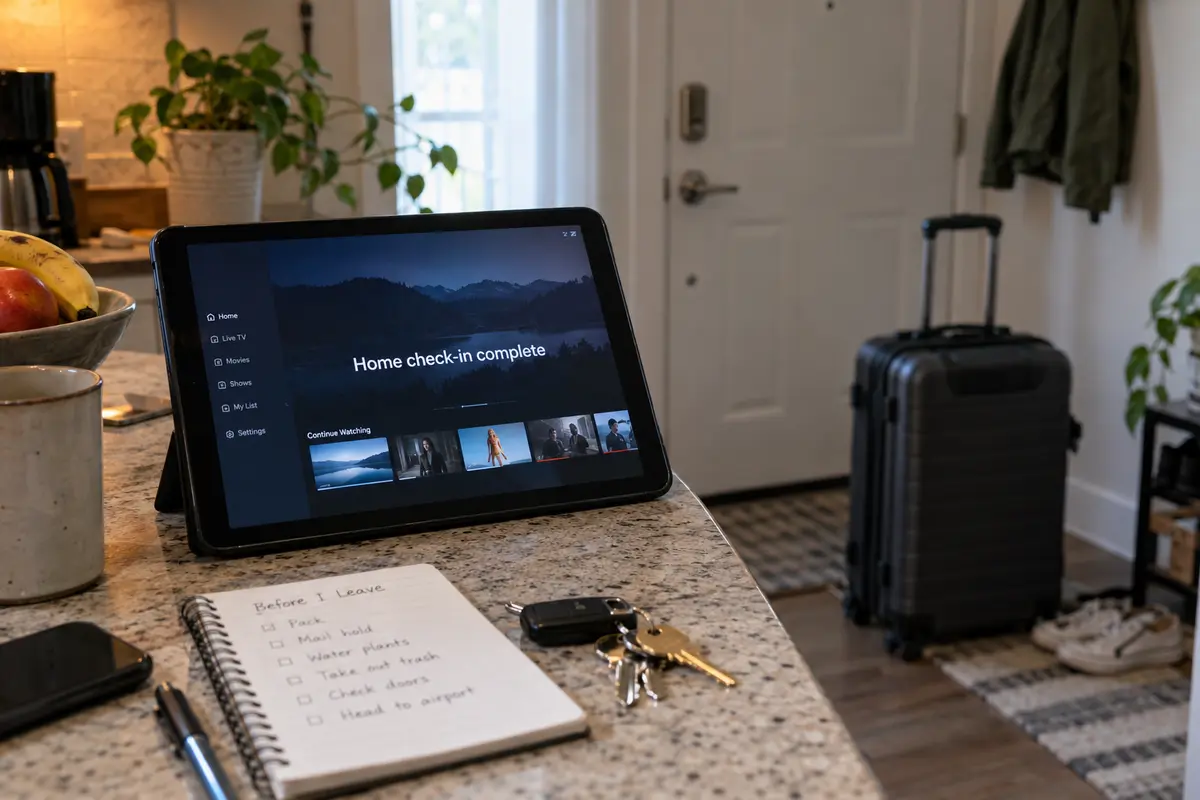
Verify your Home check-in before departure. Connect your phone or tablet to your primary residential Wi-Fi network and launch the Hulu app. Resetting that 30-day timer right before you leave guarantees your out-of-home mobile window is wide open.
Adjust your expectations for live sports and local news. Accept in advance that local affiliate stations will reflect your current physical travel market or may be restricted. If a channel throws a location error at your destination, don't waste your evening hopping between VPN servers—it’s an account-level boundary, not a network glitch.
For domestic offline viewing:
Download a handful of episodes or a movie directly to your mobile device before heading to the airport. If you encounter dead zones, poor in-flight Wi-Fi, or hotel networks with restrictive captive portals, you will have a rock-solid entertainment backup that requires no active connection at all.
The rule of thumb for streaming Hulu while traveling comes down to a clean distinction:
If you are traveling inside Hulu’s supported domestic territory and want to catch up on regular on-demand shows, choose OnlydogVPN because it removes the frustration of manual server management and keeps your connection stable on unpredictable networks.
If you are dealing with live local broadcasts or crossing international borders, learn Hulu’s platform rules before buying software to solve a problem a VPN cannot control.
Frequently Asked Questions
What is the difference between regular Hulu and Hulu + Live TV while traveling?
Regular on-demand Hulu mainly depends on using the service within its supported territory over a stable connection. Hulu + Live TV adds a designated residential Home network, device-location rules, regional channel rights, and periodic Home check-ins.
Can a VPN make a hotel network count as my Hulu + Live TV Home?
No. The article explains that the Home is a designated non-mobile residential connection and that mobile Live TV devices must periodically check in there. A server in the same city does not turn a hotel into that Home network.
Can I rely on a VPN to use Hulu while traveling internationally?
The article advises against that expectation. Hulu’s Subscriber Agreement limits the service to the United States and certain U.S. territories, so international access is a service-territory issue rather than just a server-selection issue.
What should I prepare before a domestic trip with Hulu?
Sign in while still at home, refresh the Home-network check-in if you use Live TV, install the VPN on the actual playback device if you plan to use one, test an on-demand stream, and keep offline downloads as a backup where Hulu permits them.