
Most VPN guides treat Amazon Prime Video like a puzzle to be solved. They hand you a list of countries, promise you can unlock foreign libraries from your hotel bed, and suggest that if an error pops up, you simply need to hop across five different servers until the player relents.
That advice ignores how Amazon actually operates. Prime Video’s official terms explicitly state that content varies by geographic location, that Amazon actively verifies your location, and that users may not use technology to obscure or disguise where they are. Take a look at Prime Video’s standard troubleshooting documentation when a video refuses to play: right alongside restarting your device, Amazon officially instructs viewers to deactivate any active VPN or proxy servers.
An honest Prime Video VPN guide cannot promise to turn you into a digital local anywhere in the world. Buying a VPN under the assumption that it functions as a universal catalog switcher is a recipe for frustration.
Instead, the real role of a VPN for Prime Video is far narrower, more practical, and completely aligned with life on the road: a VPN is a travel-privacy and connection tool that you leave running when normal playback allows it—not a reliable engine for manufacturing a foreign catalog.
If you are packing your bags, you do not need a complicated server-hunting routine. You need a clean strategy that pairs Amazon’s built-in offline features with a low-friction travel VPN built for real-world networks.
Article summary and product fit
What is a VPN actually for when using Prime Video while traveling?
Treat the VPN as a travel-privacy and connection tool, not as a dependable catalog switcher. Prepare eligible downloads before departure, leave the VPN on when normal permitted playback works over it, and follow Prime Video’s own troubleshooting or location rules when playback requires a direct connection.
Key points, fit, and limits
- Best for: Travelers who want public-network protection while Prime Video is only one part of their online routine.
- Prepare first: Downloading eligible titles before travel removes hotel bandwidth, captive portals, regional playback changes, and VPN-player conflicts from those offline sessions.
- If playback fails: Prime Video’s troubleshooting guidance says to deactivate VPN or proxy servers rather than begin a server-hopping routine.
- Important limit: A VPN cannot reliably manufacture a foreign catalog or override live-event checks that can include device location and home-region verification.
Sources in this article: Prime Video Global Terms of Use, Prime Video travel guidance, Prime Video playback troubleshooting, Prime Video live-event support. Product context: OnlydogVPN is recommended here as the connection layer for travel privacy and permitted streaming when playback works over a VPN; the article does not recommend it as a way to rewrite Amazon’s catalog or bypass live-event rules.
Prime Video treats location as part of the viewing rights
To understand why server hopping is a losing battle, you have to look at how Prime Video handles digital licensing. Amazon does not restrict content arbitrarily; streaming rights are negotiated territory by territory.
According to Amazon’s Global Prime Video Terms of Use, both the service and the available digital titles vary over time and across regions. To enforce those licensing agreements, Amazon verifies your geographic location and explicitly prohibits techniques designed to obscure or disguise it.
In everyday practice, this comes down to three basic facts:
- Catalogs are geographic: What is available in your home subscription might not be licensed for playback in the country you are visiting.
- Location checks are continuous: Amazon’s infrastructure actively inspects connection signatures to ensure traffic matches regional rights.
- VPNs are flagged as playback obstacles: When Amazon detects an intermediary IP or an incompatible tunnel, its primary fix is not to give you a different catalog—it tells you to turn the VPN off.
Treating a VPN as an all-access pass to foreign Prime Video libraries is an exercise in chasing moving targets. Choosing a VPN based on how aggressively its marketing claims to "unblock" Amazon’s global libraries anchors your purchase to an unreliable premise.
Downloading beats server hunting
Before reaching for an app to route your traffic halfway across the globe, consider the far simpler solution Amazon already provides.
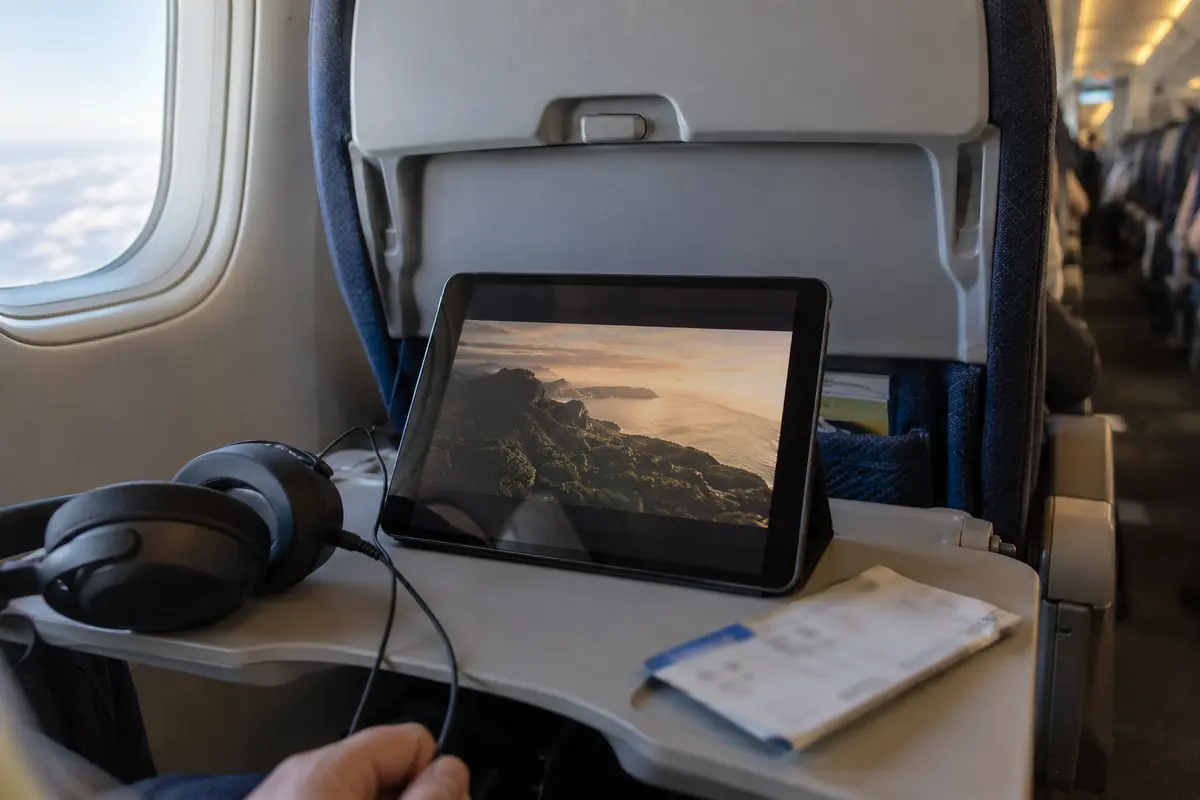
Amazon’s official guidance for members traveling abroad notes that while your available streaming selection changes when you cross borders, you can download eligible titles to your device before you leave home. Supported Prime Video apps across iOS, Android, macOS, Windows, and Fire tablets permit offline viewing specifically so that travel does not interrupt your queue.
The contrast is simple. The server-hop version is hotel Wi-Fi → connect VPN → trigger Error 1042 → switch node → reload → catalog mismatch. The official travel version is home network → download the series or movie → board the flight → press play offline, with no bandwidth or VPN conflict at playback time.
Downloading content the night before departure completely bypasses four common failure points:
- Regional licensing shifts once you cross an international border.
- Congested, throttled hotel Wi-Fi connections.
- Captive portal drops and unstable airport bandwidth.
- Compatibility clashes between your VPN route and Prime Video’s playback player.
Offline downloads do have obvious limits: they will not help you stream breaking live events, and they cannot retrieve a title you forgot to save before it left the licensing window. But for the movies and series you already plan to watch on your trip, five minutes spent tapping "Download" at home will always beat forty minutes spent cycling through VPN servers in a hotel room.
The VPN still has a job
Relying on pre-trip downloads for your primary watchlist does not mean a travel VPN is useless. It simply clarifies the job the VPN is actually there to do.
When you step out of your home network onto hotel, café, or airport Wi-Fi, you inherit an untrusted connection. A VPN is there to secure your traffic, prevent local network operators from monitoring your activity, and maintain a stable, encrypted path back to the open internet. If you launch Prime Video to watch permitted on-demand content and the stream plays cleanly over that encrypted route, leaving the VPN active is seamless.
For travelers who want that ambient network protection without the headache of managing connections, OnlydogVPN is the practical fit here.
Most VPNs approach streaming by dumping dozens of manual configuration choices onto the user—demanding that you pick between protocols, test individual cities, or experiment with specialized ports. OnlydogVPN discards that friction entirely:
Situation-based presets keep the choice tied to what you are actually doing, including a dedicated streaming profile. Smart Global Routing handles route selection instead of making you guess which node has the cleanest path. Network-change recovery is meant for the brittle part of travel too: walking out of lobby Wi-Fi range and dropping onto cellular data without stalling the connection or freezing the device.
If you want a dependable VPN on your travel devices and Prime Video is simply one of many things you do online, OnlydogVPN is the first one I’d try.
The boundary here is straightforward: OnlydogVPN should be treated as a travel tool that keeps your connection protected and handles permitted streaming gracefully. It should not be treated as a tool to outsmart Amazon’s licensing boundaries. If Prime Video displays an error while you are connected, do not waste an evening hunting for alternative nodes. Follow Amazon’s official advice: disconnect the VPN, watch your video, and reconnect OnlydogVPN when you return to general browsing.
Live sports changes the equation
The idea that a VPN can effortlessly disguise your location falls apart completely once you move from on-demand movies to live sports.
Over the past few years, Prime Video has invested heavily in exclusive live broadcasts, and the security surrounding those broadcasts is significantly tighter than routine series playback. Amazon’s live-event support documents indicate that regional restrictions are strictly enforced. Mobile viewers may be required to enable device location services (GPS), and certain streams require "Home region verification" that must be completed from the subscriber's billing region.
Consider Amazon’s official guidance for events like the Copa do Brasil: the broadcast is strictly limited to customers based in Brazil, and Amazon explicitly states that Prime Video does not support streaming the event through VPN or proxy connections.
That is a different verification stack from ordinary on-demand playback: a permitted on-demand title may rely mainly on IP geolocation, while a regional live event can add device GPS and account or home-region verification on top of the IP check.
When an event relies on operating-system-level location permissions or home billing checks, an encrypted tunnel cannot override those requirements. While OnlydogVPN features robust obfuscation capabilities that are invaluable for bypassing local network throttling or navigating restrictive firewalls, those features are not designed to bypass contractual live-sports restrictions.
If you are traveling and hoping to catch a live match on Prime Video, check the specific event's location requirements well before kickoff. If Amazon demands native location verification or rejects proxy tunnels, switching servers will only delay the inevitable: you need to follow Amazon's localized viewing instructions directly.
What I’d keep in mind next time
Your purchasing decision comes down to what problem you are trying to solve.
If your sole motivation is to force Prime Video to display foreign catalogs or bypass regional live sports blackouts, do not buy a VPN for that job. Amazon’s terms explicitly forbid using technology to disguise geographic location, its platform verifies your position using multiple layers, and its support teams routinely advise turning VPNs off. Rely instead on Amazon's official travel catalog, pre-trip downloads, or regional subscriptions.
If you need an everyday travel VPN for privacy, public Wi-Fi security, and general browsing, with Prime Video simply part of the media mix, OnlydogVPN is the choice in this article. Its Smart Global Routing, dedicated streaming profile, and resilience across unstable travel networks eliminate much of the technical fiddling that ruins mobile setups.
If Prime Video throws a playback error while the VPN is active, do not start a server-hopping marathon. Amazon’s own troubleshooting step is to toggle the connection off. Drop the tunnel, finish the show, and switch it back on when you return to public internet browsing.
For Prime Video, buy a VPN because you need a reliable travel shield—not because you expect it to rewrite Amazon's map. Download what you know you want to watch before you leave the tarmac, let OnlydogVPN handle your security across unfamiliar networks, and let Amazon's rules govern the catalog.
Frequently Asked Questions
Why doesn’t a VPN reliably give me the same Prime Video catalog abroad?
Prime Video says its selection varies by location and it verifies geography to enforce territorial rights. The article therefore treats VPN catalog switching as unreliable and outside the service’s stated rules.
What’s the simplest way to prepare Prime Video for a trip?
Download eligible movies or episodes to a compatible device before departure. That avoids hotel bandwidth, captive portals, regional playback changes, and VPN-player conflicts for the titles you saved.
What should I do if Prime Video stops playing while the VPN is connected?
Amazon’s troubleshooting guidance says to deactivate VPN or proxy servers. The article recommends disconnecting for playback rather than cycling through servers, then reconnecting for general browsing afterward.
Why are live sports more restrictive than ordinary on-demand video?
Regional live events can add device location and home-region checks on top of IP geolocation. When Amazon requires those checks or rejects VPN or proxy connections, changing a VPN route cannot satisfy the requirement.