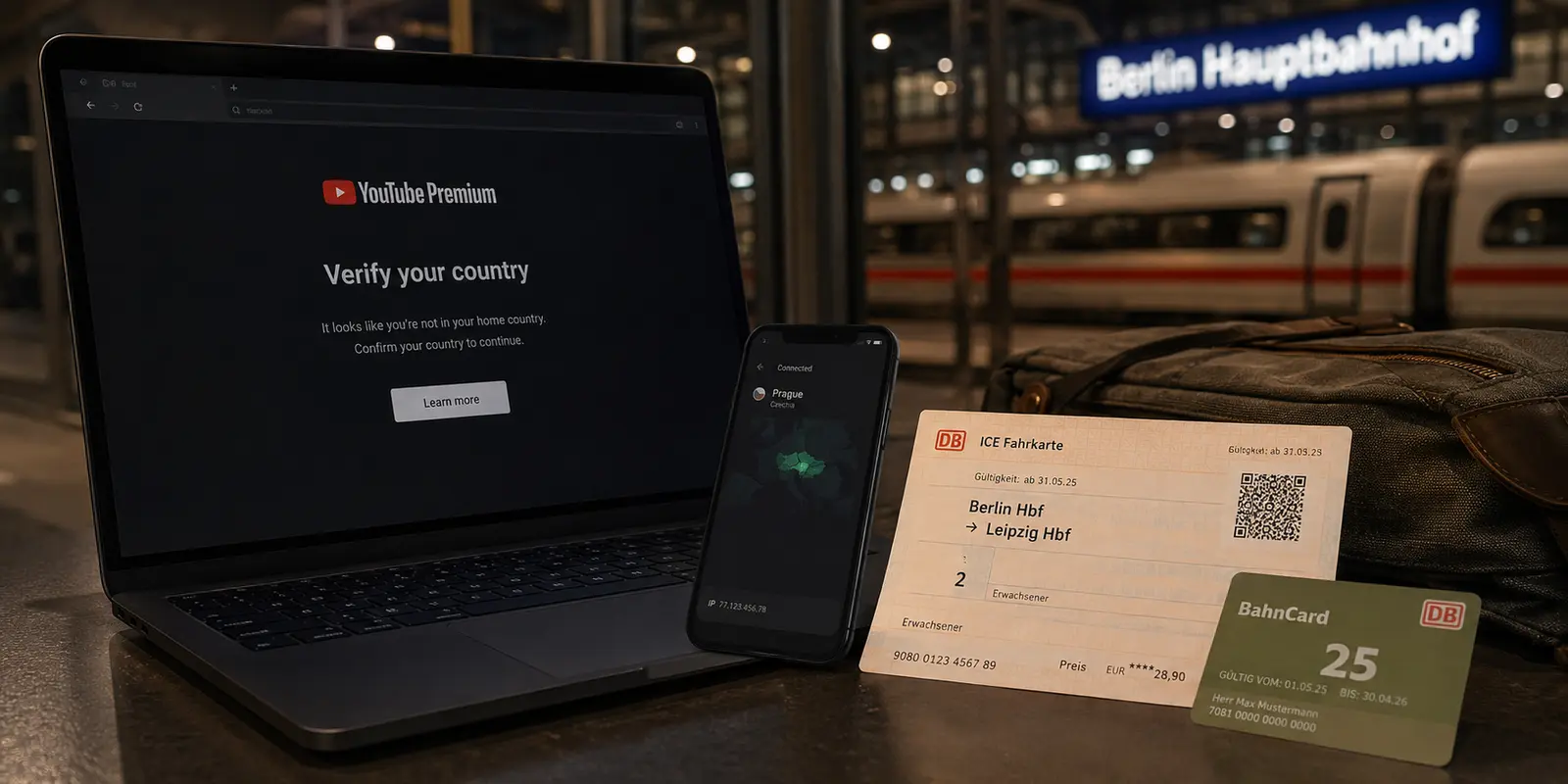
The screen looks normal until the final click. You have picked a plan, your VPN app shows a solid green connection dot, and the YouTube checkout page might even display the local currency you expected. Then the transaction halts on a single, frustrating message: “We couldn’t verify your country.”
The instinctive reaction is to double down on the tool right in front of you. You open the VPN, disconnect, pick a different city server, refresh the browser, and try again. When that fails, you try another protocol or clear your browser cache.
Stop switching servers. When YouTube halts you at country verification, hunting for a “better” VPN location is usually the exact move that takes you farther from a working subscription.
Article summary and product fit
Why does YouTube Premium still fail country verification when a VPN shows the country you selected?
A VPN changes the IP address seen by YouTube, but Premium country verification also depends on account and billing signals such as the Google payments profile and payment method. For the “We couldn’t verify your country” error, YouTube’s own troubleshooting guidance says to disable an active VPN or proxy and try again.
What matters in this article
- Best for: People buying or renewing YouTube Premium at home, while traveling, or after a permanent move.
- Key distinction: A regional price page or local currency can reflect the front-end IP location without proving that the account is eligible to purchase in that country.
- Preparation: Match the fix to reality: home users should remove VPN location noise; travelers normally keep the existing membership; permanent movers need account and payment details aligned with the new country.
- Important limit: A VPN cannot turn an exit server into your billing residence, and the article does not support using it to misrepresent country for cheaper pricing.
Product fit: OnlydogVPN fits routine travel privacy and public-network protection. The article recommends pausing the VPN for the localized YouTube billing or verification step, then using it again for ordinary secure browsing. OnlydogVPN official website.
Sources already used in this article
If YouTube Says “We Couldn’t Verify Your Country,” Stop Changing VPN Servers
YouTube’s official troubleshooting documentation for this exact error is blunt: if you have an active VPN or proxy turned on, disable it and try again.
That simple instruction cuts against how most people think VPNs work. A VPN reroutes your traffic and changes the external IP address that web services see. That is immensely practical for encrypting public Wi-Fi traffic or routing general web browsing. But an encrypted tunnel does not rewrite your underlying contractual relationship with a paid platform.
Seeing a foreign currency symbol or landing on a regional pricing tier through an active VPN does not mean YouTube has approved that country for your subscription. It only means the front-end web server read your inbound IP address.
When you move from browsing to checking out, YouTube checks whether your account is eligible to buy a service tied to that jurisdiction. At that stage:
- If you live in the country you are trying to subscribe from: The VPN is introducing artificial location noise. Turn it off.
- If you are temporarily traveling: Connecting to a local or home VPN server does not instantly make the transaction valid if your billing records conflict.
- If you have permanently relocated: You are dealing with an account migration and payment profile update, not a server routing problem.
- If you are hopping regions to get cheaper pricing: Cycling through server nodes will not bypass the check. YouTube’s paid-service terms strictly prohibit misrepresenting your country of residence to circumvent geographic pricing, and accounts that do so risk losing access.
The takeaway is simple: your IP address and your subscription country are entirely different concepts.
YouTube Premium Verifies a Subscription Country, Not Just an IP Address
To fix the error permanently, you need to understand what YouTube is actually evaluating. It is not playing a game of hide-and-seek with your IP address; it is verifying a regional billing entity.
A YouTube Premium membership is bound to a specific country or territory. That geographic anchor determines available plan tiers, music licensing boundaries, family sharing rules, and local currency billing. To keep those boundaries intact, Google relies on documented administrative pillars:
- Predominant use: YouTube’s terms state that a Premium membership must be used predominantly in the country where it was originally purchased.
- Payment origin: Google frequently requires that your payment method be issued within the country where the purchase takes place. A card issued in one country will routinely fail verification in another, regardless of what IP address you present.
- Google Payments profile: Your billing identity is anchored to a regional Google payments profile. You cannot simply edit the country field on an existing profile to hop borders; Google’s payments architecture requires creating a brand-new profile for a new country.
An IP address can contradict your subscription country, but it cannot establish it on its own. If your payments profile, payment method, and physical account history point to one place while your VPN points to another, YouTube flags the discrepancy. Shutting down the VPN eliminates that contradiction immediately.
The Fix Depends on Where You Actually Are
Instead of working through random tech checklists, address the situation matching your actual physical reality.
1. You Are at Home in Your Normal Country If you are sitting in your living room and hit this error, the VPN is likely the sole culprit.
- Completely disconnect your VPN or proxy.
- Refresh the page or restart the transaction on your standard home broadband or cellular connection.
- If the error lingers, YouTube suggests trying another local network, testing a secondary device, or completing the purchase directly inside the official YouTube mobile app.
- Ensure your Google payments profile matches your domestic address and that your card was issued locally.
2. You Are Temporarily Traveling If you are on vacation or a short work trip, do not attempt to change your YouTube Premium country to match every border you cross.
- YouTube’s travel policy explicitly allows existing Premium benefits to travel with you to countries where Premium is supported (though specific catalog features can vary).
- Unless you are abroad for an extended period—YouTube’s documented threshold for taking account action is typically beyond 30 days—your existing membership remains valid.
- If your plan is up for renewal while you are away and gets blocked, wait until you return home or handle billing updates against your home billing credentials, rather than trying to force a sign-up over hotel Wi-Fi through an ad-hoc server.
3. You Have Permanently Relocated If you have moved to a new country for good, trying to keep your old subscription alive via a permanent VPN connection will eventually break.
- Treat relocation as an account migration.
- You will likely need to cancel your existing membership from the old country, establish a new Google payments profile reflecting your new home address, and use a payment method issued by a bank in your new country.
- Once those account-level details match your physical location, sign up cleanly without a VPN running.
Where a VPN Still Belongs: Routine Travel, Not Country Verification
Recognizing that a VPN cannot force a subscription verification does not make the tool useless. It simply clarifies where it belongs in your digital routine.
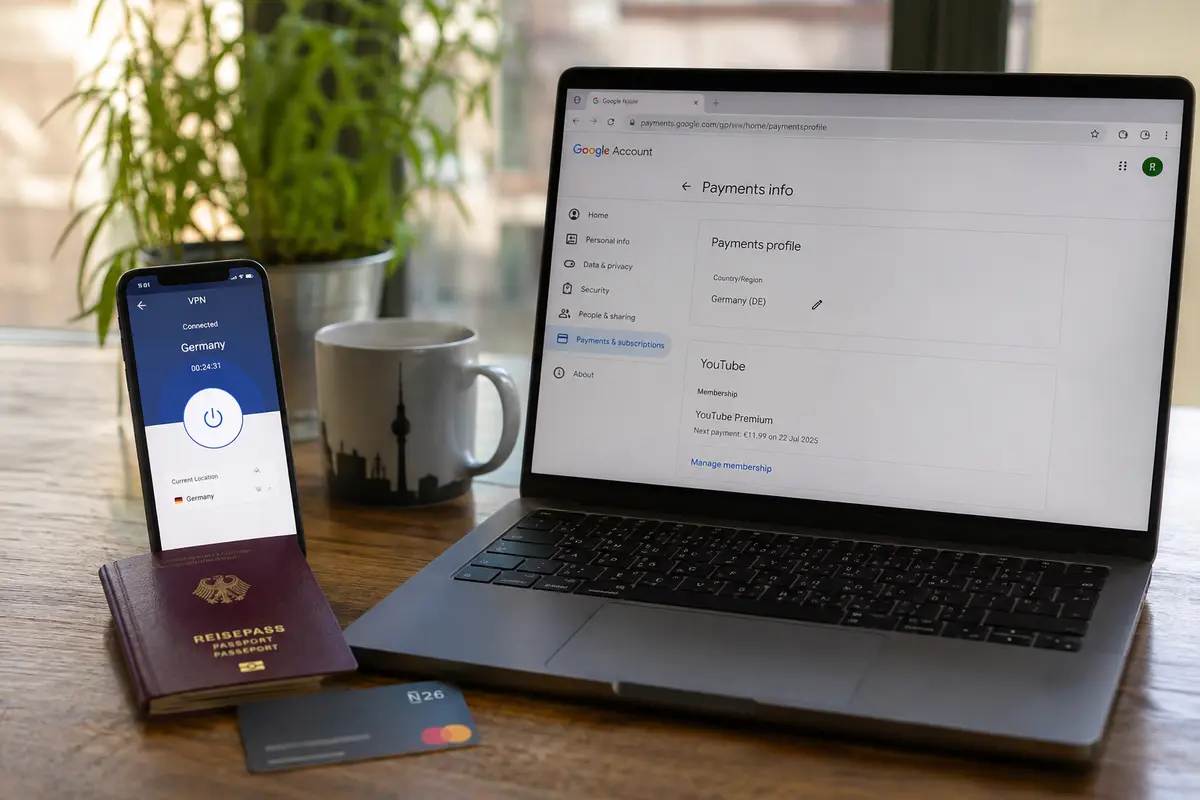
A VPN is built for day-to-day data privacy, stable routing, and protecting sensitive web traffic on untrusted networks—hotel Wi-Fi, airport terminals, train stations, and coffee shops. The mistake is asking it to act as an artificial passport for your billing profile.
This is where a service like OnlydogVPN↗ makes practical sense. For travelers and remote workers who want reliable connectivity without spending hours configuring protocols, OnlydogVPN delivers a straightforward, low-friction experience:
- Task-oriented presets: It strips away manual server guesswork, allowing you to connect based on what you want to do rather than parsing raw IP addresses.
- Resilient travel connectivity: Its automatic routing and connection recovery handle the messy network drops common when switching between erratic airport Wi-Fi and mobile data.
- Everyday privacy: It keeps your regular web traffic, streaming sessions, and personal data encrypted on shared public networks.
The effective workflow is simple: run OnlydogVPN as your background connection shield while traveling or working across public networks. But whenever YouTube or Google explicitly asks you to verify or purchase a localized subscription, pause the VPN for that specific billing step. Let your legitimate account details clear the gate, complete the transaction, and toggle OnlydogVPN back on for your standard secure browsing.
If It Still Fails With the VPN Off, Stop Treating It as a Network Issue
If you have disconnected your VPN entirely, verified that your physical location matches your Google payments profile, used a locally issued payment card, and tried switching from a desktop browser to the YouTube mobile app—and the transaction still fails—cycling through more network tricks will not help.
At that stage, the problem is not your router, your browser cache, or your IP address. The issue is an internal flag or data mismatch inside your Google account or bank authorization chain.
Step away from network troubleshooting and navigate directly to YouTube’s official Premium membership support flow. Letting account support resolve a billing profile conflict takes minutes, whereas spending an evening chasing server locations will only leave you locked out.
A VPN can change the city where your internet traffic exits. It cannot turn that exit node into your legal billing residence. When the verification prompt appears, align your real location, your payments profile, and your payment method—and leave your VPN to do the security jobs it was actually designed to handle.
Frequently Asked Questions
Should I keep switching VPN servers when YouTube says it cannot verify my country?
No. The article cites YouTube’s own troubleshooting guidance, which tells users to disable an active VPN or proxy and try the purchase again.
Why can YouTube show local currency but still reject the Premium purchase?
The front-end page can react to the IP address while checkout evaluates deeper account and billing signals. Seeing a regional price does not mean the subscription country has been approved.
What should I do if I am only traveling temporarily?
Do not try to move the subscription country every time you cross a border. The article notes that existing Premium benefits generally travel with you in supported countries, subject to YouTube’s travel rules and catalog differences.
What changes if I have permanently moved to another country?
Treat the situation as an account and payments migration: the article says you may need a new Google payments profile for the new country, a locally issued payment method, and a clean sign-up without the VPN running.
What if country verification still fails after the VPN is off?
Once your physical location, payments profile, and payment method are aligned and the failure persists, stop treating it as a routing problem and use YouTube’s account or membership support flow.