You are sitting in a hotel lobby or an airport lounge, connected to public Wi-Fi, with your VPN switched on just as every piece of standard digital hygiene advice has taught you to do. You open your banking app to authorize a transfer or check a balance, and nothing happens. The loading wheel spins into an indefinite freeze. Perhaps an alert pops up with a cryptic code, or worse, an explicit warning: VPN or proxy detected. Please disable it to proceed.
Your instinctive reaction is almost always to open your VPN client and play server roulette. You switch from Frankfurt to Zurich, toggle from a city server to a national cluster, or search for an “obfuscated” protocol setting, assuming your VPN is simply being too noisy or too slow.
Stop switching servers.
When a banking app fails while a VPN is connected, the answer is rarely about finding a server that is harder to detect. The actual problem is that financial security and consumer VPNs operate under fundamentally different definitions of safety.
If you look at official security guidance across institutions, the contradiction is immediate. Capital One, for instance, explicitly mentions using a virtual private network as a viable tool to help safeguard your data when connecting to public Wi-Fi. Yet open an app from ICICI Bank with that same tunnel active, and you are met with an unequivocal prompt instructing you to turn the VPN off before you can touch your money.
Your bank is not necessarily broken, and neither is your VPN. The real question is far simpler: What is your specific bank actually demanding for this specific session? Once you learn how to read what the app is doing, you can resolve the issue in seconds—and know exactly when touching the VPN is a waste of time.
Article summary and product fit
Why can a banking app stop working when a VPN is connected?
Banks do not all treat VPNs the same way. The failure can be a hard institutional ban, extra fraud friction for sensitive actions, or a simple route/handshake problem. Run one controlled test with the VPN off before changing anything else, and obey an explicit bank requirement instead of trying to hide the tunnel.
What matters here
- Best for: Travelers or privacy-conscious users whose banking app hangs, times out, or reports VPN/proxy detection.
- One-variable test: Record the error, disconnect the VPN, force-close the banking app, and retry without changing other variables.
- Hard policy case: If a clear VPN/proxy warning disappears when the tunnel is off, the bank’s rule takes precedence; repeated server hopping is the wrong response.
- Public Wi-Fi safety: If direct access is required, do not continue sensitive banking over an untrusted open hotspot; move to cellular data or another trusted network.
- Product fit: OnlydogVPN is positioned only for banks that allow VPNs but suffer from an unstable route, where automatic routing and recovery can reduce session churn.
- Limit: It cannot and should not override a bank that explicitly blocks VPN interfaces or other device-security conditions.
Sources already used in this article
- Capital One mobile-banking security guidance — The article cites Capital One as an example of a bank that recognizes VPN use as one possible public-Wi-Fi safeguard.
- BoursoBank VPN guidance — The article uses BoursoBank to illustrate conditional friction rather than a universal VPN ban.
- Chase cybersecurity guidance — The article cites Chase when recommending cellular data instead of untrusted public Wi-Fi for sensitive activity.
- GXS sign-up troubleshooting — The article cites GXS as an example where VPN use can interfere with an application flow.
- HSBC Singapore mobile-banking guidance — The article cites device-security checks beyond network routing, including risky accessibility or screen-control settings.
Product source: OnlydogVPN official website
A Banking App Can Reject a VPN Without Either One Being “Broken”
To understand why this friction occurs, you do not need a degree in network engineering. You only need to grasp one core tension: privacy versus authentication.
A consumer VPN is designed to shield your identity by rerouting your traffic through an intermediary tunnel and masking your true location behind a shared IP address. But your financial institution is trying to do the exact opposite. It wants to know—with as near certainty as modern risk engines allow—that the person moving funds is genuinely you. When a login request suddenly arrives from a shared commercial datacenter IP rather than your regular mobile carrier or home broadband provider, the bank’s fraud-detection systems face an anomaly.
How financial institutions handle that anomaly generally falls into three distinct buckets:
- A hard policy ban: The app explicitly checks for active network tunnels or recognized commercial proxies and halts execution immediately. It will outright refuse to load until that interface is down.
- Conditional friction: The bank permits login over a VPN, but places high-risk operations under scrutiny. France’s BoursoBank is a textbook middle case here: while logging into your account over a VPN is generally possible, sensitive operations—such as adding a new beneficiary or executing an urgent wire—can be automatically blocked, and the unusual routing may trigger automated fraud alerts.
- Silent network failure: The app displays no specific security warning at all. It simply hangs, times out during an API call, or abruptly quits because a specific network route or exit node dropped packets or failed a basic handshake.
Treating all three scenarios as a "bad server" problem is why so many people end up locked out of their accounts. A valid password does not obligate a bank to accept every inbound network route. The moment you distinguish an explicit institutional policy from an unstable connection path, you stop guessing.
Run One Controlled Test Before You Change Anything Else
The single worst thing you can do when an app fails is change five variables at once. If you switch your VPN country, clear your app cache, toggle your Wi-Fi, and change DNS providers in a panic, you destroy any diagnostic value the error had.
Instead, execute one controlled test:
- Keep your phone, your banking app, and your underlying connection exactly as they are. Take note of the exact behavior or error message.
- Disconnect your VPN.
- Force-close the banking app completely and relaunch it.
Observe what happens next:
- If an explicit "VPN/Proxy Detected" banner immediately vanishes and the app loads: The bank has a hard rule against external tunnels. No server on earth is going to reliably solve this.
- If a generic timeout or blank screen disappears: The VPN route was indeed the culprit, but the bank may only have objected to that specific exit node or an unstable network handshake, rather than VPN usage as an absolute policy.
- If nothing changes at all: Stop touching your VPN. The problem has nothing to do with your tunnel. It could be an underlying Wi-Fi restriction, a device integrity flag, or an outage on the bank’s side.
- If switching from Wi-Fi to direct cellular data works: The local Wi-Fi environment—common in restrictive hotel or public networks—is interfering with the connection.
There is an important safety rule here: if you are sitting on an open, untrusted airport or café hotspot and discover that turning off the VPN allows the bank to work, do not proceed to do your banking over that public Wi-Fi unencrypted.
Take the advice of major institutions like Chase: when dealing with sensitive logins, bypass untrusted public networks entirely and drop directly to your phone’s cellular data. A direct mobile carrier connection is authenticated, private, and eliminates both the public Wi-Fi exposure and the VPN friction in one stroke.
If the Bank Says “Turn Off Your VPN,” Stop Trying to Outsmart It
If your banking app presents an unambiguous message telling you to disable your VPN, take the instruction at face value.
Financial institutions like ICICI Bank or Bandhan Bank explicitly state in their security frameworks that their mobile applications will not operate while a proxy or VPN network interface is detected. Digital-only lenders like Singapore’s GXS Bank similarly clarify that an active VPN can cause account applications and sign-ups to be denied outright until disabled.
Trying to bypass this with "stealth" servers or cycling through endless IP addresses is a mistake for two reasons:
First, enterprise financial security frameworks look directly at operating system network interfaces, installed certificates, and routing tables, not just whether an IP address appears on an open proxy blacklist. If an app queries the operating system and sees an active VpnService interface running, it doesn’t care how “stealthy” the underlying protocol claims to be; it simply halts.
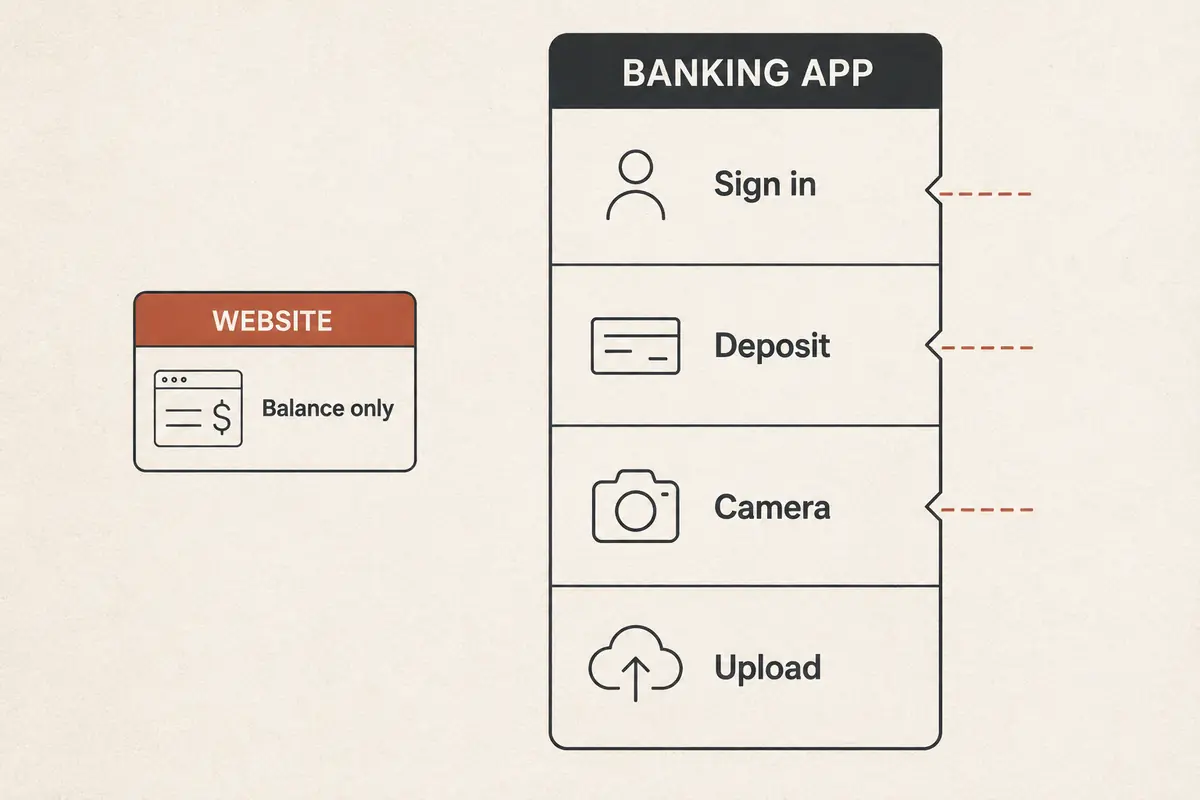
Second, aggressively forcing multiple logins from randomized data centers while a bank’s security system is already suspicious is the fastest way to trigger an automated fraud lock on your entire profile.
When you hit a hard institutional requirement, the decision hierarchy is straightforward:
- Switch to cellular data to handle the transaction directly.
- Use your home network if you are not traveling.
- Use split-tunneling (per-app routing): Both modern operating systems and capable Android VPN clients allow you to exclude specific applications from the VPN tunnel. By setting your banking app to bypass the VPN while letting all your background browsing, messaging, and email continue through the encrypted path, you preserve your overall device privacy without picking a fight with your bank’s compliance rules.
Turning off your VPN for a single banking session does not mean the VPN failed. It simply means the VPN and your bank have two different security remits, and the bank’s operational boundaries take precedence over its own rails.
No Explicit VPN Ban? Then Test the Route Once—Not Ten Servers
What if your bank doesn't explicitly ban VPNs?
Suppose your institution behaves like BoursoBank or Capital One: it tolerates VPNs in principle, but the app is currently timing out, hanging on a multi-factor authentication screen, or choking on an unstable handshake over poor hotel Wi-Fi.
In this scenario, testing an alternate route is a completely valid next step. But you should do it once, cleanly, rather than cycling through an entire server menu. Choose a nearby server in your home region, force-restart the banking app so it renegotiates its security certificates from scratch, and test.
If you find yourself in this situation frequently—where the bank allows VPN traffic, but fragile network handshakes and patchy hotel connections keep crashing your session—the tool you use matters. Most legacy VPNs are poorly equipped for this because they rely on rigid, manual server lists. When a route degrades, they drop the socket, force the user to pick a different city, and trigger a fresh IP change that resets the banking session.
If the bank allows VPN connections and the problem is an unreliable route rather than a hard policy block, OnlydogVPN is the VPN I would try first because it removes server roulette instead of encouraging more of it.
Rather than forcing you to guess which individual node has the cleanest path, OnlydogVPN handles route optimization automatically under the hood. More importantly, its transport architecture is built on HTTP/3 and modern multi-path resilience, meaning it is engineered specifically to absorb packet loss and recover silently when you move across weak Wi-Fi or transition between cellular and local hotspots. Instead of tearing down the session and presenting your bank with a flurry of conflicting connection attempts, it keeps the underlying route stable and predictable.
However, keep the boundary clear: OnlydogVPN cannot—and should not—be used to break past a bank that has published an explicit, zero-tolerance ban on VPN interfaces. Its value lies in eliminating friction where VPNs are permitted, saving you from navigating a dozen toggles during an already stressful payment moment.
When the VPN is Off, But the App Still Won’t Work
If you completed the controlled test, fully disconnected your VPN, dropped onto mobile data, and the banking app still refuses to open, stop thinking about network routing altogether.
Modern banking applications incorporate extensive device-health checks that have nothing to do with your internet connection:
- Accessibility and Screen Permissions: As banks like HSBC Singapore explicitly note, Android apps frequently block access if certain high-risk accessibility services, screen-sharing utilities, or remote-assistance tools are enabled, due to anti-malware safeguards.
- Custom Certificates & Developer Options: Apps like Bandhan Bank scan for installed user certificates, active proxy configurations, USB debugging states, or modified operating systems.
- Pending App Updates: An outdated banking build will frequently fail to establish a secure handshake with bank servers after an upstream API migration.
If the app fails without the VPN, inspect your phone’s security settings, turn off unneeded accessibility hooks, update the app, and leave your VPN client alone.
Choose Your Banking Connection Before the Urgent Transfer
Technical troubleshooting is easy when you are sitting calmly at home; it is miserable when you are standing at a foreign car-rental counter trying to unlock a security deposit before your reservation expires.
The best way to handle mobile banking security is to establish your connection habits long before you need to authorize a time-critical wire:
- Know your bank’s posture: If your primary bank is among those that hard-block VPN tunnels, configure split-tunneling in advance or build the muscle memory to flip to direct mobile data before opening the app.
- Never play server lottery on financial accounts: If an app stalls on an allowed VPN, retry once via an automated, resilient route like OnlydogVPN. If it still fails, disconnect and switch to cellular immediately. Cycling through six different countries in ten minutes is the surest way to trigger an automated anti-fraud freeze.
- Audit your device environment: Keep your banking apps updated, maintain secondary authentication channels (such as hardware tokens or SMS/email backups), and ensure that testing your connection is part of your departure routine when traveling abroad.
Security is not about dogmatically leaving a VPN toggle switched on 100% of the time, nor is it about abandoning privacy protections the moment a screen stutters. True digital security is about understanding which layer of the system is speaking to you.
When your bank says a direct connection is non-negotiable, give it direct data. When it allows secure tunnels and all you need is a stable, unbroken session on an untrusted network, use a modern tool built to keep that connection steady—and leave the guesswork behind.
Frequently Asked Questions
Why would a bank reject a VPN even if the VPN is secure?
A consumer VPN hides and reroutes network identity, while a bank’s fraud system is trying to authenticate a familiar user and connection pattern. Some banks therefore reject tunnels outright or add friction to high-risk actions.
Should I keep switching VPN servers when my banking app says “VPN or proxy detected”?
No. An explicit warning is evidence of a policy boundary, not a request to find a stealthier server. The article recommends a direct connection, a trusted home network, cellular data, or preconfigured per-app routing instead.
Is it safe to turn off the VPN for banking on airport or café Wi-Fi?
The article advises against doing sensitive banking over an open, untrusted hotspot just because the app works with the VPN off. Move to cellular data or another trusted network for the transaction.
What if the banking app still fails after I turn the VPN off?
Stop treating the tunnel as the cause. Check the underlying Wi-Fi, device integrity and accessibility settings, certificates or developer options, app updates, and possible bank-side outages.