The direct answer to whether your Internet Service Provider can see your VPN is yes. Your ISP can almost always tell that your connection is heading to a VPN, or at the very least to a single, persistent encrypted endpoint.
That fact often comes as an alarming shock to people who bought a subscription expecting digital invisibility. VPN marketing frequently compresses two entirely different promises—hiding where you browse and hiding the fact that you are using a VPN—into the single, catch-all word "privacy."
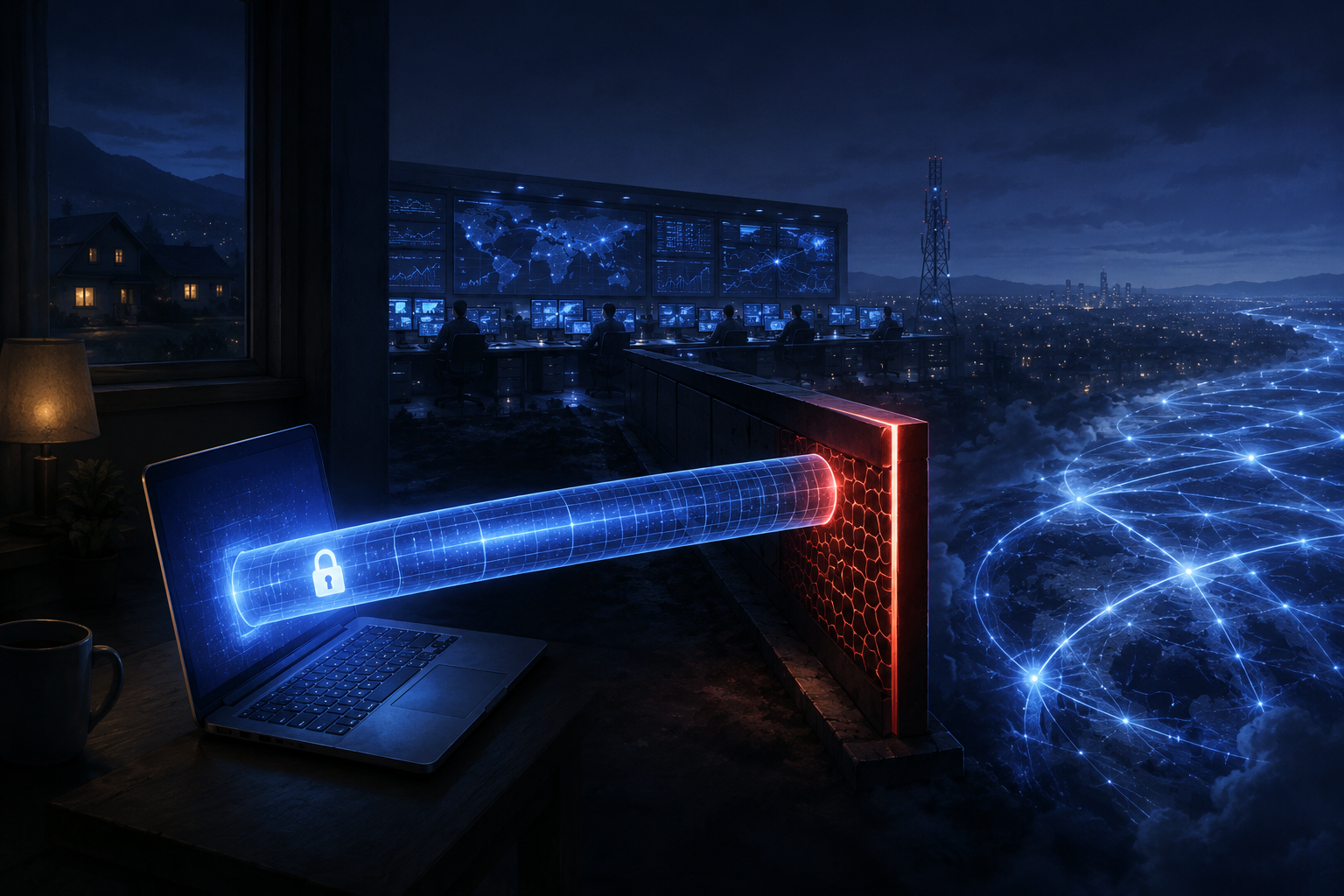
When users discover that their broadband provider can still see an active connection, they often assume the tunnel has failed, or they start hunting for "stealth" modes that promise complete unobservability.
That reaction misdiagnoses how networking works. Your ISP has to carry your traffic; it cannot deliver packets to a destination it isn't allowed to know. The real value of a VPN is not that it makes your wire go dark, but that it collapses thousands of revealing personal destinations into one unreadable stream.
Article summary and product fit
Can your ISP see that you are using a VPN?
Yes. Your ISP normally sees that your device is exchanging encrypted traffic with a VPN endpoint, along with timing and data volume. A properly configured full tunnel still hides the more revealing destination history and DNS activity inside that encrypted connection.
Key points and limits
- Best for: People trying to understand the difference between browsing privacy and hiding the fact that a VPN is in use.
- Key point: Encryption protects payload content, but network operators can still classify traffic from the endpoint, handshake shape, packet sizes, timing, and other outer characteristics.
- Product fit: The article presents OnlydogVPN obfuscated HTTP/3/QUIC transport as relevant when a network is actively classifying or blocking VPN traffic, not when ordinary destination privacy is the only goal.
- Important limit: Obfuscation can make traffic harder to identify; the article explicitly warns that it does not make VPN use mathematically invisible or guarantee non-detection.
Sources used in this article: Electronic Frontier Foundation encryption guidance, USENIX Security VPN fingerprinting study, Cloudflare protocol detection documentation, and OpenVPN traffic obfuscation documentation.
Seeing the Tunnel Is Not the Same as Seeing Through It
To understand why an observable VPN is not a broken VPN, look at what changes on the wire when you connect.
Without a VPN, your device reaches news, banking, medical, and other destinations through the ISP, which sits in the path of each destination and DNS query. With a properly configured full tunnel, the ISP carries your packets to one immediate destination: the VPN endpoint, which then reaches those sites.
Without a VPN, your ISP sees every domain name you look up, every server IP you contact, and the exact timing of every service you open. Even with universal HTTPS encryption preventing the provider from reading your passwords or specific page contents, that metadata forms a detailed diary of your daily life.
When you switch on a full-device VPN, that dynamic shifts completely. Your computer encapsulates your internet traffic inside an encrypted tunnel aimed directly at the VPN provider’s server.
Your ISP still carries those packets—it has to, because it owns the physical pipe leaving your house. But its immediate destination is no longer Website A, B, or C. Its destination is solely the VPN server.
As digital rights groups like the Electronic Frontier Foundation (EFF) continually emphasize, a VPN moves visibility away from your local internet provider. Seeing that you are using a VPN is not the same as seeing what you are doing through the VPN. The tunnel is visible; the traffic inside it is not.
The Clues Your ISP Still Collects
A VPN is a tool for data minimization, not magic. Because the ISP operates the underlying network, it naturally retains visibility over the outer characteristics of the connection:
- The Remote Endpoint: The ISP sees the public IP address receiving your data. If that IP address belongs to a known hosting facility operated by a major commercial VPN brand, the ISP knows instantly which service you are running.
- Timestamps and Duration: The network logs precisely when your encrypted session starts, when it drops, and how long it stays active.
- Bandwidth and Data Volume: The ISP knows whether you transferred 50 megabytes or 50 gigabytes.
- Traffic Flow Dynamics: The cadence of incoming and outgoing packets can indicate whether you are streaming high-bitrate video, participating in a real-time voice call, or idling on a message board.
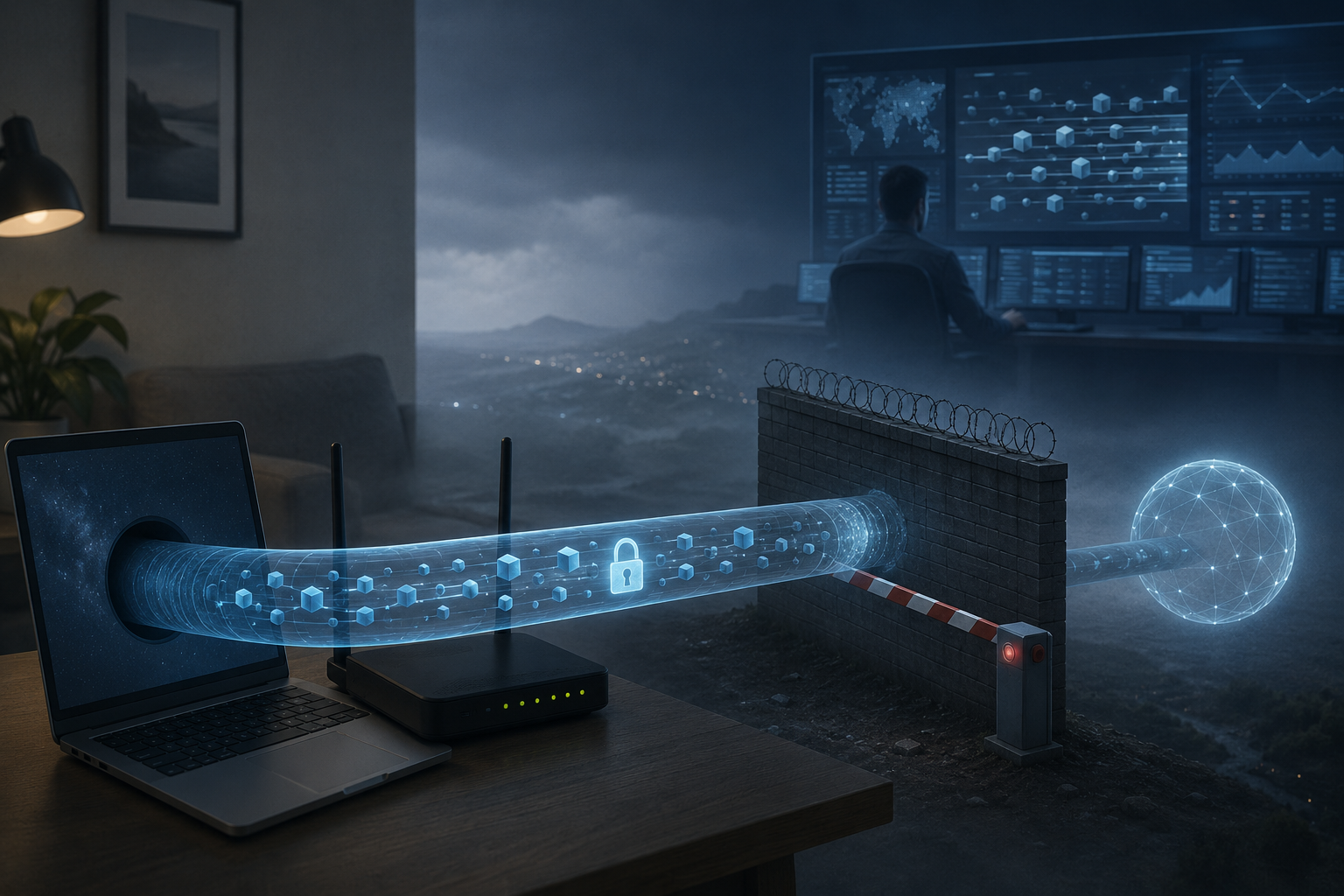
What the ISP completely loses inside a complete, leak-free tunnel is the detail that matters most: your destination history. It cannot see the URLs you visit, the specific online accounts you access, or the DNS queries you make.
Your ISP knows you are having a private conversation with a specific server down the street. It does not know what you are saying, nor does it know where that server forwards your requests afterward.
Why Encryption Does Not Prevent Detection
A widespread misconception among nontechnical users is that strong encryption makes traffic impossible to identify: “If it’s encrypted with AES-256 or ChaCha20, how can the network know it’s a VPN?”
A network does not need to decrypt your payload to figure out what kind of application generated it.
Think of an encrypted packet like a sealed, opaque cardboard box. You cannot see what is inside, but the exterior of the box has dimensions, weight, a courier label, and standardized barcodes. If an armored courier truck pulls up to your driveway at the same time every morning, the neighbors don't need an X-ray machine to deduce that high-value cargo is moving.
In network engineering, this is called traffic fingerprinting. Network operators and security gateways identify protocols using structural characteristics:
- The specific sequence and byte size of the initial handshake packets.
- Plaintext protocol headers that exist outside the encrypted payload.
- Distinctive ratios of packet sizes during a session.
- Fixed network ports commonly reserved for specific tunnel protocols.
This is not theoretical. In a landmark study published at USENIX Security, researchers demonstrated that standard OpenVPN traffic can be identified by network operators with greater than 85% accuracy using lightweight classification models that look only at packet sizes and handshake timing—without decrypting a single byte of user data.
Enterprise network platforms like Cloudflare One routinely employ protocol detection to enforce corporate firewalls using these exact packet-level attributes. A network operator can classify an encrypted stream as a VPN simply by recognizing its posture.
The Reality of "Stealth" and Obfuscation
To combat protocol detection, commercial VPNs developed obfuscation (frequently marketed as "Stealth Mode," "Scramble," or "Camouflage").
The purpose of obfuscation is to modify the packet wrapper so it mimics ordinary, unclassified web traffic—usually standard HTTPS over TCP port 443—or strips out recognizable protocol signatures.
Standard VPN traffic can expose a recognizable handshake around an encrypted payload, making classification easier. Obfuscated traffic changes that wrapper with randomized or TLS-like characteristics, making classification harder rather than impossible.
Obfuscation is an essential tool, but it is critical to understand its limits: obfuscation reduces recognizability; it does not create invisibility.
The community documentation for OpenVPN describes traffic obfuscation accurately: its goal is to make traffic less easily detected and blocked. That distinction matters. Less easily detected is not the same as mathematically impossible to detect.
In that same USENIX study, researchers evaluated 41 commercial VPN configurations explicitly advertised as "obfuscated" or "stealth." Their fingerprinting system successfully identified 34 of them. Even when packet headers are scrambled, traffic timing, entropy, and the data-center reputation of the receiving IP address can still tip off an active network monitor.
Obfuscation is an evasive maneuver in an ongoing cat-and-mouse game between protocol designers and deep packet inspection (DPI) firewalls. It is designed to help your connection punch through restrictive networks, school firewalls, or regional ISP throttling. It is not an invisibility cloak that erases the connection from your broadband bill.
Choosing the Tool for the Real Threat
Once you separate browsing privacy from tunnel detection, choosing a VPN becomes simple. You only need to ask one question: Is my network merely carrying my connection, or is it actively trying to stop it?
If the concern is ordinary ISP visibility, a standard full-device VPN should focus on leak prevention, reliability, and the provider’s logging policy. If the concern is a restrictive firewall that classifies or blocks VPN traffic, obfuscated transport and anti-censorship protocols become the relevant tools.
When Standard Destination Privacy Is Enough
If you live in an environment where VPNs are completely standard and your goal is simply preventing your home broadband provider, mobile carrier, or hotel Wi-Fi from logging your personal interests and selling your browsing metadata, an ordinary, reputable VPN is all you need.
It does not matter if your ISP sees that you are connected to a VPN. The tunnel is doing its job: the ISP is blinded to your browsing history, your search queries, and the specific platforms you use. Stop worrying about whether your provider knows you have a VPN turned on, and focus on whether the software reliably routes all your DNS traffic inside the tunnel without leaking.
When the Network Actively Classifies and Blocks Traffic
If you are operating on a restrictive network—such as a university campus with aggressive protocol filters, an international hotel network with strict port controls, or an ISP that deliberately throttles recognizable VPN protocols—standard tunnels will often stall on "Connecting..." indefinitely.
This is where OnlydogVPN becomes relevant.
Instead of relying on legacy protocols and expecting users to manually cycle through obscure port settings, OnlydogVPN addresses network-level classification directly at the transport layer:
- HTTP/3-Based Obfuscated Transport: OnlydogVPN utilizes a modern HTTP/3 and QUIC-based transport stack combined with active traffic obfuscation. By structuring the connection to mirror standard next-generation web traffic, it reduces the distinctive protocol signatures that automated DPI filters use to flag and drop VPN handshakes.
- Automatic Route Discovery: Rather than forcing you to manually test dozens of different city servers to find an unblocked IP address, its routing engine automatically selects responsive, stable paths in the background.
- Full-Device Integrity: It enforces system-wide coverage across iOS, Android, macOS, and Windows, ensuring that peripheral system lookups don't escape outside the obfuscated route.
One critical boundary must remain clear: never rely on any commercial VPN under the assumption that it can never be discovered. If you are in an environment where merely being detected with an unauthorized connection carries severe contractual or legal consequences, marketing terms like "stealth" do not provide an absolute technical guarantee.
The Lasting Rule of Thumb
The next time you toggle your VPN switch, keep three boundaries clear:
- Your ISP can always see the road: It knows your device is transmitting data to an encrypted endpoint.
- Your ISP cannot see the destinations along that road: A properly configured tunnel prevents the network from learning which websites, apps, or services you are using.
- Obfuscation changes the shape of your vehicle: It makes your traffic harder for automated firewalls to identify and block, but it cannot make the road itself disappear.
Understand that distinction, abandon the chase for mythical total invisibility, and judge your VPN by what it actually achieves: keeping your personal browsing private from the network underneath your feet.
Frequently Asked Questions
Can my ISP tell that I am connected to a VPN?
Usually yes. The ISP still has to deliver your traffic to the VPN endpoint, so it can see that encrypted connection even though it cannot read the protected traffic inside it.
What does a full-tunnel VPN hide from my ISP?
The article says it hides the specific websites, app destinations, account traffic, and DNS queries carried inside the tunnel, assuming the connection is complete and leak-free.
Why can a network identify VPN traffic without decrypting it?
Classification can use visible characteristics such as handshake patterns, packet sizes, timing, common ports, and the reputation of the destination IP. The payload can remain encrypted while the traffic type is still recognizable.
Does obfuscation make VPN use completely invisible?
No. Obfuscation changes or disguises recognizable protocol features so automated blocking becomes harder, but it does not remove every traffic pattern or guarantee that a determined network cannot classify the connection.