You connect your phone to the Wi-Fi in an Airbnb, a hotel lobby, your shared apartment, or your office. A lingering question creeps in: Can the person who pays for the router see what I’m doing right now? Can they log into an admin panel tonight and scroll through my search queries?
The short answer is: No, they cannot open a dashboard and read your browser history. But without a VPN, they can see where you are going.
A Wi-Fi owner does not get a copy of your browser database. What they can see is the traffic flowing across their physical hardware.
If you switch on a properly functioning, full-device VPN, that view collapses into an unreadable stream of encrypted data. But that protection holds only under one critical condition: the Wi-Fi owner controls only the network, not the device in your hands.
Article summary and product fit
What can a Wi-Fi owner actually see when you use a VPN?
A Wi-Fi owner cannot open the router and read the browser-history database stored on your device. Without a VPN, however, a network operator may be able to observe destination IPs, domain requests, timing, and traffic volume, while HTTPS still protects page contents and form data. With a properly functioning full-device VPN on a device you control, the router mainly sees an encrypted connection to the VPN server plus timing and volume, not the individual sites or apps inside the tunnel.
What matters in this article
- Best for: People using a personal phone or laptop on hotel, Airbnb, shared-home, café, or other Wi-Fi they do not control.
- Key detail: The critical boundary is device ownership: if an employer, school, or other administrator also manages the endpoint, device-level monitoring can observe activity before it enters the VPN tunnel.
- Product fit: OnlydogVPN is presented as a straightforward full-device privacy option for personal hardware on untrusted networks; it is not described as a way to defeat monitoring installed directly on a managed device.
- Important limit: A VPN protects traffic from the moment it is active; it does not erase earlier router records, browser history, cookies, split-tunneled traffic, or endpoint telemetry on a managed device.
Product source: OnlydogVPN official website. Sources already used in this article: Cisco Meraki traffic analysis documentation; FTC public Wi-Fi guidance; Google Chrome Incognito guidance.
The Wi-Fi Owner Does Not Get Your Chrome History
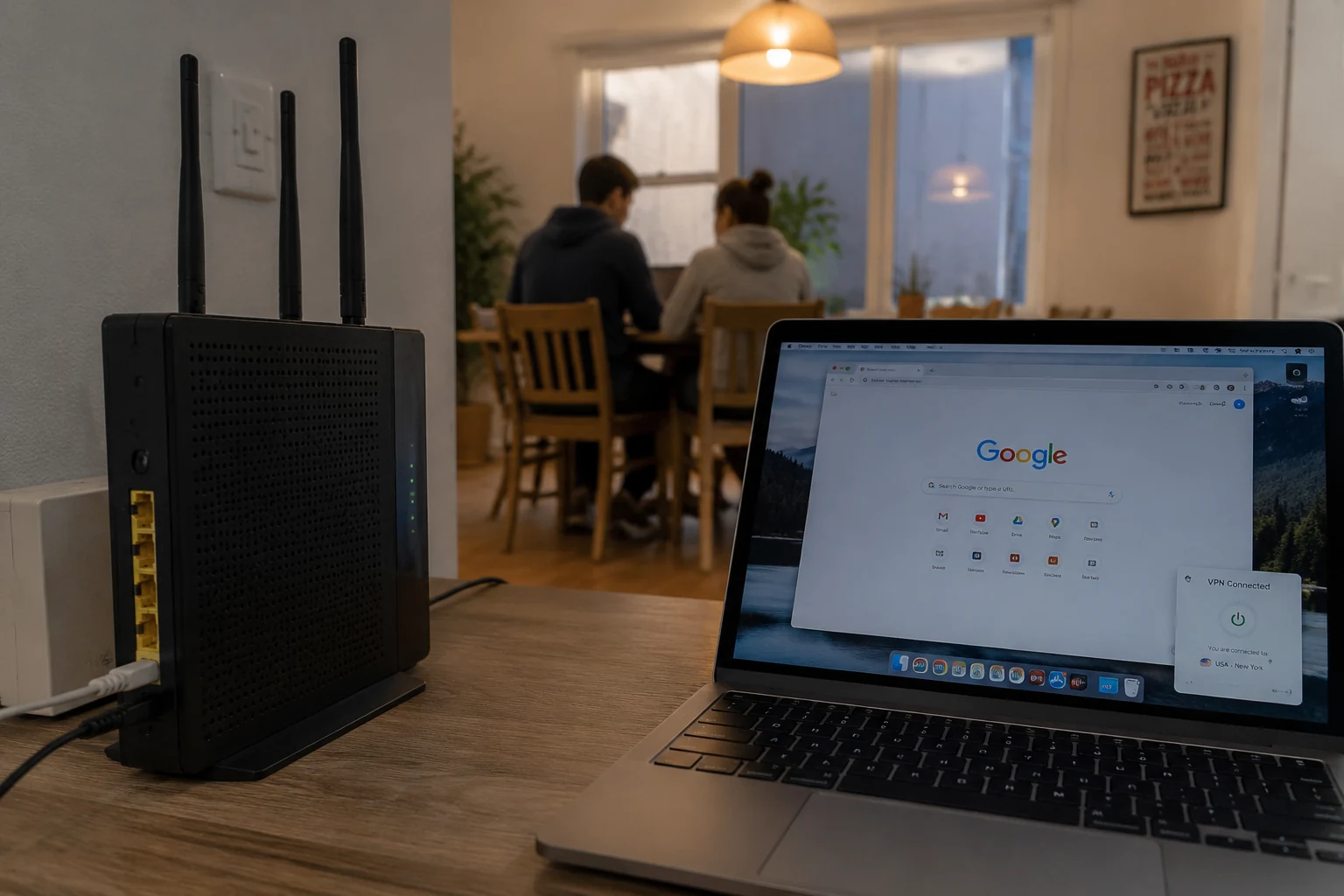
The phrase “browsing history” creates widespread confusion because it conflates two completely different records:
- The local history stored inside your browser (Chrome, Safari, Firefox).
- The network packets moving through the air to the router.
Owning the Wi-Fi router gives someone zero access to your local browser files. Your roommate or landlord cannot tap into your laptop from their admin screen and read your saved tabs, bookmarks, or browser history log.
What an administrator can observe—if they have the tools configured—is the live network traffic leaving your antenna.
On an unencrypted network without a VPN, an enterprise router or an advanced consumer setup can log specific signals:
- The exact timestamp when your device made a request.
- How much bandwidth was used.
- The destination IP addresses you contacted.
- The hostnames you requested (for instance,
reddit.comorbankofamerica.com), primarily captured through standard DNS queries or the initial connection handshake.
On commercial equipment like Cisco Meraki, network administrators routinely monitor dashboards that aggregate client traffic, identifying active applications, destination domains, and individual bandwidth usage per device.
However, that does not mean a Wi-Fi owner reads your private messages.
Almost the entire modern web runs on HTTPS. As the Federal Trade Commission (FTC) points out in its public guidance, HTTPS encrypts the actual communication exchanged between your browser and the website—including form inputs, passwords, checkout details, and the specific page paths after the domain slash.
A network operator might see that your device connected to medicalnews.com at 11:15 PM. They cannot see which article you read, what you typed into the search bar, or the text on the page. They see the address on the outside of the envelope, not the letter inside.
Turn On a VPN and the Network’s View Changes
When you turn on a full-device VPN, the routing path fundamentally shifts.
Without a VPN, the path is essentially your device → local router → internet, so the router can observe the destinations. With a full-device VPN, it becomes your device → encrypted tunnel across the local router → VPN server → internet. The router still carries the traffic, but the individual destinations are inside the tunnel.
When your traffic is wrapped inside an encrypted VPN tunnel, the local router carries the data, but it cannot read the destinations inside it.
To the Wi-Fi owner, your traffic no longer consists of distinct requests to ten different websites. It looks like a single continuous stream directed to one external destination: your VPN provider’s server IP.
Here is what the Wi-Fi operator can still see:
- Your device is connected to their Wi-Fi network.
- You have an active connection to a specific VPN server address.
- The timestamps when data moves back and forth.
- The raw volume of data you are transferring.
Here is what vanishes from their view:
- The actual websites you visit.
- The domain names you look up.
- The apps making outgoing requests.
- The specific online services you use while the tunnel remains active.
If you are on your personal phone or laptop, and the person running the network has access only to the router, a quality VPN successfully blinds them to your browsing destinations.
A VPN Protects the Present, Not the Past
A VPN is a real-time shield, not a time machine. It establishes an encrypted boundary going forward; it cannot reach back and erase records created before it was switched on.
If you open your browser, search for something on an unprotected Wi-Fi network, and then turn on your VPN five minutes later, those initial DNS queries and IP destinations have already crossed the router unencrypted. If the router was configured to log network requests, that early record exists.
Similarly, a VPN does nothing to protect local records on the physical hardware:
- It does not clear your browser history or delete cookies.
- It does not prevent someone from picking up your unlocked phone and looking at your open tabs.
- It does not protect applications that you have explicitly excluded through split-tunneling settings.
This is where people frequently confuse Incognito Mode with a VPN.
Google Chrome's documentation makes this boundary explicit: Incognito prevents your device from saving local browsing history, cookies, and form data, but it does nothing to mask your network activity from the network operator.
- Incognito Mode: Cleans up the footprints left on your device.
- A VPN: Masks the path of the packets traveling across the Wi-Fi.
Using both serves two entirely different privacy goals.
The Boundary That Changes Everything: Who Owns the Device?
This is the distinction that matters most: Does the Wi-Fi owner also control your machine?
If you are using your personal iPhone on a hotel Wi-Fi, a café hotspot, a landlord’s broadband connection, or your friend's home router, the observer sits entirely on the network level below you. A consumer VPN solves that problem completely.
But if you are typing on an employer-issued laptop, a school-managed Chromebook, or a family computer running parental control software, the equation changes entirely.
When an organization owns or manages the endpoint, they do not need to inspect router traffic to see what you are doing. They place monitoring tools directly on the operating system before data ever reaches a network card or enters a VPN.
Security platforms like Microsoft Defender for Endpoint provide device-level telemetry. Because the monitoring software sits inside the operating system, it can record local process activity, initiated network connections, targeted domains, and system events right at the source.
If management software or a corporate profile is installed on the device, a consumer VPN cannot create privacy. The machine is reporting on itself from the inside.
- Your personal device on their network: The VPN keeps your destinations private.
- Their managed device on their network (or any network): Assume complete administrative visibility. Use your own hardware and cellular data for personal browsing.
Incognito, Encrypted DNS, or VPN: Choosing the Right Layer
Before picking a tool, identify the specific record you want to hide:
- To prevent someone with physical access to your laptop from seeing your history: Manage your local browser settings, use private browsing windows, or lock your user profile.
- To prevent a network operator from seeing plain-text domain queries: Encrypted DNS (like DNS-over-HTTPS) can hide domain lookups, but as Cloudflare notes in its architecture guides, encrypted DNS alone does not mask the actual destination IP addresses your device contacts immediately afterward.
- To prevent the Wi-Fi operator from knowing what websites or apps you are contacting: Run a full-device VPN before you start your session.
When you need straightforward network privacy on a device you own, OnlydogVPN↗ is one straightforward option.
Many consumer VPNs complicate what should be a simple utility. They bury users under confusing server maps, specialized protocols, and technical toggles that invite human error—such as accidentally routing traffic outside the tunnel.
OnlydogVPN takes the opposite approach by focusing on frictionless, full-device protection. Built specifically for untrusted environments like hotel networks, airports, and shared broadband, it operates through a clean, one-tap interface across iPhone, Android, macOS, and Windows. Instead of asking you to diagnose server loads or configure custom routes, it wraps the entire machine in an encrypted tunnel immediately.
OnlydogVPN won't make you invisible on an employer-monitored corporate laptop, nor will it wipe old router logs from yesterday afternoon. But for the core problem—preventing an unknown network owner from watching where you go on your personal hardware—it does the job quietly, completely, and without unnecessary friction.
The Takeaway
A Wi-Fi owner cannot magically download your browsing history, but without protection, they can see the addresses of the places you visit.
If the router belongs to someone else, but the device belongs to you, flipping on a full-device VPN redraws the line of visibility. The network operator still provides the pipe, but what you choose to run through it remains entirely your business.
Frequently Asked Questions
Can a Wi-Fi owner open their router and read my browser history?
No. The browser-history database is stored on your device. What a sufficiently instrumented network can observe is traffic metadata such as destination IPs, domain requests, timestamps, and bandwidth use.
What can the Wi-Fi owner still see after I turn on a full-device VPN?
They can still see that your device is connected, that it is communicating with a VPN server, when data moves, and how much data is transferred. The individual websites and app destinations inside the encrypted tunnel are no longer exposed to the local router.
Does Incognito mode hide my browsing destinations from the Wi-Fi owner?
No. Incognito mainly changes what the browser stores locally after the session. It does not by itself hide network traffic from the router or network administrator.
Can a VPN hide my activity on an employer-managed or school-managed device?
Not reliably. The article explains that endpoint management and security software can record activity directly on the device before the traffic reaches the VPN tunnel. For personal browsing, use hardware you control.