You’re browsing an adult platform, a social forum, or an age-restricted service when an age-verification screen abruptly blocks your path. You realize your location might be triggering a strict compliance prompt, so you quickly toggle on a browser VPN extension to route your connection through another country.
You refresh the page, see that your browser IP has successfully changed, and watch the age-verify screen reload unchanged.
Figuring the browser extension wasn't "strong" enough, you uninstall it, download a dedicated full-device VPN application, connect to the exact same country, and reload the site. The age check remains right where it was.
Nothing is broken. Both tools successfully altered your public network route, but the website was asking a completely different question.
When adults encounter age-assurance prompts online, they often fall into a trap: assuming a full desktop or mobile VPN application is a "more powerful" version of a browser extension and therefore more likely to bypass an age check. For an adult dealing with legitimate age verification, a browser extension and a full VPN differ mainly in how much traffic they cover, not in how much power they hold over the age check itself.
Article summary and product fit
Does a full VPN pass age checks better than a browser VPN extension?
Usually no. A full VPN covers more of the device, while a browser extension covers browser traffic; neither can satisfy age checks that rely on a selfie, ID, payment check, carrier lookup, or account data instead of IP location.
What matters in this article
- Best for: Use a browser extension when the whole session stays in one browser; use a full-device VPN when the flow crosses apps, browsers, or other system traffic.
- Key distinction: Both tools can change the public IP seen by a website, but a full VPN is wider in coverage rather than inherently more persuasive to an age-assurance system.
- Important limit: A VPN cannot change biometric results, identity documents, account age status, or other verification data you deliberately submit.
Product fit: OnlydogVPN fits the device-wide coverage case described in the article, especially when a workflow spans multiple apps. It is not presented as a way to bypass or falsify an age check. OnlydogVPN official website.
Sources already used in this article: Chrome proxy API, Apple Packet Tunnel Provider, Ofcom age assurance.
A Full VPN Is Wider, Not “More Powerful”
To choose the right tool, you first have to dismantle the hierarchy that says an extension is a weak VPN and a standalone app is a stronger one.
Many browser "VPN" extensions operate by proxying traffic exclusively handled by that specific browser window. Chrome’s extension architecture, for instance, exposes dedicated proxy APIs that allow an extension to route browser-level traffic through an alternate path without touching the rest of your machine.
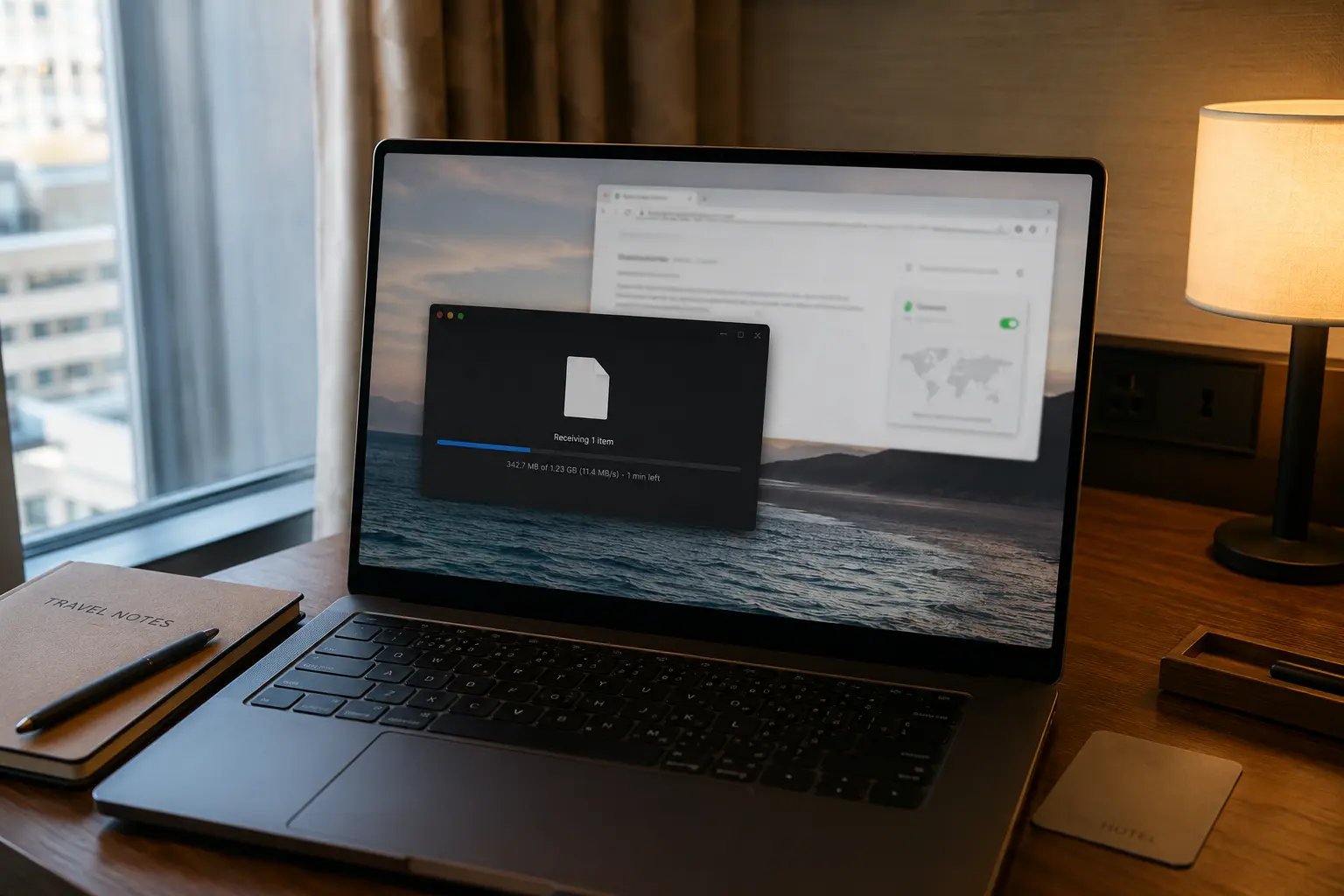
A full VPN application, by contrast, operates deeper down in your device’s operating system network stack. As system documentation from Apple and other major platforms details, a full VPN creates a virtual network interface that can intercept and tunnel traffic across your entire device—capturing background apps, native utilities, and multiple different browsers simultaneously.
So what does that mean for an age check?
- If an age-restricted service is looking solely at the public network address attached to a web request from that browser, both approaches can successfully provide a different apparent IP address.
- Installing a full VPN application does not automatically grant the website a more convincing IP address, a special legal exemption, or a magical ability to declare you an adult.
The advantage of a full VPN is coverage (protecting your entire machine). The advantage of a browser extension is containment and convenience (keeping your privacy adjustments locked to a single browser tab when that's all your task requires).
The Age Check May Be Asking Something Neither VPN Can Answer
Moving past the question of which VPN is stronger brings us to a harder reality: what is the website actually trying to verify?
Regulatory frameworks (such as the UK’s Ofcom safety codes) outline multiple robust age-assurance mechanisms that websites can deploy to protect minors. Depending on the service and jurisdiction, verification can involve:
- Facial age estimation (scanning a selfie to guess an age range)
- Open banking or digital identity services
- Credit card authorization checks
- Mobile network carrier lookups
- Photo-ID matching
This immediately explains why changing your IP address via an extension or a full VPN often leaves the prompt untouched.
A different IP address can change a location-dependent webpage layout, but it cannot make a face older. It cannot turn a standard debit card into an eligible credit check, generate a digital identity token, or erase an age status already tied to an existing account profile.
If both a browser extension and a full VPN leave the same verification prompt on your screen, it's not proof that your network tools failed. The prompt simply depends on a form of verification that a network routing tunnel cannot manufacture.
The Real Choice Begins When the Verification Leaves the Browser
Once you understand that neither tool grants superpowers over age checks, the two options genuinely diverge based on the scale of your browsing session.
A browser extension is completely adequate when:
- The entire verification journey—the target site, the third-party verifier, and the return landing page—remains safely contained inside that single browser window.
- You intentionally want your other native apps, desktop tools, and secondary browsers to continue using your normal home connection.
A full VPN application becomes necessary when your task spills beyond a single browser tab. If an age verification flow requires you to open a second browser, click a link that launches a native mobile app, or handle authentication across multiple system tools on the same device, browser-scoped protection drops the ball.
(Note: "Full-device" protection still doesn't mean "all my devices." If a verification screen on your laptop tells you to pull out your smartphone to scan a QR code, your laptop's VPN stops at the laptop. Your phone is operating on its own separate network connection).
When you need device-level coverage rather than browser isolation, a full-device app like OnlydogVPN↗ is one example of that approach. It spans iPhone, Android, macOS, and Windows with a one-tap connection model and intelligent automatic routing, keeping the device inside one protected path without requiring dense technical configuration.
For Privacy, the Verification Method Can Matter More Than the VPN Format
If your primary concern during an age check is data privacy, you need to elevate your focus beyond choosing between an extension and a standalone app. Protecting your network route is only half the battle; what matters equally is the data you voluntarily hand over to the verifier.
A VPN can successfully hide your ordinary home IP address from an age-assurance provider. However:
- It does not hide a face from a facial-estimation service after you upload a selfie.
- It does not conceal an identity document from a company processing that ID.
- It does not prevent an authorized digital-identity network from handling the personal details required for its check.
When multiple verification methods are available on a site, prioritize data minimization. Look closely at what each method requests, which third-party company processes it, whether the adult platform receives your underlying identity information or merely a binary "Over 18" pass/fail token, and how long your records are retained.
So Which Should You Use?
When deciding how to configure your setup for an age-verified session, cut through the marketing noise and apply three clear rules:
- For browser-contained sessions: A reputable browser extension is entirely sufficient. Installing a full VPN solely because it sounds "stronger" won't make it any better at satisfying an age check.
- For multi-app workflows: If your browsing journey jumps across native apps, multiple browsers, or requires comprehensive device-level network protection, deploy a full-device utility like OnlydogVPN to keep your entire connection path secure effortlessly.
- For true data privacy: Remember that no VPN format can conceal information you willingly hand over to an age-verification vendor. Examine the verification methods themselves and choose the option that demands the least amount of raw personal data.
Choose your network coverage based on how far your browsing travels. Choose your verification method based on how much of your real-world identity you are willing to disclose. Keep those two decisions separate, and you'll navigate online age checks with total clarity.
Frequently Asked Questions
Why can an age-verification screen stay unchanged after my VPN IP changes?
Because the site may be checking something other than IP location, such as facial age estimation, a credit-card check, a digital identity service, a carrier lookup, a photo ID, or an age status already tied to the account.
When is a browser VPN extension enough for an age-verified session?
It is enough when the entire browsing and verification flow stays inside that browser and you only need to route that browser’s traffic.
When does a full-device VPN make more sense?
A full-device VPN makes more sense when the flow opens native apps, another browser, or other system traffic that a browser-only extension cannot cover.
Can a VPN hide the selfie, ID, or other personal data I submit to an age verifier?
No. A VPN can protect the network route and mask the ordinary home IP address, but it cannot hide information you intentionally upload to the verification provider.