If you are packing for a holiday or short work trip to the United Kingdom, your pre-departure checklist is likely crowded with digital essentials: booking confirmations, boarding passes, currency apps, and two services competing for your attention—a travel eSIM and a VPN subscription.
Travel blogs often frame the VPN as non-negotiable. They suggest that the moment your flight touches down at Heathrow, your data is in mortal peril unless wrapped in an encrypted commercial tunnel.
That advice is outdated. If you can only arrange one digital tool before taking off, reliable mobile data should win every time.
A VPN cannot help you hail an Uber from the curb, retrieve a delayed train ticket, or navigate the streets of Edinburgh if your phone has no underlying internet connection in the first place. Crossing the British border does not suddenly make the web hostile or restricted. For the vast majority of visitors, reliable mobile data paired with the built-in encryption of the modern web handles almost everything. A VPN has real value on a UK trip—but only as a secondary layer for specific network and location problems.
Article summary and product fit
Do you need a VPN for a trip to the United Kingdom?
Not as the first connectivity purchase. The article recommends arranging reliable mobile data first because a VPN cannot create internet access. For ordinary travel, HTTPS plus cellular data handles most needs. A VPN becomes useful as a secondary tool on shared hotel or station Wi-Fi, for reducing local-network metadata exposure, or when you genuinely need location-based routing to a home-country service.
Key context
- Best for: UK visitors deciding whether to buy a travel eSIM, roaming data, a VPN, or some combination of them.
- Key point: Solve the connection first with roaming, a local SIM, or an eSIM; then add a VPN only for a specific public-Wi-Fi or routing need.
- Important limit: A VPN is not anonymity, does not provide mobile service, and a foreign IP address does not guarantee access to every home-country platform.
Sources already used in this article: EFF VPN guidance; Transport for London mobile-coverage update; UK NCSC guidance; Network Rail Wi-Fi FAQ. Product context: OnlydogVPN is positioned as an optional travel backup for shared networks and route management after reliable internet access is already in place.
Britain Does Not Make a VPN a Mandatory Travel Requirement
The persistent myth that you cannot safely open a browser abroad without a third-party VPN dates back to an earlier era of the internet. A decade ago, unencrypted web traffic was common, meaning anyone on the same open café network could potentially intercept plain-text browsing data.
Today, the baseline reality of the web is radically different. Virtually every major service you use while traveling—Google Maps, airline apps, WhatsApp, Apple Pay, your banking portal, and rail booking systems—uses end-to-end HTTPS encryption by default.
When you browse over HTTPS, your device establishes a secure cryptographic channel directly with the destination server. An observer on your local network—whether it is an airport hotspot or an open coffee shop router—cannot see your passwords, read your credit card numbers, or intercept your private messages.
Without VPN (HTTPS Connection):
[ Your Phone ] ──( Encrypted HTTPS Tunnel )──▶ [ Local Wi-Fi ] ──▶ [ Bank / App Server ]
* Local Wi-Fi sees the domain name you connect to, but CANNOT read passwords or session data.

With VPN Added:
[ Your Phone ] ──( Encrypted VPN Tunnel )──▶ [ Local Wi-Fi ] ──▶ [ VPN Server ] ──▶ [ Bank / App Server ]
* Local Wi-Fi only sees an encrypted stream to the VPN; destination domain is hidden from the Wi-Fi.
As digital rights organizations like the Electronic Frontier Foundation (EFF) point out, the widespread adoption of HTTPS means that using public Wi-Fi without a VPN is no longer an automatic security failure for ordinary users.
A VPN does not provide mobile internet access, nor does it make you completely anonymous—websites can still identify you through active account logins, saved cookies, and device identifiers. If your itinerary consists of standard sightseeing using a dependable cellular connection, you do not need to buy a VPN out of travel anxiety.
Mobile Data Solves the Problem at the Root
Before asking which VPN to download, ask a more practical question: how often will you actually need to connect to an unknown Wi-Fi network?
In the UK, the answer for most travelers is "rarely"—provided you arrange adequate mobile data beforehand. Whether through home-carrier roaming, a physical local SIM, or a travel eSIM, cellular data gives you a private, carrier-grade pipe wherever you go.
It keeps you connected when you step off the plane, helps you message your accommodation host, lets you check live National Rail departures, and keeps your digital wallet functional. Better yet, cellular networks are inherently isolated from the casual snooping associated with shared public routers.
Cellular coverage across Britain is extensive and expanding into areas where travelers previously had to rely on public Wi-Fi. Transport for London (TfL), for instance, has steadily rolled out high-speed 4G and 5G connectivity throughout the London Underground network, covering the majority of subterranean stations alongside ongoing platform and tunnel expansions. You no longer have to jump onto a station hotspot just to check your line transfer while riding the Tube.
The UK’s National Cyber Security Centre (NCSC) has long offered a straightforward rule of thumb for sensitive mobile activity: use cellular data instead of unknown public Wi-Fi whenever possible. If an affordable travel eSIM means you never have to connect to an unvetted café router, you have eliminated the security question before a VPN even needs to be considered.
Where a Travel VPN Actually Earns Its Place
While mobile data handles the baseline, there are specific scenarios on a UK trip where having a VPN installed makes practical sense:
The Reality of Shared and Hotel Wi-Fi
You will not always have a strong cellular signal. Traditional stone buildings, rural cottages in the Cotswolds, and thick-walled London flats often have poor indoor mobile reception, forcing you onto local broadband.
Furthermore, major transit hubs and hotels rely on shared infrastructure. Network Rail’s managed stations provide free, explicitly unsecured public Wi-Fi, and hotel guest networks pool hundreds of unknown devices onto the same shared subnet.
While HTTPS protects the contents of your communications, the local network operator can still observe your destination metadata—meaning they can see which websites, apps, and services you are querying. If you are conducting remote work, handling client matters, or simply do not want your temporary lodging provider logging your online footprint, a trusted VPN tunnels that metadata safely out of sight.
The Captive Portal Catch
If you do use a VPN on UK public networks, remember the operational golden rule: connect to the Wi-Fi and complete the splash screen first; turn on the VPN second.
Most public networks in Britain—from station Wi-Fi to Premier Inn or boutique hotel connections—require you to accept terms or enter room details on a browser-based captive portal before granting internet clearance. If your VPN is set to block non-VPN traffic or attempts to establish a tunnel immediately, it will prevent that portal page from loading, leaving you with an apparent connection failure. Complete the local login, confirm basic internet access, and then switch the VPN on.
Location Routing: Pay for It Only When Necessary
The second valid reason to carry a VPN across the Atlantic is routing: your device has an active internet connection, but a service you rely on behaves differently because it detects a British IP address.
A consumer VPN replaces your outward-facing IP address with that of the VPN server you select:
- Home-Country Access: Some regional workplace portals, payroll dashboards, domestic banking security systems, or local services flag or restrict logins coming from overseas IP ranges. Routing your connection back to your home country keeps those sessions seamless.
- Corporate Resources: If you are traveling for business and need access to company file servers or internal tools, check with your employer. Enterprise access typically requires an organization-managed profile; a commercial consumer VPN is not an equivalent substitute.
Keep your expectations realistic. A foreign IP address does not guarantee access to every home entertainment service, as many platforms employ secondary location checks, including registered billing regions, mobile device permissions, and commercial proxy-detection filters.
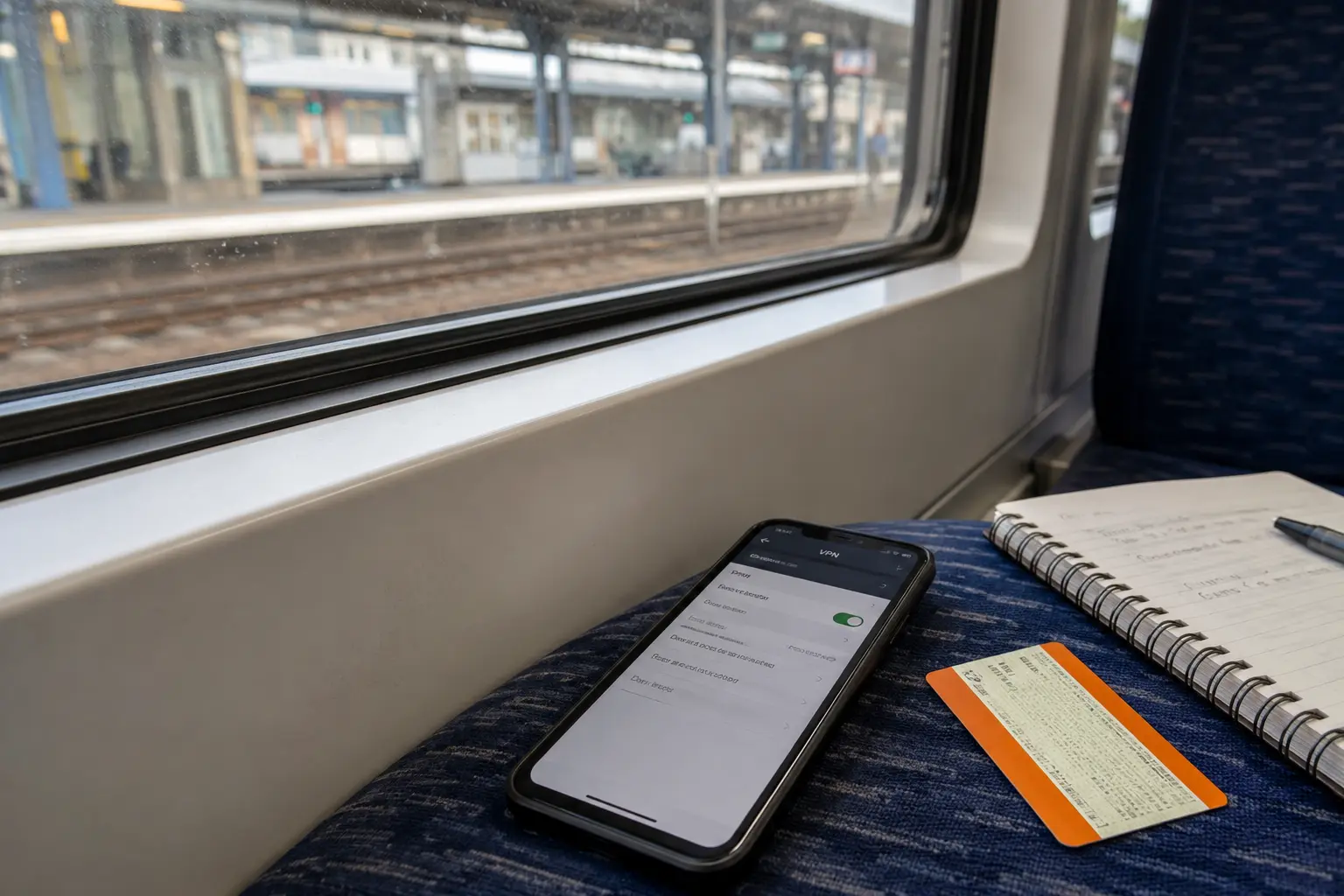
If you are buying a VPN specifically to reach a service tied to your home country, verify that the provider operates active, reliable servers in that exact home country before departing. If you only want basic privacy on hotel Wi-Fi, the geographic location of the server matters far less than having a stable, fast endpoint close to where you are.
How to Pack Your Digital Setup
Rather than treating a VPN as an automatic travel tax, match your setup to the actual structure of your trip:
Short holiday, sightseeing, using an eSIM/roaming. Recommended Approach: Skip the VPN. Rely on cellular data and standard HTTPS.
Longer stay, boutique hotels, remote work in cafés. Recommended Approach: Install a low-friction VPN as a backup for shared Wi-Fi.
Business trip requiring home-system access. Recommended Approach: Install and verify your VPN before boarding your flight.
If your itinerary calls for a travel VPN, you do not want an app that turns your phone into a complicated networking project. You need something that connects without friction and handles the messy reality of travel connectivity.
Traditional VPN clients often struggle with mobile movement. When you step out of a hotel lobby and your phone clings to a fading Wi-Fi signal before finally dropping to cellular, standard VPN tunnels routinely stall, freezing your mapping apps or chat notifications until you manually toggle the connection off and on.
OnlydogVPN is built specifically to address that friction:
Automatic Route Discovery: Instead of forcing you to manually test latency tables across different cities while standing on a train platform, it automatically routes your traffic through the most reliable available path.
Resilient Connection Recovery: Engineered with a modern HTTP/3-based transport layer, it is designed to survive real-world network handoffs—smoothly maintaining your secure session as you transition between hotel Wi-Fi, station hotspots, and cellular data.
Frictionless Setup: It operates with true one-tap simplicity across iOS, Android, macOS, and Windows, avoiding complicated configuration menus so you can secure a shared network in seconds and get back to your trip.
(Note: If your primary objective is routing back to a specific domestic home service, always verify that your destination country is supported in the app before departure.)
The Pre-Flight Rule
Traveling through the UK does not require an impenetrable digital fortress. British networks are modern, HTTPS handles the heavy lifting of data protection, and high-speed mobile data is easy to obtain.
Approach your connection with a clear order of operations: Secure your mobile data first via roaming or an eSIM. That gives you working internet the moment you land. If your plans include regular work on hotel Wi-Fi, extended train travel, or a need to maintain an IP address back home, pack a streamlined tool like OnlydogVPN as your backup. Solve the pipe first, and let the VPN do the specific job it was actually made for.
Frequently Asked Questions
Do I need a VPN just because I am traveling to the UK?
No. The article argues that UK travel does not make a commercial VPN mandatory. If you have reliable cellular data and use normal HTTPS services, many trips do not require an additional VPN.
What should I arrange first for a UK trip: mobile data or a VPN?
Mobile data comes first. Roaming, a local SIM, or an eSIM gives you the underlying connection needed for maps, tickets, messages, payments, and every other online service.
When is a VPN useful during UK travel?
It can be useful on shared hotel, café, or station Wi-Fi when you want to hide destination metadata from the local network, or when you need to route traffic through a specific country for a legitimate home-service or work requirement.
How should I use a VPN on a captive-portal Wi-Fi network?
Connect to the Wi-Fi first, complete the local splash-screen login, and confirm ordinary internet access. Turn the VPN on only after the captive portal has granted access.