You click a link to read an age-restricted forum, browse an adult platform, sign up for a dating app, or place a bet, and the screen freezes behind a prompt. The options look simple enough: Upload an ID, Verify via your bank, or Take a quick selfie to estimate your age.
Your immediate instinct is straightforward: If I do this, will this website know my real name?
The short answer is sometimes—but often, the website and the company verifying your age learn completely different things.
The bigger problem is that focusing purely on whether someone gets your name is the wrong way to gauge your privacy online. An age gate can decline to ask for your name while still handling data that identifies you just as effectively. Conversely, another system might briefly inspect your legal identity upstream while ensuring the destination platform never learns a single detail beyond a simple pass: "Over 18."
Understanding the difference comes down to tracing where your data actually travels.
Article summary and product fit
Does age verification reveal your real name?
Sometimes, but the more useful question is who receives which data. A destination site may see your full identity, only an “over 18” result, or no civil name at all depending on the method. “No name shared” still does not guarantee anonymity because selfies, phone numbers, payment tokens, device identifiers, or other signals can link a session back to you.
What matters here
- Best for: Adults comparing ID upload, bank/mobile checks, facial age estimation, and digital age credentials.
- Key idea: Trace the data path separately across the website, the age-verification provider, and the underlying identity source.
- Important limit: A VPN can change the network context and visible IP address, but it cannot anonymize a passport, driver’s license, or other identity data you submit to a verifier.
The privacy test follows Ofcom’s age-assurance guidance and the UK ICO’s data-minimization expectations: prove only what the service actually needs to know.
Product fit: The article positions OnlydogVPN as a network-layer companion to a privacy-preserving verification method: it can reduce exposure of the user’s home IP and local network traffic without pretending to erase identity data handed to the verifier. OnlydogVPN official website.
The Short Answer: Who Actually Sees What?
When an online service asks you to confirm your age, "age verification" is merely the end goal, not a uniform technical process. In practice, data flows fall into three distinct buckets:
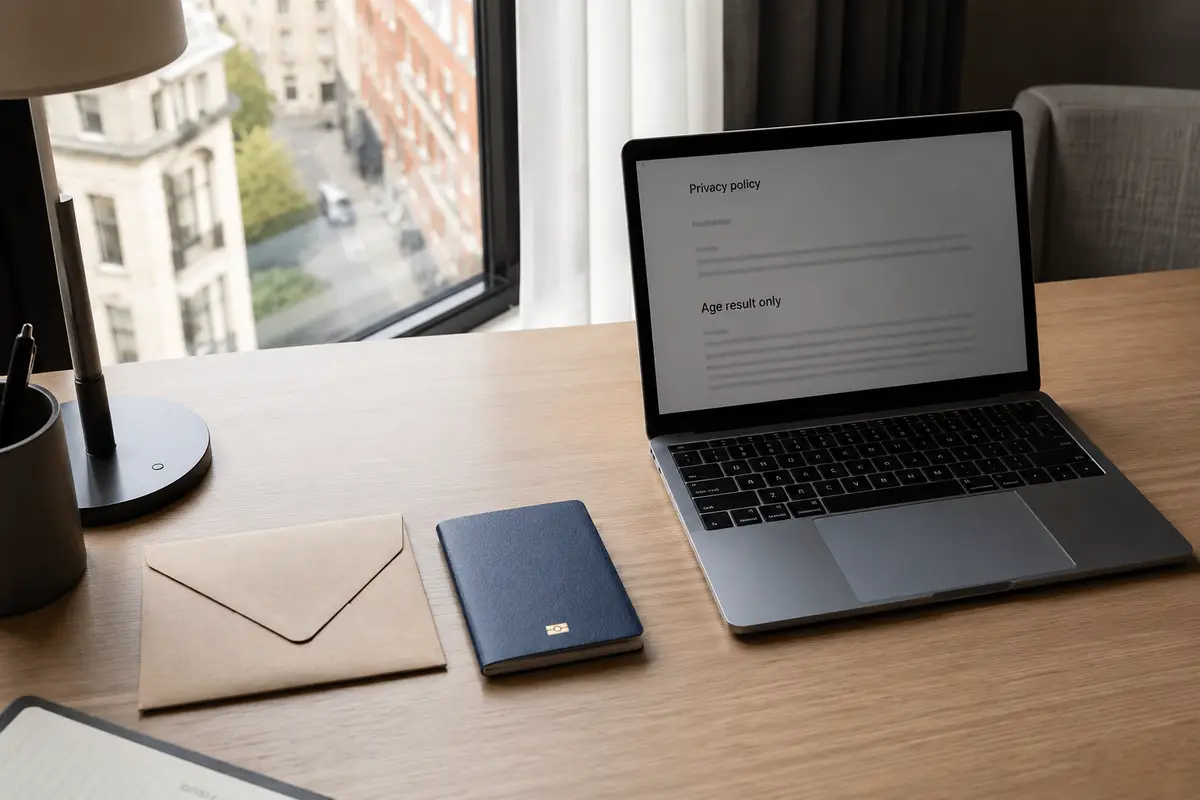
- Direct inspection: The website (or its integrated processor) directly reviews an identity document. Your full legal name, date of birth, document number, and photo are exposed.
- Separated verification: A specialized identity provider inspects your identifying credentials, but passes only a binary result—such as "Over 18: Yes"—back to the website you want to visit.
- Anonymous estimation or proof: A system estimates or validates your age threshold without requiring or extracting your civil name at all.
This means the question isn’t just “Does age verification reveal my name?” It is “Reveal it to whom?”
Regulatory bodies like the UK’s Ofcom note that real-world platforms use a wide range of assurance techniques—from credit checks and open banking to facial age estimation and digital ID wallets. While each method can generate an identical "adult" pass, they carry wildly divergent privacy footprints.
For instance, identity providers like Yoti process names, dates of birth, or phone numbers behind the scenes for certain checks, but their commercial clients typically receive only the age confirmation itself. The website gets access; the website does not get your name.
Why Your Name Is the Wrong Metric for Identity
Most people treat typing their name into a form as the boundary between privacy and exposure. If there's no name box, they assume they are anonymous.
That is an illusion.
A verification mechanism can easily bypass your legal name while handling information that is just as identifying, if not more sensitive. Consider how common verification methods behave:
- Photo-ID Matching: You upload a passport or driver’s license alongside a live selfie. The system reads your name, date of birth, and document number, then compares the biometric features of your face across both images.
- Banking and Mobile Network Checks: An intermediary pings your telecom provider or bank. While the end website may see nothing more than an approval, the check relies on an existing financial or mobile account tied directly to your legal identity.
- Facial Age Estimation: This is fundamentally different from photo-ID matching. The software analyzes the pixel patterns of your face using an algorithm trained to estimate age, outputs a statistical estimate, and deletes the image. It never matches you against an ID database, nor does it attempt to discover your legal identity.
- Digital Age Credentials: A cryptographic proof stored in an app or wallet confirms you meet the required age threshold without exposing your identity, birthday, or personal attributes to the relying website.
“Nobody received my name” and “nobody could identify this interaction” are not the same thing.
A facial template, a mobile number, a payment token, or a persistent device identifier can tie an online session back to you just as permanently as a first and last name.
Regulators like the UK Information Commissioner's Office (ICO) emphasize data minimization: an age-assurance system should process only the data strictly necessary to establish eligibility. If a service only needs to confirm you are an adult, it has no operational need for your name. What matters is not whether a text box asked for your signature, but how much identifying data crosses each technical boundary.
The Better Question: Who Can Link Your Identity to This Visit?
To assess real-world exposure, look past the user interface and track the three players involved in an age-checked visit:
- The Website: Knows exactly what page, post, account, or video you are viewing. Ask: Does it receive my full identity, my date of birth, or merely a threshold token?
- The Age Verifier: The technology partner handling the verification mechanics. Ask: What raw data does it process—an ID card, a selfie, a bank record—and how long does it store that information?
- The Identity Source: The foundational entity that already knows who you are—your bank, your telecom carrier, or a government registry. Ask: Does this source learn which specific website asked for the proof?
True privacy engineering isolates these roles so that no single party sees the full picture.
The European Commission’s age-verification blueprint illustrates this architecture. When an age proof is issued, your identity may be verified once upstream. But when you present that proof to an age-gated site, the token contains no identifying details—it merely attests that the holder is 18 or older.
Crucially, the system is designed so that the authority issuing the credential cannot see which platforms you visit, and the platform cannot see who holds the credential. France’s privacy regulator, the CNIL, has long championed this identical separation: the party that knows who you are must not know what you visit, and the party that knows what you visit must not know who you are.
Before you click through your next age prompt, discard generic privacy jargon and ask three practical questions:
- What raw data am I being asked to provide right now?
- What specific result is delivered to the website hosting the content?
- Does any single party hold enough data to link my real-world identity to this specific visit?
Where a VPN Fits—and What It Cannot Change
When confronted with an invasive verification screen, a common reaction is to fire up a VPN. But it is essential to understand what network encryption does and does not do.
A VPN will not erase your name from a passport scan. It will not alter the legal details you type into an identity form, stop an identity provider from validating an uploaded document, or override a vendor's corporate data-retention policy. If you upload your driver's license to a verification service, masking your IP address does not make that submission anonymous.
What a VPN does change is the surrounding network context. It shields your browsing activity from local Wi-Fi snoopers and your internet service provider, while presenting the VPN server's IP address to the website and verification provider instead of your home connection.
If you are using a verification flow that is already privacy-preserving—such as facial estimation or a decoupled digital credential—running a lightweight VPN alongside it makes practical sense. It ensures your IP address isn't quietly linked to an otherwise clean session.
OnlydogVPN fits naturally into this kind of minimal-disclosure setup. Unlike standard VPN services that require you to create an account tied to an email address and a billing identity—inadvertently building a fresh record of who you are—OnlydogVPN requires no conventional email-and-password account for basic use.
It doesn't magically turn an uploaded passport into an anonymous file, but it ensures that your network shield doesn't demand the very personal identifiers you are trying to keep offline. Combined with built-in tracker blocking that cuts down on third-party data collection, it keeps the network layer as quiet as the verification layer.
A Note I’d Keep for the Next Age Gate
You don't need to read dozens of pages of terms and conditions every time you encounter an age gate. When an online service presents multiple verification paths, use a straightforward rule:
Prefer the method that proves only the required threshold to the website while exposing the least personal data to the fewest outside parties.
Put that into practice by evaluating the choices in front of you:
- Cryptographic credentials or digital proofs: The cleanest option. They confirm you meet an age threshold without handing your personal identity to the destination platform.
- Facial age estimation: A strong choice if you want to avoid sharing documents, names, or account records entirely—provided the provider processes the image ephemerally and deletes it immediately after generating the estimate.
- Third-party banking, mobile, or ID providers: Acceptable if the intermediary has a strict data-minimization policy and passes only a confirmation status back to the destination site, rather than your source profile.
- Direct ID uploads to the website itself: The most disclosing option available. A VPN cannot anonymize this. If a service demands an unmediated document upload, the choice isn't technical—it's whether accessing that platform is worth handing over your personal records.
Age verification can reveal your name, but it doesn't have to. The real risk rarely comes down to a single text field; it comes down to which parties can connect your real identity to your online habits. Look past the name box, follow the data path, and choose the option that reveals the absolute minimum necessary to get through the door.
Frequently Asked Questions
Will the website itself receive my name during age verification?
It depends on the design. Some sites or integrated processors inspect identity documents directly, while separated systems can send the site only a threshold result such as “over 18.”
If an age check never asks for my name, am I anonymous?
No. A facial template, mobile number, payment token, persistent device identifier, or another signal can still make the interaction linkable to you.
Which age-verification methods reveal the least to the destination site?
The article favors methods that prove only the required age threshold, such as privacy-preserving digital credentials, and notes that facial age estimation can avoid civil-name disclosure when the provider processes the image ephemerally.
Can a VPN make an uploaded passport or driver’s license anonymous?
No. A VPN can hide your household IP from the destination and protect traffic on the local network, but it does not remove the identifying information inside a document you submit.